
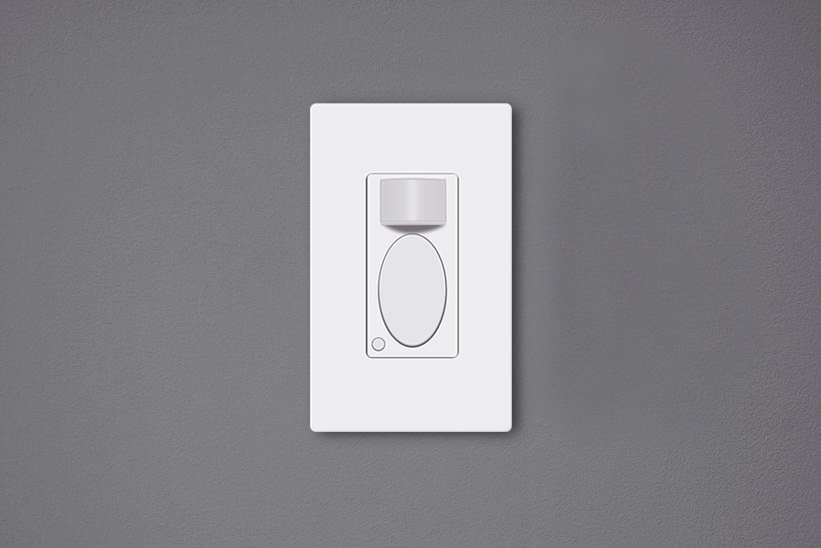
人感センサー付きスイッチは、室内に人がいる間は自動で点灯し、退室後は自動で消灯する壁埋め込み型のスイッチです。これらは 人感センサー付きライトスイッチ 環境に優しく大きな省エネ効果があるほか、スイッチに直接触れる必要がなくなるため生活の利便性も向上します。
目次
なぜスイッチの調整が必要なのか
人感センサー付きスイッチを設置した後に 調整を行うこと は非常に重要です。初期設定がお客様の使用環境に合っているとは限らないからです。多くのメーカーが一般的な日常使用に適した工場出荷時設定を提供していますが、個々のニーズに合わせてカスタマイズを変更する必要が生じる場合があります。
例えば、 Rayzeek 人感センサースイッチ’の初期設定は「オキュパンシー(自動点灯・消灯)モード」、点灯保持時間「1分」、明るさセンサー「25 lux」となっており、多くの一般家庭にとって問題なく機能します。しかし、さらなる省エネを図るために、点灯保持時間を「15秒」に短縮したり、明るさ設定を「35 lux」のように高く設定したりと、自由にカスタマイズが可能です。
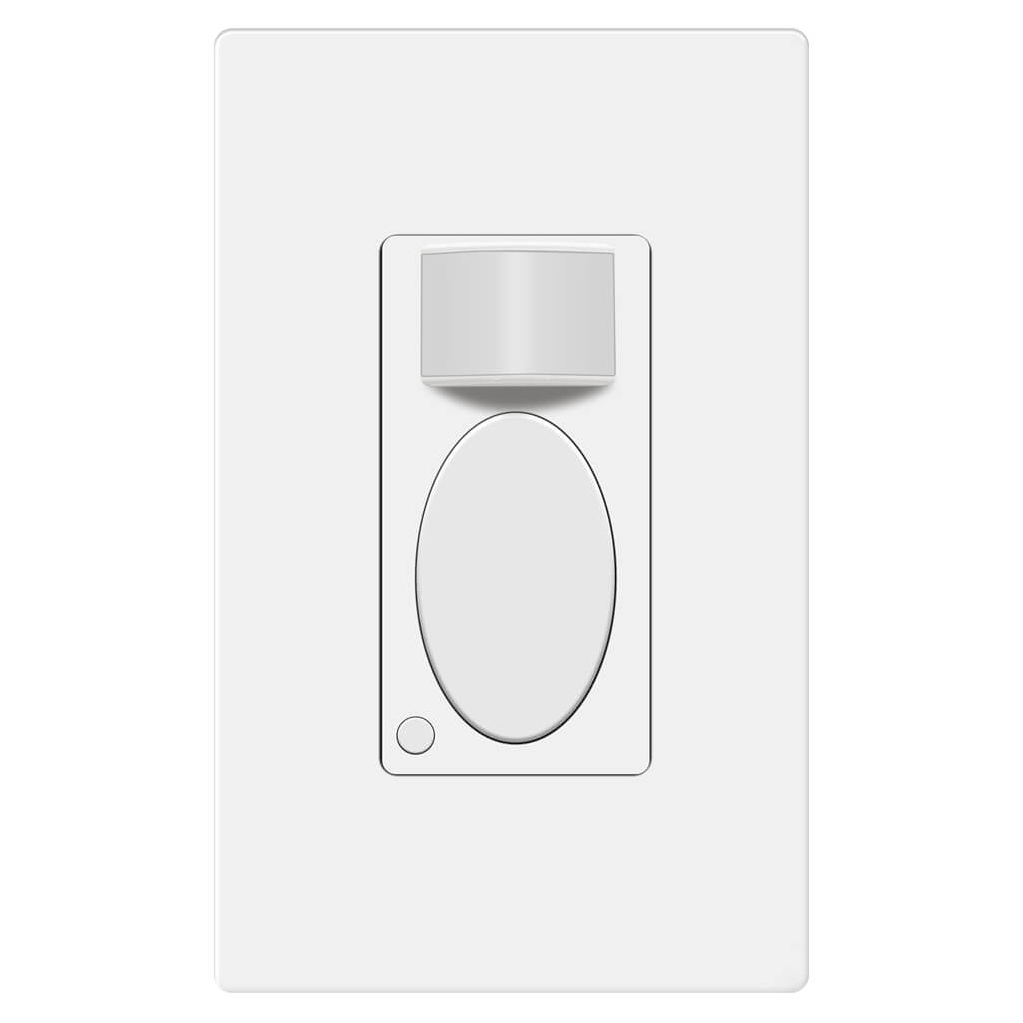
人感センサースイッチの調整が適切でない場合、消費電力が増えるだけでなく、照明が誤って点灯したり意図せず消灯したりするなど、利便性を損なう原因となります。
人感センサー付きスイッチの調整方法
人感センサー付きスイッチの設定は、カバー内部のトグルスイッチの切り替えや、表面のボタン操作によって調整できます。
Rayzeek人感センサーのポートフォリオを見る.
お探しの製品が見つかりませんか?ご安心ください。課題を解決する手段は常に複数存在します。当社の製品ポートフォリオのいずれかがお役に立つかもしれません。
従来の多くの人感センサー付きスイッチは、カバープレートの裏側にある補助ボタンやトグルスイッチを操作して設定を行います。外観の一体感を保つため、これらの設定用ボタンやトグルスイッチはパネル下に隠されています。設定を変更するには、スイッチのコントロールパネルまたはカバープレートを取り外してアクセスする必要があります。
Nowadays, the innovative motion sensor light switches on the market can be adjusted directly on the surface by pressing some buttons without removing any covers or panels. Such as the Rayzeek series motion sensor switches, you can customize all settings by only either short press or press&hold two buttons. The new method for adjusting settings is better than before because the frequent removal of the covers on the switch may end up turning loose.
スイッチを調整する際のポイント
Here are some guidelines you can follow when adjusting your motion sensor switches for the best performances
Motion Detection Mode
When you buy a 2 in 1, or occupancy/vacancy sensor wall switch, you are able to select the motion sensor light switch to work as an occupancy sensor switch or vacancy sensor switch. Some occupancy sensor with a manual-on feature is typically the same as an Occ/Van sensor.
Occupancy モード
The occupancy sensor mode is an Auto-On/Auto-Off motion detection mode, which turns on the light when the 人感センサー detects people and turns off after the motion detector cannot see the people.
The occupancy mode or occupancy sensor switch is competent to cover most requirements for daily residential and commercial applications. In the occupancy mode, the motion sensor light switch is completely hands-free and automatic, which is suitable for home and business use like kitchen, bathroom, hallways and private offices.
Vacancy モード
The vacancy sensor mode is a Manual-On/Auto-Off motion detection mode, and sometimes it is also called a Manul-On occupancy mode. When in vacancy mode, the light turns on only after you manually press the button on the light switch, and the light will automatically turn off, similar to occupancy mode.
The vacancy sensor switch or vacancy mode is usually used in commercial places rather than homes because it is not entirely automatic and it would require some manual action. However, the vacancy sensor can save more energy than the occupancy sensor because the light will only turn on when people press the button, and it cannot turn the light on falsely like an occupancy sensor does. So vacancy sensor is required by energy code to be widely used in commercial buildings and often seen in offices such as conference rooms.
タイムラグ(遅延時間)
The time delay or time-out setting decides for how long the light is continuously kept on after the light is first activated by the motion detector. As long as the motion sensor detects people in the room, the light will keep on. After people leave the room and the motion sensor cannot detect any motion, the light will keep on and not instantly turn off in case of people coming back. After the time delay expires, the motion sensor switch will turn off the light.
Apparently, a short time delay, like 15 seconds, can turn off the light as soon as you leave the room, which is the most eco-friendly time out option. And a 30-minute time delay will keep the light ON for another 30 minutes after the room is already empty.
So how to set a proper time delay?
If you only need the light while you are using the room or just passing by for temporary illumination for navigation, you can set a shorter time delay like 15 seconds to 1 minute for maximum energy saving.
If you need to stay in the room for a long time, such as cooking or reading, or frequently coming in and out of the room while leaving the lights on, you can set a longer time delay, such as 15 to 30 minutes to the light ON and prevent it from undesired turn-offs.
人感センサーを活用した省エネソリューションをお探しですか?
PIR人感センサー、人感センサー搭載省エネ製品、人感センサースイッチ、商業施設向けOccupancy/Vacancy(在室/不在)ソリューションについては、お気軽にお問い合わせください。
照度センサー
The light sensor or ambient light detection feature allows the light to stay off with sufficient ambient light to reduce unnecessary energy waste in the daytime because it’s a waste to keep the lights on when there is ample natural light.
Usually, users can choose to disable the light sensor or select from a low, medium, or high pre-set LUX value for the light sensor. The Lux measures luminous flux per unit area, equal to one lumen per square meter, and the LUX value somehow represents the brightness of the environment.
The higher the LUX value, the brighter the environment is. Some motion sensor switches would provide light sensor options with settings like low, medium to high, or with accurate LUX values like 15 LUX, 25 LUX, 35 LUX.
When the light sensor/ambient light detection is disabled, the motion sensor will turn on the light whenever it detects motion.
When the user selects a light sensor value, for example, low or 15LUX, the motion sensor will only activate the light when the ambient light is below 15LUX.
So how to set the light sensor value?
If you need the light to turn on in dark rooms for illumination, you can choose a low value like Low, 15LUX, or OFF.
If you need the light to turn on to provide supportive illumination to the natural light, for example, offices and kitchens in the daytime, you can choose a medium or high light sensor value like Medium, 25 LUX or 35 Lux.
If you need the light to turn on every time people pass by or enter, you can disable the light sensor.
センサー感度
The sensor sensitivity calculates how far the motion sensor can detect, and the sensor sensitivity is a key factor to program before putting it into use. Unlike motion sensor lights, the motion sensor light switches need to be installed into wall boxes, so the location and placement of the motion sensor are usually highly restricted. After installation, the only way to alter the motion detection coverage zone is to change the sensor sensitivity of the motion sensor.
When the sensitivity is not well-adjusted, the motion sensor would not be as convenient as it should be.
When the sensitivity is too low, the motion sensor might be clumsy that the light will not detect you efficiently until you come quite near.
こちらの商品もおすすめです

- 電圧: 単4形乾電池 2本
- 昼/夜モード
- タイマー設定時間: 15分、30分、1時間(デフォルト)、2時間

- 無電圧接点リレー出力付き天井取り付け型PIR人感センサー
- 12/24VDCまたは12/24VAC低電圧電源
- EMS、HVAC、および建物制御入力用COM、NO、NC絶縁リレー接点

- 低電圧DC天井埋め込み型マイクロ波人感センサースイッチ
- 10~30 VDC範囲の12 VDC / 24 VDC入力
- 調整可能なタイムラグ、照度(Lux)閾値、感度を備えた最大動作電流10A仕様
- 高負荷対応型 埋込型天井取付けマイクロ波人感センサースイッチ
- 100-265 VAC 商用電源入力、10Aモデル
- 調整可能なタイムラグ、照度(Lux)閾値、感度を備えた5.8 GHzマイクロ波検知
- 埋込型天井取付けマイクロ波人感センサースイッチ
- 100-265 VAC商用電圧入力、5Aモデル
- 調整可能なタイムラグ、照度(Lux)閾値、感度を備えた5.8 GHzマイクロ波検知
- 220V電源対応 天井取付けRZ037 PIR(赤外線)人感センサー調光器
- 定格負荷660W、最大動作電流3A
- LUXボタンによる照度センサーのON/OFFおよびユーザー設定の調光明るさ制御
- 110V電源対応 天井取付けRZ037 PIR(赤外線)人感センサー調光器
- 定格負荷330W、最大動作電流3A
- LUXボタンによる照度センサーのON/OFFおよびユーザー設定の調光明るさ制御

- 低電圧DC対応 天井取付けマイクロ波人感センサースイッチ
- 10~30 VDC範囲の12 VDC / 24 VDC入力
- 調整可能なタイムラグ、照度(Lux)閾値、感度を備えた最大動作電流10A仕様
- 高負荷対応 天井取付型マイクロ波人感センサースイッチ
- 100-265 VAC 商用電源入力、10Aモデル
- 調整可能なタイムラグ、照度(Lux)閾値、感度を備えた5.8 GHzマイクロ波検知
- 天井取り付け型マイクロ波人感センサースイッチ
- 100-265 VAC商用電圧入力、5Aモデル
- 調整可能なタイムラグ、照度(Lux)閾値、感度を備えた5.8 GHzマイクロ波検知

- 低電圧DC埋込型天井PIR人感センサースイッチ
- 10~30 VDC範囲の12 VDC / 24 VDC入力
- 最大動作電流10A(調整可能なタイムラグ、照度閾値、感度設定付き)

- 高負荷対応 埋込型天井PIR人感センサースイッチ
- 100-265 VAC 商用電源入力、10Aモデル
- 360度検知(調整可能なタイムラグ、照度閾値、感度設定付き)
- 埋込型天井PIR人感センサースイッチ
- 100-265 VAC商用電圧入力、5Aモデル
- 360度検知(調整可能なタイムラグ、照度閾値、感度設定付き)

- 屋内用照明ON/OFF制御ワイヤレススイッチ&受信機キット
- 100-230VAC、50/60Hz、定格電流5A受信機
- 2.4GHz通信対応 CR2032電池駆動ワイヤレススイッチ
- Occupancy(自動点灯/自動消灯)
- 12–24V DC (10–30VDC)、最大10A
- 360°検知エリア、直径8–12m
- タイムラグ 15秒–30分
- 照度センサー オフ/15/25/35 Lux
- 高/低感度
- 自動点灯/自動消灯人感モード
- 100–265V AC, 10A(中性線必須)
- 360°検知範囲、検知直径8–12 m
- タイムデレイ15秒–30分、Lux OFF/15/25/35、感度 高/低
- 自動点灯/自動消灯人感モード
- 100–265V AC, 5A(中性線必須)
- 360°検知範囲、検知直径8–12 m
- タイムデレイ15秒–30分、Lux OFF/15/25/35、感度 高/低
When the sensitivity is too high, the motion sensor might be able to detect motion outside the room, such as people passing by outside, that will falsely turn on the light when there are actually no people in the room, causing electricity waste.
So how to set the sensor sensitivity value?
First, we set the sensitivity to high. If it works well then we keep it at high.
If the sensitivity is too high, that causes the light to turn on unexpectedly. Then we try to set the sensitivity to low.
If the low sensitivity is not enough for proper motion detection accuracy, we can set the sensitivity back to high. Then we can use some adhesive tapes to partially cover the motion detection window to lower the sensitivity step by step until we get the perfect result.








Great job explaining in great detail the obvious but all I wanted to know is how to adjust these settings
Hi James,
That depends on the models you have. Each has its own way of adjustments. So we don’t cover them in the article.
To adjust these settings, some use mechanical dials/toggles, some use small buttons located on the switch while some use APP.
Refer to your product manual on how to adjust them.
Basically it is easy and obvious.