
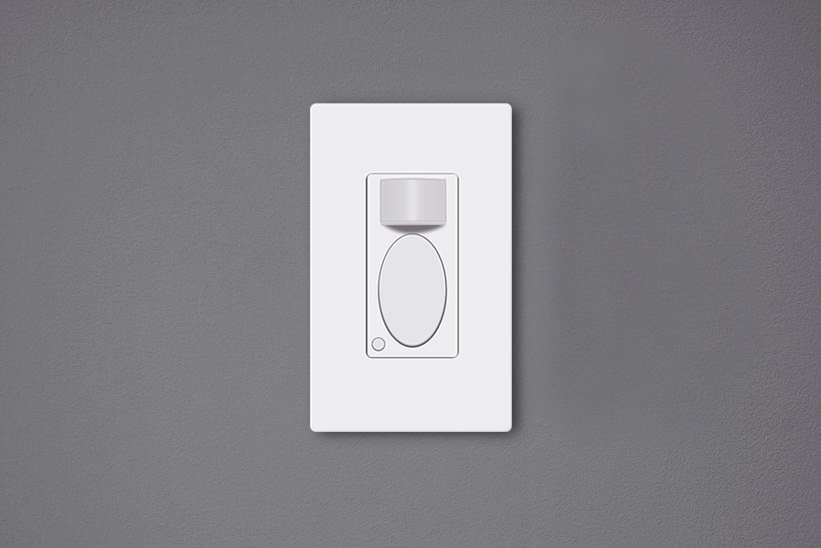
Bewegingssensor-lichtschakelaars zijn door beweging geactiveerde muurschakelaars die de verlichting automatisch kunnen inschakelen wanneer er mensen in de ruimte zijn en de verlichting weer uitschakelen nadat we vertrekken. Deze bewegingssensor-lichtschakelaars zijn milieuvriendelijk, kunnen aanzienlijk veel energie besparen en maken ons leven gemakkelijker, doordat we de lichtschakelaar niet meer hoeven aan te raken.
Inhoud
- Waarom moeten we de schakelaar instellen?
- Een bewegingssensor-lichtschakelaar instellen
- Waar moet u op letten bij het instellen van de schakelaar?
Waarom moeten we de schakelaar instellen?
Het instellen van een bewegingssensor-lichtschakelaar na installatie is essentieel, aangezien de standaardinstelling mogelijk niet goed bij uw situatie past. Hoewel de meeste fabrikanten een fabrieksinstelling bieden die direct klaar is voor algemeen dagelijks gebruik, kan het toch nodig zijn om de instellingen aan te passen aan uw specifieke wensen.
Bijvoorbeeld: de Rayzeek motion sensor switch’heeft als standaardinstelling de bezettingsmodus, een uitschakelvertraging van 1 minuut en een omgevingslichtwaarde van 25 lux. Dit is uitstekend geschikt voor de meeste huishoudens. Om nog meer energie te besparen kunt u echter een kortere uitschakelvertraging instellen, zoals 15 seconden, en een hogere luxwaarde, zoals 35 lux.
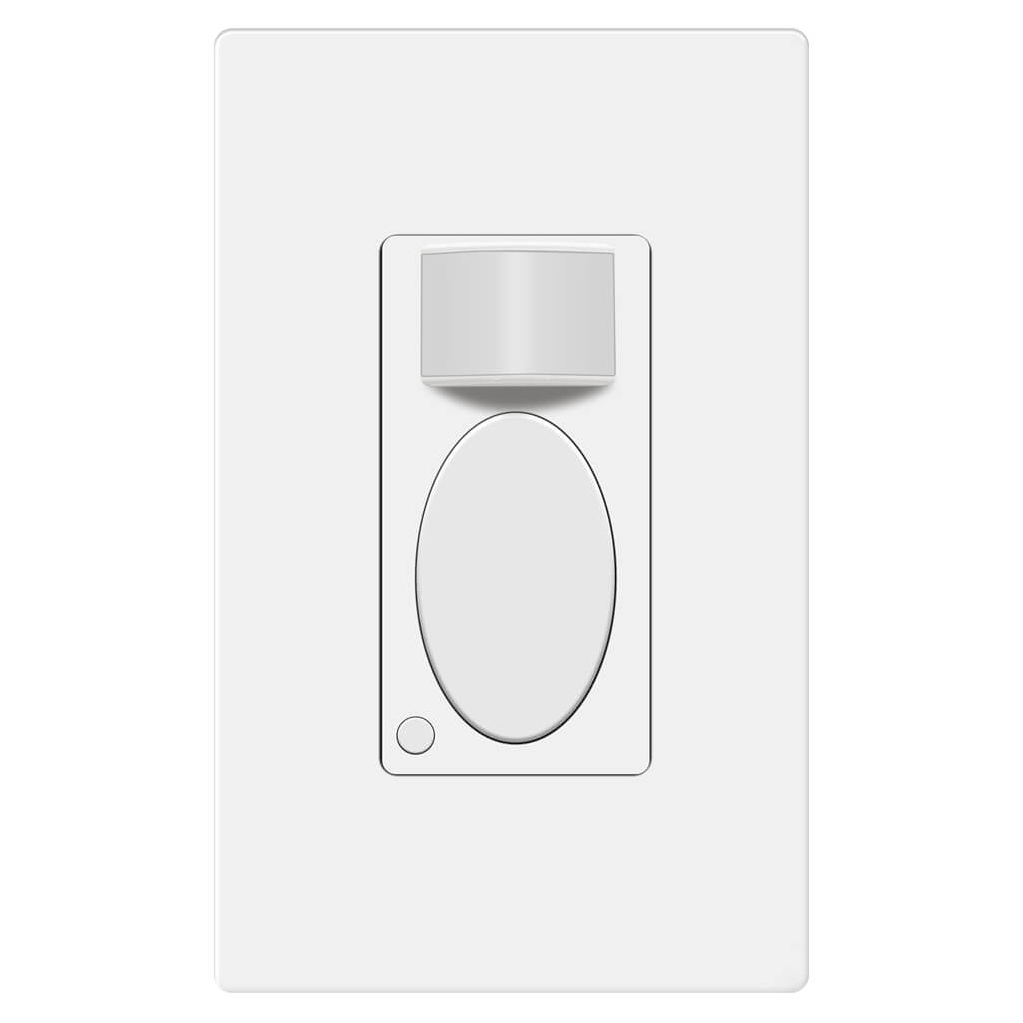
Rayzeek RZ021-5A-G
Lichtschakelaar met bewegingssensor
Aanwezigheids-/Afwezigheidssensor
- Exclusieve handmatige AAN/UIT-modus
- Geen nuldraad vereist
- 110V~277V Commerciële kwaliteit
Wanneer de bewegingssensorschakelaar niet goed is ingesteld, verbruikt deze niet alleen meer elektriciteit, maar kan dit ook ongemak veroorzaken, zoals het onbedoeld in- of uitschakelen van het licht.
Een bewegingssensor-lichtschakelaar instellen
Users can adjust the motion sensor light switch’s settings by switching toggles under the cover or pressing buttons on the surface.
Laat u inspireren door Rayzeek bewegingssensor-portfolio's.
Vindt u niet wat u zoekt? Geen zorgen. Er zijn altijd alternatieve manieren om uw problemen op te lossen. Misschien kan een van onze portfolio's u helpen.
Many of the classic motion sensor light switches are programmed by altering auxiliary buttons or toggles behind the cover plate. For the purpose of looking as a whole, the buttons or toggles for customization are visually hidden under the panel. To change these settings, you need to remove the control panel or the cover place of the motion sensor light switch to get access to them.
Nowadays, the innovative motion sensor light switches on the market can be adjusted directly on the surface by pressing some buttons without removing any covers or panels. Such as the Rayzeek series motion sensor switches, you can customize all settings by only either short press or press&hold two buttons. The new method for adjusting settings is better than before because the frequent removal of the covers on the switch may end up turning loose.
Waar moet u op letten bij het instellen van de schakelaar?
Here are some guidelines you can follow when adjusting your motion sensor switches for the best performances
Motion Detection Mode
When you buy a 2 in 1, or occupancy/vacancy sensor wall switch, you are able to select the motion sensor light switch to work as an occupancy sensor switch or vacancy sensor switch. Some occupancy sensor with a manual-on feature is typically the same as an Occ/Van sensor.
Occupancy Mode
The occupancy sensor mode is an Auto-On/Auto-Off motion detection mode, which turns on the light when the Bewegingssensor detects people and turns off after the motion detector cannot see the people.
The occupancy mode or occupancy sensor switch is competent to cover most requirements for daily residential and commercial applications. In the occupancy mode, the motion sensor light switch is completely hands-free and automatic, which is suitable for home and business use like kitchen, bathroom, hallways and private offices.
Vacancy Mode
The vacancy sensor mode is a Manual-On/Auto-Off motion detection mode, and sometimes it is also called a Manul-On occupancy mode. When in vacancy mode, the light turns on only after you manually press the button on the light switch, and the light will automatically turn off, similar to occupancy mode.
The vacancy sensor switch or vacancy mode is usually used in commercial places rather than homes because it is not entirely automatic and it would require some manual action. However, the vacancy sensor can save more energy than the occupancy sensor because the light will only turn on when people press the button, and it cannot turn the light on falsely like an occupancy sensor does. So vacancy sensor is required by energy code to be widely used in commercial buildings and often seen in offices such as conference rooms.
Tijdsvertraging
The time delay or time-out setting decides for how long the light is continuously kept on after the light is first activated by the motion detector. As long as the motion sensor detects people in the room, the light will keep on. After people leave the room and the motion sensor cannot detect any motion, the light will keep on and not instantly turn off in case of people coming back. After the time delay expires, the motion sensor switch will turn off the light.
Apparently, a short time delay, like 15 seconds, can turn off the light as soon as you leave the room, which is the most eco-friendly time out option. And a 30-minute time delay will keep the light ON for another 30 minutes after the room is already empty.
So how to set a proper time delay?
If you only need the light while you are using the room or just passing by for temporary illumination for navigation, you can set a shorter time delay like 15 seconds to 1 minute for maximum energy saving.
If you need to stay in the room for a long time, such as cooking or reading, or frequently coming in and out of the room while leaving the lights on, you can set a longer time delay, such as 15 to 30 minutes to the light ON and prevent it from undesired turn-offs.
Op zoek naar bewegingsgestuurde energiebesparende oplossingen?
Neem contact met ons op voor complete PIR-bewegingssensoren, bewegingsgestuurde energiebesparende producten, bewegingsschakelaars en commerciële oplossingen voor aanwezigheids- en afwezigheidsdetectie.
Lichtsensor
The light sensor or ambient light detection feature allows the light to stay off with sufficient ambient light to reduce unnecessary energy waste in the daytime because it’s a waste to keep the lights on when there is ample natural light.
Usually, users can choose to disable the light sensor or select from a low, medium, or high pre-set LUX value for the light sensor. The Lux measures luminous flux per unit area, equal to one lumen per square meter, and the LUX value somehow represents the brightness of the environment.
The higher the LUX value, the brighter the environment is. Some motion sensor switches would provide light sensor options with settings like low, medium to high, or with accurate LUX values like 15 LUX, 25 LUX, 35 LUX.
When the light sensor/ambient light detection is disabled, the motion sensor will turn on the light whenever it detects motion.
When the user selects a light sensor value, for example, low or 15LUX, the motion sensor will only activate the light when the ambient light is below 15LUX.
So how to set the light sensor value?
If you need the light to turn on in dark rooms for illumination, you can choose a low value like Low, 15LUX, or OFF.
If you need the light to turn on to provide supportive illumination to the natural light, for example, offices and kitchens in the daytime, you can choose a medium or high light sensor value like Medium, 25 LUX or 35 Lux.
If you need the light to turn on every time people pass by or enter, you can disable the light sensor.
Sensorgevoeligheid
The sensor sensitivity calculates how far the motion sensor can detect, and the sensor sensitivity is a key factor to program before putting it into use. Unlike motion sensor lights, the motion sensor light switches need to be installed into wall boxes, so the location and placement of the motion sensor are usually highly restricted. After installation, the only way to alter the motion detection coverage zone is to change the sensor sensitivity of the motion sensor.
When the sensitivity is not well-adjusted, the motion sensor would not be as convenient as it should be.
When the sensitivity is too low, the motion sensor might be clumsy that the light will not detect you efficiently until you come quite near.
Mogelijk bent u ook geïnteresseerd in

- Spanning: 2 AAA-batterijen
- Dag/Nacht-modus
- Uitschakelvertraging: 15min, 30min, 1u (standaard), 2u

- Plafondgemonteerde PIR-aanwezigheidssensor met potentiaalvrije relaisuitgang
- 12/24VDC of 12/24VAC laagspanningsvoeding
- COM-, NO- en NC-geïsoleerde relaiscontacten voor EMS-, HVAC- en gebouwbeheersystemen

- Laagspanning DC inbouw-plafondgemonteerde microgolfbewegingssensorschakelaar
- 12 VDC / 24 VDC-ingang met een bereik van 10-30 VDC
- Max. 10A werkstroom met instelbare uitschakelvertraging, luxdrempelwaarde en gevoeligheid
- Inbouw-plafondgemonteerde microgolfbewegingssensorschakelaar voor hogere belasting
- 100-265 VAC netspanningsingang, 10A-model
- 5,8 GHz microgolfdetectie met instelbare uitschakelvertraging, Lux-drempelwaarde en gevoeligheid
- Plafondinbouw microgolf bewegingssensor-schakelaar
- 100-265 VAC netspanningsingang, 5A-model
- 5,8 GHz microgolfdetectie met instelbare uitschakelvertraging, Lux-drempelwaarde en gevoeligheid
- RZ037 PIR-aanwezigheidssensor-dimmer voor plafondmontage op 220V-voeding
- 3A maximale werkstroom met 660W nominaal vermogen
- LUX-knop regelt lichtsensor AAN/UIT en door de gebruiker ingestelde dimhelderheid
- RZ037 PIR-aanwezigheidssensor-dimmer voor plafondmontage op 110V-voeding
- 3A maximale werkstroom met 330W nominaal vermogen
- LUX-knop regelt lichtsensor AAN/UIT en door de gebruiker ingestelde dimhelderheid

- Laagspanning DC microgolf bewegingssensor-schakelaar voor het plafond
- 12 VDC / 24 VDC-ingang met een bereik van 10-30 VDC
- Max. 10A werkstroom met instelbare uitschakelvertraging, luxdrempelwaarde en gevoeligheid
- Microgolf bewegingssensor-schakelaar voor het plafond met hogere belasting
- 100-265 VAC netspanningsingang, 10A-model
- 5,8 GHz microgolfdetectie met instelbare uitschakelvertraging, Lux-drempelwaarde en gevoeligheid
- Plafondmontage microgolf bewegingssensorschakelaar
- 100-265 VAC netspanningsingang, 5A-model
- 5,8 GHz microgolfdetectie met instelbare uitschakelvertraging, Lux-drempelwaarde en gevoeligheid

- Laagspannings-DC inbouw plafond PIR bewegingssensorschakelaar
- 12 VDC / 24 VDC-ingang met een bereik van 10-30 VDC
- Maximale werkstroom 10A met instelbare uitschakelvertraging, Lux-drempelwaarde en gevoeligheid

- Inbouw plafond PIR bewegingssensorschakelaar voor hogere belastingen
- 100-265 VAC netspanningsingang, 10A-model
- 360-graden detectie met instelbare uitschakelvertraging, Lux-drempelwaarde en gevoeligheid
- Inbouw plafond PIR bewegingssensorschakelaar
- 100-265 VAC netspanningsingang, 5A-model
- 360-graden detectie met instelbare uitschakelvertraging, Lux-drempelwaarde en gevoeligheid

- Draadloze schakelaar- en ontvangerset voor AAN/UIT-lichtregeling binnenshuis
- 100-230VAC, 50/60Hz ontvanger met 5A nominale stroom
- CR2032-gevoede draadloze schakelaar met 2.4GHz-communicatie
- Aanwezigheidsdetectie (Auto-AAN/Auto-UIT)
- 12–24V DC (10–30VDC), tot 10A
- 360° dekking, 8–12 m diameter
- Uitschakelvertraging 15 s–30 min
- Lichtsensor Uit/15/25/35 Lux
- Hoge/Lage gevoeligheid
- Automatisch AAN/Automatisch UIT aanwezigheidsmodus
- 100–265V AC, 10A (nuldraad vereist)
- 360° dekking; 8–12 m detectiediameter
- Uitschakelvertraging 15 s–30 min; Lux UIT/15/25/35; Gevoeligheid Hoog/Laag
- Automatisch AAN/Automatisch UIT aanwezigheidsmodus
- 100–265V AC, 5A (nuldraad vereist)
- 360° dekking; 8–12 m detectiediameter
- Uitschakelvertraging 15 s–30 min; Lux UIT/15/25/35; Gevoeligheid Hoog/Laag
When the sensitivity is too high, the motion sensor might be able to detect motion outside the room, such as people passing by outside, that will falsely turn on the light when there are actually no people in the room, causing electricity waste.
So how to set the sensor sensitivity value?
First, we set the sensitivity to high. If it works well then we keep it at high.
If the sensitivity is too high, that causes the light to turn on unexpectedly. Then we try to set the sensitivity to low.
If the low sensitivity is not enough for proper motion detection accuracy, we can set the sensitivity back to high. Then we can use some adhesive tapes to partially cover the motion detection window to lower the sensitivity step by step until we get the perfect result.








Great job explaining in great detail the obvious but all I wanted to know is how to adjust these settings
Hi James,
That depends on the models you have. Each has its own way of adjustments. So we don’t cover them in the article.
To adjust these settings, some use mechanical dials/toggles, some use small buttons located on the switch while some use APP.
Refer to your product manual on how to adjust them.
Basically it is easy and obvious.