
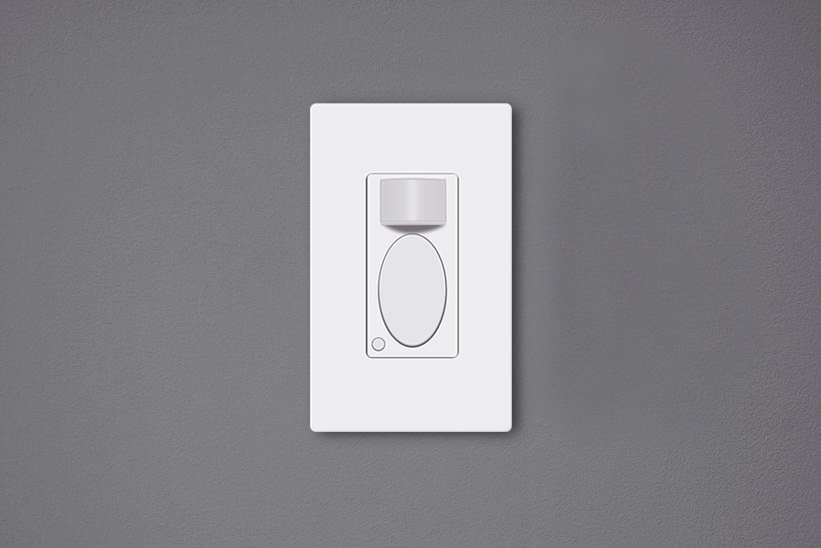
Hareket sensörlü ışık anahtarları, odada birileri varken ışıkları bizim için otomatik olarak açabilen ve biz ayrıldıktan sonra kapatabilen hareketle etkinleştirilen duvar anahtarlarıdır. Bu hareket sensörlü ışık anahtarları çevre dostudur, büyük miktarda enerji tasarrufu sağlayabilir ve artık ışık anahtarına dokunmamıza gerek kalmadığı için hayatımızı kolaylaştırabilir.
İçindekiler
- Anahtarı Neden Ayarlamamız Gerekir
- Hareket Sensörlü Işık Anahtarı Nasıl Ayarlanır
- Anahtarı Ayarlarken Dikkat Edilmesi Gerekenler
Anahtarı Neden Ayarlamamız Gerekir
Hareket sensörlü bir ışık anahtarını kurulumdan sonra ayarlamak kritik önem taşır, çünkü varsayılan ayar beklentilerinizi tam olarak karşılamayabilir. Çoğu üretici genel günlük kullanım için hemen kullanılabilecek varsayılan bir fabrika ayarı sunsa da, özel gereksinimlerinize tam olarak uyacak şekilde özelleştirmeleri değiştirmeniz gerekebilir.
Örneğin, Rayzeek hareket sensörlü anahtarın’varsayılan ayarı varlık modu (occupancy mode), 1 dakikalık zaman gecikmesi ve 25 lüks ortam ışığı değeridir; bu ayarlar çoğu ev kullanıcısı için tamamen uygundur. Ancak, daha fazla enerji tasarrufu sağlamak için 15 saniye gibi daha kısa bir zaman gecikmesi ve 35 lüks gibi daha yüksek bir Lüks değeri özelleştirebilirsiniz.
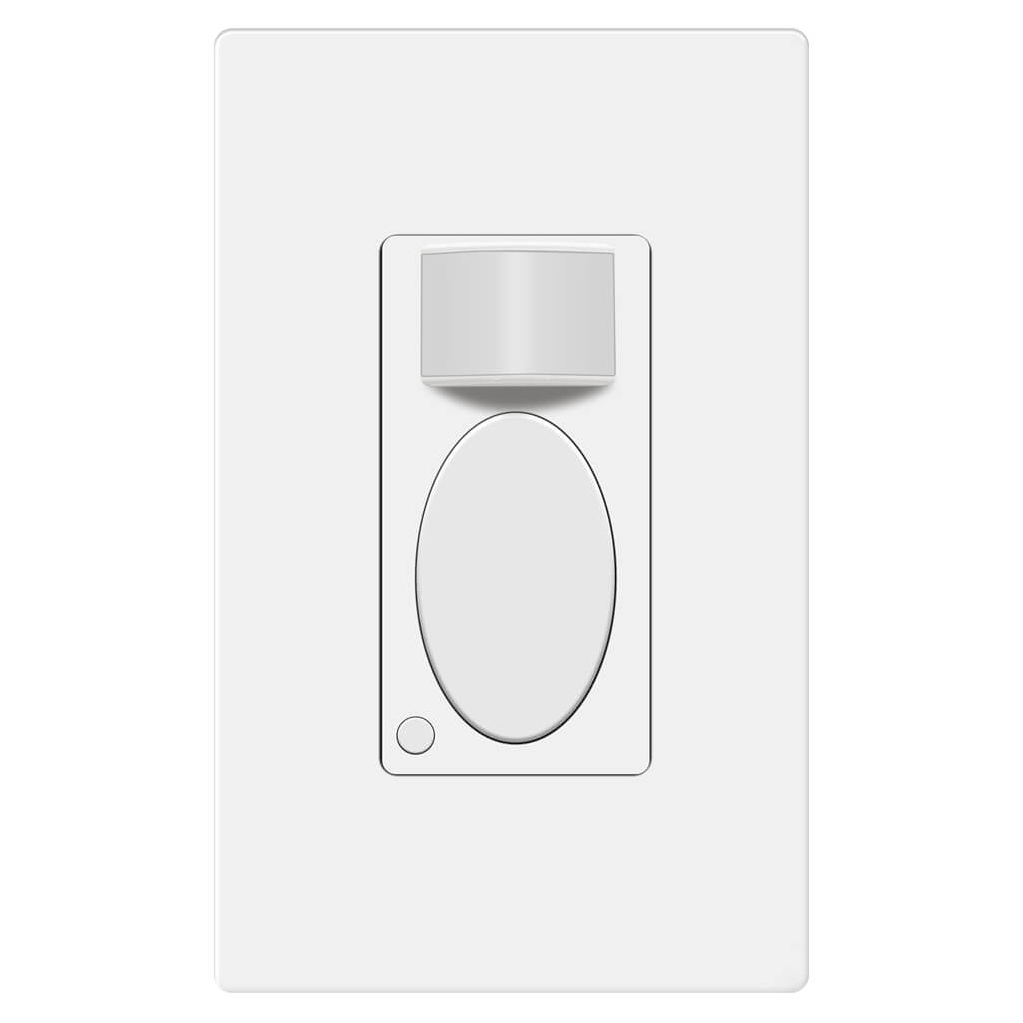
Rayzeek RZ021-5A-G
Hareket Sensörlü Işık Anahtarı
Varlık/Yokluk Sensörü
- Özel Manuel AÇMA/KAPAMA Modu
- Nötr Hattı Gerektirmez
- 110V~277V Ticari Sınıf
Hareket sensörlü anahtar doğru şekilde ayarlanmadığında, yalnızca daha fazla elektrik tüketmekle kalmaz, aynı zamanda ışığın kazara açılması veya yanlışlıkla kapanması gibi rahatsızlıklara da neden olabilir.
Hareket Sensörlü Işık Anahtarı Nasıl Ayarlanır
Users can adjust the motion sensor light switch’s settings by switching toggles under the cover or pressing buttons on the surface.
Rayzeek Hareket Sensörü Portföylerinden İlham Alın.
Aradığınızı bulamadınız mı? Endişelenmeyin. Sorunlarınızı çözmenin her zaman alternatif yolları vardır. Portföylerimizden biri size yardımcı olabilir.
Many of the classic motion sensor light switches are programmed by altering auxiliary buttons or toggles behind the cover plate. For the purpose of looking as a whole, the buttons or toggles for customization are visually hidden under the panel. To change these settings, you need to remove the control panel or the cover place of the motion sensor light switch to get access to them.
Nowadays, the innovative motion sensor light switches on the market can be adjusted directly on the surface by pressing some buttons without removing any covers or panels. Such as the Rayzeek series motion sensor switches, you can customize all settings by only either short press or press&hold two buttons. The new method for adjusting settings is better than before because the frequent removal of the covers on the switch may end up turning loose.
Anahtarı Ayarlarken Dikkat Edilmesi Gerekenler
Here are some guidelines you can follow when adjusting your motion sensor switches for the best performances
Motion Detection Mode
When you buy a 2 in 1, or occupancy/vacancy sensor wall switch, you are able to select the motion sensor light switch to work as an occupancy sensor switch or vacancy sensor switch. Some occupancy sensor with a manual-on feature is typically the same as an Occ/Van sensor.
Occupancy Mode
The occupancy sensor mode is an Auto-On/Auto-Off motion detection mode, which turns on the light when the hareket sensörü detects people and turns off after the motion detector cannot see the people.
The occupancy mode or occupancy sensor switch is competent to cover most requirements for daily residential and commercial applications. In the occupancy mode, the motion sensor light switch is completely hands-free and automatic, which is suitable for home and business use like kitchen, bathroom, hallways and private offices.
Vacancy Mode
The vacancy sensor mode is a Manual-On/Auto-Off motion detection mode, and sometimes it is also called a Manul-On occupancy mode. When in vacancy mode, the light turns on only after you manually press the button on the light switch, and the light will automatically turn off, similar to occupancy mode.
The vacancy sensor switch or vacancy mode is usually used in commercial places rather than homes because it is not entirely automatic and it would require some manual action. However, the vacancy sensor can save more energy than the occupancy sensor because the light will only turn on when people press the button, and it cannot turn the light on falsely like an occupancy sensor does. So vacancy sensor is required by energy code to be widely used in commercial buildings and often seen in offices such as conference rooms.
Zaman Gecikmesi
The time delay or time-out setting decides for how long the light is continuously kept on after the light is first activated by the motion detector. As long as the motion sensor detects people in the room, the light will keep on. After people leave the room and the motion sensor cannot detect any motion, the light will keep on and not instantly turn off in case of people coming back. After the time delay expires, the motion sensor switch will turn off the light.
Apparently, a short time delay, like 15 seconds, can turn off the light as soon as you leave the room, which is the most eco-friendly time out option. And a 30-minute time delay will keep the light ON for another 30 minutes after the room is already empty.
So how to set a proper time delay?
If you only need the light while you are using the room or just passing by for temporary illumination for navigation, you can set a shorter time delay like 15 seconds to 1 minute for maximum energy saving.
If you need to stay in the room for a long time, such as cooking or reading, or frequently coming in and out of the room while leaving the lights on, you can set a longer time delay, such as 15 to 30 minutes to the light ON and prevent it from undesired turn-offs.
Hareket Algılamalı Enerji Tasarrufu Çözümleri Mi Arıyorsunuz?
Eksiksiz PIR hareket sensörleri, hareket algılamalı enerji tasarruflu ürünler, hareket sensörlü anahtarlar ve ticari Varlık/Yokluk (Occupancy/Vacancy) çözümleri için bizimle iletişime geçin.
Işık Sensörü
The light sensor or ambient light detection feature allows the light to stay off with sufficient ambient light to reduce unnecessary energy waste in the daytime because it’s a waste to keep the lights on when there is ample natural light.
Usually, users can choose to disable the light sensor or select from a low, medium, or high pre-set LUX value for the light sensor. The Lux measures luminous flux per unit area, equal to one lumen per square meter, and the LUX value somehow represents the brightness of the environment.
The higher the LUX value, the brighter the environment is. Some motion sensor switches would provide light sensor options with settings like low, medium to high, or with accurate LUX values like 15 LUX, 25 LUX, 35 LUX.
When the light sensor/ambient light detection is disabled, the motion sensor will turn on the light whenever it detects motion.
When the user selects a light sensor value, for example, low or 15LUX, the motion sensor will only activate the light when the ambient light is below 15LUX.
So how to set the light sensor value?
If you need the light to turn on in dark rooms for illumination, you can choose a low value like Low, 15LUX, or OFF.
If you need the light to turn on to provide supportive illumination to the natural light, for example, offices and kitchens in the daytime, you can choose a medium or high light sensor value like Medium, 25 LUX or 35 Lux.
If you need the light to turn on every time people pass by or enter, you can disable the light sensor.
Sensör Hassasiyeti
The sensor sensitivity calculates how far the motion sensor can detect, and the sensor sensitivity is a key factor to program before putting it into use. Unlike motion sensor lights, the motion sensor light switches need to be installed into wall boxes, so the location and placement of the motion sensor are usually highly restricted. After installation, the only way to alter the motion detection coverage zone is to change the sensor sensitivity of the motion sensor.
When the sensitivity is not well-adjusted, the motion sensor would not be as convenient as it should be.
When the sensitivity is too low, the motion sensor might be clumsy that the light will not detect you efficiently until you come quite near.
İlginizi Çekebilecek Diğer Ürünler

- Voltaj: 2 Adet AAA Pil
- Gündüz/Gece Modu
- Zaman gecikmesi: 15dk, 30dk, 1sa (varsayılan), 2sa

- Kuru kontak röle çıkışlı, tavan tipi PIR varlık sensörü
- 12/24VDC veya 12/24VAC düşük voltaj güç beslemesi
- EMS, HVAC ve bina kontrol girdileri için COM, NO ve NC izole röle kontakları

- Düşük voltaj DC sıva altı tavan tipi mikrodalga hareket sensörlü anahtar
- 10-30 VDC aralığına sahip 12 VDC / 24 VDC giriş
- Ayarlanabilir zaman gecikmesi, Lüks eşiği ve hassasiyet özelliklerine sahip maks. 10A çalışma akımı
- Yüksek yük kapasiteli sıva altı tavan tipi mikrodalga hareket sensörlü anahtar
- 100-265 VAC şebeke voltajı girişi, 10A model
- Ayarlanabilir zaman gecikmesi, Lüks eşiği ve hassasiyete sahip 5,8 GHz mikrodalga algılama
- Sıva altı tavana monte mikrodalga hareket sensörlü anahtar
- 100-265 VAC şebeke gerilimi girişi, 5A model
- Ayarlanabilir zaman gecikmesi, Lüks eşiği ve hassasiyete sahip 5,8 GHz mikrodalga algılama
- 220V güç için tavana monte RZ037 PIR varlık sensörlü dimmer
- 660W nominal yük ile 3A maksimum çalışma akımı
- LUX düğmesi, ışık sensörünün AÇIK/KAPALI konumunu ve kullanıcı tarafından ayarlanan dimmer parlaklığını kontrol eder
- 110V güç için tavana monte RZ037 PIR varlık sensörlü dimmer
- 330W nominal yük ile 3A maksimum çalışma akımı
- LUX düğmesi, ışık sensörünün AÇIK/KAPALI konumunu ve kullanıcı tarafından ayarlanan dimmer parlaklığını kontrol eder

- Düşük voltajlı DC tavan montajlı mikrodalga hareket sensörlü anahtar
- 10-30 VDC aralığına sahip 12 VDC / 24 VDC giriş
- Ayarlanabilir zaman gecikmesi, Lüks eşiği ve hassasiyet özelliklerine sahip maks. 10A çalışma akımı
- Yüksek yüklü tavan montajlı mikrodalga hareket sensörlü anahtar
- 100-265 VAC şebeke voltajı girişi, 10A model
- Ayarlanabilir zaman gecikmesi, Lüks eşiği ve hassasiyete sahip 5,8 GHz mikrodalga algılama
- Tavan montajlı mikrodalga hareket sensörlü anahtar
- 100-265 VAC şebeke gerilimi girişi, 5A model
- Ayarlanabilir zaman gecikmesi, Lüks eşiği ve hassasiyete sahip 5,8 GHz mikrodalga algılama

- Düşük voltajlı DC sıva altı tavan montajlı PIR hareket sensörlü anahtar
- 10-30 VDC aralığına sahip 12 VDC / 24 VDC giriş
- Ayarlanabilir zaman gecikmesi, Lüks eşiği ve hassasiyet ile maks. 10A çalışma akımı

- Yüksek yüklü sıva altı tavan montajlı PIR hareket sensörlü anahtar
- 100-265 VAC şebeke voltajı girişi, 10A model
- Ayarlanabilir zaman gecikmesi, Lüks eşiği ve hassasiyet ile 360 derece algılama
- Sıva altı tavan montajlı PIR hareket sensörlü anahtar
- 100-265 VAC şebeke gerilimi girişi, 5A model
- Ayarlanabilir zaman gecikmesi, Lüks eşiği ve hassasiyet ile 360 derece algılama

- İç mekan AÇMA/KAPAMA aydınlatma kontrolü için kablosuz anahtar ve alıcı seti
- 5A nominal akımlı 100-230VAC, 50/60Hz alıcı
- 2.4GHz haberleşmeli CR2032 pille çalışan kablosuz anahtar
- Varlık (Otomatik AÇMA/Otomatik KAPATMA)
- 12–24V DC (10–30VDC), 10A'e kadar
- 360° kapsama alanı, 8–12 m çap
- Zaman gecikmesi 15 sn–30 dk
- Işık sensörü Kapalı/15/25/35 Lux
- Yüksek/Düşük hassasiyet
- Otomatik AÇMA/Otomatik KAPATMA varlık modu
- 100–265V AC, 10A (nötr hattı gereklidir)
- 360° kapsama alanı; 8–12 m algılama çapı
- Zaman gecikmesi 15 sn–30 dk; Lux KAPALI/15/25/35; Hassasiyet Yüksek/Düşük
- Otomatik AÇMA/Otomatik KAPATMA varlık modu
- 100–265V AC, 5A (nötr hattı gereklidir)
- 360° kapsama alanı; 8–12 m algılama çapı
- Zaman gecikmesi 15 sn–30 dk; Lux KAPALI/15/25/35; Hassasiyet Yüksek/Düşük
When the sensitivity is too high, the motion sensor might be able to detect motion outside the room, such as people passing by outside, that will falsely turn on the light when there are actually no people in the room, causing electricity waste.
So how to set the sensor sensitivity value?
First, we set the sensitivity to high. If it works well then we keep it at high.
If the sensitivity is too high, that causes the light to turn on unexpectedly. Then we try to set the sensitivity to low.
If the low sensitivity is not enough for proper motion detection accuracy, we can set the sensitivity back to high. Then we can use some adhesive tapes to partially cover the motion detection window to lower the sensitivity step by step until we get the perfect result.








Great job explaining in great detail the obvious but all I wanted to know is how to adjust these settings
Hi James,
That depends on the models you have. Each has its own way of adjustments. So we don’t cover them in the article.
To adjust these settings, some use mechanical dials/toggles, some use small buttons located on the switch while some use APP.
Refer to your product manual on how to adjust them.
Basically it is easy and obvious.