
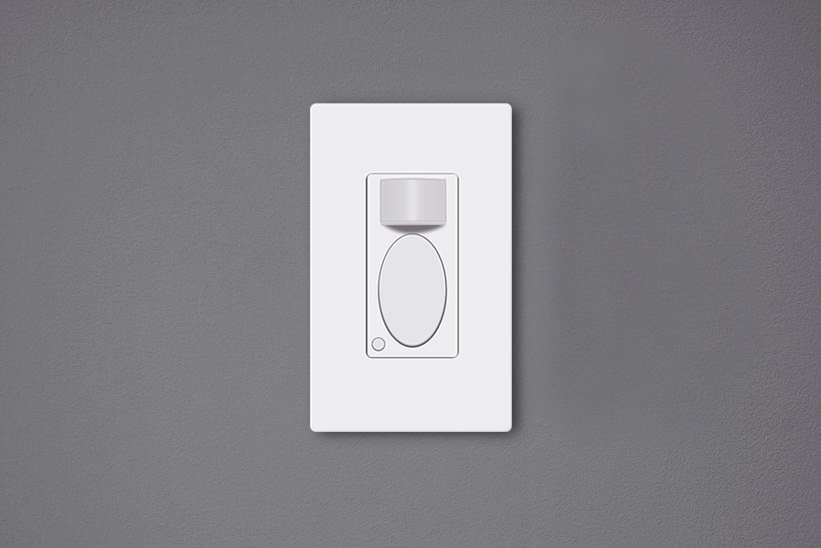
Motion sensor light switches are motion-activated wall switches that can automatically turn on the lights for us while people are in the room and turn off the lights after we leave. These motion sensor light switches are environmentally friendly and can save massive energy, and they can also make our life convenient, so we don’t need to touch the light switch anymore.
목차
Why Do We Need to Adjust the Switch
Adjusting a motion sensor light switch after installation is critical as the default setting might not suit you well. Though most manufacturers would provide a default factory setting that is ready to use for common daily use, you might still need to alter the customization that can specifically suit your unique demand.
For example, the Rayzeek motion sensor switch’s default setting is occupancy mode, 1-minute time delay, and 25 lux ambient light value, which is perfectly fine for most home users. However, you can still customize a shorter time delay like 15 seconds and a higher Lux value like 35 lux to save more energy.
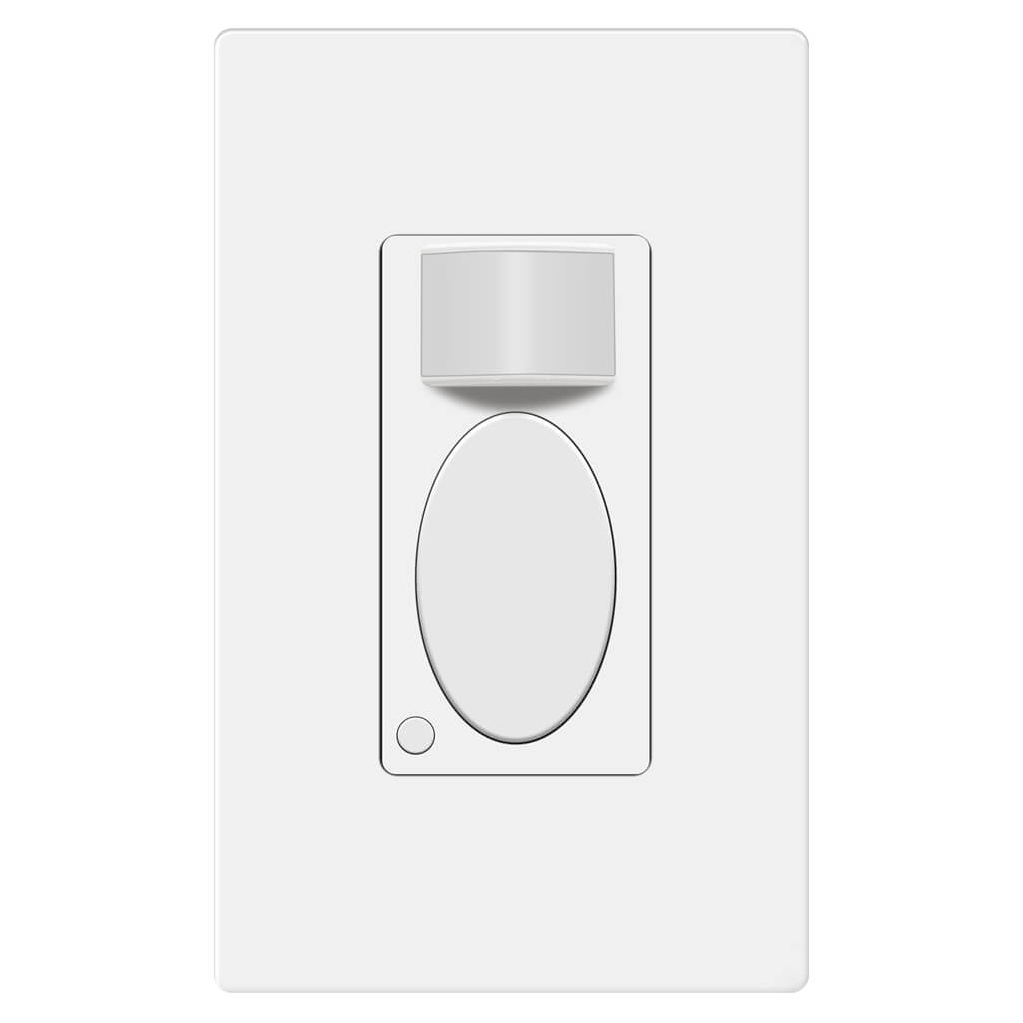
Rayzeek RZ021-5A-G
동작 감지 스위치
Occupancy/Vacancy Sensor
- Exclusive Manual ON/OFF Mode
- No Neutral Required
- 110v~277v Commercial Grade
When the motion sensor switch is not well adjusted, not only can it consume more electricity but also causes inconvenience such as the light’s accidentally turn-on or falsely turn-off.
모션 센서 스위치 조절 방법
Users can adjust the motion sensor light switch’s settings by switching toggles under the cover or pressing buttons on the surface.
Rayzeek 모션 센서 포트폴리오에서 영감을 얻어보세요.
원하시는 제품을 찾지 못하셨나요? 걱정하지 마세요. 문제를 해결할 수 있는 대체 방법은 언제나 존재합니다. 당사의 포트폴리오 중 하나가 도움이 될 수 있습니다.
Many of the classic motion sensor light switches are programmed by altering auxiliary buttons or toggles behind the cover plate. For the purpose of looking as a whole, the buttons or toggles for customization are visually hidden under the panel. To change these settings, you need to remove the control panel or the cover place of the motion sensor light switch to get access to them.
Nowadays, the innovative motion sensor light switches on the market can be adjusted directly on the surface by pressing some buttons without removing any covers or panels. Such as the Rayzeek series motion sensor switches, you can customize all settings by only either short press or press&hold two buttons. The new method for adjusting settings is better than before because the frequent removal of the covers on the switch may end up turning loose.
What to Consider When Adjusting the Switch
Here are some guidelines you can follow when adjusting your motion sensor switches for the best performances
Motion Detection Mode
When you buy a 2 in 1, or occupancy/vacancy sensor wall switch, you are able to select the motion sensor light switch to work as an occupancy sensor switch or vacancy sensor switch. Some occupancy sensor with a manual-on feature is typically the same as an Occ/Van sensor.
재실 모드(Occupancy Mode)
The occupancy sensor mode is an Auto-On/Auto-Off motion detection mode, which turns on the light when the motion sensor detects people and turns off after the motion detector cannot see the people.
The occupancy mode or occupancy sensor switch is competent to cover most requirements for daily residential and commercial applications. In the occupancy mode, the motion sensor light switch is completely hands-free and automatic, which is suitable for home and business use like kitchen, bathroom, hallways and private offices.
부재 모드(Vacancy Mode)
The vacancy sensor mode is a Manual-On/Auto-Off motion detection mode, and sometimes it is also called a Manul-On occupancy mode. When in vacancy mode, the light turns on only after you manually press the button on the light switch, and the light will automatically turn off, similar to occupancy mode.
The vacancy sensor switch or vacancy mode is usually used in commercial places rather than homes because it is not entirely automatic and it would require some manual action. However, the vacancy sensor can save more energy than the occupancy sensor because the light will only turn on when people press the button, and it cannot turn the light on falsely like an occupancy sensor does. So vacancy sensor is required by energy code to be widely used in commercial buildings and often seen in offices such as conference rooms.
시간 지연
The time delay or time-out setting decides for how long the light is continuously kept on after the light is first activated by the motion detector. As long as the motion sensor detects people in the room, the light will keep on. After people leave the room and the motion sensor cannot detect any motion, the light will keep on and not instantly turn off in case of people coming back. After the time delay expires, the motion sensor switch will turn off the light.
Apparently, a short time delay, like 15 seconds, can turn off the light as soon as you leave the room, which is the most eco-friendly time out option. And a 30-minute time delay will keep the light ON for another 30 minutes after the room is already empty.
So how to set a proper time delay?
If you only need the light while you are using the room or just passing by for temporary illumination for navigation, you can set a shorter time delay like 15 seconds to 1 minute for maximum energy saving.
If you need to stay in the room for a long time, such as cooking or reading, or frequently coming in and out of the room while leaving the lights on, you can set a longer time delay, such as 15 to 30 minutes to the light ON and prevent it from undesired turn-offs.
동작 감지 기반의 에너지 절감 솔루션을 찾고 계십니까?
PIR 동작 감지 센서, 동작 감지 에너지 절감 제품, 동작 감지 센서 스위치, 상업용 점유/부재(Occupancy/Vacancy) 감지 솔루션에 대해 문의해 주시기 바랍니다.
조도 센서
The light sensor or ambient light detection feature allows the light to stay off with sufficient ambient light to reduce unnecessary energy waste in the daytime because it’s a waste to keep the lights on when there is ample natural light.
Usually, users can choose to disable the light sensor or select from a low, medium, or high pre-set LUX value for the light sensor. The Lux measures luminous flux per unit area, equal to one lumen per square meter, and the LUX value somehow represents the brightness of the environment.
The higher the LUX value, the brighter the environment is. Some motion sensor switches would provide light sensor options with settings like low, medium to high, or with accurate LUX values like 15 LUX, 25 LUX, 35 LUX.
When the light sensor/ambient light detection is disabled, the motion sensor will turn on the light whenever it detects motion.
When the user selects a light sensor value, for example, low or 15LUX, the motion sensor will only activate the light when the ambient light is below 15LUX.
So how to set the light sensor value?
If you need the light to turn on in dark rooms for illumination, you can choose a low value like Low, 15LUX, or OFF.
If you need the light to turn on to provide supportive illumination to the natural light, for example, offices and kitchens in the daytime, you can choose a medium or high light sensor value like Medium, 25 LUX or 35 Lux.
If you need the light to turn on every time people pass by or enter, you can disable the light sensor.
Sensor Sensitivity
The sensor sensitivity calculates how far the motion sensor can detect, and the sensor sensitivity is a key factor to program before putting it into use. Unlike motion sensor lights, the motion sensor light switches need to be installed into wall boxes, so the location and placement of the motion sensor are usually highly restricted. After installation, the only way to alter the motion detection coverage zone is to change the sensor sensitivity of the motion sensor.
When the sensitivity is not well-adjusted, the motion sensor would not be as convenient as it should be.
When the sensitivity is too low, the motion sensor might be clumsy that the light will not detect you efficiently until you come quite near.
관심 있는 다른 제품

- 전압: AAA 배터리 2개
- 주간/야간 모드
- 시간 지연: 15분, 30분, 1시간(기본값), 2시간

- 무전압 접점 리레이 출력을 갖춘 천장 설치형 PIR 재실 감지 센서
- 12/24VDC 또는 12/24VAC 저전압 전원 공급
- EMS, HVAC 및 빌딩 제어 입력을 위한 COM, NO 및 NC 절연 리레이 접점

- 저전압 DC 매립형 천장 설치형 마이크로웨이브 모션 센서 스위치
- 10-30 VDC 범위를 지원하는 12 VDC / 24 VDC 입력
- 조절 가능한 지연 시간, Lux 임계값 및 감도 기능을 갖춘 최대 10A 동작 전류
- 고부하용 매립형 천장 설치형 마이크로웨이브 모션 센서 스위치
- 100-265 VAC 라인 전압 입력, 10A 모델
- 조절 가능한 지연 시간, Lux 임계값 및 감도를 갖춘 5.8 GHz 마이크로웨이브 감지
- 천장 매립형 마이크로웨이브 동작 감지 센서 스위치
- 100-265 VAC 라인 전압 입력, 5A 모델
- 조절 가능한 지연 시간, Lux 임계값 및 감도를 갖춘 5.8 GHz 마이크로웨이브 감지
- 220V 전원용 천장 부착형 RZ037 PIR 재실 감지 센서 디머
- 660W 정격 부하 및 최대 동작 전류 3A
- LUX 버튼으로 조도 센서 ON/OFF 및 사용자 설정 디밍 밝기 제어
- 110V 전원용 천장 부착형 RZ037 PIR 재실 감지 디머 스위치
- 330W 정격 부하 및 최대 동작 전류 3A
- LUX 버튼으로 조도 센서 ON/OFF 및 사용자 설정 디밍 밝기 제어

- 저전압 DC 천장 부착형 마이크로웨이브 동작 감지 센서 스위치
- 10-30 VDC 범위를 지원하는 12 VDC / 24 VDC 입력
- 조절 가능한 지연 시간, Lux 임계값 및 감도 기능을 갖춘 최대 10A 동작 전류
- 고부하용 천장 부착형 마이크로웨이브 동작 감지 센서 스위치
- 100-265 VAC 라인 전압 입력, 10A 모델
- 조절 가능한 지연 시간, Lux 임계값 및 감도를 갖춘 5.8 GHz 마이크로웨이브 감지
- 천장 부착형 마이크로웨이브 동작 감지 센서 스위치
- 100-265 VAC 라인 전압 입력, 5A 모델
- 조절 가능한 지연 시간, Lux 임계값 및 감도를 갖춘 5.8 GHz 마이크로웨이브 감지

- 저전압 DC 매립형 천장 PIR 동작 감지 센서 스위치
- 10-30 VDC 범위를 지원하는 12 VDC / 24 VDC 입력
- 시간 지연, 조도 임계값, 감도 조절이 가능한 최대 동작 전류 10A 제품

- 고부하용 매립형 천장 PIR 동작 감지 센서 스위치
- 100-265 VAC 라인 전압 입력, 10A 모델
- 시간 지연, 조도 임계값, 감도 조절이 가능한 360도 감지
- 매립형 천장 PIR 동작 감지 센서 스위치
- 100-265 VAC 라인 전압 입력, 5A 모델
- 시간 지연, 조도 임계값, 감도 조절이 가능한 360도 감지

- 실내 ON/OFF 조명 제어용 무선 스위치 및 수신기 키트
- 정격 전류 5A의 100-230VAC, 50/60Hz 수신기
- 2.4GHz 통신 방식의 CR2032 배터리 구동 무선 스위치
- 재실 모드(자동 ON/자동 OFF)
- 12–24V DC (10–30VDC), 최대 10A
- 360° 감지 범주, 직경 8–12m
- 시간 지연 15초–30분
- 조도 센서 Off/15/25/35 Lux
- 높음/낮음 감도
- 자동 ON/자동 OFF 재실 모드
- 100–265V AC, 10A (중성선 필요)
- 360° 감지 범위; 감지 직경 8–12m
- 시간 지연 15초–30분; 조도 OFF/15/25/35; 감도 높음/낮음
- 자동 ON/자동 OFF 재실 모드
- 100–265V AC, 5A (중성선 필요)
- 360° 감지 범위; 감지 직경 8–12m
- 시간 지연 15초–30분; 조도 OFF/15/25/35; 감도 높음/낮음
When the sensitivity is too high, the motion sensor might be able to detect motion outside the room, such as people passing by outside, that will falsely turn on the light when there are actually no people in the room, causing electricity waste.
So how to set the sensor sensitivity value?
First, we set the sensitivity to high. If it works well then we keep it at high.
If the sensitivity is too high, that causes the light to turn on unexpectedly. Then we try to set the sensitivity to low.
If the low sensitivity is not enough for proper motion detection accuracy, we can set the sensitivity back to high. Then we can use some adhesive tapes to partially cover the motion detection window to lower the sensitivity step by step until we get the perfect result.








Great job explaining in great detail the obvious but all I wanted to know is how to adjust these settings
Hi James,
That depends on the models you have. Each has its own way of adjustments. So we don’t cover them in the article.
To adjust these settings, some use mechanical dials/toggles, some use small buttons located on the switch while some use APP.
Refer to your product manual on how to adjust them.
Basically it is easy and obvious.