
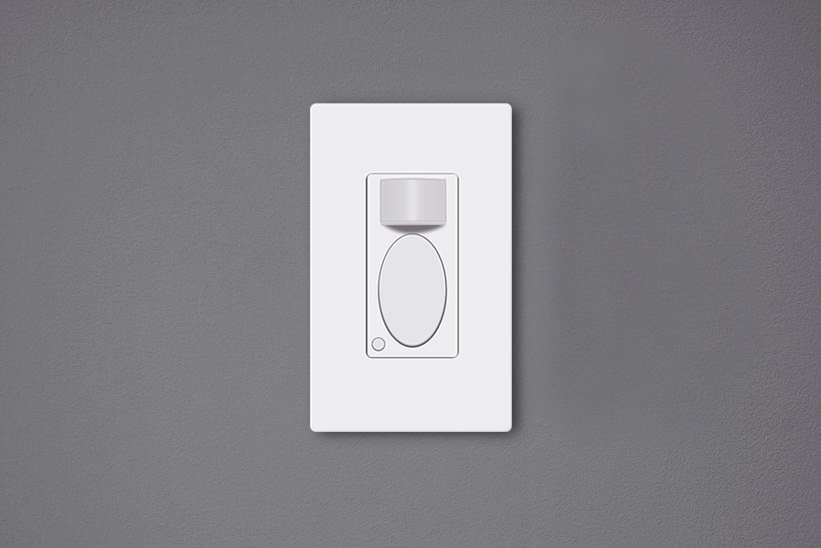
Bewegungssensor-Lichtschalter sind bewegungsaktivierte Wandlandschalter, die das Licht automatisch für uns einschalten können, während sich Personen im Raum befinden, und das Licht ausschalten, nachdem wir den Raum verlassen haben. Diese Bewegungssensor-Lichtschalter sind umweltfreundlich, können erhebliche Mengen an Energie sparen und machen unser Leben komfortabler, da wir den Lichtschalter nicht mehr berühren müssen.
Inhalt
- Warum müssen wir den Schalter einstellen?
- So stellen Sie einen Bewegungssensor-Lichtschalter ein
- Was ist bei der Einstellung des Schalters zu beachten?
Warum müssen wir den Schalter einstellen?
Die Einstellung eines Bewegungssensor-Lichtschalters nach der Installation ist entscheidend, da die Standardeinstellung möglicherweise nicht optimal für Sie ist. Obwohl die meisten Hersteller eine werkseitige Standardeinstellung anbieten, die für den gewöhnlichen täglichen Gebrauch sofort einsatzbereit ist, müssen Sie die Anpassungen möglicherweise dennoch ändern, um Ihren spezifischen Anforderungen gerecht zu werden.
Beispielsweise ist die Rayzeek motion sensor switch’-Standardeinstellung der Präsenzmodus, eine Ausschaltverzögerung von 1 Minute und ein Umgebungslichtwert von 25 Lux, was für die meisten Privatanwender absolut ausreichend ist. Sie können jedoch auch eine kürzere Ausschaltverzögerung wie 15 Sekunden und einen höheren Lux-Wert wie 35 Lux einstellen, um noch mehr Energie zu sparen.
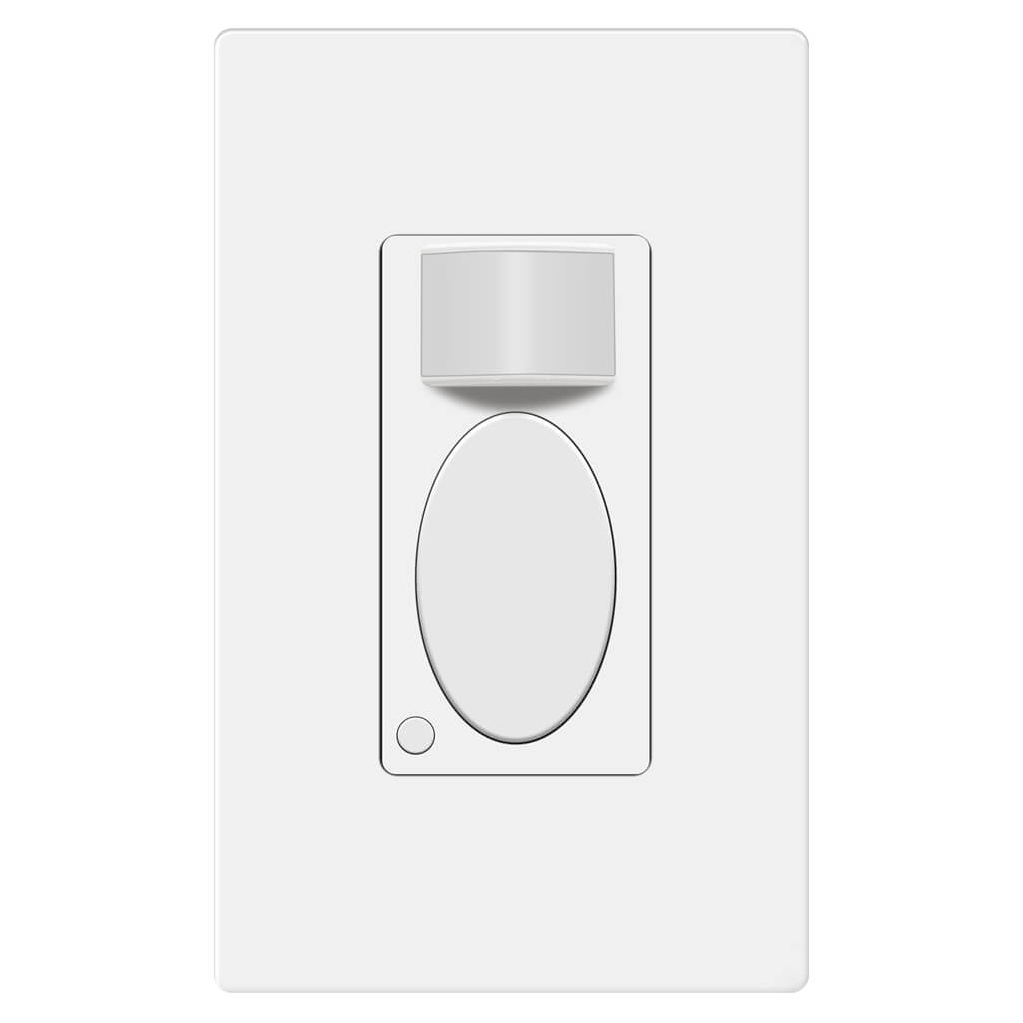
Rayzeek RZ021-5A-G
Lichtschalter mit Bewegungsmelder
Präsenz-/PIR-Sensor
- Exklusiver manueller EIN/AUS-Modus
- Kein Neutralleiter erforderlich
- 110V~277V Gewerbequalität
Wenn der Bewegungssensorschalter nicht ordnungsgemäß eingestellt ist, kann dies nicht nur zu einem höheren Stromverbrauch führen, sondern auch Unannehmlichkeiten wie versehentliches Ein- oder fehlerhaftes Ausschalten des Lichts verursachen.
So stellen Sie einen Bewegungssensor-Lichtschalter ein
Benutzer können die Einstellungen des Bewegungssensor-Lichtschalters anpassen, indem sie Kippschalter unter der Abdeckung umschalten oder Tasten auf der Oberfläche drücken.
Lassen Sie sich von den Rayzeek Bewegungssensor-Portfolios inspirieren.
Nicht das Richtige gefunden? Keine Sorge. Es gibt immer alternative Wege, Ihre Anforderungen zu erfüllen. Vielleicht kann eines unserer Portfolios helfen.
Viele der klassischen Bewegungssensor-Lichtschalter werden durch Ändern von Hilfstasten oder Kippschaltern hinter der Abdeckplatte programmiert. Um ein einheitliches Erscheinungsbild zu gewährleisten, sind die Tasten oder Kippschalter für die Anpassung optisch unter dem Bedienfeld verborgen. Um diese Einstellungen zu ändern, müssen Sie das Bedienfeld oder die Abdeckplatte des Bewegungssensor-Lichtschalters entfernen, um Zugriff darauf zu erhalten.
Heutzutage können innovative Bewegungssensor-Lichtschalter auf dem Markt direkt an der Oberfläche durch Drücken bestimmter Tasten eingestellt werden, ohne dass Abdeckungen oder Platten entfernt werden müssen. Wie bei den Bewegungssensoren der Serie Rayzeek können Sie alle Einstellungen anpassen, indem Sie zwei Tasten entweder kurz drücken oder gedrückt halten. Die neue Methode zur Einstellung der Parameter ist vorteilhafter, da sich die Abdeckungen am Schalter durch häufiges Entfernen lockern können.
Was ist bei der Einstellung des Schalters zu beachten?
Hier sind einige Richtlinien, die Sie bei der Einstellung Ihrer Bewegungssensorschalter für eine optimale Leistung befolgen können
Bewegungserkennungsmodus
Wenn Sie einen 2-in-1- oder Präsenz-/Absenzsensor wall switch, you are able to select the motion sensor light switch to work as an occupancy sensor switch or vacancy sensor switch. Some occupancy sensor with a manual-on feature is typically the same as an Occ/Van sensor.
Occupancy Mode
The occupancy sensor mode is an Auto-On/Auto-Off motion detection mode, which turns on the light when the motion sensor detects people and turns off after the motion detector cannot see the people.
The occupancy mode or occupancy sensor switch is competent to cover most requirements for daily residential and commercial applications. In the occupancy mode, the motion sensor light switch is completely hands-free and automatic, which is suitable for home and business use like kitchen, bathroom, hallways and private offices.
Vacancy Mode
The vacancy sensor mode is a Manual-On/Auto-Off motion detection mode, and sometimes it is also called a Manul-On occupancy mode. When in vacancy mode, the light turns on only after you manually press the button on the light switch, and the light will automatically turn off, similar to occupancy mode.
The vacancy sensor switch or vacancy mode is usually used in commercial places rather than homes because it is not entirely automatic and it would require some manual action. However, the vacancy sensor can save more energy than the occupancy sensor because the light will only turn on when people press the button, and it cannot turn the light on falsely like an occupancy sensor does. So vacancy sensor is required by energy code to be widely used in commercial buildings and often seen in offices such as conference rooms.
Ausschaltverzögerung
The time delay or time-out setting decides for how long the light is continuously kept on after the light is first activated by the motion detector. As long as the motion sensor detects people in the room, the light will keep on. After people leave the room and the motion sensor cannot detect any motion, the light will keep on and not instantly turn off in case of people coming back. After the time delay expires, the motion sensor switch will turn off the light.
Apparently, a short time delay, like 15 seconds, can turn off the light as soon as you leave the room, which is the most eco-friendly time out option. And a 30-minute time delay will keep the light ON for another 30 minutes after the room is already empty.
So how to set a proper time delay?
If you only need the light while you are using the room or just passing by for temporary illumination for navigation, you can set a shorter time delay like 15 seconds to 1 minute for maximum energy saving.
If you need to stay in the room for a long time, such as cooking or reading, or frequently coming in and out of the room while leaving the lights on, you can set a longer time delay, such as 15 to 30 minutes to the light ON and prevent it from undesired turn-offs.
Suchen Sie nach bewegungsgesteuerten Energiesparlösungen?
Kontaktieren Sie uns für komplette PIR-Bewegungssensoren, bewegungsgesteuerte Energiesparprodukte, Bewegungsmelderschalter sowie gewerbliche Präsenz-/Präsenzabwesenheitslösungen.
Lichtsensor
The light sensor or ambient light detection feature allows the light to stay off with sufficient ambient light to reduce unnecessary energy waste in the daytime because it’s a waste to keep the lights on when there is ample natural light.
Usually, users can choose to disable the light sensor or select from a low, medium, or high pre-set LUX value for the light sensor. The Lux measures luminous flux per unit area, equal to one lumen per square meter, and the LUX value somehow represents the brightness of the environment.
The higher the LUX value, the brighter the environment is. Some motion sensor switches would provide light sensor options with settings like low, medium to high, or with accurate LUX values like 15 LUX, 25 LUX, 35 LUX.
When the light sensor/ambient light detection is disabled, the motion sensor will turn on the light whenever it detects motion.
When the user selects a light sensor value, for example, low or 15LUX, the motion sensor will only activate the light when the ambient light is below 15LUX.
So how to set the light sensor value?
If you need the light to turn on in dark rooms for illumination, you can choose a low value like Low, 15LUX, or OFF.
If you need the light to turn on to provide supportive illumination to the natural light, for example, offices and kitchens in the daytime, you can choose a medium or high light sensor value like Medium, 25 LUX or 35 Lux.
If you need the light to turn on every time people pass by or enter, you can disable the light sensor.
Sensor-Empfindlichkeit
The sensor sensitivity calculates how far the motion sensor can detect, and the sensor sensitivity is a key factor to program before putting it into use. Unlike motion sensor lights, the motion sensor light switches need to be installed into wall boxes, so the location and placement of the motion sensor are usually highly restricted. After installation, the only way to alter the motion detection coverage zone is to change the sensor sensitivity of the motion sensor.
When the sensitivity is not well-adjusted, the motion sensor would not be as convenient as it should be.
When the sensitivity is too low, the motion sensor might be clumsy that the light will not detect you efficiently until you come quite near.
Das könnte Sie auch interessieren

- Spannung: 2 AAA-Batterien
- Tag-/Nachtmodus
- Ausschaltverzögerung: 15min, 30min, 1h (Standard), 2h

- Deckenmontierter PIR-Präsenzmelder mit potenzielfreiem Relaisausgang
- 12/24VDC oder 12/24VAC Niederspannungsversorgung
- Isolierte Relaiskontakte (COM, NO und NC) für EMS-, HVAC- und Gebäudesteuerungs-Eingänge

- Niederspannungs-DC-Mikrowellen-Bewegungssensorschalter für den Deckeneinbau
- 12 VDC / 24 VDC Eingang mit 10–30 VDC Bereich
- 10A max. Arbeitsstrom mit einstellbarer Zeitverzögerung, Lux-Schwelle und Empfindlichkeit
- Decken-Mikrowellen-Bewegungssensorschalter für den Einbau für höhere Lasten
- 100–265 VAC Netzspannungseingang, 10A-Modell
- 5,8-GHz-Mikrowellenerfassung mit einstellbarer Zeitverzögerung, Lux-Schwelle und Empfindlichkeit
- Unterputz-Mikrowellen-Bewegungssensorschalter für die Deckenmontage
- 100–265 VAC Netzspannungseingang, 5A-Modell
- 5,8-GHz-Mikrowellenerfassung mit einstellbarer Zeitverzögerung, Lux-Schwelle und Empfindlichkeit
- PIR-Präsenzsensor-Dimmer RZ037 für Deckenmontage und 220V-Stromversorgung
- 3A maximaler Betriebsstrom mit 660W Nennlast
- LUX-Taste steuert Lichtsensor-EIN/AUS sowie benutzerdefinierte Dimmhelligkeit
- PIR-Präsenzsensor-Dimmer RZ037 für Deckenmontage und 110V-Stromversorgung
- 3A maximaler Betriebsstrom mit 330W Nennlast
- LUX-Taste steuert Lichtsensor-EIN/AUS sowie benutzerdefinierte Dimmhelligkeit

- Niederspannungs-DC-Mikrowellen-Bewegungssensorschalter für die Deckenmontage
- 12 VDC / 24 VDC Eingang mit 10–30 VDC Bereich
- 10A max. Arbeitsstrom mit einstellbarer Zeitverzögerung, Lux-Schwelle und Empfindlichkeit
- Decken-Mikrowellen-Bewegungssensorschalter für höhere Lasten
- 100–265 VAC Netzspannungseingang, 10A-Modell
- 5,8-GHz-Mikrowellenerfassung mit einstellbarer Zeitverzögerung, Lux-Schwelle und Empfindlichkeit
- Mikrowellen-Bewegungssensorschalter für die Deckenmontage
- 100–265 VAC Netzspannungseingang, 5A-Modell
- 5,8-GHz-Mikrowellenerfassung mit einstellbarer Zeitverzögerung, Lux-Schwelle und Empfindlichkeit

- Niederspannungs-DC-Unterputz-PIR-Bewegungssensorschalter für die Deckenmontage
- 12 VDC / 24 VDC Eingang mit 10–30 VDC Bereich
- Maximaler Betriebsstrom 10A mit einstellbarer Zeitverzögerung, Lux-Schwelle und Empfindlichkeit

- PIR-Bewegungssensorschalter für Deckeneinbau für höhere Lasten
- 100–265 VAC Netzspannungseingang, 10A-Modell
- 360-Grad-Erfassung mit einstellbarer Ausschaltverzögerung, Lux-Schwelle und Empfindlichkeit
- PIR-Bewegungssensorschalter für Deckeneinbau
- 100–265 VAC Netzspannungseingang, 5A-Modell
- 360-Grad-Erfassung mit einstellbarer Ausschaltverzögerung, Lux-Schwelle und Empfindlichkeit

- Funk-Schalter- und Empfänger-Set zur Ein/Aus-Lichtsteuerung im Innenbereich
- 100-230VAC, 50/60Hz Empfänger mit 5A Nennstrom
- CR2032-betriebener Funkschalter mit 2,4GHz-Kommunikation
- Präsenzmodus (Auto-EIN/Auto-AUS)
- 12–24V DC (10–30VDC), bis zu 10A
- 360°-Erfassungsbereich, 8–12 m Durchmesser
- Ausschaltverzögerung 15 s–30 Min.
- Lichtsensor Aus/15/25/35 Lux
- Hohe/Niedrige Empfindlichkeit
- Auto-EIN/Auto-AUS Präsenzmodus
- 100–265V AC, 10A (Neutralleiter erforderlich)
- 360°-Erfassungsbereich; 8–12 m Erfassungsdurchmesser
- Ausschaltverzögerung 15 s–30 min; Lux AUS/15/25/35; Empfindlichkeit Hoch/Niedrig
- Auto-EIN/Auto-AUS Präsenzmodus
- 100–265V AC, 5A (Neutralleiter erforderlich)
- 360°-Erfassungsbereich; 8–12 m Erfassungsdurchmesser
- Ausschaltverzögerung 15 s–30 min; Lux AUS/15/25/35; Empfindlichkeit Hoch/Niedrig
When the sensitivity is too high, the motion sensor might be able to detect motion outside the room, such as people passing by outside, that will falsely turn on the light when there are actually no people in the room, causing electricity waste.
So how to set the sensor sensitivity value?
First, we set the sensitivity to high. If it works well then we keep it at high.
If the sensitivity is too high, that causes the light to turn on unexpectedly. Then we try to set the sensitivity to low.
If the low sensitivity is not enough for proper motion detection accuracy, we can set the sensitivity back to high. Then we can use some adhesive tapes to partially cover the motion detection window to lower the sensitivity step by step until we get the perfect result.








Great job explaining in great detail the obvious but all I wanted to know is how to adjust these settings
Hi James,
That depends on the models you have. Each has its own way of adjustments. So we don’t cover them in the article.
To adjust these settings, some use mechanical dials/toggles, some use small buttons located on the switch while some use APP.
Refer to your product manual on how to adjust them.
Basically it is easy and obvious.