
Nella maggior parte dei casi, i sensori di presenza sono estremamente affidabili, specialmente i sensori di movimento e presenza PIR. Gli interruttori con sensore di presenza funzionano perfettamente se installati correttamente e utilizzati in modo adeguato. La maggior parte dei problemi riscontrati durante l'uso quotidiano è dovuta a un'installazione o a una configurazione errata.
Ecco una guida completa ai problemi comuni e alla risoluzione dei problemi di un interruttore con sensore di movimento e presenza.
Indice
- Impossibile accendere/spegnere con un interruttore con sensore di presenza appena installato
- Il sensore non risponde alla pressione manuale del pulsante
- La luce rimane accesa dopo che la stanza/lo spazio si è svuotato
- La luce rimane spenta dopo l'installazione del nuovo interruttore con sensore
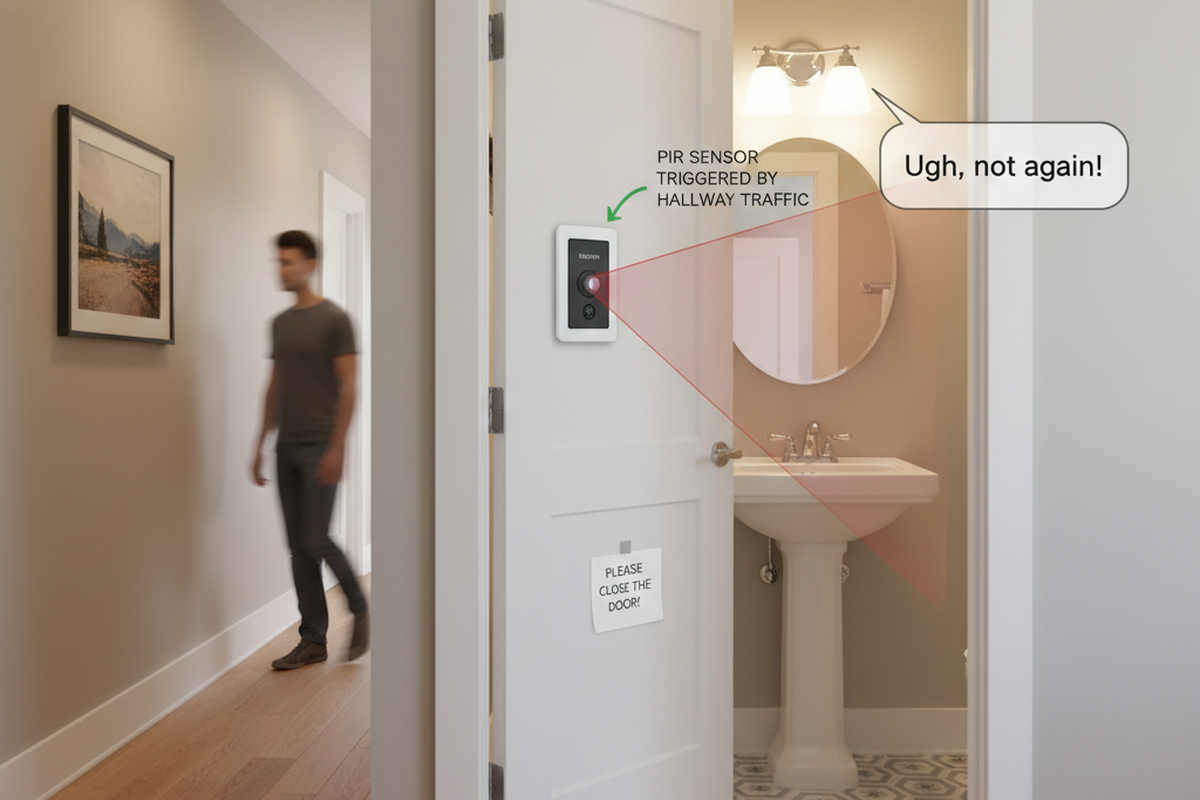
- La luce si accende al passaggio delle persone
- La luce si accende quando la stanza è vuota
- La luce si spegne quando la stanza è occupata
- La luce si spegne e poi si riaccende immediatamente
Impossibile accendere/spegnere con un interruttore con sensore di presenza appena installato
Possibili cause:
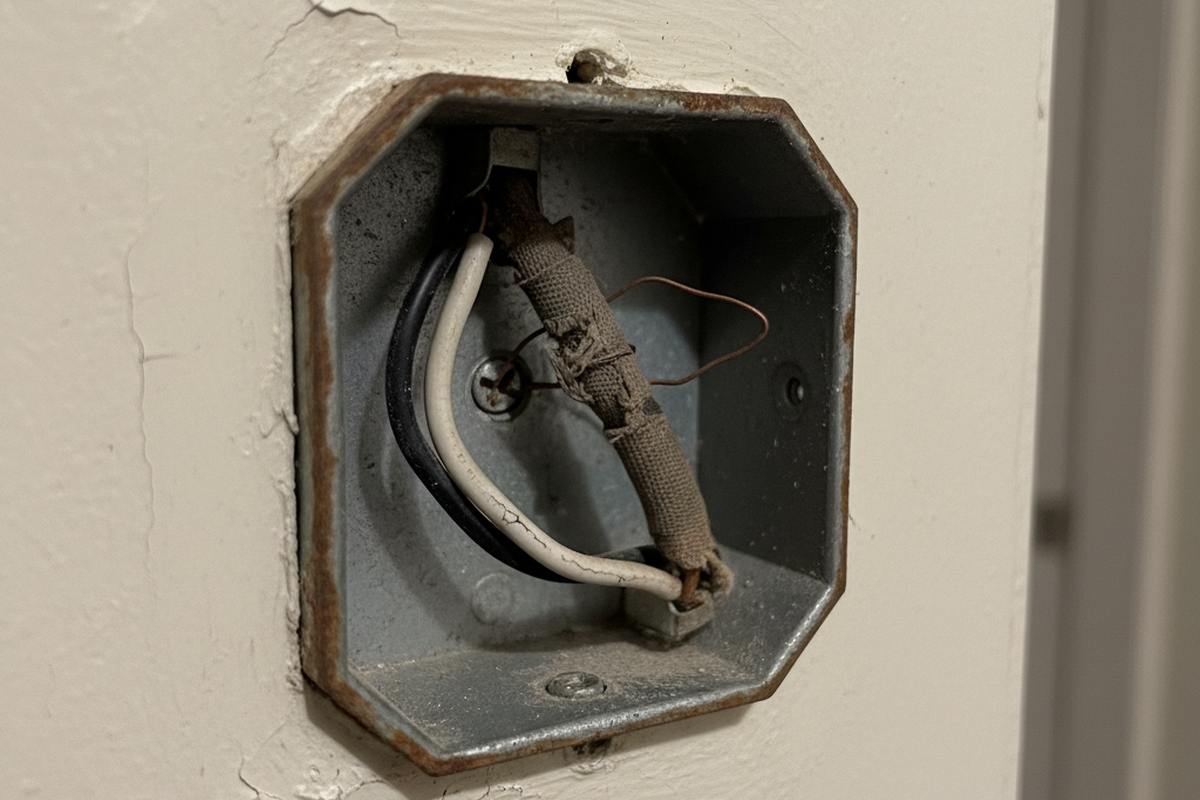
L'interruttore con sensore non è collegato correttamente.
Soluzione:
Verificare se il sensore di presenza richiede un cavo di neutro o meno.
- If it requires a neutral wire(4 wires), make sure green wire is connected to ground, and white wire connected to neutral.
- If it requires only a ground wire(3 wires), make sure green wire is connected to ground.
Il sensore non risponde alla pressione manuale del pulsante
Possibili cause:
The sensor is under initial power up or power outage, it needs time for initialization.
Soluzione:
Wait 30 seconds for the sensor to be fully functional and press the button again.
La luce rimane accesa dopo che la stanza/lo spazio si è svuotato
Possibili cause:
Sensor detecting an external noise source such as an HVAC vent.
Soluzioni:
Lasciati ispirare dai portafogli di sensori di movimento Rayzeek.
Non trovi quello che cerchi? Non preoccuparti. Esistono sempre modi alternativi per risolvere i tuoi problemi. Forse uno dei nostri portafogli prodotti può esserti d'aiuto.
- Change sensor sensitivity to low.
- Eliminate or decrease the external noise source.
- Relocate the sensor if possible.
Possibili cause:
Time out not passed
Soluzioni:
- Wait for the time dealy to expire.
- Change the time delay to a lower value.
Possibili cause:
Dual-technology ultrasonic and PIR sensors are placed too close together.
Soluzioni:
Possibili cause:
Sensor is facing rapid temperature change such as a HAVC or coffer maker.
Soluzioni:
- Change sensor sensitivity to low.
- Replace with a manual override sensor switch
- Replace with a dual technology sensor
Possibili cause:
Sensor is in manual on/off mode
Soluzioni:
- Turn off the switch
- Change to occupancy or vacancy mode.
La luce rimane spenta dopo l'installazione del nuovo interruttore con sensore
Possibili cause:
Circus breaker switch is in off position
Soluzione:
Turn on the switch
Possibili cause:
L'interruttore con sensore non è collegato correttamente.
Soluzione:
Verificare se il sensore di presenza richiede un cavo di neutro o meno.
- Wire the load wires correctly according to your user manual.
- If it requires a neutral wire(4 wires), make sure green wire is connected to ground, and white wire connected to neutral.
- If it requires only a ground wire(3 wires), make sure green wire is connected to ground.
Possibili cause:
Sensor connected to an improper voltage
Soluzione:
Check your voltage output to see if it matches the sensor voltage requirement.
Possibili cause:
Light bulb damaged
Soluzione:
Change your light bulbs.
Possibili cause:
Sensor in on/off mode, or vacancy mode
Soluzione:
- Change the sensor working mode to occupancy mode
- Manually turn on the switch
Possibili cause:
Potrebbero Interessarti Anche

- Tensione: 2 batterie AAA
- Modalità Giorno/Notte
- Ritardo spegnimento: 15min, 30min, 1h(predefinito), 2h
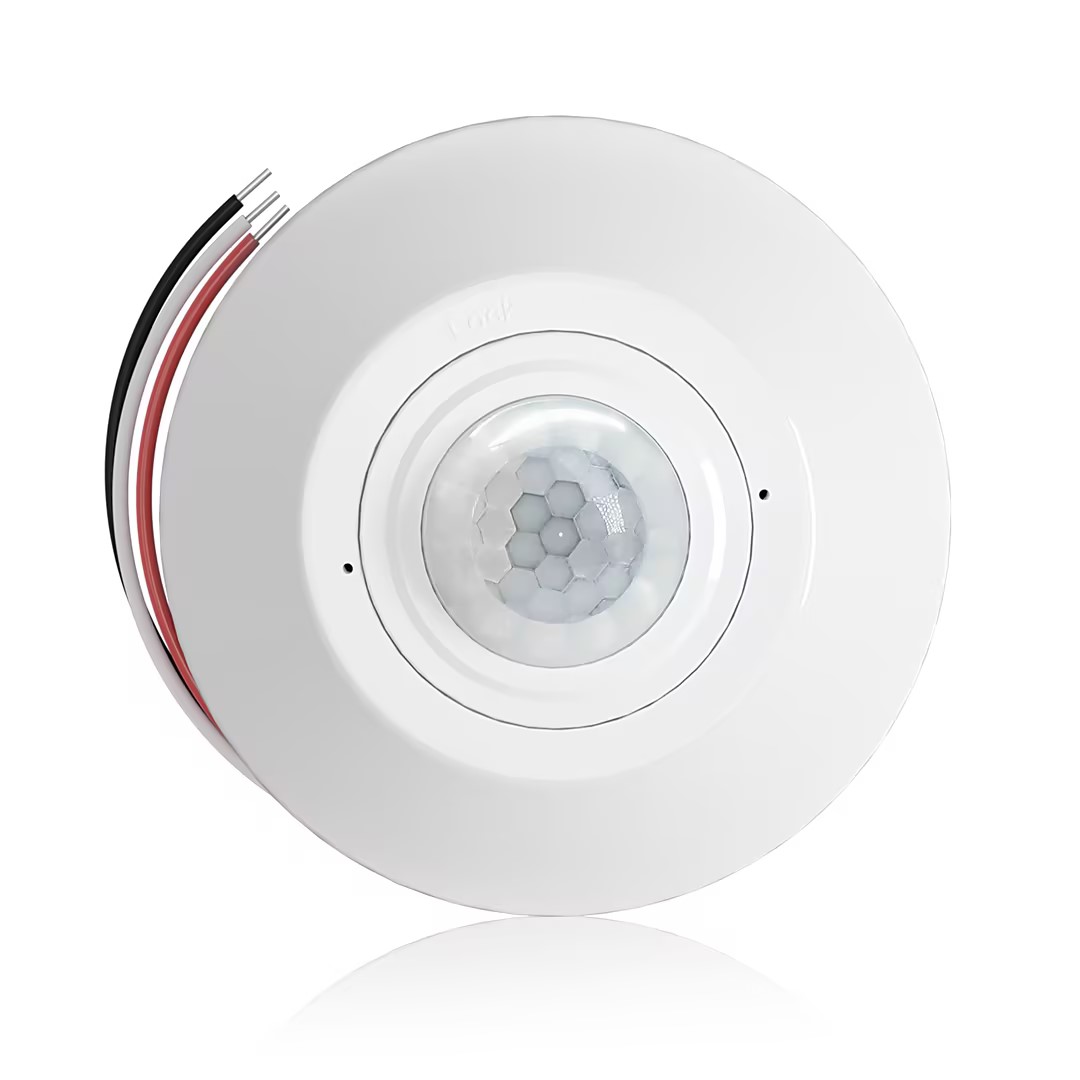
- Sensore di presenza PIR da soffitto con uscita relè a contatto pulito
- Alimentazione a bassa tensione 12/24VDC o 12/24VAC
- Contatti relè isolati COM, NO e NC per ingressi EMS, HVAC e controllo edifici
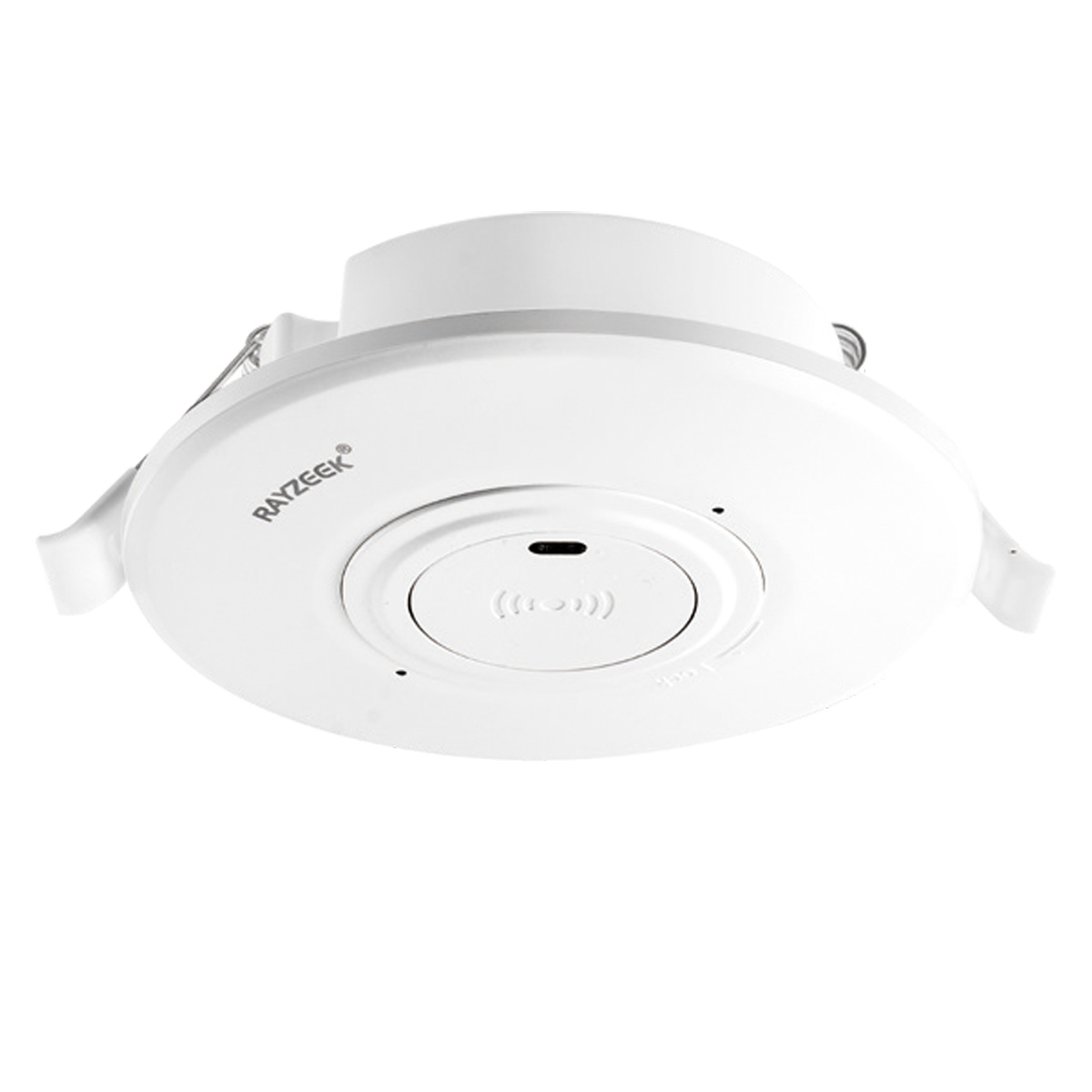
- Interruttore con sensore di movimento a microonde da soffitto a incasso in Bassa Tensione CC
- Ingresso 12 VDC / 24 VDC con intervallo 10-30 VDC
- Corrente di lavoro max 10A con ritardo temporale, soglia Lux e sensibilità regolabili
- Interruttore con sensore di movimento a microonde da soffitto a incasso per carichi più elevati
- Ingresso tensione di linea 100-265 VAC, modello da 10A
- Rilevamento a microonde a 5.8 GHz con ritardo temporale, soglia Lux e sensibilità regolabili
- Interruttore con sensore di movimento a microonde da soffitto a incasso
- Ingresso tensione di linea 100-265 VAC, modello da 5A
- Rilevamento a microonde a 5.8 GHz con ritardo temporale, soglia Lux e sensibilità regolabili
- Dimmer con sensore di presenza PIR RZ037 da soffitto per alimentazione a 220V
- Corrente di lavoro massima 3A con carico nominale di 660W
- Il pulsante LUX controlla l'ON/OFF del sensore di luce e la luminosità di regolazione impostata dall'utente
- Dimmer con sensore di presenza PIR RZ037 da soffitto per alimentazione a 110V
- Corrente massima di esercizio di 3A con carico nominale di 330W
- Il pulsante LUX controlla l'ON/OFF del sensore di luce e la luminosità di regolazione impostata dall'utente
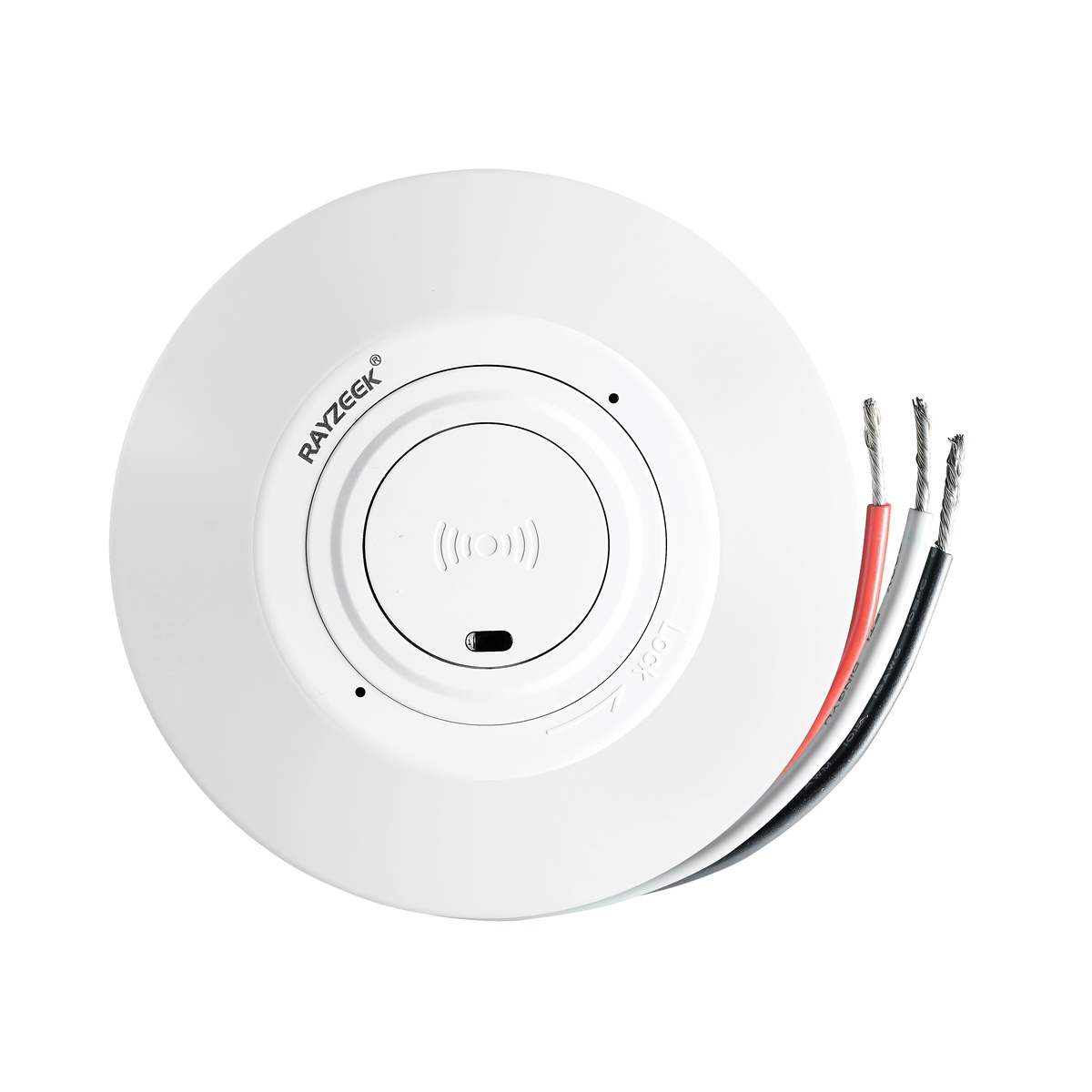
- Interruttore da soffitto con sensore di movimento a microonde a bassa tensione CC
- Ingresso 12 VDC / 24 VDC con intervallo 10-30 VDC
- Corrente di lavoro max 10A con ritardo temporale, soglia Lux e sensibilità regolabili
- Interruttore da soffitto con sensore di movimento a microonde per carichi più elevati
- Ingresso tensione di linea 100-265 VAC, modello da 10A
- Rilevamento a microonde a 5.8 GHz con ritardo temporale, soglia Lux e sensibilità regolabili
- Interruttore da soffitto con sensore di movimento a microonde
- Ingresso tensione di linea 100-265 VAC, modello da 5A
- Rilevamento a microonde a 5.8 GHz con ritardo temporale, soglia Lux e sensibilità regolabili
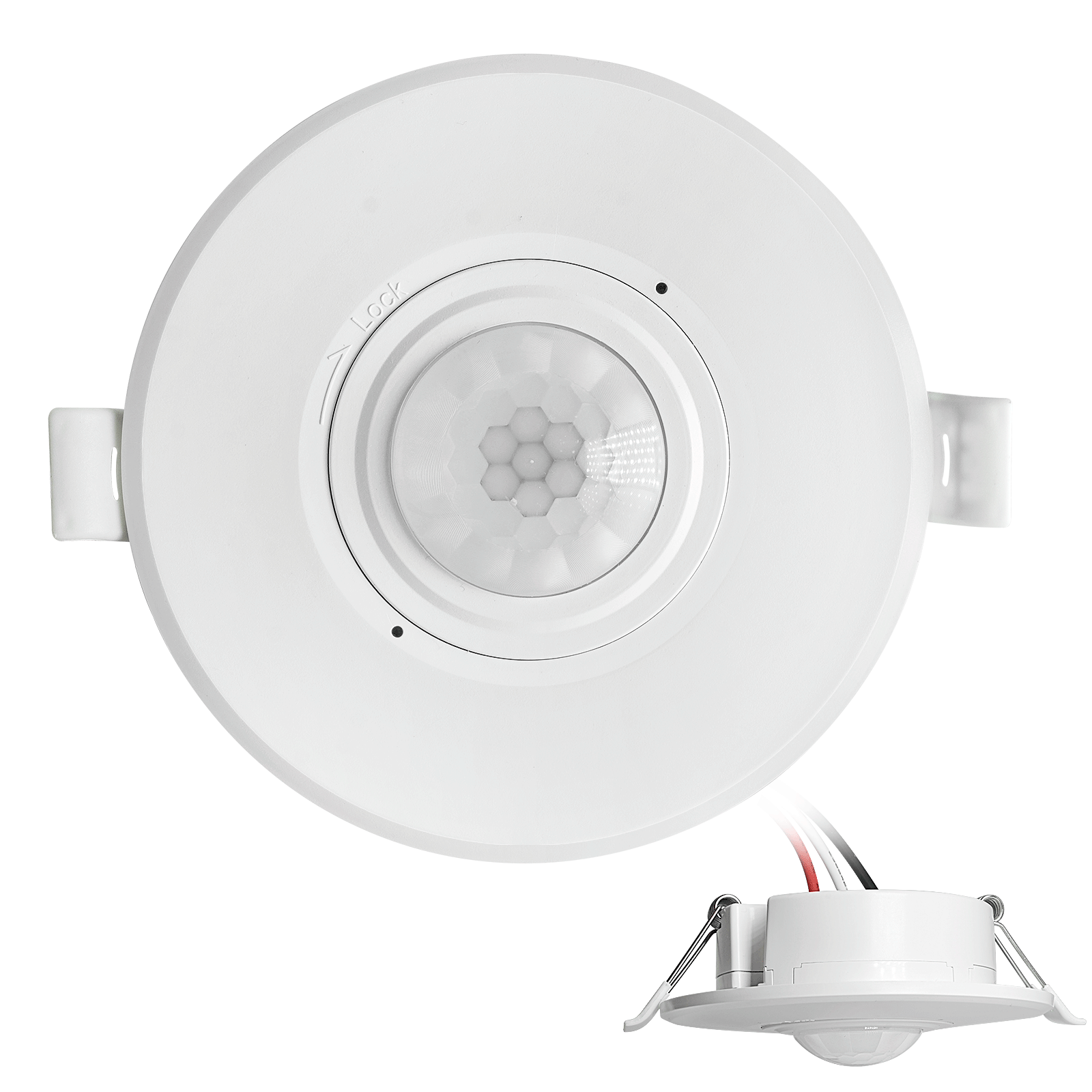
- Interruttore con sensore di movimento PIR da soffitto a incasso a bassa tensione CC
- Ingresso 12 VDC / 24 VDC con intervallo 10-30 VDC
- Corrente massima di esercizio di 10A con ritardo temporale, soglia Lux e sensibilità regolabili
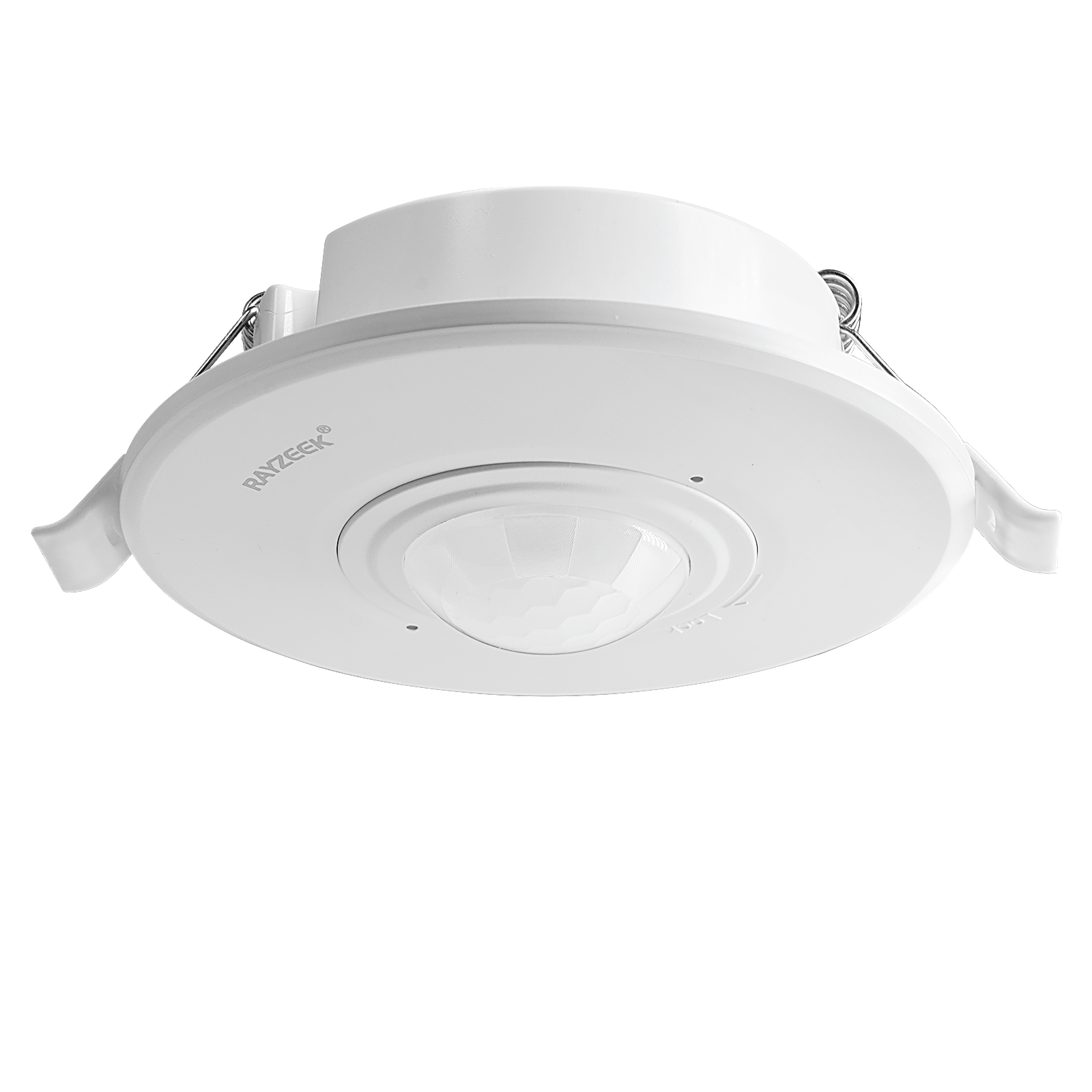
- Interruttore con sensore di movimento PIR da soffitto a incasso per carichi più elevati
- Ingresso tensione di linea 100-265 VAC, modello da 10A
- Rilevamento a 360 gradi con ritardo temporale, soglia Lux e sensibilità regolabili
- Interruttore con sensore di movimento PIR da soffitto a incasso
- Ingresso tensione di linea 100-265 VAC, modello da 5A
- Rilevamento a 360 gradi con ritardo temporale, soglia Lux e sensibilità regolabili
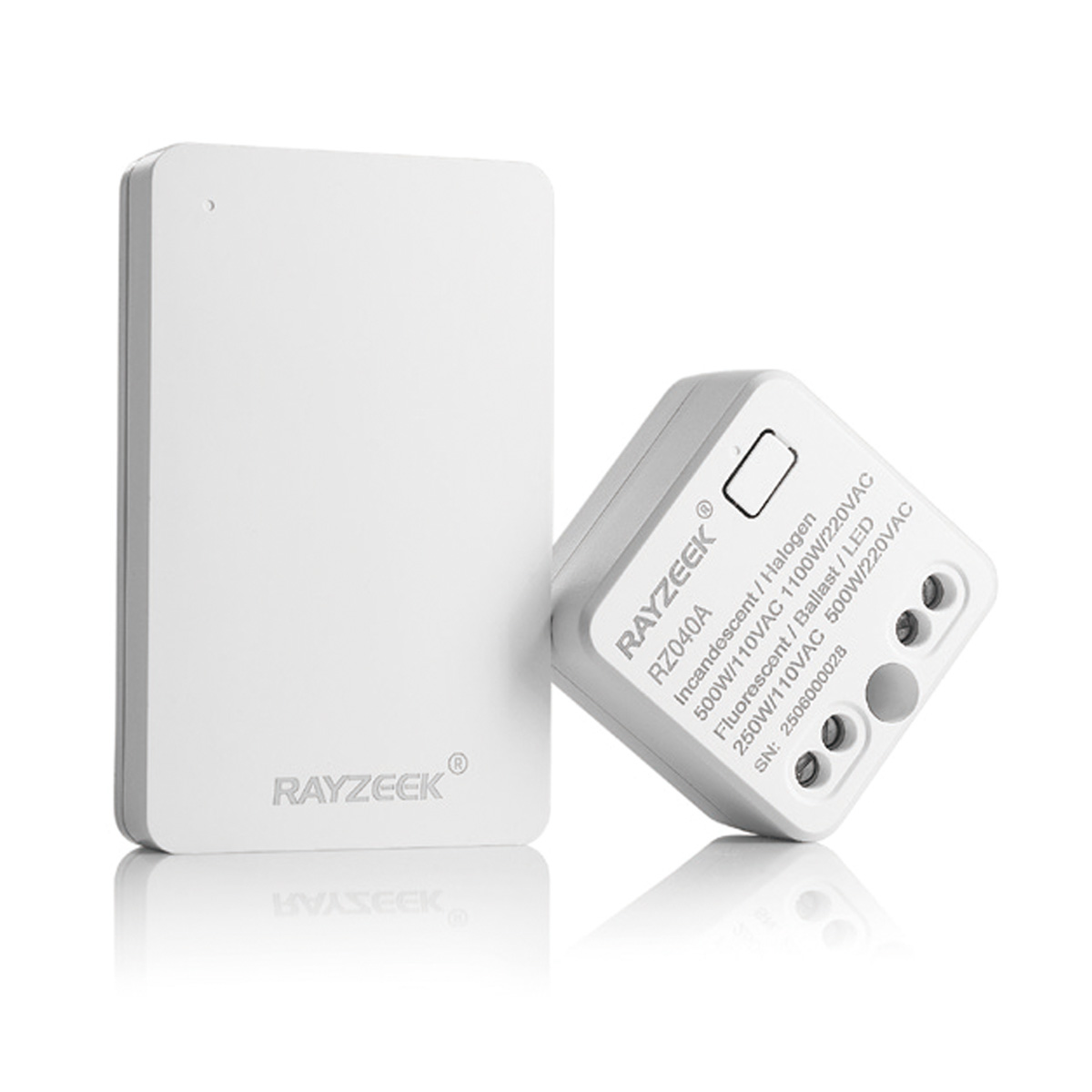
- Kit interruttore e ricevitore wireless per il controllo dell'illuminazione ON/OFF da interno
- Ricevitore 100-230VAC, 50/60Hz con corrente nominale di 5A
- Interruttore wireless alimentato da batteria CR2032 con comunicazione a 2,4 GHz
- Rilevamento presenza (Auto-ON/Auto-OFF)
- 12–24V DC (10–30VDC), fino a 10A
- Copertura a 360°, diametro di rilevamento 8–12 m
- Ritardo di spegnimento 15 s–30 min
- Sensore crepuscolare Off/15/25/35 Lux
- Sensibilità Alta/Bassa
- Modalità presenza Auto-ON/Auto-OFF
- 100–265V AC, 10A (neutro richiesto)
- Copertura a 360°; diametro di rilevamento 8–12 m
- Ritardo di spegnimento 15 s–30 min; Lux OFF/15/25/35; Sensibilità Alta/Bassa
- Modalità presenza Auto-ON/Auto-OFF
- 100–265V AC, 5A (neutro richiesto)
- Copertura a 360°; diametro di rilevamento 8–12 m
- Ritardo di spegnimento 15 s–30 min; Lux OFF/15/25/35; Sensibilità Alta/Bassa
Sensor set to ambient light sensing mode when ambient light is too bright
Soluzione:
- Change the ambient light level to none.
- Change the ambient light level to a proper value.
Possibili cause:
Sensor not detecting motion
Soluzione:
- Relocate the sensor switch to proper position
- Change sensor sensitivity to high.
Possibili cause:
Sensor not have full-view of the room/space
Soluzione:
- Relocate the sensor to proper position.
- Move the object which blocks the sensor’s detection range.
La luce si accende al passaggio delle persone
Possibili cause:
Sensor coverage extends beyond room perimeter
Soluzione:
Change sensor sensitivity to low.
Possibili cause:
Sensor detects motion from mirror or shiny objects reflections outside the room.
Soluzione:
- Change sensor sensitivity to low.
- Switch to manual on/off mode
- Cover and block some part of the sensor to reduce its sensitivity.
Possibili cause:
Turns on in vacancy mode
Soluzione:
- Lights can turn back on within 30 seconds following the time delay timeout. Meaning users should wait for another 30 seconds when the time delay expires, then the light is completely switched off and can be only turned on by manual action.
- Sensor Mode may be set to occupancy mode other than vacancy mode.
La luce si accende quando la stanza è vuota
Possibili cause:
Sensor triggered by activity outside the coverage area.
Soluzione:
- Change sensor sensitivity to low.
- Switch to manual on/off mode
- Cover and block some part of the sensor to reduce its sensitivity.
Possibili cause:
Ultrasonic sensor detecting airflow from an HVAC duct.
Soluzione:
- Change sensor sensitivity to low.
- Eliminate or decrease the external noise source.
- Relocate the sensor if possible.
Possibili cause:
Sensor is facing rapid temperature change such as a HAVC or coffer maker.
Soluzione:
- Change sensor sensitivity to low.
- Replace with a manual override sensor switch
- Replace with a dual technology sensor
La luce si spegne quando la stanza è occupata
Possibili cause:
Sensor’s timeout is too short for this application
Soluzione:
Change time delay to a proper value.
Possibili cause:
Room is too large for sensor’s coverage.
Soluzione:
Install additional sensor switches
Possibili cause:
Improperly located to not have full view of room
Soluzione:
- Relocate the sensor switch
- Move blocking objects avay from the sensor dection coverage.
Possibili cause:
Sensitivity adjusted to low
Soluzione:
Change sensor sensitivity to high
Possibili cause:
Pir damaged
Cerchi Soluzioni per il Risparmio Energetico Attivate dal Movimento?
Contattaci per sensori di movimento PIR completi, prodotti per il risparmio energetico attivati dal movimento, interruttori con sensore di movimento e soluzioni commerciali di presenza/vacanza.
Soluzione:
Replace with a new sensor.
Possibili cause:
Improper height
Soluzione:
Relocate the sensor switch to a proper height according to your user manuall guide.
La luce si spegne e poi si riaccende immediatamente
Possibili cause:
There is a heat source that changes its temperature rapidly
Soluzione:
- Block and cover part of the sensor to decrease its sensitivity.
- Switch to manual mode.