
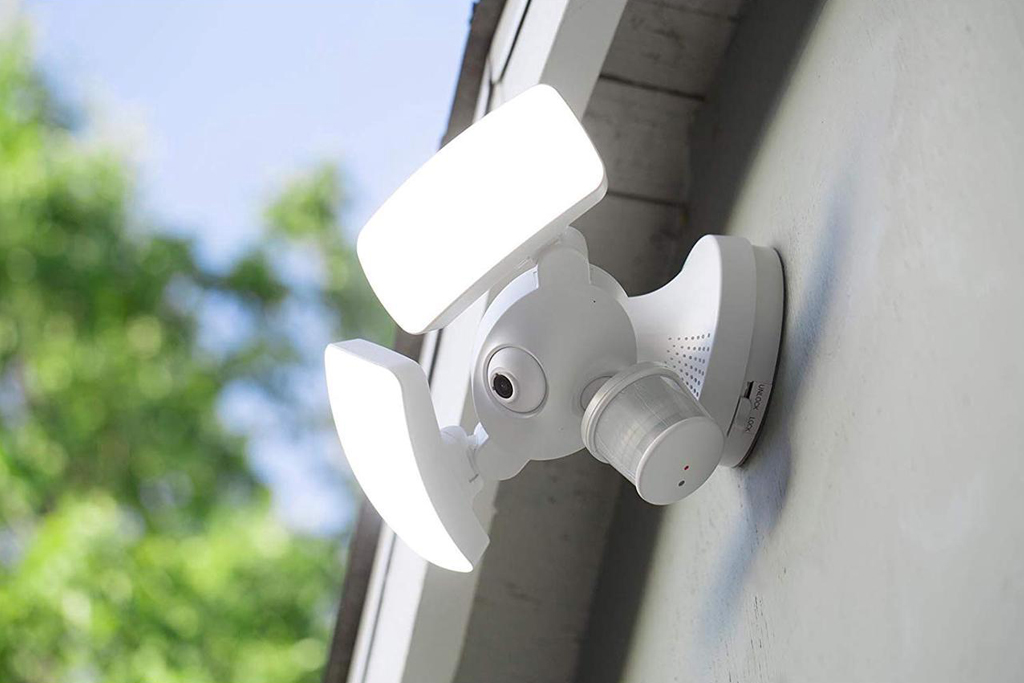
Motion sensor lights are great at saving energy and bringing convenience to our life. They can automatically turn on the light for us when detecting motion from people or moving objects in the area and turn off the light after they leave and the detecting zone is vacant to save energy and reduce electricity waste.
Motion sensor lights can be used indoors for illumination, decoration, and light automation or used outdoors as a security light to detect intruders and keep your family members safe.
Motion-activated lights can have many forms. It can be a standalone motion sensor light with an integrated built-in motion sensor, such as a security floodlight that is ready to use out of the box. Or you can install a 人感センサースイッチ or wire a motion detector to your existing light to make it function as a motion sensor light.
A motion sensor light works automatically, but what if you want to keep the motion sensor light on?
目次
Why Do We Want the Light to Stay On
Motion sensor lights are designed to automatically turn off the light if no motion is detected after a pre-set timer expires. For example, if you set a 20-minute timer, after the space is empty with no people, your light will keep on for another 20 minutes before turning off, to keep providing consistent illumination.
Though with an adjustable time delay range from 30 seconds to 30 minutes, the motion sensor light is applicable for most usage scenarios. There are still some situations where we need the light to always stay on for a better experience.
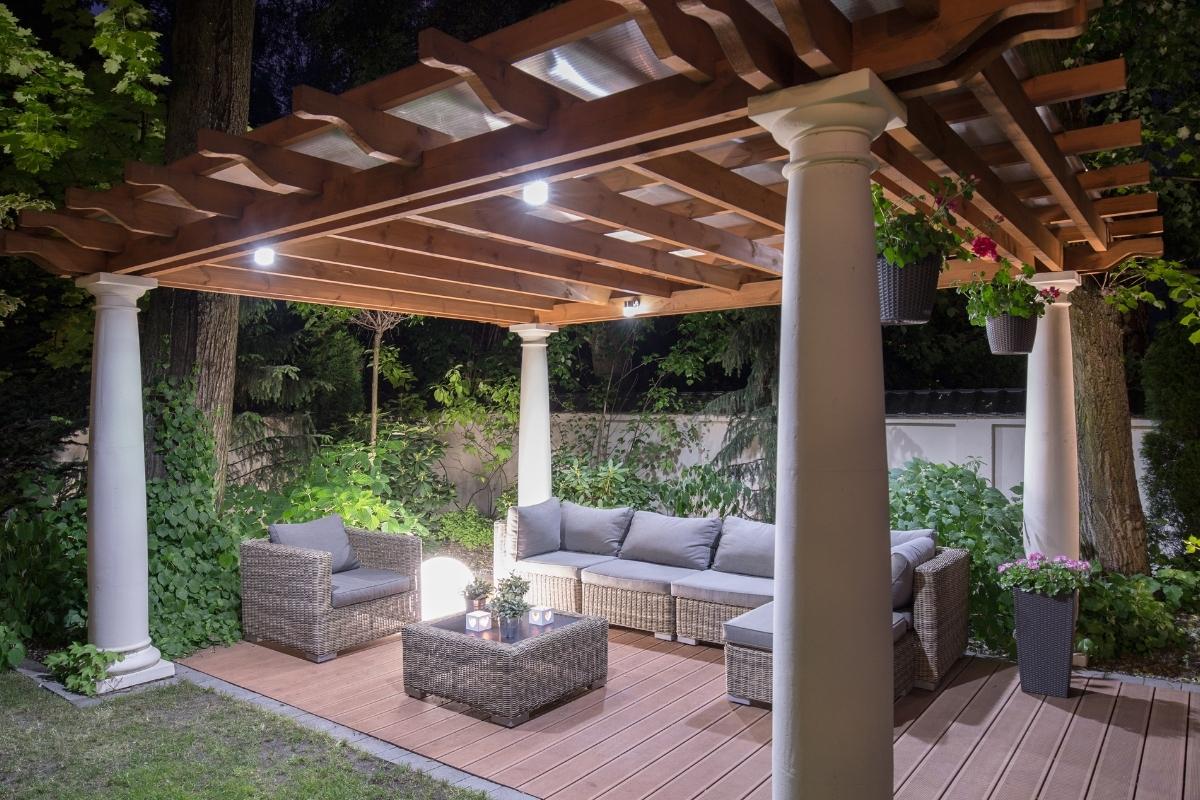
For example, motion sensor lights are ideal for outdoor usage, such as illuminating your backyard or garden. Still, sometimes we might want to keep the light on all night regardless of whether there is motion detected or not in the yard. For instance, when you are having a party with friends in your garden at night, you need to leave the light on for as long as it needs. If the motion detector is originally positioned to detect the people from the pathway, not the current partying area, the sensor might have a problem detecting motion, resulting in the light constantly turning off. And that can be a huge headache during party time.
It’s the same for indoor motion sensor lights. Sometimes we want the light in the stairway or study to stay on for a long time regardless of motion detection. For example, when we are having a good read in the study and the motion sensor is located far from us and unable to detect small and fine motions like turning pages, the light might frequently turn ON and OFF, which ruins the mood.
How to Make a Motion Sensor Light Stay On
Now we know that there is indeed quite a lot of need for a motion sensor light to stay on. And it’s inconvenient that we have to give up the advantage of a regular light that can stay on permanently by simply leaving the switch on, after we have “upgraded” all our lights to more advanced motion-activated lights. So how do we keep a motion sensor light stay on?
To keep a motion sensor light on, you can add a bypass switch to independently power the light, quickly switching the motion sensor ON&OFF to get the sensor stuck at ON position, or use a motion sensor light switch with an ON/OFF feature to keep indoor lights ON.
Quickly Switching the Motion Sensor On and Off
One of the quick tricks you can try is to quickly turn the motion sensor ON, OFF, ON to override the motion detection and make the light stay on.

To go back to motion detection mode, turn the motion sensor off, wait for about 10 seconds, and then turn it on again. The motion sensor will go back to the standard motion detection mode.
人感センサーを活用した省エネソリューションをお探しですか?
PIR人感センサー、人感センサー搭載省エネ製品、人感センサースイッチ、商業施設向けOccupancy/Vacancy(在室/不在)ソリューションについては、お気軽にお問い合わせください。
Why Does This Work
Some old PIR motion sensors are sensitive to voltage spikes or power surges, so the PIR人感センサー might get jammed and stuck at either ON or OFF position after a power spike caused by turning ON and OFF quickly.
This is also why you might see some motion sensor lights may suddenly turn on right after you turn on an air conditioner or washing machine inside the house. The heavy load appliance causes a voltage spike that triggers the motion sensor light to turn on.
There are people who claim that some old motion sensor lights have this “feature” built-in, but we don’t know for sure. Additionally, some new and advanced PIR motion sensors are resistant to power spikes so this trick won’t work. But this is definitely a trick worth trying because it does not require any tools or DIY installation.
Hardwire a Switch to Bypass the Sensor
You can hardwire an additional light switch parallel to the motion sensor, so you can power the light independently, bypassing the motion sensor. This way, the light can be powered by both hot wires from the motion sensor and the light switch.
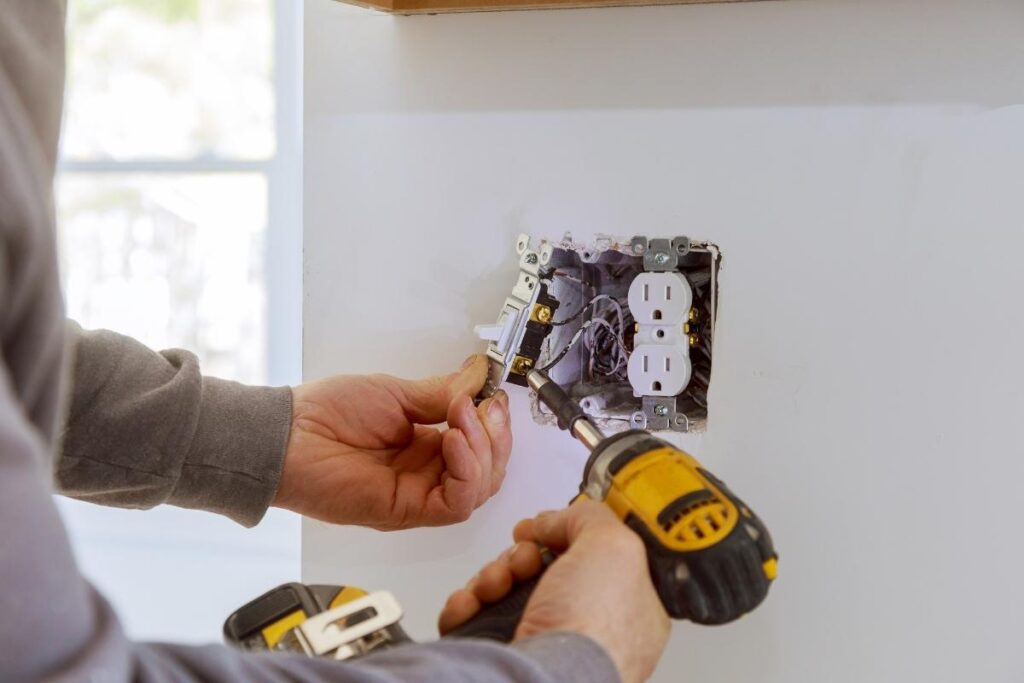
If you need to keep the light ON, you can simply turn on the switch. Now the light is powered straight from the hotwire from the switch’s line. Whether the motion sensor detects motion or not, it does not matter. The light will keep ON as long as you leave the switch ON.
If you want the light to switch back to motion-detecting mode, you can turn off the switch. Now the light only gets power from the motion detector. Whenever the motion sensor detects a valid motion signal, it will supply power to the light to turn on the light and cut off the power when the space is empty with no people.
The hardwire bypass method does require some wiring and manual work, but it’s a guaranteed method. And it can be fairly easy or a little bit complicated depending on the type of sensor light you have:
A Light Connected to a Motion Detector
If your motion sensor light is a combination of a motion detector and a standard light, it can be fairly easy to add a switch because the wirings are clear.
Select a switch from your house that is not in line between the sensor and light, and connect the output hotwire of the switch to the input of your light(which is also connected to the motion sensor’s output). It’s as simple as it is. Now the motion sensor and manual switch are parallel, and both can power the light.
You can have your imagination here to use a 3-way or even a dual switch for more precise control. For example, for the previous setup, it’s not possible to keep the light off because the light might still get power from the motion sensor. You can choose to keep the light off by adding a main switch to the motion sensor. It’s simple as well by wiring the main switch’s output to both inputs of the switch and motion sensor. In this way, you can turn off the main switch to keep the light off for as long as you like.
A Motion Sensor Light With Built-in Sensor
Now, this can be tricky because the motion sensor is built-in, and you only get three wires from the motion sensor light. Though the theory and wiring are exactly the same as above, you have to disassemble the motion sensor light and do a lot of rewiring.
こちらの商品もおすすめです

- 電圧: 単4形乾電池 2本
- 昼/夜モード
- タイマー設定時間: 15分、30分、1時間(デフォルト)、2時間

- 無電圧接点リレー出力付き天井取り付け型PIR人感センサー
- 12/24VDCまたは12/24VAC低電圧電源
- EMS、HVAC、および建物制御入力用COM、NO、NC絶縁リレー接点

- 低電圧DC天井埋め込み型マイクロ波人感センサースイッチ
- 10~30 VDC範囲の12 VDC / 24 VDC入力
- 調整可能なタイムラグ、照度(Lux)閾値、感度を備えた最大動作電流10A仕様
- 高負荷対応型 埋込型天井取付けマイクロ波人感センサースイッチ
- 100-265 VAC 商用電源入力、10Aモデル
- 調整可能なタイムラグ、照度(Lux)閾値、感度を備えた5.8 GHzマイクロ波検知
- 埋込型天井取付けマイクロ波人感センサースイッチ
- 100-265 VAC商用電圧入力、5Aモデル
- 調整可能なタイムラグ、照度(Lux)閾値、感度を備えた5.8 GHzマイクロ波検知
- 220V電源対応 天井取付けRZ037 PIR(赤外線)人感センサー調光器
- 定格負荷660W、最大動作電流3A
- LUXボタンによる照度センサーのON/OFFおよびユーザー設定の調光明るさ制御
- 110V電源対応 天井取付けRZ037 PIR(赤外線)人感センサー調光器
- 定格負荷330W、最大動作電流3A
- LUXボタンによる照度センサーのON/OFFおよびユーザー設定の調光明るさ制御

- 低電圧DC対応 天井取付けマイクロ波人感センサースイッチ
- 10~30 VDC範囲の12 VDC / 24 VDC入力
- 調整可能なタイムラグ、照度(Lux)閾値、感度を備えた最大動作電流10A仕様
- 高負荷対応 天井取付型マイクロ波人感センサースイッチ
- 100-265 VAC 商用電源入力、10Aモデル
- 調整可能なタイムラグ、照度(Lux)閾値、感度を備えた5.8 GHzマイクロ波検知
- 天井取り付け型マイクロ波人感センサースイッチ
- 100-265 VAC商用電圧入力、5Aモデル
- 調整可能なタイムラグ、照度(Lux)閾値、感度を備えた5.8 GHzマイクロ波検知

- 低電圧DC埋込型天井PIR人感センサースイッチ
- 10~30 VDC範囲の12 VDC / 24 VDC入力
- 最大動作電流10A(調整可能なタイムラグ、照度閾値、感度設定付き)

- 高負荷対応 埋込型天井PIR人感センサースイッチ
- 100-265 VAC 商用電源入力、10Aモデル
- 360度検知(調整可能なタイムラグ、照度閾値、感度設定付き)
- 埋込型天井PIR人感センサースイッチ
- 100-265 VAC商用電圧入力、5Aモデル
- 360度検知(調整可能なタイムラグ、照度閾値、感度設定付き)

- 屋内用照明ON/OFF制御ワイヤレススイッチ&受信機キット
- 100-230VAC、50/60Hz、定格電流5A受信機
- 2.4GHz通信対応 CR2032電池駆動ワイヤレススイッチ
- Occupancy(自動点灯/自動消灯)
- 12–24V DC (10–30VDC)、最大10A
- 360°検知エリア、直径8–12m
- タイムラグ 15秒–30分
- 照度センサー オフ/15/25/35 Lux
- 高/低感度
- 自動点灯/自動消灯人感モード
- 100–265V AC, 10A(中性線必須)
- 360°検知範囲、検知直径8–12 m
- タイムデレイ15秒–30分、Lux OFF/15/25/35、感度 高/低
- 自動点灯/自動消灯人感モード
- 100–265V AC, 5A(中性線必須)
- 360°検知範囲、検知直径8–12 m
- タイムデレイ15秒–30分、Lux OFF/15/25/35、感度 高/低
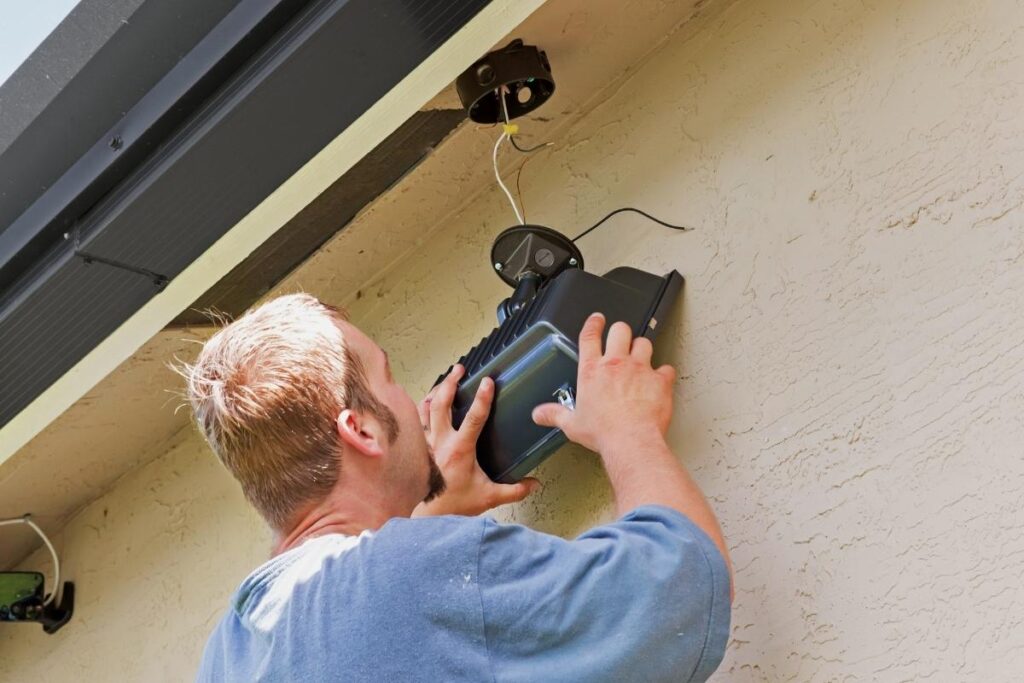
Some lights might be easy to rewire, and some might not. If your light is not easy to rewire, it’s recommended to upgrade it with a new one with an ON/OFF feature built-in, which is designed by default for users to control the light with a switch manually.
Note that this solution is for both outdoor and indoor motion sensor lights but mainly for controlling outdoor lights. For indoor motion sensor lights, we can have better options, such as using a motion sensor switch with ON/OFF feature. And many of the indoor lights already have built-in manual control settings because home users frequently need to adjust them, such as motion sensor strip lights and night lights, unlike the outdoor lights that are rarely adjusted once properly installed.
Rayzeek人感センサーのポートフォリオを見る.
お探しの製品が見つかりませんか?ご安心ください。課題を解決する手段は常に複数存在します。当社の製品ポートフォリオのいずれかがお役に立つかもしれません。
Use a Motion Sensor Switch With On/Off Feature
If your indoor motion-activated light setup is a light fixture controlled by an occupancy or vacancy wall switch, the best way I’d recommend is to use a motion sensor switch with an ON/OFF mode directly. With the ON mode enabled, you can keep the light ON permanently and keep the light OFF with the OFF mode selected, the same as a standard ligth switch.
These types of motion sensor switches have a built-in manual mode to make the motion sensor work like a normal light switch, regardless of any motion detection. And you can switch back to normal motion detection mode fairly easily by pressing some buttons on the switch panel.
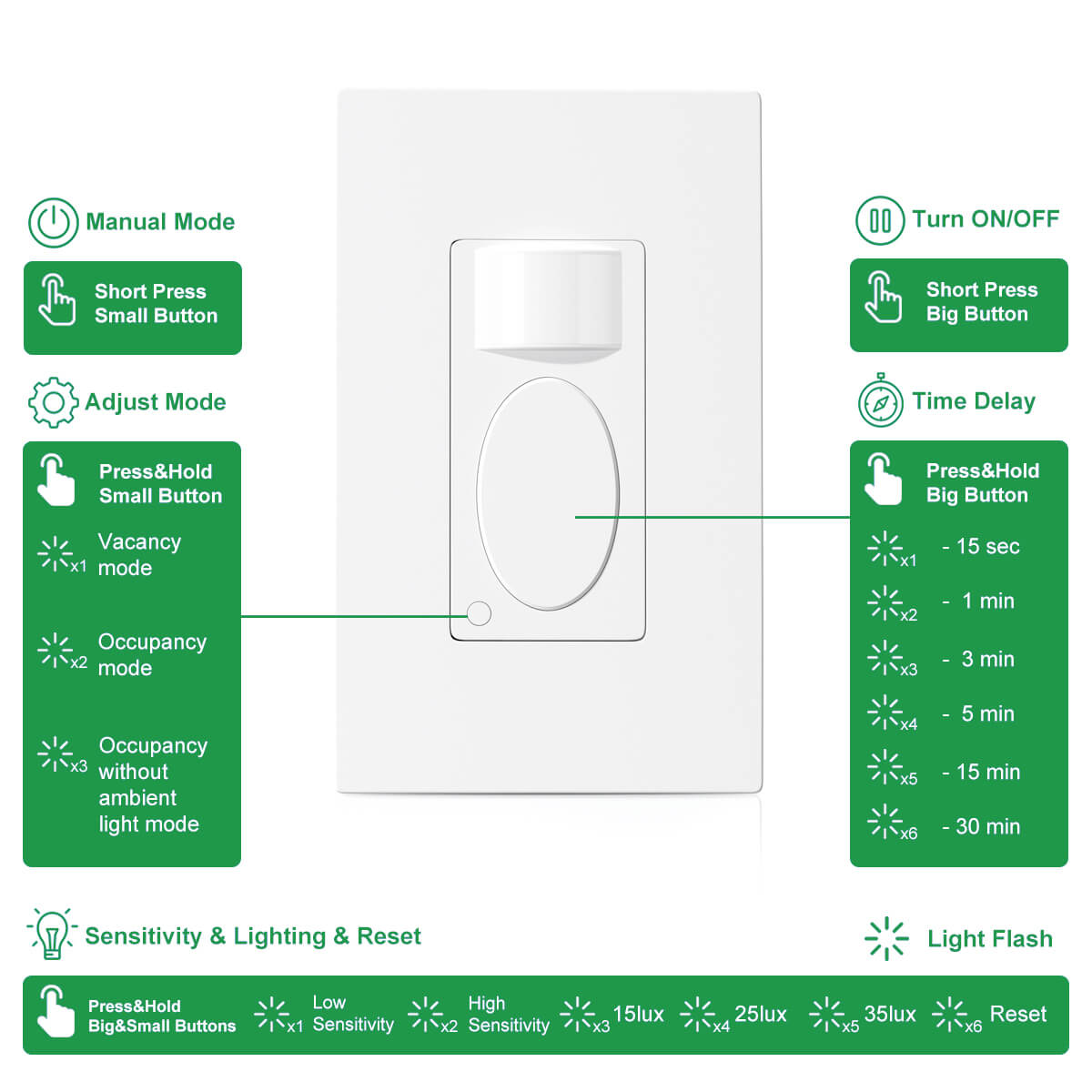
For example, our Rayzeek RZ-021 motion sensor light switch allows users to quickly shift the motion sensor switch to a standard light switch by pressing the small button. It’s extremely fast and convenient to select from ON, OFF or back to the previous motion detection mode with one button.
Why it’s best to use a motion sensor switch with manual mode?
First, by utilizing a motion sensor switch with a manual ON/OFF function, you don’t have to add another light switch to control the light. It just seems redundant and a waste.
Second, motion wall switches are particularly cost-effective nowadays. Compared to adding a manual switch, the cost of replacement with a new motion sensor with manual mode is pretty much similar.
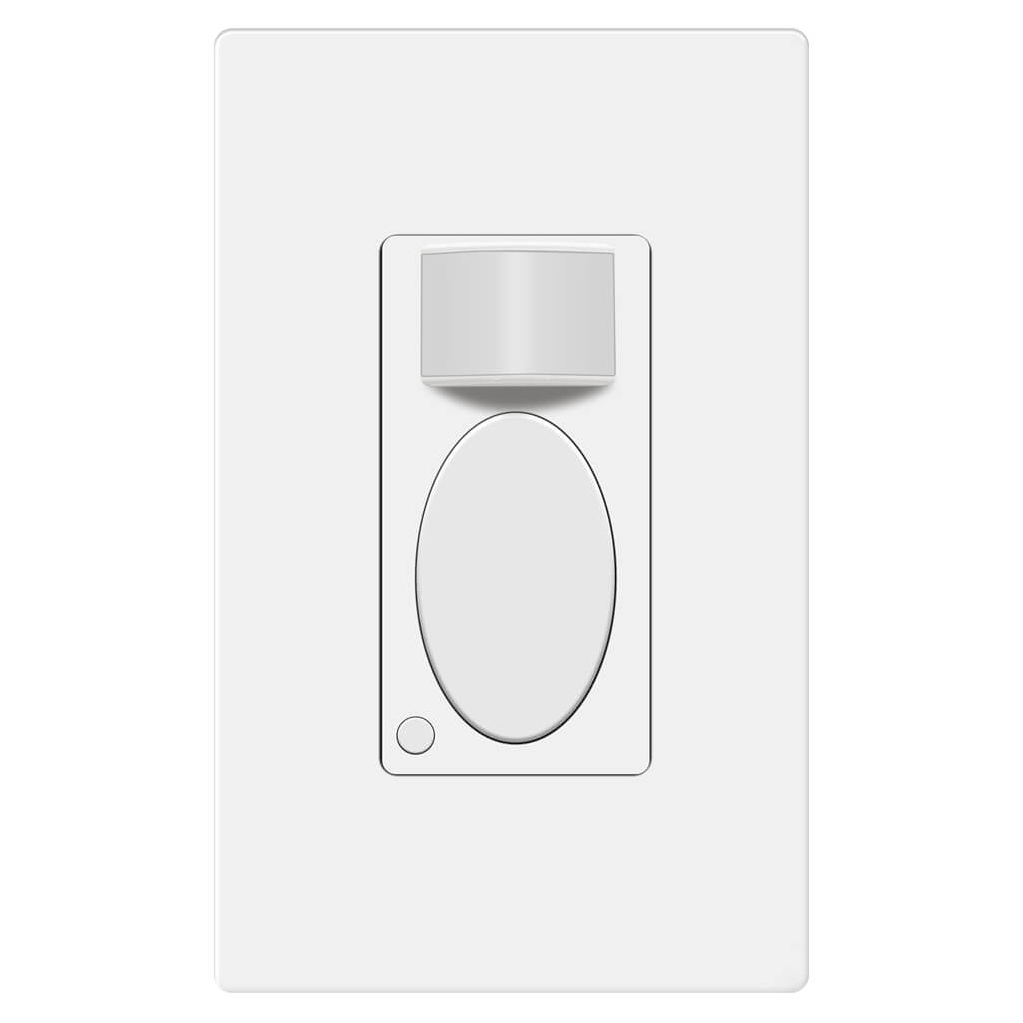
Lastly, a standard occupancy or vacancy motion sensor switch is not always better than a regular light switch. Even though a motion sensor switch is more advanced, automated, and energy-efficient, we will still think of the good old toggle light switch when we need to keep the light ON for the whole night, which is not achievable with a normal motion sensor switch. But you can definitely enjoy the best of both worlds with an ON/OFF motion sensor light switch from now on.
まとめ
Sometimes we do need to keep the lights on for special purposes. In most cases, motion sensor lights are better than standard lights. Finding a balance between motion activation and manual control is always an ongoing and interesting topic.
We hope this guide can help you find the best way that suits you to keep your motion sensor light ON and better enjoy your lighting in everyday life.








点灯時間が30秒より長く維持される人感センサーライトはどこで入手できますか? ガレージにおいて30秒の点灯時間では使い物になりません。動体を検知させ続けるために首振り扇風機を仕掛けてみましたが、効果はありませんでした。ライトは30秒のまま消灯してしまいます。
Hi John,
A fan probably won’t work as you tested. What kind of motion lights are you using? Nearly all motion-activated lights provide time-delay options as it’s a pretty basic function.
Mine last for 15 seconds. 15 seconds wth is a person going to do.in 15 secs lol
2ドルの時計ムーブメントを購入する
秒針のみを使用し、軽量なテープで延長する
センサーのすぐ上にムーブメントを固定する
I set my motion exterior light to stay on all the time, tonight it went off, I went to the wall switch and turned that to the off position, I waited a few seconds and turned the switch back to on, the light outside is now on, what would have made it go off and then be able to reset it and its back on, should I be concerned?
Small issue I have griping about an unmet need for a 12 hour occupancy proximity switch
These days newer homes are better and tighter built. They are also required to have an ‘always on’ whole house exhaust fan.
The reason for all this is modern homes are getting so air tight. And can result in carbon dioxide poisoning making you drunk on lack of oxygen, mentally retarded, even death in your home has been reported (in the U.K.).
People don’t understand the need, and so there is no current demand nor availability of a 12+ hour occupancy motion activated proximity switch. The longest proximity switch settings are all 30 minutes maximum.
I really need one that can be set for 12 hours — so that long catch up sleepers slumbering away in the bedroom for up to 12 hours (or more) will still have the whole house exhaust fan going. And still automatically turn off if you leave the house for a vacation or weekend.
Too bad. One day the need for longer timed proximity switches will result in their manufacture. We are still not ‘advanced’ enough.
The on, off, on didn’t work. I’m using the light in a pagoda lawn ornament, so hard wiring is not an option. What else can I try to keep my solar light on continuously and by pass “motion” feature?
Hi Joan,
The ON/OFF/ON is a “flaw” of old motion sensor design that “jams” the sensors to be ON/OFF. It will not work on modern PIR motion sensors.
Since hardwiring is not an option for your solar light, we suggest buying a new motion solar light with a dusk-to-dawn feature that can keep the light on when in the dark.
Bonjour,
Je cherche, pour une personne âgée qui se lève la nuit sans allumer, une lampe de chevet qui s’allume toute seule dès que la personne bouge et qui reste allumée au moins une demi-heure le temps qu’elle se repère, qu’elle fasse ce qu’elle a à faire et revienne dans son lit … sans qu’il soit besoin d’appuyer sur un bouton quelconque. Est-ce que cela existe ? dans l’affirmative me conseiller. Merci. Cordialement.