

Physics does not care about your mesh network. You can install the most expensive Wi-Fi 6 access points money can buy, but the moment you roll a steel tool chest in front of a receiver in a pole barn, that signal dies. Workshops are not living rooms. They are hostile environments filled with electromagnetic interference, physical obstructions, and users wearing thick nitrile gloves.
We see the same mistake repeated in shop fit-outs every season. A woodworker or mechanic wants automatic lighting, so they buy the same “Smart Life” app-driven switch they use in their kitchen. Then the complaints start. The lights won’t pair. They drop offline when the welder starts up. Or worst of all, they demand a firmware update when you just want to turn the lights on to find a wrench.
In a workshop, reliability is defined by Mean Time Between Interaction. If you have to touch the switch to reboot it, re-pair it, or fuss with an app, the device has failed. You don’t need better software to fix this. You need better hardware. Specifically, you want sensors that rely on physical trim pots—literal screws you turn with a driver—rather than code relying on a cloud server in a different time zone.
The Case for the “Grease Test”
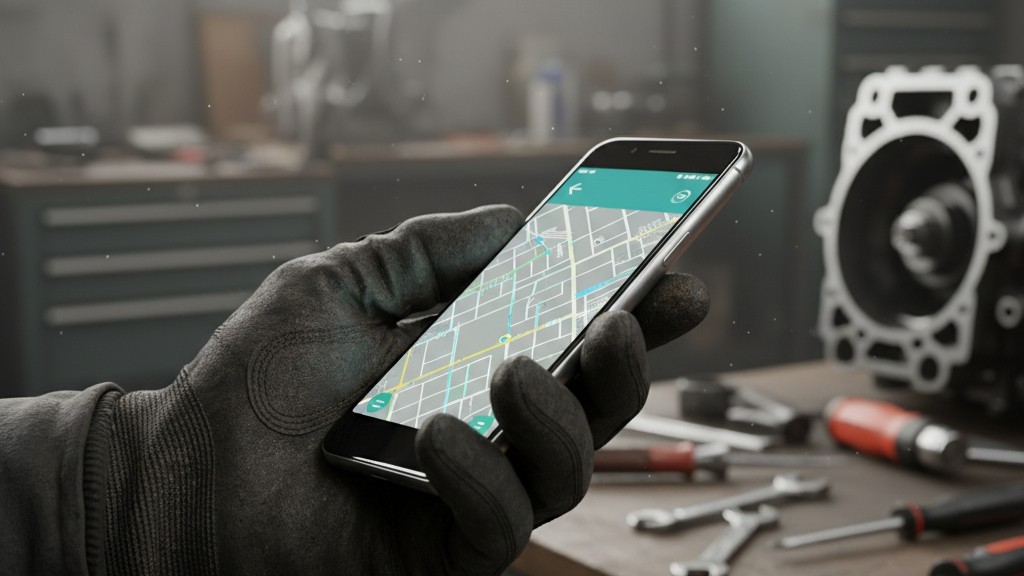
Consider the ergonomics of the average shop day. Your hands are covered in grease, sawdust, or resin. You are wearing mechanics gloves. You need to adjust the timeout on your lights because they keep turning off while you’re under a chassis.
If you installed a smart switch, you now have to strip off your gloves, find your phone, hope it unlocks with a dirty thumbprint, open an app, wait for it to connect to a cloud server, and slide a virtual toggle. If you installed a high-end Lutron Maestro, you are standing there holding a plastic button for 15 seconds, counting LED flashes like you’re trying to defuse a bomb, hoping you didn’t just reset the unit to factory defaults.
This is where the Rayzeek RZ021 and similar “dumb” sensors win. They pass the Dirty Hands Test. Pop the faceplate off, and you are looking at three physical dials (trim pots): Time, Lux (light sensitivity), and Sensitivity (range). You take a generic flathead screwdriver—the one you use for prying paint cans—and turn the dial. Clockwise for more, counter-clockwise for less. That’s it. No pairing mode, no 2.4GHz signal requirement, no account creation.
Some will argue that you lose the granularity of an app. They’ll say, “But I can’t set it to exactly 13 minutes.” It doesn’t matter. In the field, you don’t need 13 minutes. You need “Short,” “Medium,” or “Long.” A physical potentiometer gives you infinite resolution between its stops without requiring a single packet of data to traverse a network that is likely being scrambled by the aluminum siding of your garage anyway.
Vacancy Mode: A Safety Critical Requirement
There is a dangerous misconception that “Motion Sensor” equals “Auto-On.” In a workshop, “Auto-On” (Occupancy Mode) can be a liability. In some zones, it is a severe safety hazard.
こちらの商品もおすすめです

- 電圧: 単4形乾電池 2本
- 昼/夜モード
- タイマー設定時間: 15分、30分、1時間(デフォルト)、2時間

- 無電圧接点リレー出力付き天井取り付け型PIR人感センサー
- 12/24VDCまたは12/24VAC低電圧電源
- EMS、HVAC、および建物制御入力用COM、NO、NC絶縁リレー接点

- 低電圧DC天井埋め込み型マイクロ波人感センサースイッチ
- 10~30 VDC範囲の12 VDC / 24 VDC入力
- 調整可能なタイムラグ、照度(Lux)閾値、感度を備えた最大動作電流10A仕様
- 高負荷対応型 埋込型天井取付けマイクロ波人感センサースイッチ
- 100-265 VAC 商用電源入力、10Aモデル
- 調整可能なタイムラグ、照度(Lux)閾値、感度を備えた5.8 GHzマイクロ波検知
- 埋込型天井取付けマイクロ波人感センサースイッチ
- 100-265 VAC商用電圧入力、5Aモデル
- 調整可能なタイムラグ、照度(Lux)閾値、感度を備えた5.8 GHzマイクロ波検知
- 220V電源対応 天井取付けRZ037 PIR(赤外線)人感センサー調光器
- 定格負荷660W、最大動作電流3A
- LUXボタンによる照度センサーのON/OFFおよびユーザー設定の調光明るさ制御
- 110V電源対応 天井取付けRZ037 PIR(赤外線)人感センサー調光器
- 定格負荷330W、最大動作電流3A
- LUXボタンによる照度センサーのON/OFFおよびユーザー設定の調光明るさ制御

- 低電圧DC対応 天井取付けマイクロ波人感センサースイッチ
- 10~30 VDC範囲の12 VDC / 24 VDC入力
- 調整可能なタイムラグ、照度(Lux)閾値、感度を備えた最大動作電流10A仕様
- 高負荷対応 天井取付型マイクロ波人感センサースイッチ
- 100-265 VAC 商用電源入力、10Aモデル
- 調整可能なタイムラグ、照度(Lux)閾値、感度を備えた5.8 GHzマイクロ波検知
- 天井取り付け型マイクロ波人感センサースイッチ
- 100-265 VAC商用電圧入力、5Aモデル
- 調整可能なタイムラグ、照度(Lux)閾値、感度を備えた5.8 GHzマイクロ波検知

- 低電圧DC埋込型天井PIR人感センサースイッチ
- 10~30 VDC範囲の12 VDC / 24 VDC入力
- 最大動作電流10A(調整可能なタイムラグ、照度閾値、感度設定付き)

- 高負荷対応 埋込型天井PIR人感センサースイッチ
- 100-265 VAC 商用電源入力、10Aモデル
- 360度検知(調整可能なタイムラグ、照度閾値、感度設定付き)
- 埋込型天井PIR人感センサースイッチ
- 100-265 VAC商用電圧入力、5Aモデル
- 360度検知(調整可能なタイムラグ、照度閾値、感度設定付き)

- 屋内用照明ON/OFF制御ワイヤレススイッチ&受信機キット
- 100-230VAC、50/60Hz、定格電流5A受信機
- 2.4GHz通信対応 CR2032電池駆動ワイヤレススイッチ
- Occupancy(自動点灯/自動消灯)
- 12–24V DC (10–30VDC)、最大10A
- 360°検知エリア、直径8–12m
- タイムラグ 15秒–30分
- 照度センサー オフ/15/25/35 Lux
- 高/低感度
- 自動点灯/自動消灯人感モード
- 100–265V AC, 10A(中性線必須)
- 360°検知範囲、検知直径8–12 m
- タイムデレイ15秒–30分、Lux OFF/15/25/35、感度 高/低
- 自動点灯/自動消灯人感モード
- 100–265V AC, 5A(中性線必須)
- 360°検知範囲、検知直径8–12 m
- タイムデレイ15秒–30分、Lux OFF/15/25/35、感度 高/低
Imagine a woodworker setting up a complex cut on a table saw. The power flickers during a storm—common in rural shops—or the sensor resets. If the lights default to “On,” or the sensor triggers because you walked past the door, you might be startled. But the real danger is the inverse: “Auto-Off” when you are in a dangerous position.
More critical is the “Vacancy Mode” setting. This forces the user to manually toggle the switch to turn the lights ON, but the sensor will automatically turn them OFF after you leave. For zones with power tools like band saws or drill presses, this is the only acceptable configuration. You do not want lights popping on unexpectedly because a stray cat ran through the shop, potentially startling an operator or masking the indicator lights of a machine left running.
The Rayzeek units handle this with a physical dip switch or a specific wiring configuration, not a software toggle that can reset after a power outage. You set the hardware state, and it stays there until you physically change it again. This persistence is vital. We have seen “smart” switches default to “On” after a power loss, flooding a shop with light and heat when the owner is on vacation. A physical toggle never “forgets” its position.
Wiring Reality: Neutrals and Loads
Before ordering a box of sensors, look inside your wall. Most reliable sensors, including the RZ021, utilize a relay that requires a Neutral wire (usually White in US residential wiring).
Many older barns and detached garages use “switch loops,” where you have a Line and a Load (Black and maybe Red or taped White), but no true Neutral bundle in the box. If you don’t have that bundle of white wires capped off in the back, a standard relay sensor will not work. You will either need to pull new wire (a massive headache) or find a “No Neutral” sensor, which often relies on leaking a small amount of current through the bulb to stay powered.
人感センサーを活用した省エネソリューションをお探しですか?
PIR人感センサー、人感センサー搭載省エネ製品、人感センサースイッチ、商業施設向けOccupancy/Vacancy(在室/不在)ソリューションについては、お気軽にお問い合わせください。
This current leakage brings us to the “LED flicker” problem. In a shop, you are likely running high-efficiency LED tubes or retrofit fixtures. Cheap LED drivers are notoriously sensitive. If you use a sensor that leaks current to power itself, your shop lights may never turn fully off, glowing faintly or strobing like a disco in the dark. The RZ021 avoids this by using the Neutral wire to power its internal electronics separately from the load. It’s a clean break.
Check the load rating, too. A 15-amp relay is standard, but if you are daisy-chaining twelve 4-foot fluorescent fixtures that haven’t been converted to LED yet, the in-rush current can weld the contacts of a cheap relay shut. The sensor clicks, but the lights never turn off. If you’re running old T12 ballasts, do the math on your amperage before installing the switch.
False Triggers: The Heat Problem
Workshops are often heated by forced-air units like the Modine Hot Dawg or similar ceiling-mounted heaters. This creates a specific problem for Passive Infrared (PIR) sensors. PIR sensors detect changes in heat signatures. When a 40,000 BTU heater kicks on and blasts a wave of hot air across the room, a sensitive PIR sensor can interpret that moving heat cloud as a person.
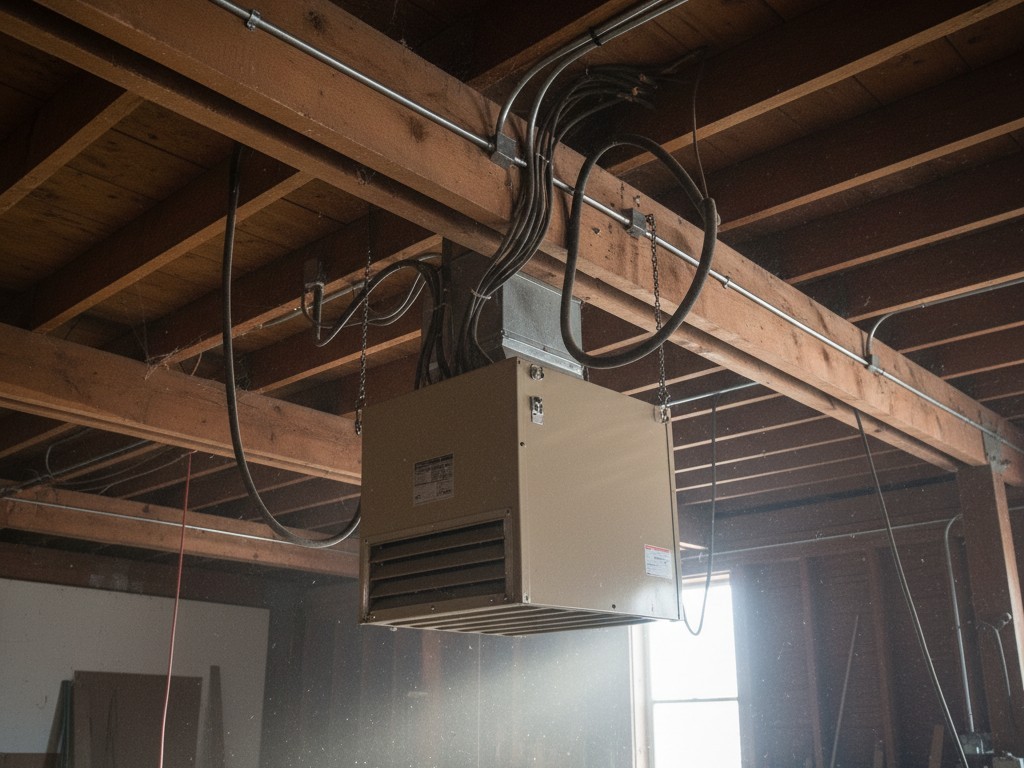
We’ve seen shops where the lights cycle on and off all night in winter, driving up the electric bill, solely because the sensor was mounted too close to a vent.
Rayzeek人感センサーのポートフォリオを見る.
お探しの製品が見つかりませんか?ご安心ください。課題を解決する手段は常に複数存在します。当社の製品ポートフォリオのいずれかがお役に立つかもしれません。
This is where that “Sensitivity” trim pot earns its keep. On a digital switch, you might have “High/Medium/Low” settings. Often, “Low” is still too sensitive for a drafty garage, and “Off” defeats the purpose. With a physical trim pot, you can dial the sensitivity down to the exact threshold where it ignores the heater blast but still picks up a person walking in. You tune it to the room, ignoring the factory preset.
The same applies to vibration. If your switch box is mounted on the same wall as your garage door track, the vibration of the door opening can trigger the sensor. A physical dial allows you to dampen that sensitivity until the phantom triggers stop.
The Verdict
There is a place for smart home technology. It belongs in the climate-controlled, wood-framed, Wi-Fi-saturated environment of a living room. It does not belong in a shop.
When you are standing on a ladder, trying to wire a sensor 12 feet in the air, or trying to adjust a timer with hands covered in sawdust, you do not want to be debugging a network connection. You want a device that respects the laws of physics and the reality of manual labor.
The Rayzeek RZ021 and its kin—the dumb, dial-driven, relay-based sensors—are built for this reality. They are not exciting. They do not talk to Alexa. They do not have an app. And that is exactly why they will still be working five years from now, long after the “Smart Life” server has changed its API and bricked the competition.







