Walk past the copy alcove of any mid-sized office building around 2:00 PM, and you’ll likely witness a peculiar ritual. A staff member, standing perfectly still while the large Canon ImageRunner collates a hundred-page brief, is suddenly plunged into darkness. What follows is the “Waving Man” dance: a frantic flapping of arms above the head to convince the room that a human being is still present. It is a scene of low-stakes humiliation that plays out in law firms, medical billing centers, and university admin blocks every single day.
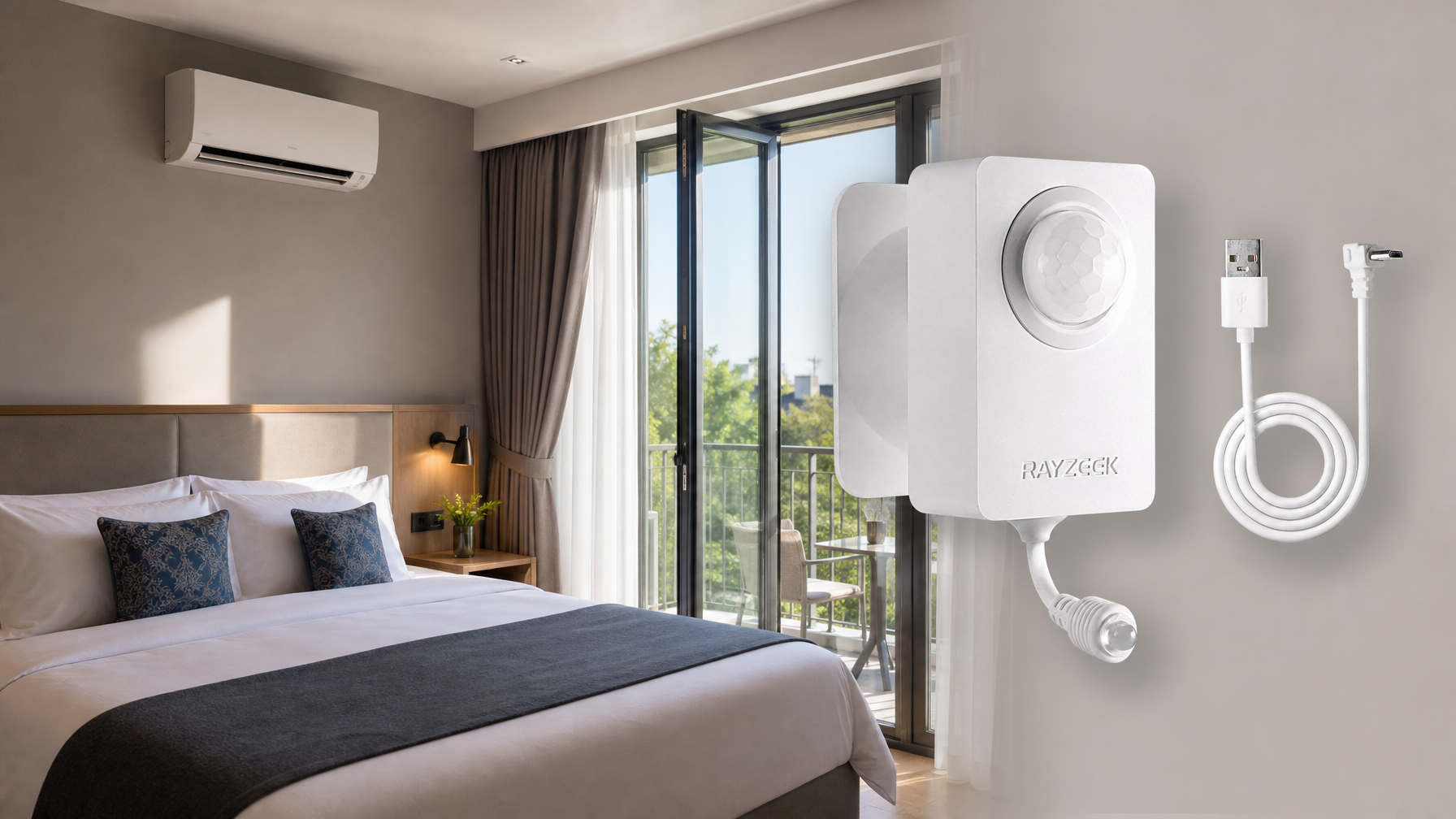
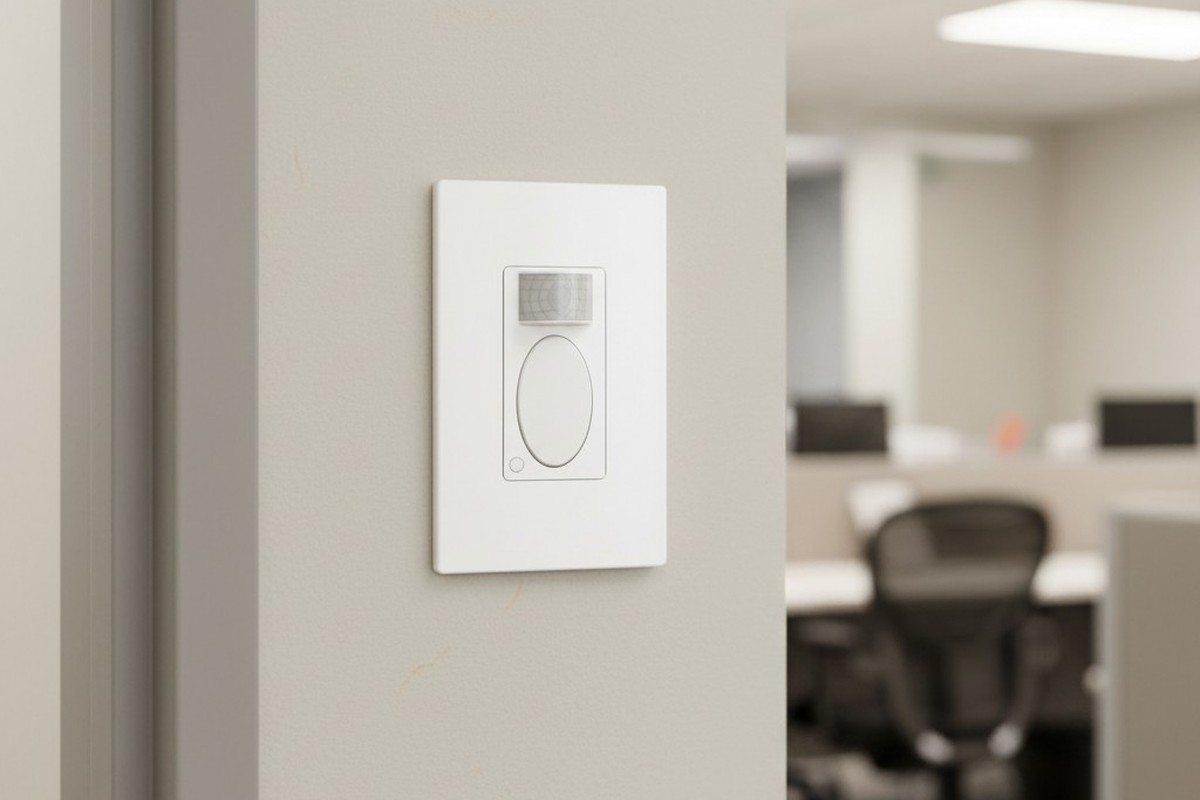
The frustration isn’t just the darkness; it’s that the machine fails to recognize the work being done. The staff member hasn’t left—they’ve simply stopped moving laterally. In facility management, this is a failure of configuration, not hardware. The sensor installed on the wall (likely a standard Rayzeek RZ021 or similar PIR unit) is doing exactly what the factory told it to do. The problem is that the factory assumes you are walking down a hallway, not reading a document while a machine hums beside you.
למה החיישן חושב שעזבת
To fix the problem, you first have to understand what that little plastic lens is actually looking for. Passive Infrared sensors do not “see” people in the way a camera does. They detect rapid changes in heat signatures moving across invisible zones. The white plastic cover on the front of the switch is a Fresnel lens, which breaks the room’s view into fan-shaped segments. When a warm object (you) crosses the line between one segment and another, the sensor trips the relay and keeps the lights on.
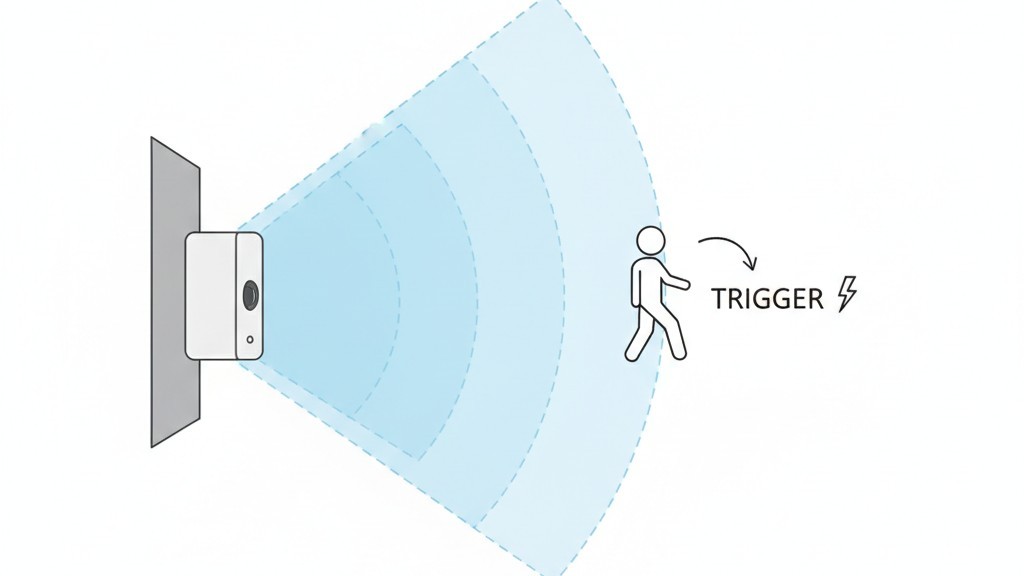
This physics creates a massive blindspot for stationary tasks. When someone stands at a copier, a shredder, or a coffee station, they usually move their hands within a very small radius. They aren’t walking across the room. To the sensor, which scans for gross motor movement across its lens segments, a person standing still to read a collated report is indistinguishable from an empty room.
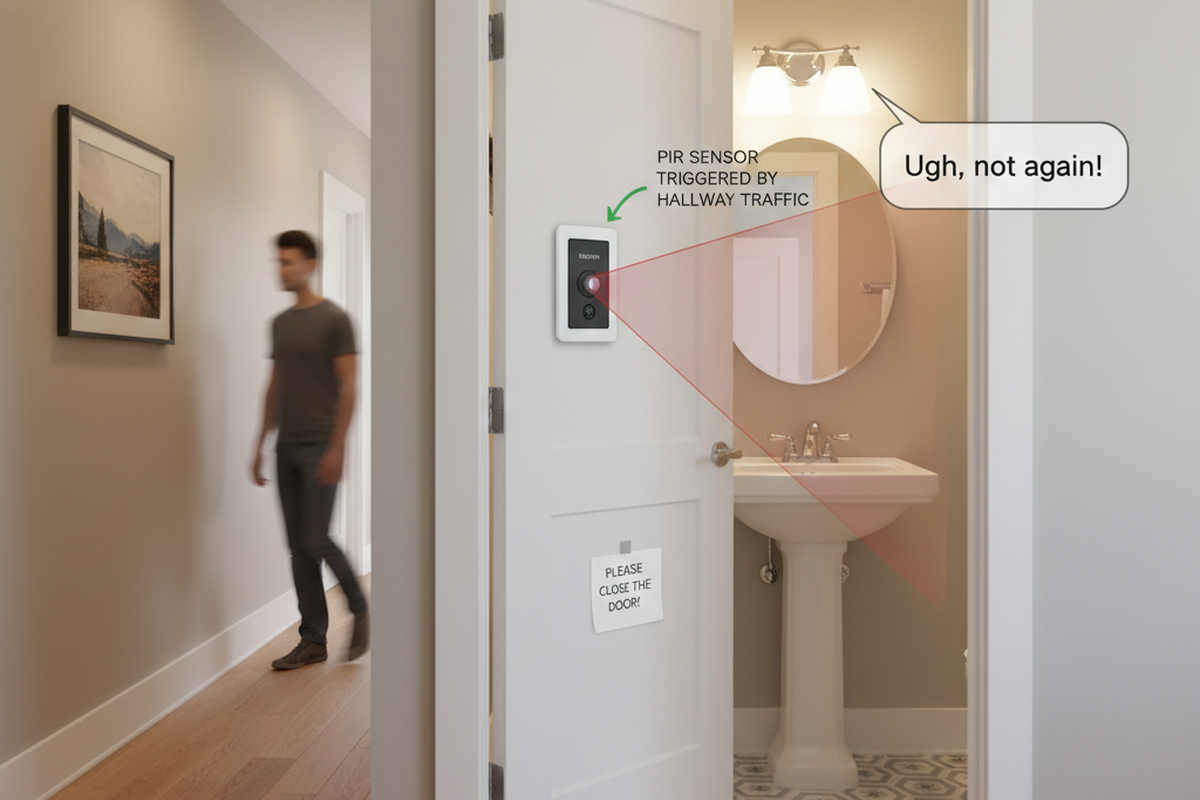
This issue gets worse if the sensor is installed near an HVAC supply vent. If the heat kicks on and blows warm air across the sensor’s field of view, it can create false triggers—ghosts in the machine. This usually leads installers to dial down the sensitivity to compensate. That lowered sensitivity is exactly what leaves the admin assistant in the dark.
The Hardware Reality: It’s Not Broken, It’s Just Untuned
The default reaction from most office managers is to assume the switch is broken or “cheap.” They might even go online to look for a “better” brand, assuming a more expensive Lutron or Wattstopper unit will magically know they are reading a paper. But the Rayzeek RZ021 units commonly found in these retrofits are perfectly capable of handling a copy room if they are parented correctly. The issue is almost always that the device is still running on its factory default settings, which are optimized for a showroom demo, not real life.
Fixing this does not require an app, a hub, or a Wi-Fi connection. It requires a 2mm flathead screwdriver—often called a jeweler’s driver—and the willingness to pop a faceplate. Underneath the sleek exterior of the RZ021, hidden beneath the plastic toggle button, is a control panel of tiny trimpots (trimmer potentiometers). These are physical dials that change the resistance in the circuit. There is no software here to glitch out; there is only a mechanical setting that needs to be physically turned.
A note on the model variants: Before you start prying at the wall, ensure you aren’t fighting a “Vacancy” sensor. The industry distinguishes between Occupancy sensors (Auto-ON/Auto-OFF) and Vacancy sensors (Manual-ON/Auto-OFF). If you have to press the button to turn the lights on when you enter, but they turn off automatically, you have a Vacancy model (often denoted with a ‘VS’ in the model number). No amount of dial turning will make that switch turn on automatically when you walk in. That is a hardware choice.
קבלו השראה ממגוון חיישני התנועה של Rayzeek.
לא מוצאים את מה שאתם מחפשים? אל דאגה. תמיד יש דרכים חלופיות לפתור את הבעיות שלכם. אולי אחד מתיקי המוצרים שלנו יוכל לעזור.
Configuration: The Mandatory “Max” Setting
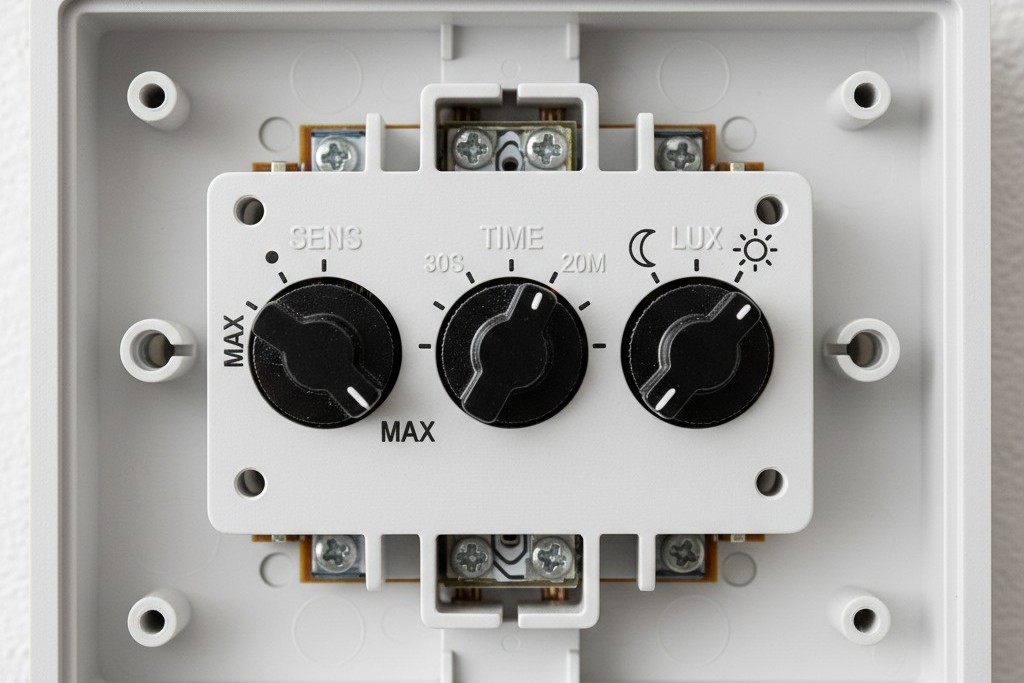
The actual fix is tactile. After removing the wall plate (carefully, as the plastic tabs on generic plates snap if you look at them wrong), you will see three small dials typically labeled Time, Light (or Lux), and Sens (Sensitivity). The factory usually ships these centered or set to “Test” mode. For a copy room, a break room, or any space where people linger, the “Sens” dial is the most critical.
You must turn the Sensitivity dial to its absolute maximum. On the Rayzeek units, this is usually fully clockwise. Do not worry about “false positives” from the hallway; in a small enclosed room, you need the sensor to detect the minor hand movements of someone stapling a document. If the dial is set to medium, it requires a full body walk to trigger. At maximum, it has a fighting chance of seeing a hand wave or a shift in weight.
The second adjustment is the Time Delay. The factory default is often 5 minutes, or sometimes even 15 seconds for test mode. This is the “Energy Star” setting, designed to look good on a spec sheet. In the real world, 5 minutes is aggressive to the point of hostility. A large print job on a Xerox AltaLink can take 12 minutes to spool and finish. If the user stands there reading their phone while it prints, the lights will die twice during the job. The dial is analog, so there is no digital readout, but you want to aim the arrow for the 20-minute mark (usually about 75% of the rotation). If the dial feels imprecise, err on the side of longer.
אולי יעניין אותך גם
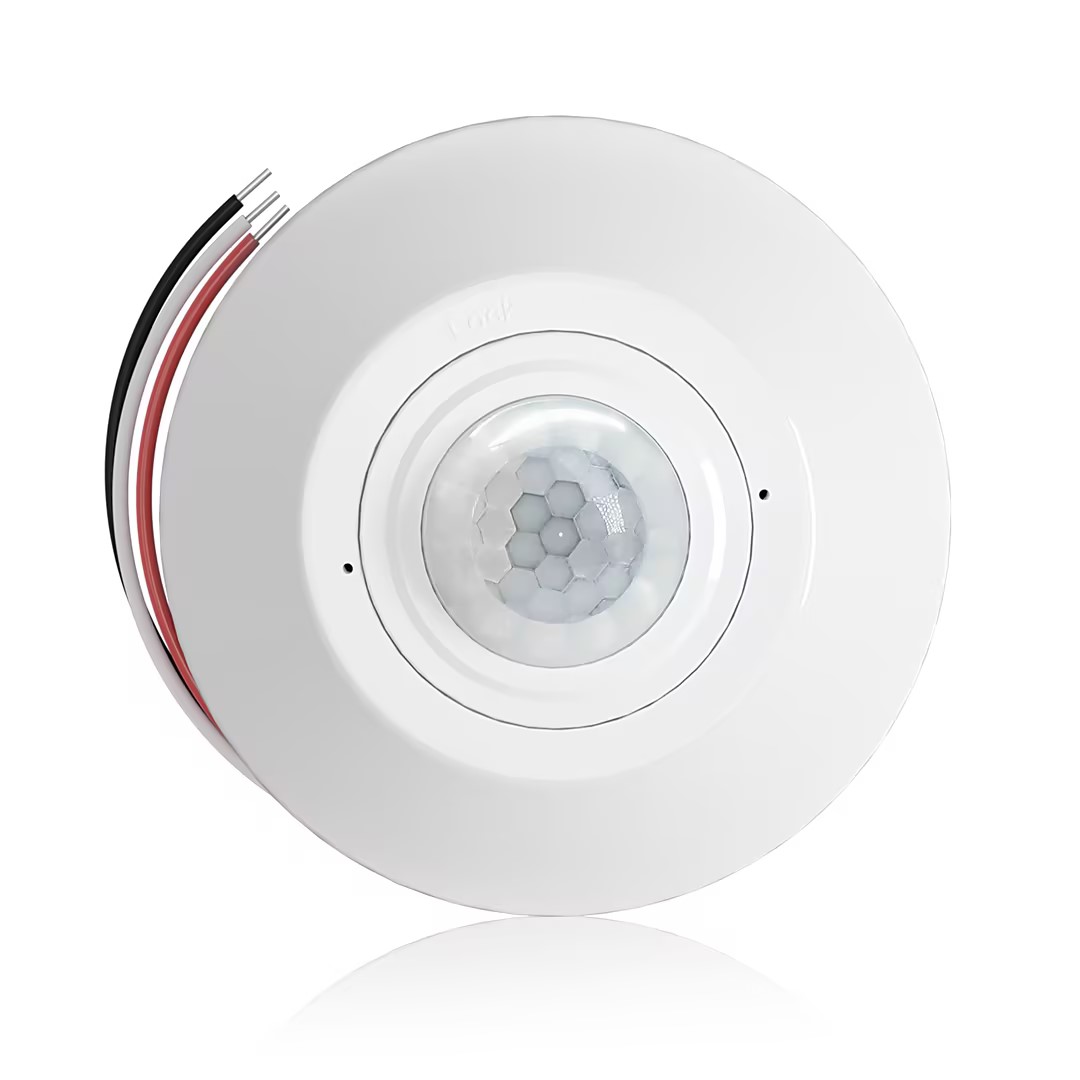
- חיישן נוכחות PIR להתקנה על התקרה עם יציאת ממסר מגע יבש
- מתח נמוך של 12/24VDC או 12/24VAC
- מגעי ממסר מבודדים מסוג COM, NO ו-NC עבור כניסות בקרת מבנה (EMS), מיזוג אוויר (HVAC) ומערכות ניהול
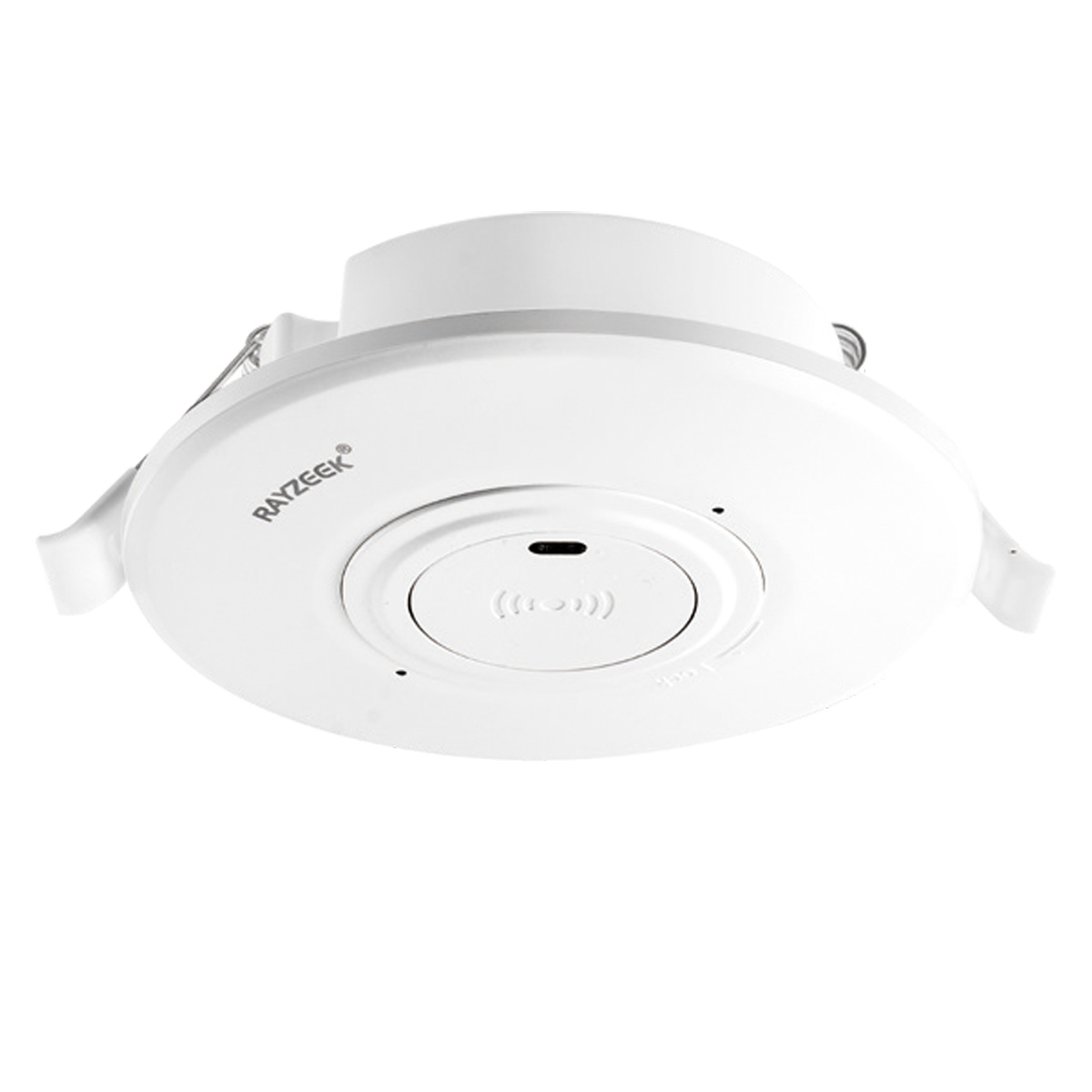
- מפסק חיישן תנועה מיקרוגל שקוע בתקרה במתח נמוך DC
- כניסת 12 VDC / 24 VDC עם טווח של 10-30 VDC
- זרם עבודה מקסימלי של 10A עם השהיית זמן, סף Lux ורגישות ניתנים לכיוונון
- מפסק חיישן תנועה מיקרוגל שקוע בתקרה לעומס גבוה יותר
- כניסת מתח רשת 100-265 VAC, דגם 10A
- גילוי מיקרוגל בתדר 5.8 GHz עם השהיית זמן, סף Lux ורגישות ניתנים לכיוונון
- מפסק חיישן תנועה מיקרוגל שקוע בתקרה
- כניסת מתח רשת 100-265 VAC, דגם 5A
- גילוי מיקרוגל בתדר 5.8 GHz עם השהיית זמן, סף Lux ורגישות ניתנים לכיוונון
- עמעם חיישן נוכחות RZ037 PIR להתקנה על התקרה עבור מתח של 220V
- זרם עבודה מקסימלי של 3A עם עומס נקוב של 660W
- לחצן LUX שולט בהפעלה/כיבוי של חיישן האור ובבהירות העמעום שנקבעה על ידי המשתמש
- עמעם חיישן נוכחות RZ037 PIR להתקנה על התקרה עבור מתח של 110V
- זרם עבודה מקסימלי של 3A עם עומס נקוב של 330W
- לחצן LUX שולט בהפעלה/כיבוי של חיישן האור ובבהירות העמעום שנקבעה על ידי המשתמש
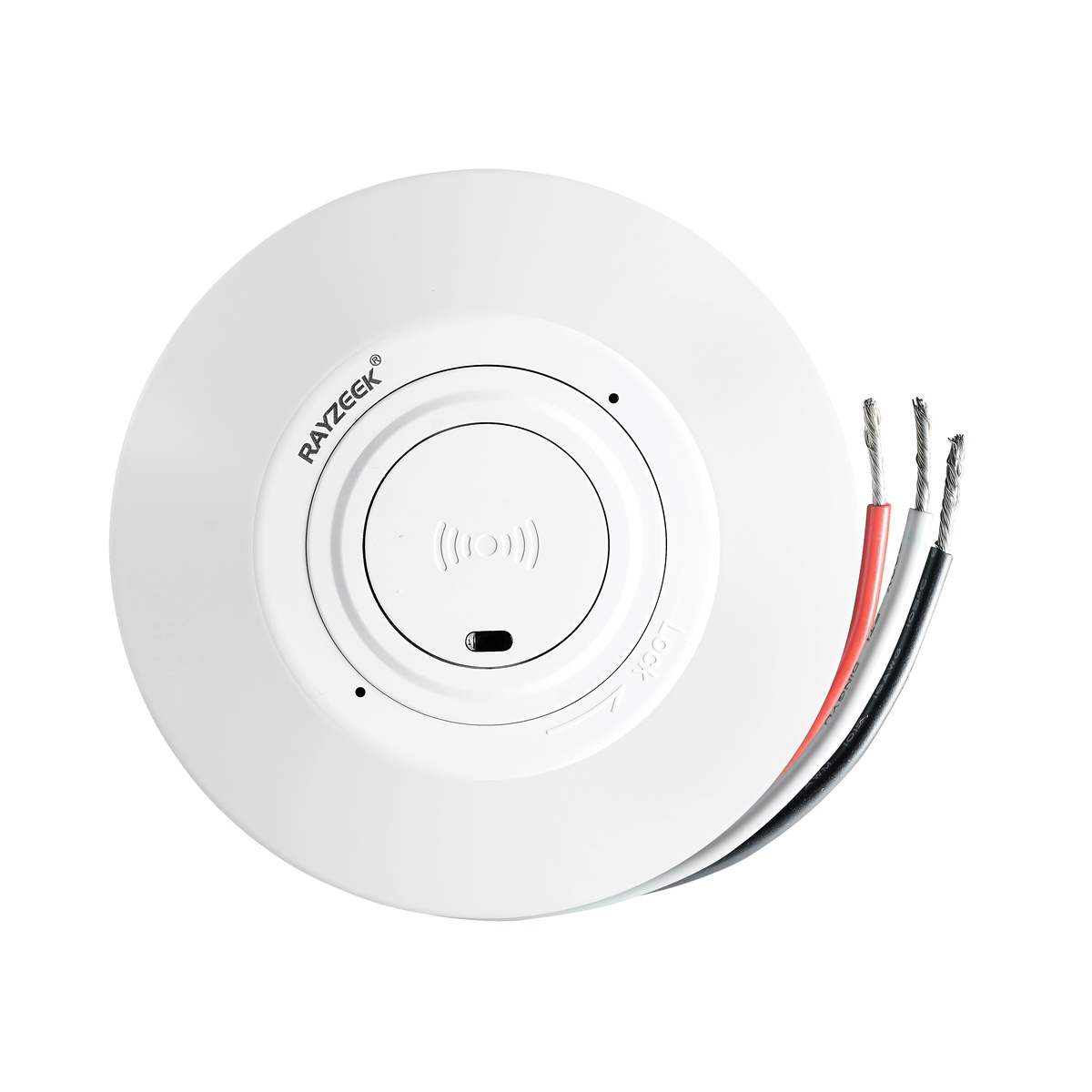
- מפסק חיישן תנועה מיקרוגל מותקן בתקרה, במתח נמוך DC
- כניסת 12 VDC / 24 VDC עם טווח של 10-30 VDC
- זרם עבודה מקסימלי של 10A עם השהיית זמן, סף Lux ורגישות ניתנים לכיוונון
- מפסק חיישן תנועה מיקרוגל מותקן בתקרה לעומס גבוה יותר
- כניסת מתח רשת 100-265 VAC, דגם 10A
- גילוי מיקרוגל בתדר 5.8 GHz עם השהיית זמן, סף Lux ורגישות ניתנים לכיוונון
- מפסק חיישן תנועה מיקרוגל מותקן בתקרה
- כניסת מתח רשת 100-265 VAC, דגם 5A
- גילוי מיקרוגל בתדר 5.8 GHz עם השהיית זמן, סף Lux ורגישות ניתנים לכיוונון
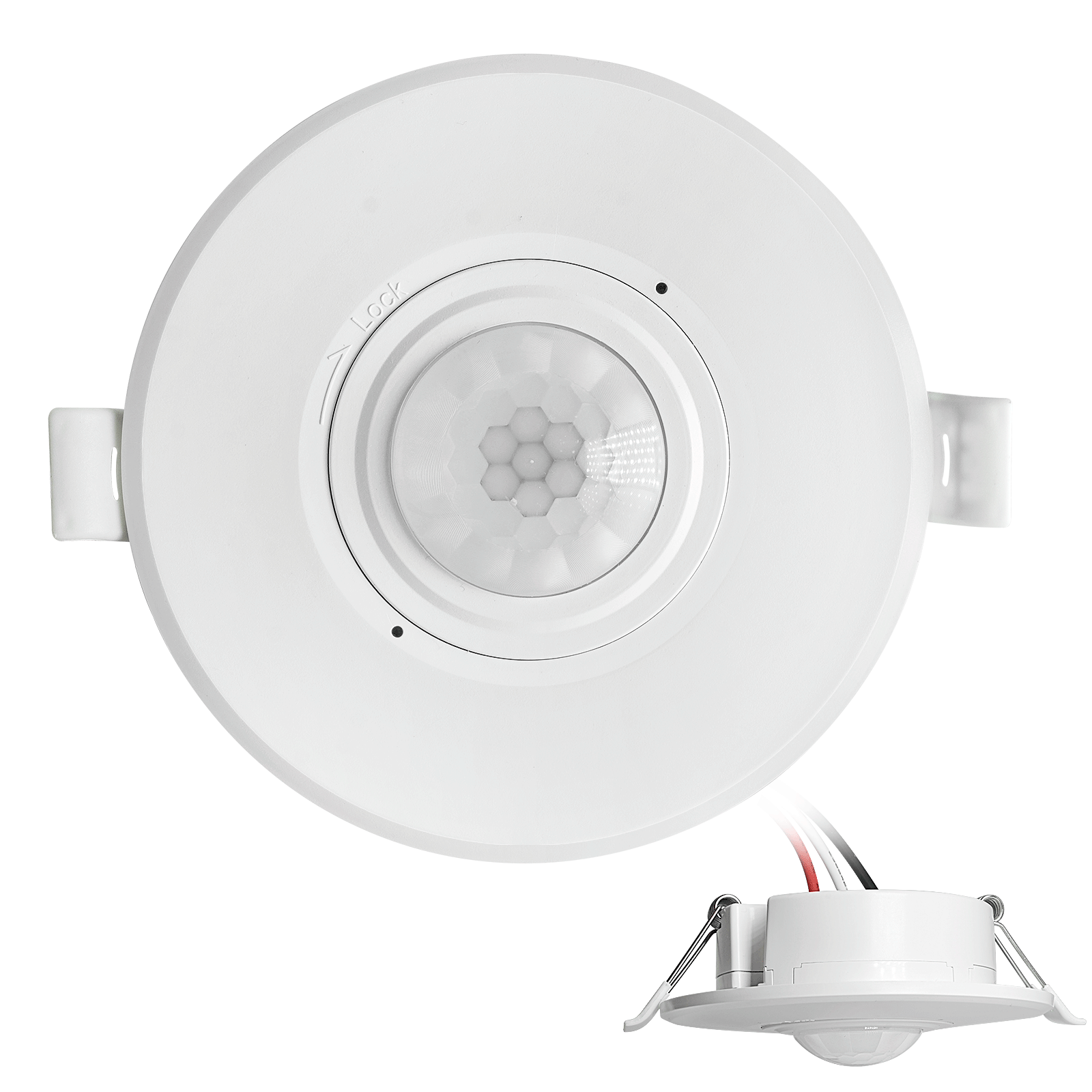
- מפסק חיישן תנועה PIR שקוע בתקרה, במתח נמוך DC
- כניסת 12 VDC / 24 VDC עם טווח של 10-30 VDC
- זרם עבודה מקסימלי 10A עם השהיית זמן מתכווננת, סף Lux ורגישות
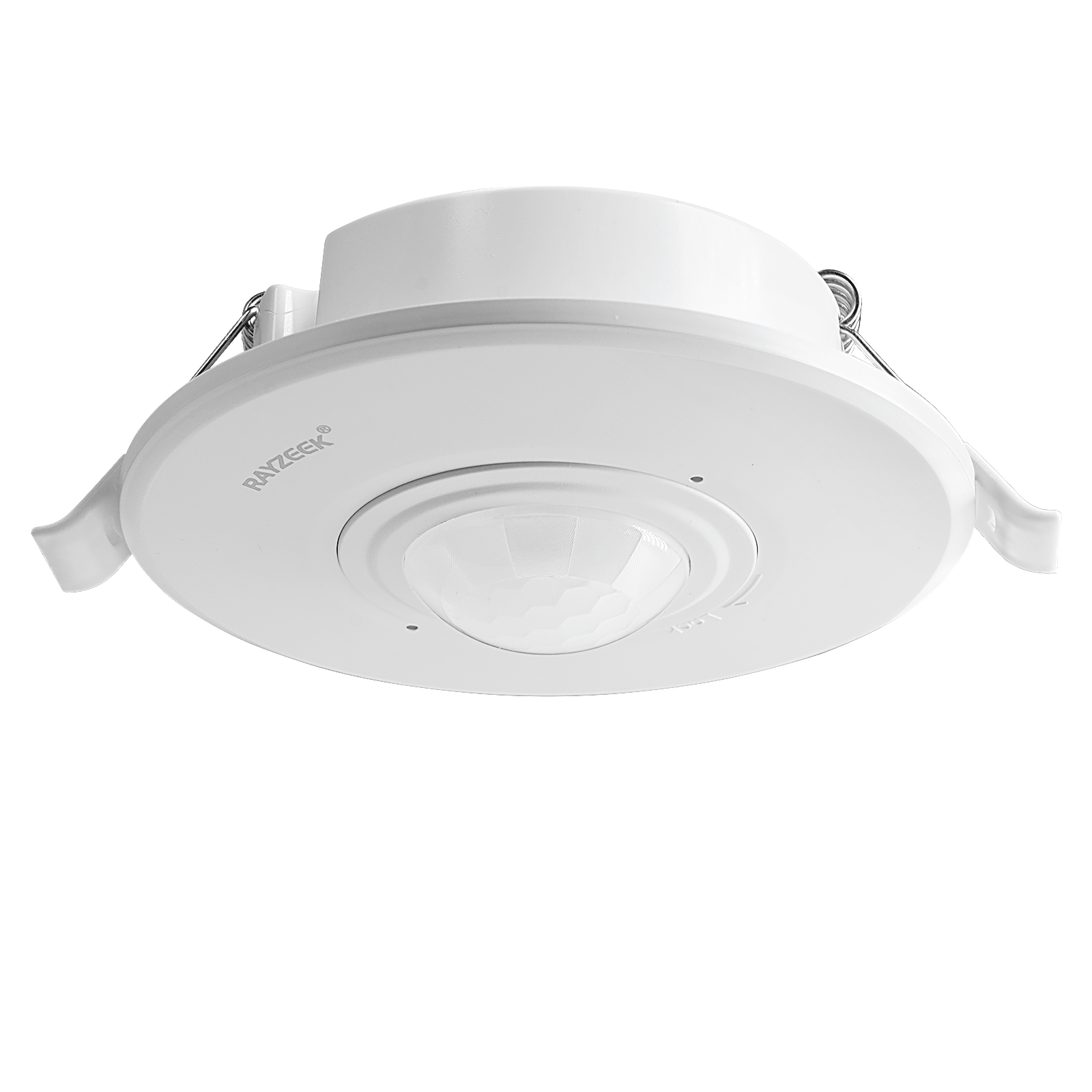
- מפסק חיישן תנועה PIR שקוע בתקרה לעומס גבוה יותר
- כניסת מתח רשת 100-265 VAC, דגם 10A
- זיהוי של 360 מעלות עם השהיית זמן מתכווננת, סף Lux ורגישות
- מפסק חיישן תנועה PIR שקוע בתקרה
- כניסת מתח רשת 100-265 VAC, דגם 5A
- זיהוי של 360 מעלות עם השהיית זמן מתכווננת, סף Lux ורגישות
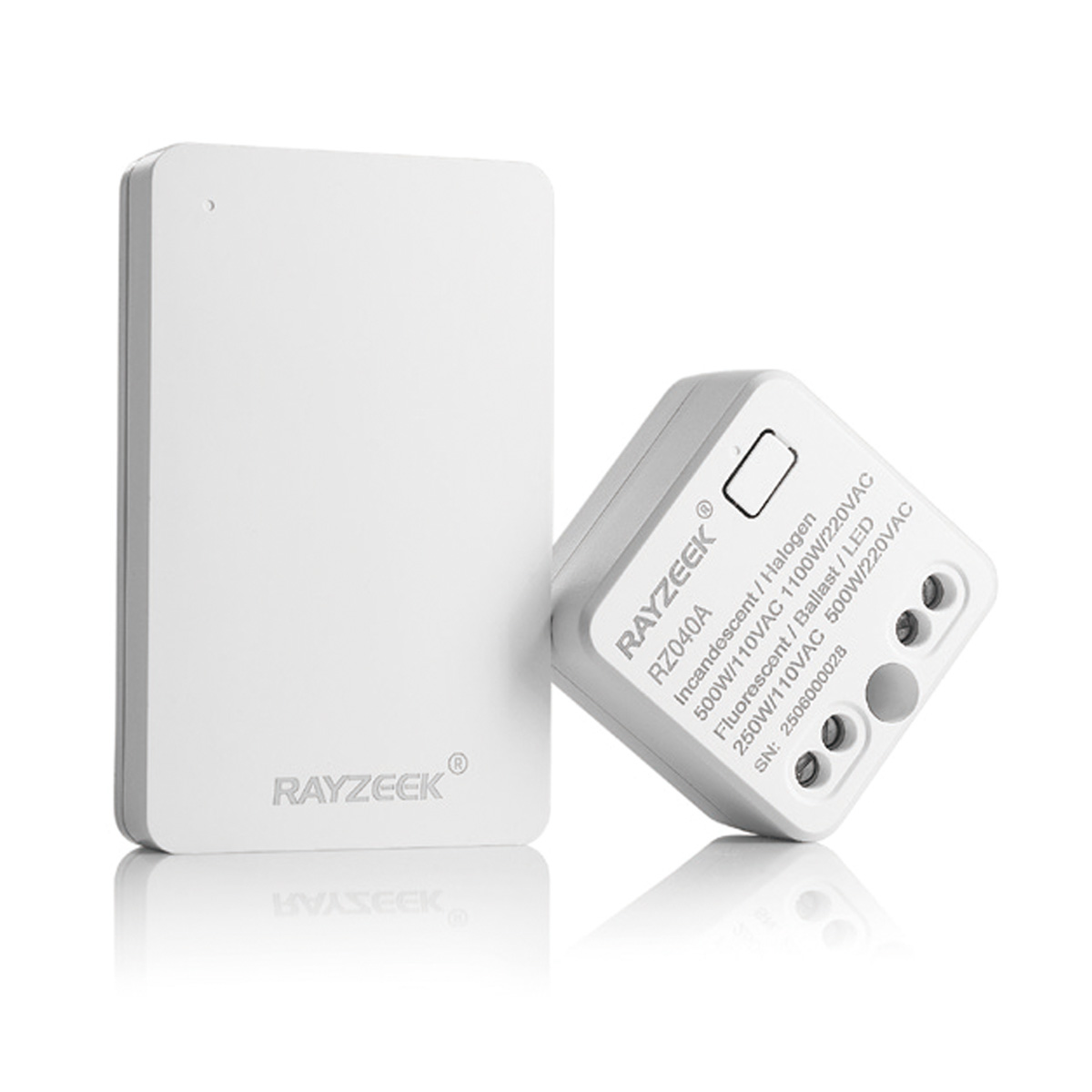
- ערכת מפסק ומקלט אלחוטי לבקרת תאורת ON/OFF פנימית
- מקלט 100-230VAC, 50/60Hz עם זרם נקוב של 5A
- מפסק אלחוטי מופעל באמצעות CR2032 עם תקשורת 2.4GHz
- נוכחות (הפעלה אוטומטית/כיבוי אוטומטי)
- 12–24V DC (10–30VDC), עד 10A
- כיסוי של 360°, קוטר של 8–12 מ'
- השהיית זמן של 15 שניות–30 דקות
- חיישן אור כבוי/15/25/35 Lux
- רגישות גבוהה/נמוכה
- מצב נוכחות הפעלה אוטומטית/כיבוי אוטומטי
- 100–265V AC, 10A (נדרש ניוטרל)
- כיסוי של 360°; קוטר זיהוי של 8–12 מ'
- השהיית זמן של 15 שניות–30 דקות; Lux כבוי/15/25/35; רגישות גבוהה/נמוכה
- מצב נוכחות הפעלה אוטומטית/כיבוי אוטומטי
- 100–265V AC, 5A (נדרש קו ניוטרל)
- כיסוי של 360°; קוטר זיהוי של 8–12 מ'
- השהיית זמן של 15 שניות–30 דקות; Lux כבוי/15/25/35; רגישות גבוהה/נמוכה
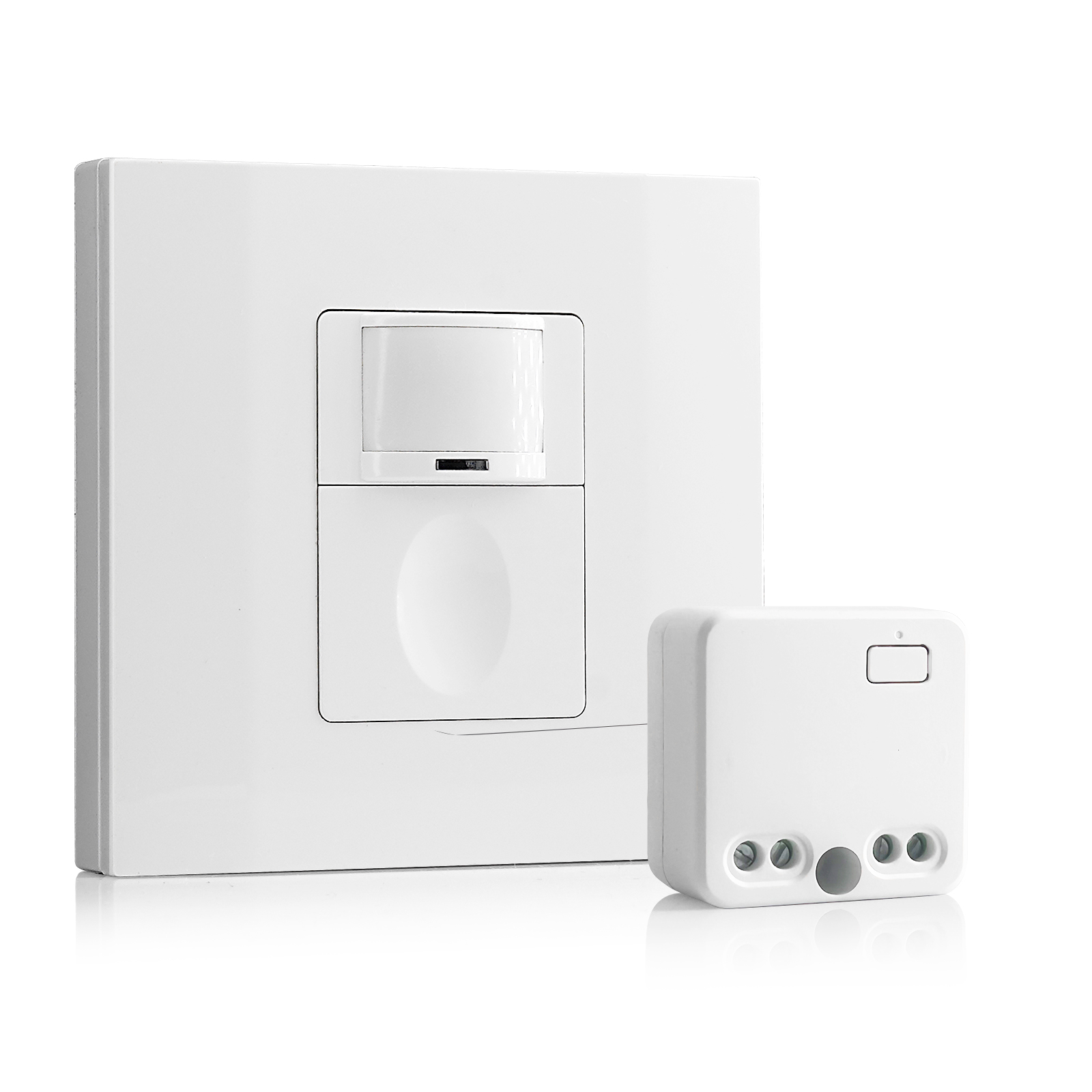
- 100V-230VAC
- טווח שידור: עד 20 מטרים
- חיישן תנועה אלחוטי
- בקרת חיווט קשיח
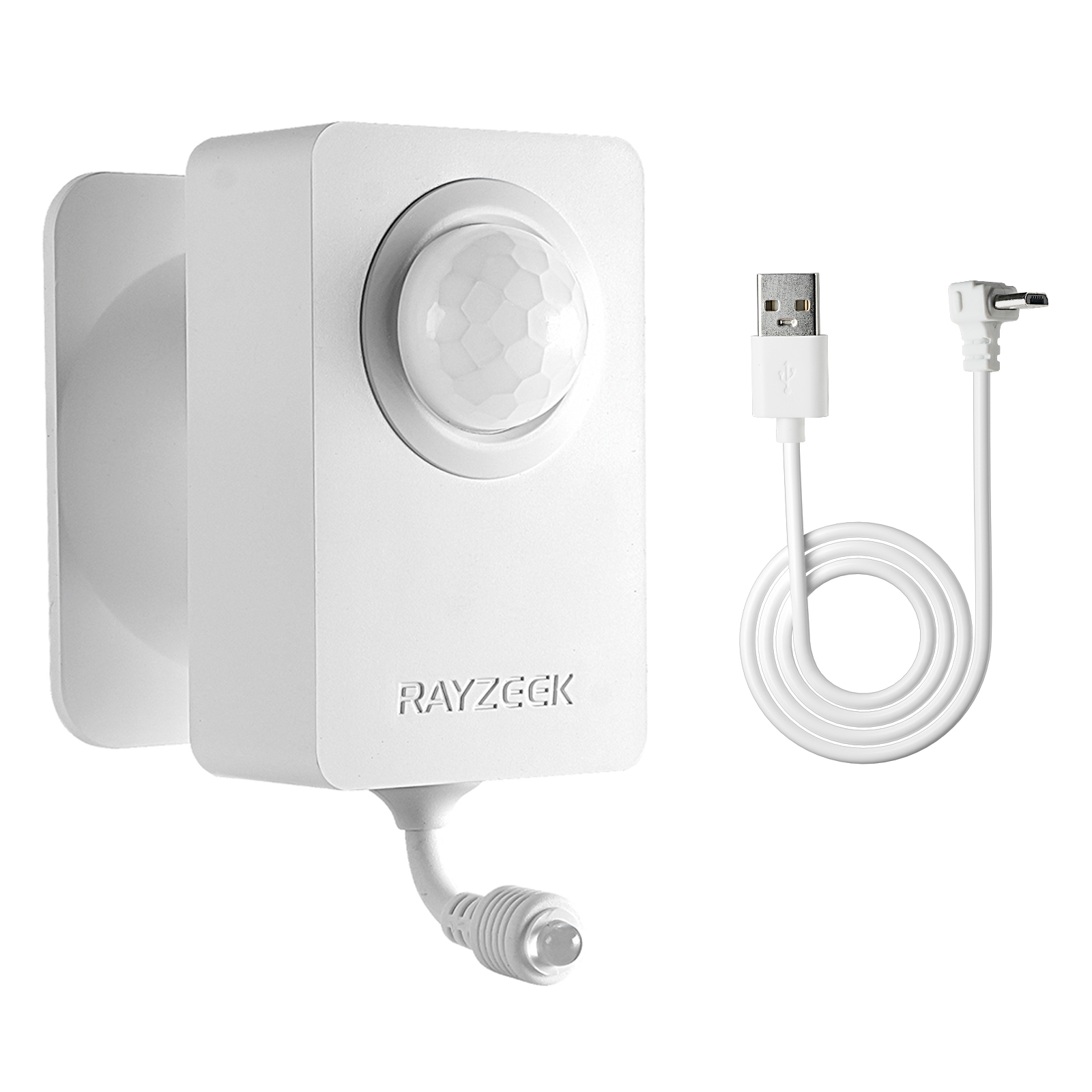
- מתח: 2 סוללות AAA / 5V DC (Micro USB)
- מצב יום/לילה
- השהיית זמן: 15 דקות, 30 דקות, שעה (ברירת מחדל), שעתיים
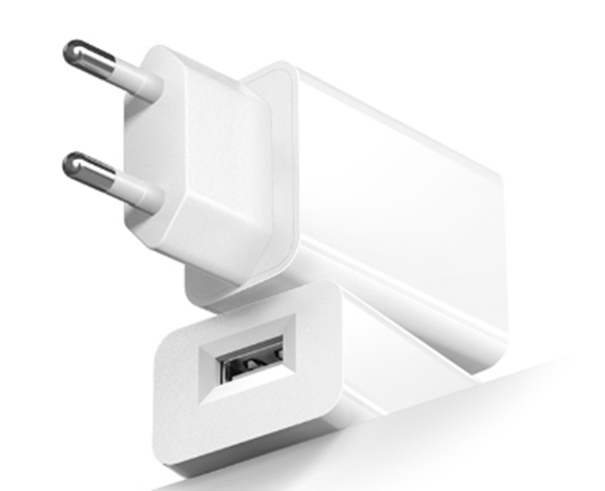
- מתאם שקע בתקן אירופי (EU)
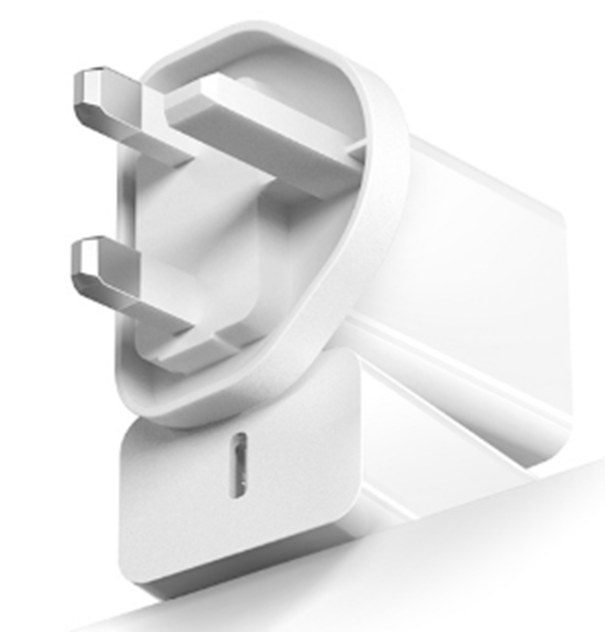
- מתאם שקע בתקן בריטי (UK)
The False Economy of the 5-Minute Timer
Expect pushback on this. A facilities director or a sustainability-minded owner might argue that setting the timer to 20 minutes “wastes energy.” They envision the lights burning for 15 minutes after someone leaves, spinning the meter and costing a fortune. This is what we call “Phantom Savings.” It is a theoretical efficiency that ignores the operational reality of the building.
Let’s look at the math. A standard copy room might have two or three LED troffers. In the old days of 400-watt metal halide or T12 fluorescents, leaving them on was costly. Today, an LED fixture might pull 40 watts. Extending the timeout from 5 minutes to 20 minutes means the light stays on for an extra 15 minutes per cycle. At $0.12 per kWh, that extra quarter-hour of light costs fractions of a penny.
Compare that fraction of a penny to the cost of a Senior Partner or a specialized technician losing their train of thought because the room went black. The labor cost of the interruption exceeds the annual energy savings of the aggressive timeout in a single instance. We are not trying to heat a warehouse here; we are keeping a 10×10 room lit for a human being. Reliability is the ultimate efficiency. If the staff puts duct tape over the sensor because it annoys them—which happens more often than code inspectors admit—you have saved zero energy. Set the dial to 20 minutes, turn the sensitivity to high, and let the sensor do its job quietly.