
The Thermodynamics of the Student Lease
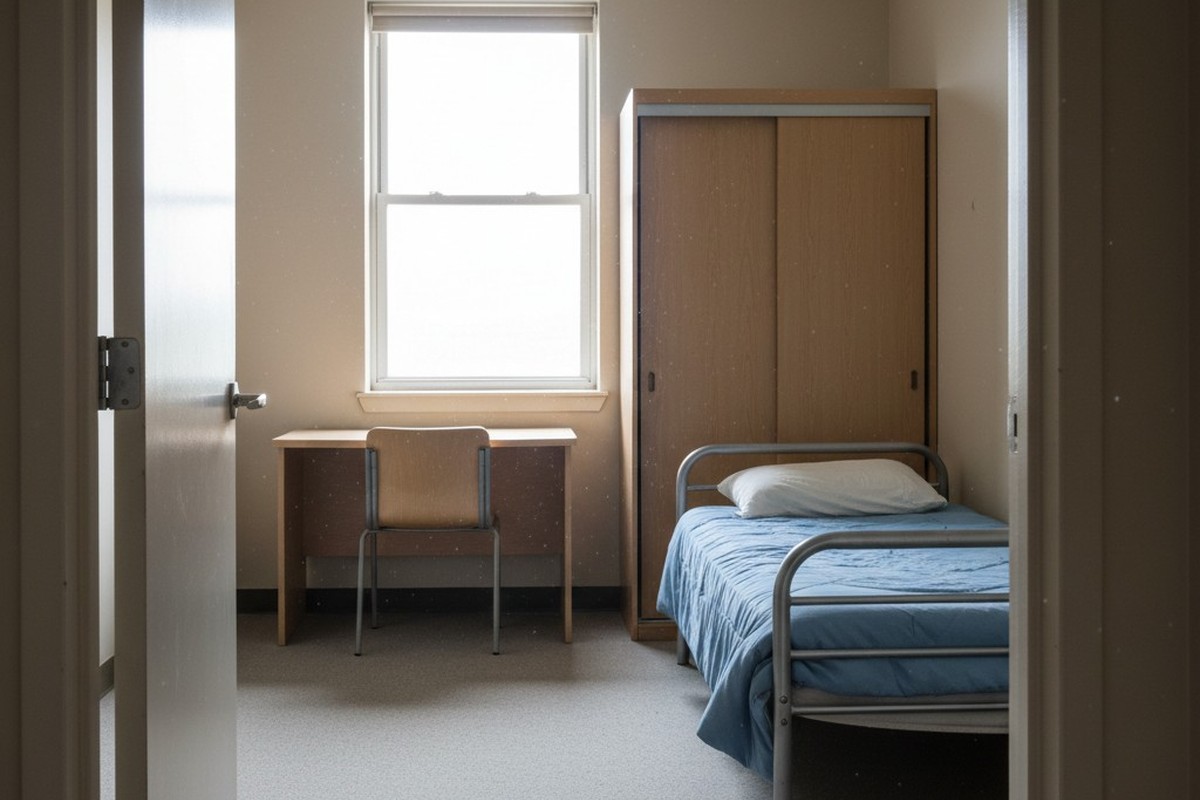
You can’t fix behavior with a lease clause. That’s the first hard truth of student housing. When you hand over keys to a unit where utilities are included—or even capped—you are effectively handing over an unlimited credit card to a demographic that has likely never paid an electric bill in their lives. The incentives are fundamentally broken.
The student wants the room at 62°F because they like sleeping under a heavy duvet in August. You want the room at 74°F because you’re looking at the Net Operating Income (NOI) and the lifespan of a 2-ton scroll compressor. These two desires are incompatible, and because the student has physical control of the thermostat, they will win every time.
You’ll see this manifest in the maintenance logs as “Ghost AC.” This happens when a tenant leaves for a three-day weekend or spring break and leaves the unit cooling an empty room to meat-locker temperatures. I’ve walked into units in July where the windows were wide open to “let in the breeze” while the AC was hammering away at a 60°F setpoint, creating a condensation nightmare that ruined the drywall around the sill. No amount of “education” or polite emails about being eco-friendly will stop this. The only thing that stops it is a hard, physical limit that operates without their permission—and without your intervention.
Why Connectivity is a Liability
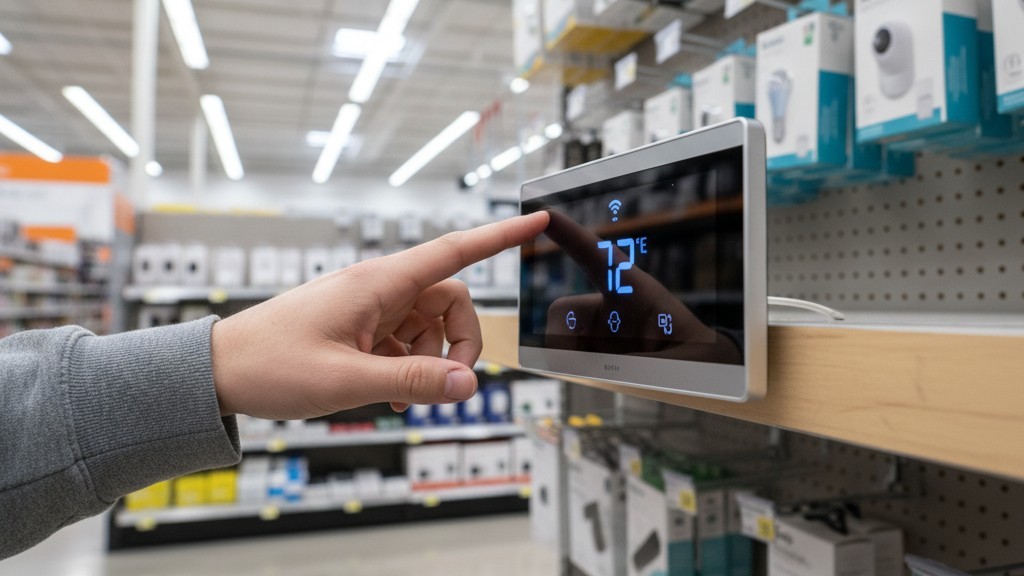
There’s a temptation to solve this with “smart” consumer technology. You walk into a big box store, see a sleek glass thermostat that promises learning algorithms and phone apps, and think that’s the solution.
It isn’t. In a single-family home, a WiFi-connected thermostat is a luxury; in a 200-unit student complex, it’s a liability.
Consider the network architecture. If your control system relies on the building’s WiFi to save money, your savings evaporate the moment the router needs a reset or the ISP goes down. Worse, if the device relies on the tenant’s private WiFi, you’re dead in the water. You can’t ask a student for their WiFi password to pair your asset protection device. When that student moves out in May, the device goes offline. When the new student moves in, it stays offline. You’re left with a $200 piece of glass acting like a dumb thermostat, except it’s fragile enough that a stray beer bottle during a party will shatter the interface.
Real control in this environment requires local logic. The intelligence must live on the wall, inside the microprocessor of the unit itself, completely independent of the internet. You need a device that wakes up, senses the room, makes a decision based on hard-coded parameters, and executes a command to the contactor. If the internet is cut, if the power flickers, if the tenant changes their router password—the logic must hold.
This is why commercial-grade controllers like Rayzeek utilize onboard occupancy sensors and internal timers rather than cloud-based algorithms. Reliability is binary: it works offline, or it’s useless.
קבלו השראה מפורטפוליו חיישני התנועה של Rayzeek.
לא מוצאים את מה שאתם מחפשים? אל דאגה. תמיד יש דרכים חלופיות לפתור את הבעיות שלכם. אולי אחד הפורטפוליוים שלנו יכול לעזור.
The Physics of Occupancy Logic
To understand how to actually capture the savings, you have to look at how the sensor processes the room. It isn’t a simple motion detector that cuts power the second someone sits still on the couch. That would generate maintenance tickets for “broken AC” within hours. Instead, these units use a passive infrared (PIR) sensor coupled with a specific occupancy timer logic designed for living spaces, not lighting.
When the sensor detects heat signatures moving across its field of view, it maintains the “Occupied” state, allowing the tenant full control within your pre-set limits. When motion stops—say, the student leaves for class—a timer begins. It doesn’t cut the unit instantly. It waits. Maybe 30 minutes, maybe an hour.
Only after that confirmation window closes does it enter “Unoccupied” mode. In this mode, it doesn’t shut off; that would be dangerous in high-humidity climates. Instead, it drifts the setpoint. If the student left it at 68°F, the controller allows the room to drift to 76°F or 78°F. This is the sweet spot. It’s not hot enough to melt the blinds or warp the vinyl flooring, but it stops the compressor from running a marathon for an empty audience.
אולי יעניין אותך גם

- מתח: 2 סוללות AAA
- מצב יום/לילה
- השהיית זמן: 15 דקות, 30 דקות, שעה אחת (ברירת מחדל), שעתיים

- חיישן נוכחות PIR להתקנה על התקרה עם יציאת ממסר מגע יבש
- אספקת מתח נמוך 12/24VDC או 12/24VAC
- מגעי ממסר מבודדים COM, NO ו-NC עבור היזונים של EMS, HVAC ובקרת מבנים

- מתג חיישן תנועה מיקרוגל שקוע לתקרה במתח נמוך DC
- כניסת 12 VDC / 24 VDC עם טווח של 10-30 VDC
- זרם עבודה מרבי של 10A עם השהיית זמן, סף Lux ורגישות מתכווננים
- מתג חיישן תנועה מיקרוגל שקוע לתקרה לעומסים גבוהים יותר
- כניסת מתח רשת 100-265 VAC, דגם 10A
- חיישן מיקרוגל 5.8GHz עם השהיית זמן מתכווננת, סף Lux ורגישות
- מתג חיישן תנועה מיקרוגל שקוע להתקנה בתקרה
- כניסת מתח רשת 100-265VAC, דגם 5A
- חיישן מיקרוגל 5.8GHz עם השהיית זמן מתכווננת, סף Lux ורגישות
- עמעם חיישן נוכחות PIR להתקנה בתקרה RZ037 למתח של 220V
- זרם עבודה מרבי של 3A עם עומס נקוב של 660W
- לחצן LUX שולט על הפעלה/כיבוי של חיישן האור ועל בהירות העמעום שנקבעה על ידי המשתמש
- עמעם חיישן נוכחות PIR להתקנה בתקרה RZ037 למתח של 110V
- זרם עבודה מרבי של 3A עם עומס נקוב של 330W
- לחצן LUX שולט על הפעלה/כיבוי של חיישן האור ועל בהירות העמעום שנקבעה על ידי המשתמש

- מתג חיישן תנועה מיקרוגל להתקנה בתקרה במתח נמוך DC
- כניסת 12 VDC / 24 VDC עם טווח של 10-30 VDC
- זרם עבודה מרבי של 10A עם השהיית זמן, סף Lux ורגישות מתכווננים
- מתג חיישן תנועה מיקרוגל להתקנה בתקרה לעומס גבוה יותר
- כניסת מתח רשת 100-265 VAC, דגם 10A
- חיישן מיקרוגל 5.8GHz עם השהיית זמן מתכווננת, סף Lux ורגישות
- מתג חיישן תנועה מיקרוגל להתקנה בתקרה
- כניסת מתח רשת 100-265VAC, דגם 5A
- חיישן מיקרוגל 5.8GHz עם השהיית זמן מתכווננת, סף Lux ורגישות

- מתג חיישן תנועה PIR שקוע לתקרה במתח נמוך DC
- כניסת 12 VDC / 24 VDC עם טווח של 10-30 VDC
- זרם עבודה מרבי של 10A עם השהיית זמן מתכווננת, סף תאורה (Lux) ורגישות מתכווננים

- מתג חיישן תנועה PIR שקוע לתקרה לעומס גבוה יותר
- כניסת מתח רשת 100-265 VAC, דגם 10A
- גילוי ב-360 מעלות עם השהיית זמן מתכווננת, סף תאורה (Lux) ורגישות מתכווננים
- מתג חיישן תנועה PIR שקוע לתקרה
- כניסת מתח רשת 100-265VAC, דגם 5A
- גילוי ב-360 מעלות עם השהיית זמן מתכווננת, סף תאורה (Lux) ורגישות מתכווננים

- ערכת מתג ומקלט אלחוטיים לבקרת תאורה הפעלה/כיבוי (ON/OFF) למבנים סגורים
- מקלט 100-230VAC, 50/60Hz עם זרם נקוב של 5A
- מתג אלחוטי מוזן סוללת CR2032 עם תקשורת בתדר 2.4GHz
- זיהוי נוכחות (הפעלה אוטומטית/כיבוי אוטומטי)
- 12–24V DC (10–30VDC), עד 10A
- כיסוי של 360°, קוטר של 8–12 מטר
- השהיית זמן 15 שניות–30 דקות
- חיישן תאורה כבוי/15/25/35 Lux
- רגישות גבוהה/נמוכה
- מצב נוכחות עם הפעלה אוטומטית/כיבוי אוטומטי
- 100–265V AC, 10A (נדרש מוליך אפס)
- כיסוי של 360°; קוטר גילוי של 8–12 מטרים
- השהיית זמן של 15 שניות–30 דקות; Lux OFF/15/25/35; רגישות גבוהה/נמוכה
- מצב נוכחות עם הפעלה אוטומטית/כיבוי אוטומטי
- 100–265V AC, 5A (נדרש מוליך אפס)
- כיסוי של 360°; קוטר גילוי של 8–12 מטרים
- השהיית זמן של 15 שניות–30 דקות; Lux OFF/15/25/35; רגישות גבוהה/נמוכה
This drift logic is also your primary defense against the “Mold Panic” that plagues student dorms in the Midwest and South. If you simply cut power to the HVAC in a humid climate, you invite mold bloom on the drywall. By allowing the system to cycle at a higher setback temperature—or engaging a specific “dry mode” cycle—you keep air moving and humidity checked without paying to refrigerate the furniture.
The night logic is where the engineering really separates from the toys. A common fear is that the unit will shut off while the student is sleeping because they aren’t moving. A properly configured Rayzeek unit handles this by extending the delay logic or using a “night mode” that assumes occupancy during sleeping hours if motion was detected late in the evening. It creates a logic gate: If motion seen at 11 PM, assume occupied until 8 AM or until door motion is detected. This prevents the 3 AM angry phone call while still capturing the savings during the 10 AM to 4 PM window when the unit is truly vacant.
Hard Limits and Compressor Survival
Beyond saving electricity, you are fighting to save the equipment itself. Students generally don’t understand the thermodynamics of a vapor-compression cycle. They believe that setting the thermostat to 50°F makes the room cool down faster than setting it to 70°F.
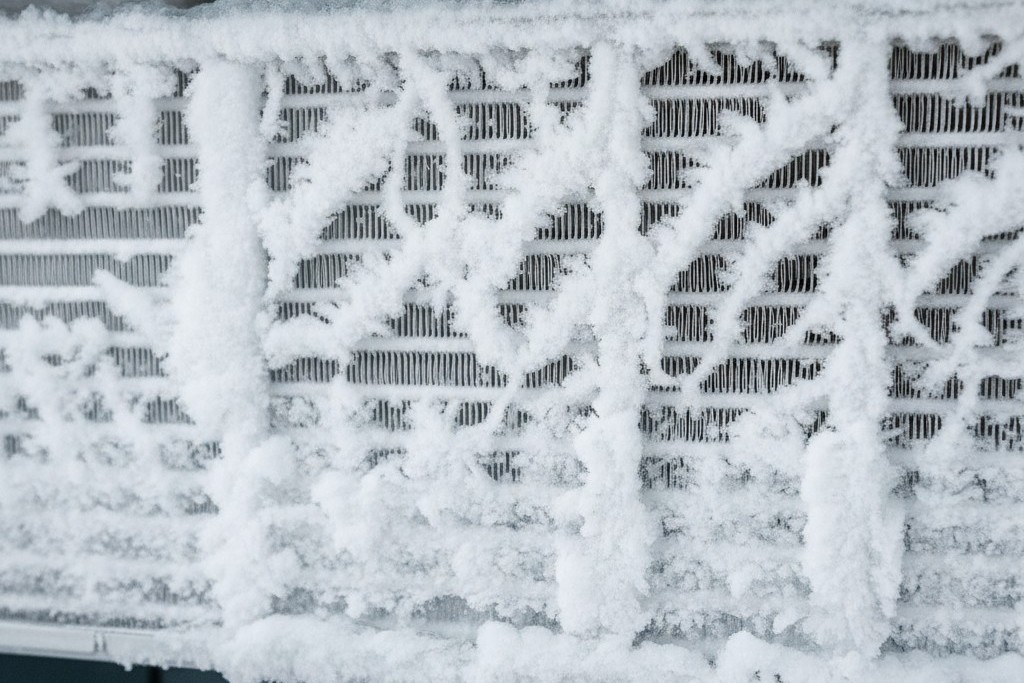
It doesn’t. It simply forces the compressor to run until it likely freezes the evaporator coil into a solid block of ice.
I’ve seen year-old 13 SEER condensers destroyed because a tenant left the unit running at 58°F with a dirty filter for a week. The liquid refrigerant flooded back into the compressor—slugging—and shattered the scroll plates. That’s a $4,500 repair on a Saturday. You prevent this by hard-coding a minimum cooling setpoint into the installer menu. A floor of 70°F or 71°F is reasonable. It’s ASHRAE standard comfort. The student can push the “Down” button all they want; the display might even humor them, but the contactor won’t engage below the safety limit. You are protecting the asset from the user’s ignorance.
The Landlord Math
When you sit down to calculate the ROI on these units, you have to look at the “worst-case” user, not the average. The average user might save you $15 a month. The worst-case user—the gamer with the server rack, or the student who leaves the window open—is costing you $150 to $200 a month in excess usage.
מחפשים פתרונות חיסכון באנרגיה המופעלים על ידי תנועה?
צרו איתנו קשר לקבלת פתרונות מלאים של חיישני תנועה PIR, מוצרים חוסכי אנרגיה המופעלים על ידי תנועה, מתגי חיישני תנועה ופתרונות מסחריים לגילוי נוכחות/חוסר נוכחות (Occupancy/Vacancy).
If you install a limiter that caps the temperature at 72°F and sets back to 78°F when empty, you are effectively deleting that worst-case scenario from your ledger. In a high-cost energy market where you pay $0.14 to $0.18 per kWh, the payback period on a single controller is often less than two semesters. This isn’t speculative value like “tenant satisfaction.” It’s hard OpEx reduction that flows directly to the bottom line. When you go to refinance or sell the property, that lowered utility expense improves your cap rate valuation significantly.
Note that the exact savings will fluctuate based on your local degree days and utility rates—don’t bank on a flat percentage. But the protection against catastrophic bills is absolute.
The Turnover Reality
Finally, there’s the installation factor. In student housing, turnover is a war zone. You have 48 to 72 hours to turn 200 units. You don’t have time to fiddle with C-wire adapters or debug network connectivity issues.
The retrofit speed of these units is critical. They are designed to mount on standard single-gang junction boxes, covering the unpainted square left by the old thermostat. You strip the wires, insert them into the terminal block, snap the faceplate on, and walk away. There is no app to sync, no QR code to scan, and no password to enter. You set the dip switches or the admin menu once, and it stays set until the building is demolished. That is the level of durability and simplicity required to survive the college environment.







