
In most times, occupancy sensors are extremely reliable, especially PIR occupancy motion sensors. The occupancy sensor switches would work like a charm after properly installed and operated. Most of the problems we meet during daily usage are due to improper installation or setting.
Here is a complete guide of common problems and how to troubleshoot an occupancy motion sensor switch.
Contents
- Cannot Switch ON/OFF with Newly Installed Occupancy Sensor Switch
- Sensor Does Not Respond to A Manual Button Press
- Light Stays ON After the Room / Space Is Vacant
- Light Stays OFF After Newly Installed Sensor Switch
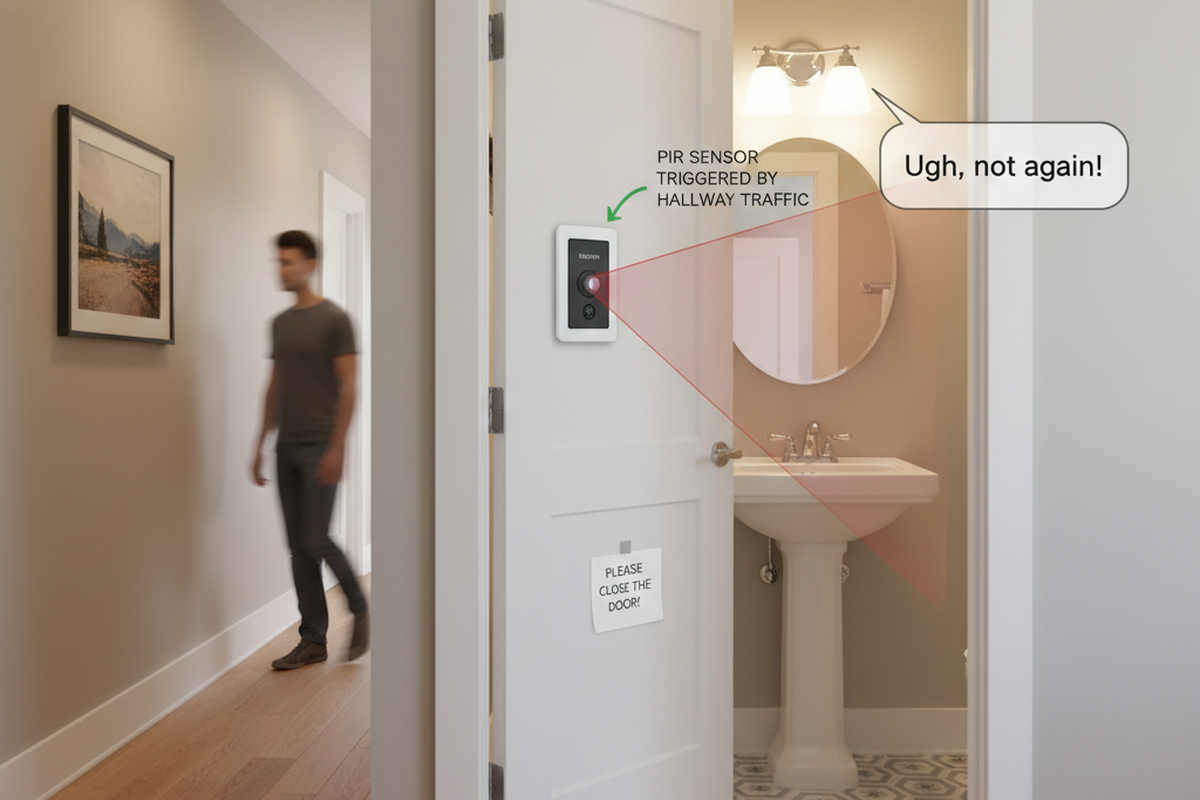
- Light Turns ON When People Walking Past
- Light Turns ON When Room Is Vacant
- Light Turns OFF When Room Is Occupied
- Light Turns OFF Then Immediately Turns Back ON
Cannot Switch ON/OFF with Newly Installed Occupancy Sensor Switch
Possible Causes:
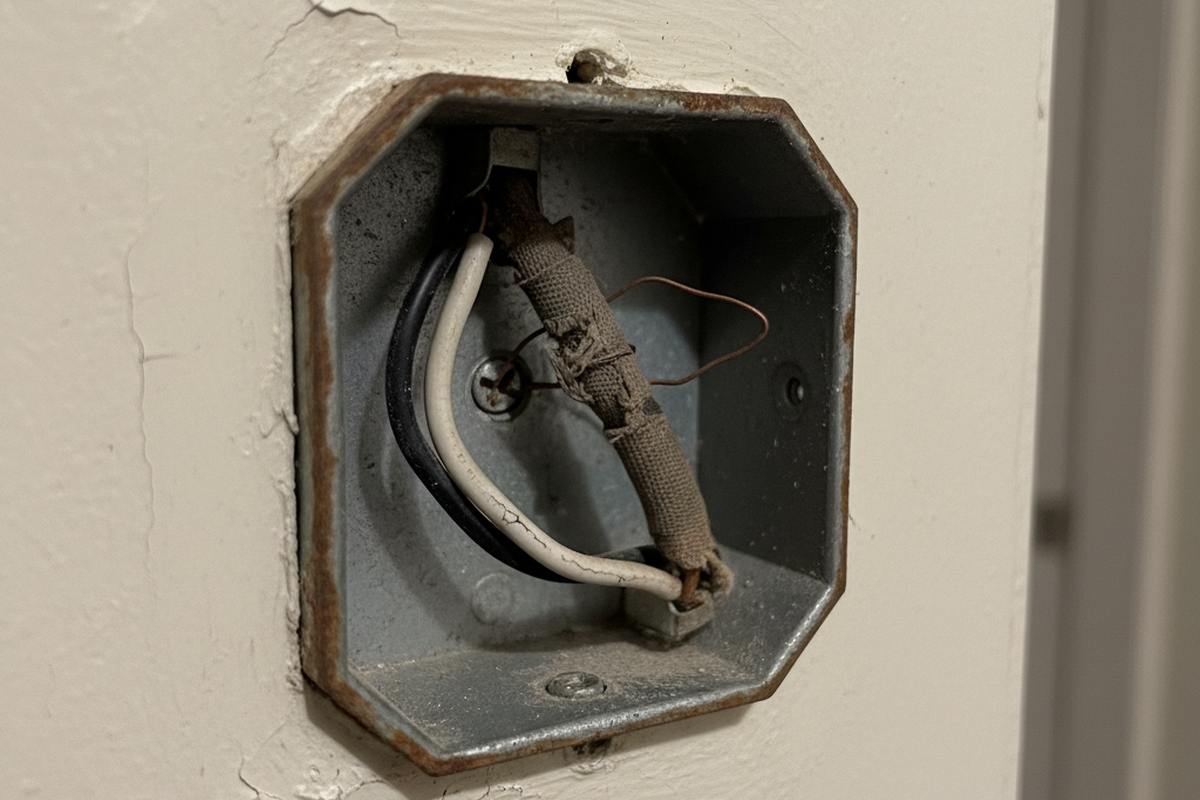
The sensor switch is improperly wired.
Solution:
Check if your occupancy sensor requires a neutral wire or not.
- If it requires a neutral wire(4 wires), make sure green wire is connected to ground, and white wire connected to neutral.
- If it requires only a ground wire(3 wires), make sure green wire is connected to ground.
Sensor Does Not Respond to A Manual Button Press
Possible Causes:
The sensor is under initial power up or power outage, it needs time for initialization.
Solution:
Wait 30 seconds for the sensor to be fully functional and press the button again.
Light Stays ON After the Room / Space Is Vacant
Possible Causes:
Sensor detecting an external noise source such as an HVAC vent.
Çözümler:
Rayzeek Hareket Sensörü Portföylerinden İlham Alın.
İstediğinizi bulamadınız mı? Endişelenmeyin. Sorunlarınızı çözmenin her zaman alternatif yolları vardır. Belki portföylerimizden biri yardımcı olabilir.
- Change sensor sensitivity to low.
- Eliminate or decrease the external noise source.
- Relocate the sensor if possible.
Possible Causes:
Time out not passed
Çözümler:
- Wait for the time dealy to expire.
- Change the time delay to a lower value.
Possible Causes:
Dual-technology ultrasonic and PIR sensors are placed too close together.
Çözümler:
Possible Causes:
Sensor is facing rapid temperature change such as a HAVC or coffer maker.
Çözümler:
- Change sensor sensitivity to low.
- Replace with a manual override sensor switch
- Replace with a dual technology sensor
Possible Causes:
Sensor is in manual on/off mode
Çözümler:
- Turn off the switch
- Change to occupancy or vacancy mode.
Light Stays OFF After Newly Installed Sensor Switch
Possible Causes:
Circus breaker switch is in off position
Solution:
Turn on the switch
Possible Causes:
The sensor switch is improperly wired.
Solution:
Check if your occupancy sensor requires a neutral wire or not.
- Wire the load wires correctly according to your user manual.
- If it requires a neutral wire(4 wires), make sure green wire is connected to ground, and white wire connected to neutral.
- If it requires only a ground wire(3 wires), make sure green wire is connected to ground.
Possible Causes:
Sensor connected to an improper voltage
Solution:
Check your voltage output to see if it matches the sensor voltage requirement.
Possible Causes:
Light bulb damaged
Solution:
Change your light bulbs.
Possible Causes:
Sensor in on/off mode, or vacancy mode
Solution:
- Change the sensor working mode to occupancy mode
- Manually turn on the switch
Possible Causes:
İlginizi Çekebilir
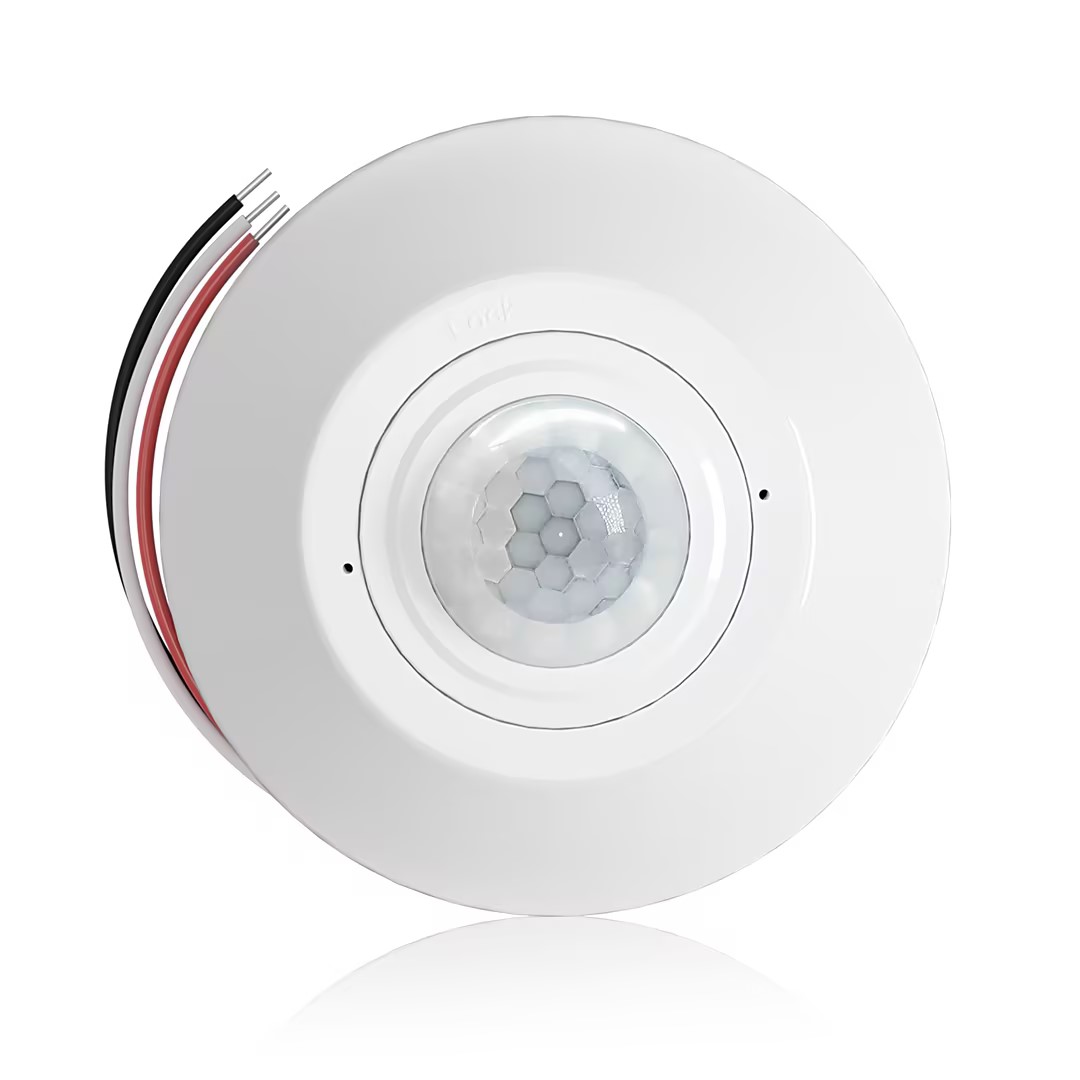
- Kuru kontak röle çıkışlı, tavana monte edilen PIR varlık sensörü
- 12/24VDC veya 12/24VAC düşük voltaj beslemesi
- EMS, HVAC ve bina kontrol girişleri için COM, NO ve NC izoleli röle kontakları
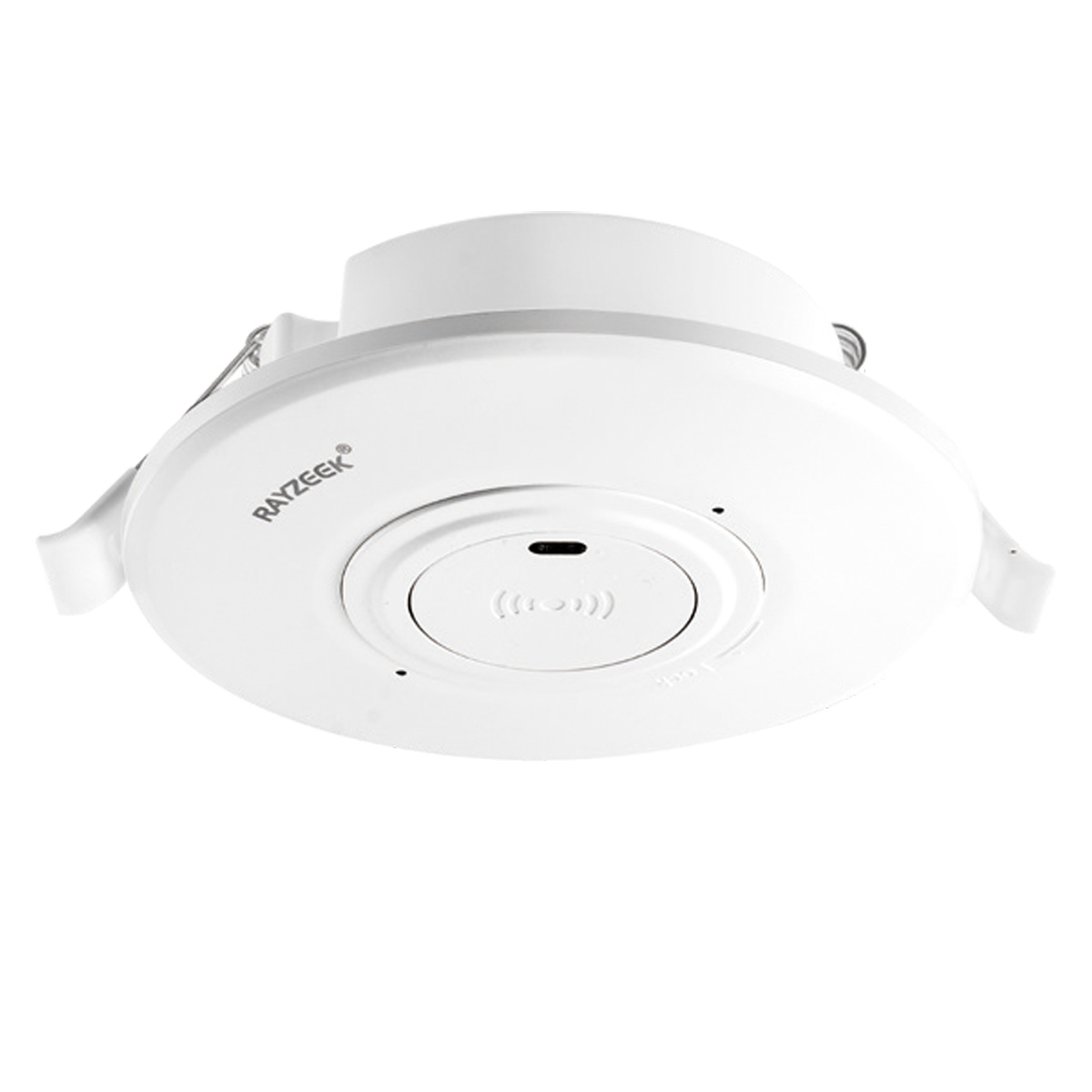
- Düşük voltajlı DC sıva altı tavana monte mikrodalga hareket sensörlü anahtar
- 10-30 VDC aralığına sahip 12 VDC / 24 VDC giriş
- Ayarlanabilir zaman gecikmesi, lüks eşiği ve hassasiyete sahip 10A maks. çalışma akımı
- Yüksek yüklü sıva altı tavana monte mikrodalga hareket sensörlü anahtar
- 100-265 VAC şebeke voltajı girişi, 10A model
- Ayarlanabilir zaman gecikmesi, lüks eşiği ve hassasiyete sahip 5.8 GHz mikrodalga algılama
- Sıva altı tavana monte mikrodalga hareket sensörlü anahtar
- 100-265 VAC şebeke voltajı girişi, 5A model
- Ayarlanabilir zaman gecikmesi, lüks eşiği ve hassasiyete sahip 5.8 GHz mikrodalga algılama
- 220V güç için tavana monte RZ037 PIR varlık sensörlü dimmer
- 660W nominal yük ile 3A maksimum çalışma akımı
- LUX butonu, ışık sensörü AÇMA/KAPAMA işlevini ve kullanıcı tarafından ayarlanan dimmer parlaklığını kontrol eder
- 110V güç için tavana monte RZ037 PIR varlık sensörlü dimmer
- 330W nominal yük ile 3A maksimum çalışma akımı
- LUX butonu, ışık sensörü AÇMA/KAPAMA işlevini ve kullanıcı tarafından ayarlanan dimmer parlaklığını kontrol eder
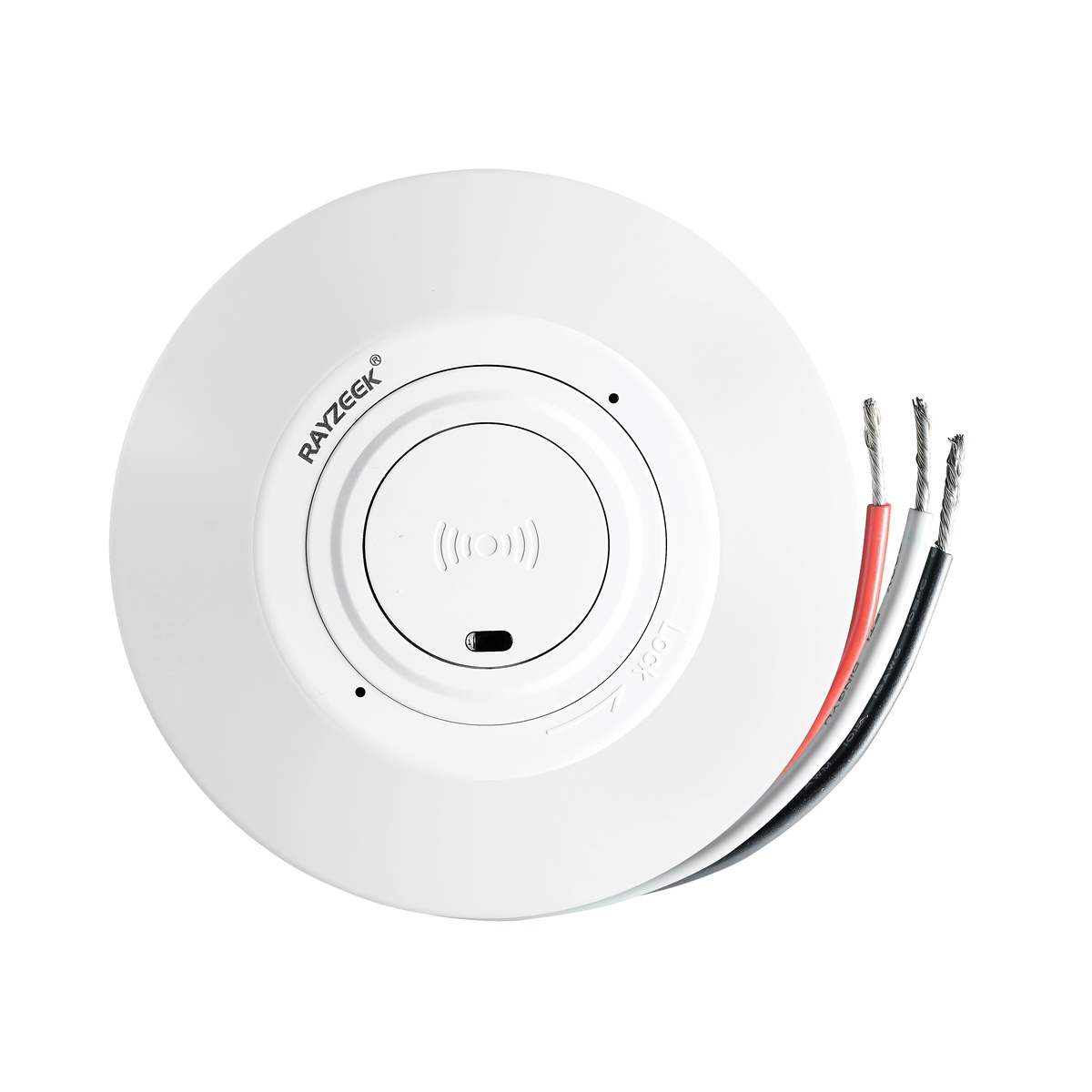
- Düşük voltajlı DC tavana monte mikrodalga hareket sensörlü anahtar
- 10-30 VDC aralığına sahip 12 VDC / 24 VDC giriş
- Ayarlanabilir zaman gecikmesi, lüks eşiği ve hassasiyete sahip 10A maks. çalışma akımı
- Daha yüksek yüklü tavana monte mikrodalga hareket sensörlü anahtar
- 100-265 VAC şebeke voltajı girişi, 10A model
- Ayarlanabilir zaman gecikmesi, lüks eşiği ve hassasiyete sahip 5.8 GHz mikrodalga algılama
- Tavana monte mikrodalga hareket sensörlü anahtar
- 100-265 VAC şebeke voltajı girişi, 5A model
- Ayarlanabilir zaman gecikmesi, lüks eşiği ve hassasiyete sahip 5.8 GHz mikrodalga algılama
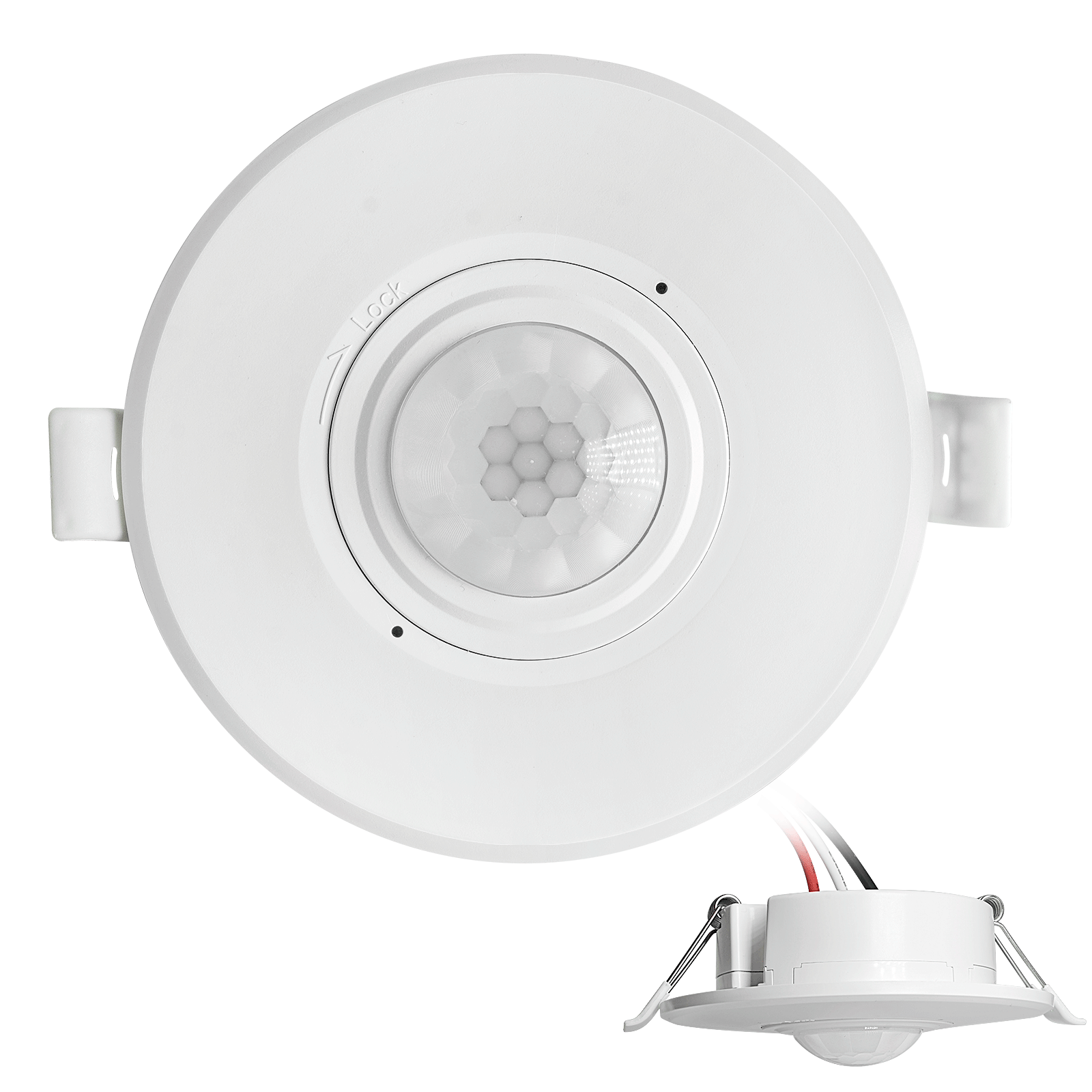
- Düşük voltajlı DC sıva altı tavan tipi PIR hareket sensörlü anahtar
- 10-30 VDC aralığına sahip 12 VDC / 24 VDC giriş
- Ayarlanabilir zaman gecikmesi, Lux eşiği ve hassasiyet ile maks. çalışma akımı 10A
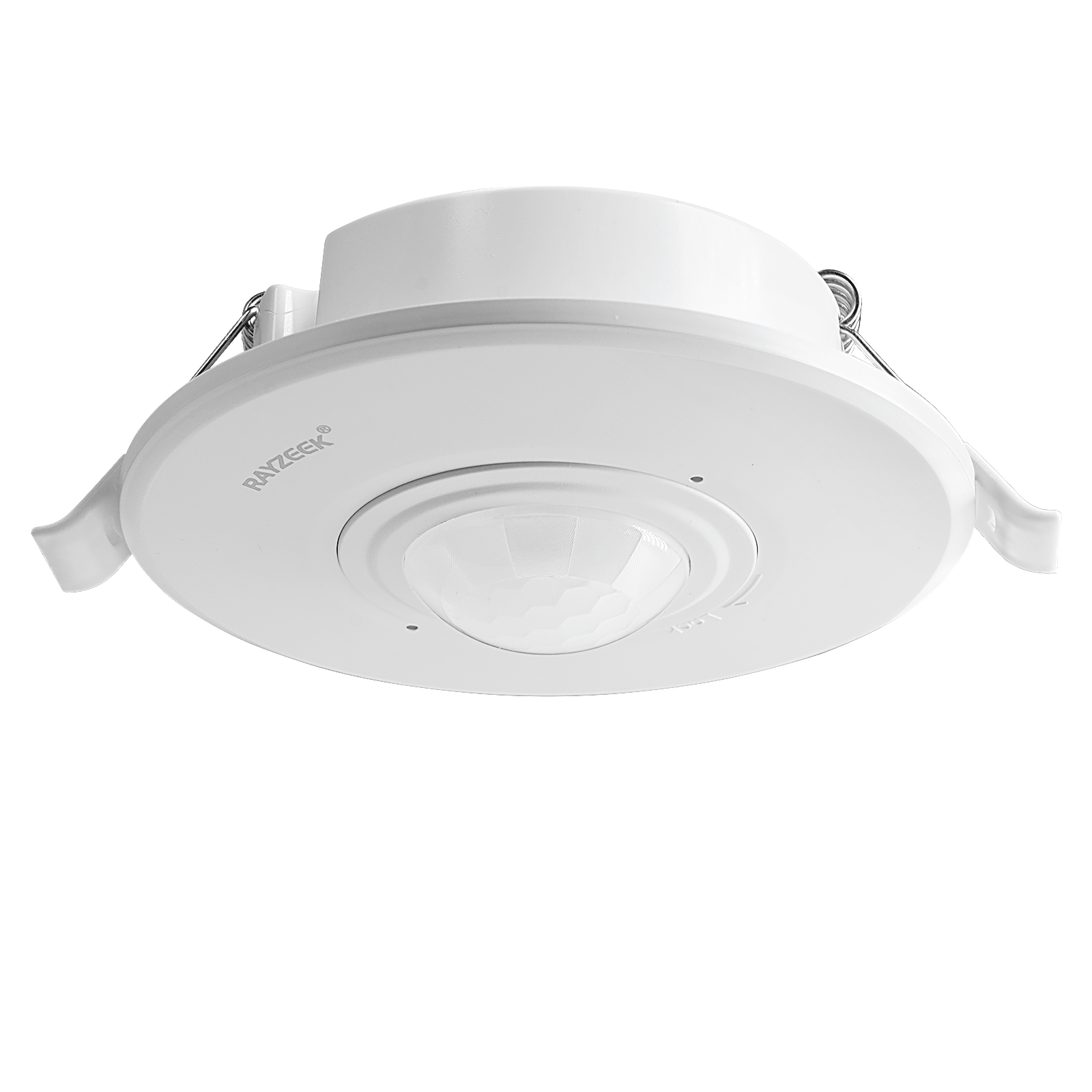
- Daha yüksek yüklü sıva altı tavan tipi PIR hareket sensörlü anahtar
- 100-265 VAC şebeke voltajı girişi, 10A model
- Ayarlanabilir zaman gecikmesi, Lux eşiği ve hassasiyet ile 360 derece algılama
- Sıva altı tavan tipi PIR hareket sensörlü anahtar
- 100-265 VAC şebeke voltajı girişi, 5A model
- Ayarlanabilir zaman gecikmesi, Lux eşiği ve hassasiyet ile 360 derece algılama
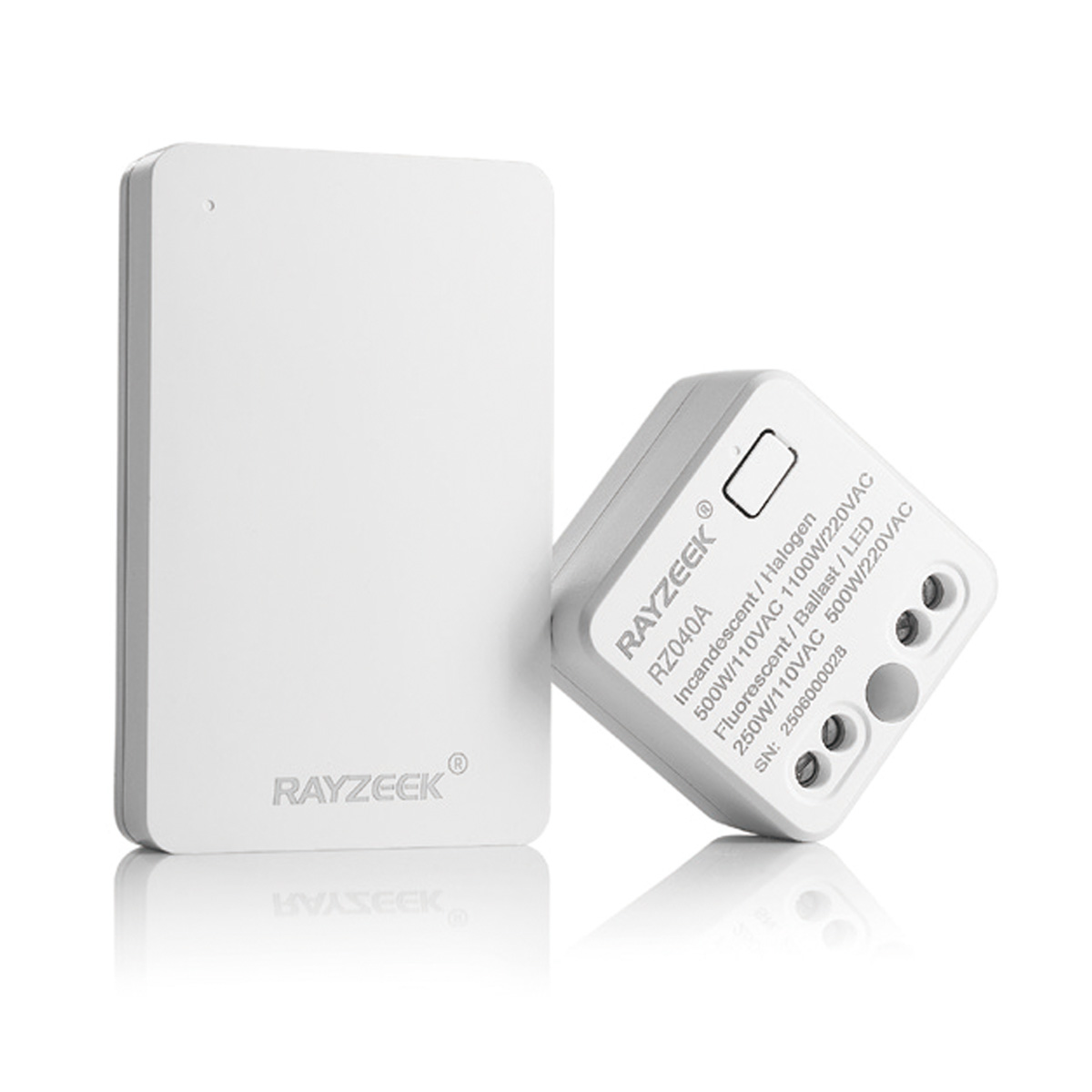
- İç mekan Açma/Kapama (ON/OFF) aydınlatma kontrolü için kablosuz anahtar ve alıcı kiti
- 5A nominal akımlı 100-230VAC, 50/60Hz alıcı
- 2.4GHz haberleşmeli CR2032 pille çalışan kablosuz anahtar
- Varlık (Otomatik AÇILMA/Otomatik KAPANMA)
- 12–24V DC (10–30VDC), 10A'e kadar
- 360° kapsama alanı, 8–12 m çap
- Zaman gecikmesi 15 sn–30 dk
- Işık sensörü Kapalı/15/25/35 Lux
- Yüksek/Düşük hassasiyet
- Otomatik AÇILMA/Otomatik KAPANMA varlık modu
- 100–265V AC, 10A (nötr gereklidir)
- 360° kapsama alanı; 8–12 m algılama çapı
- Zaman gecikmesi 15 sn–30 dk; Lux KAPALI/15/25/35; Hassasiyet Yüksek/Düşük
- Otomatik AÇILMA/Otomatik KAPANMA varlık modu
- 100–265V AC, 5A (nötr hattı gereklidir)
- 360° kapsama alanı; 8–12 m algılama çapı
- Zaman gecikmesi 15 sn–30 dk; Lux KAPALI/15/25/35; Hassasiyet Yüksek/Düşük
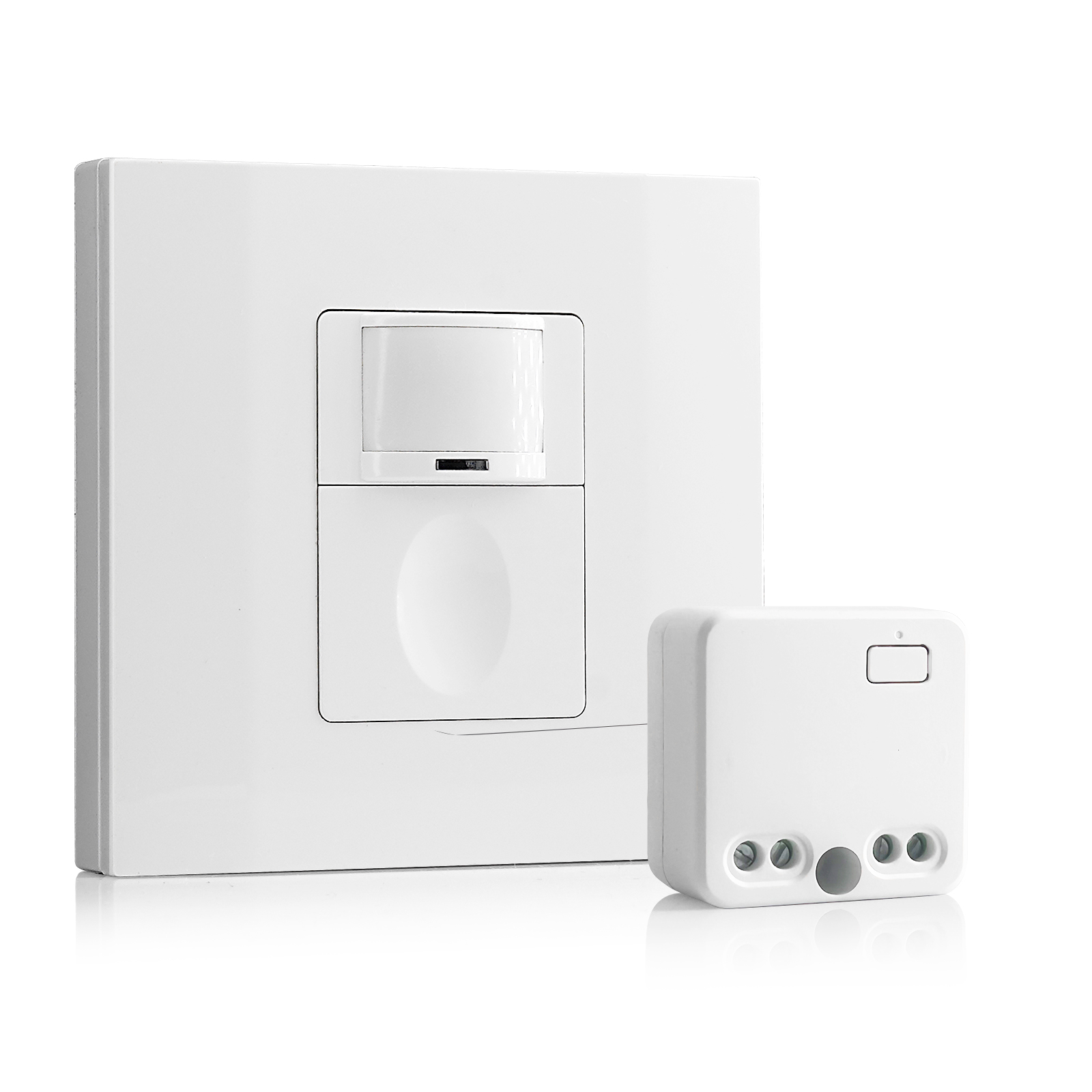
- 100V-230VAC
- İletim Mesafesi: 20m'ye kadar
- Kablosuz hareket sensörü
- Kablolu kontrol
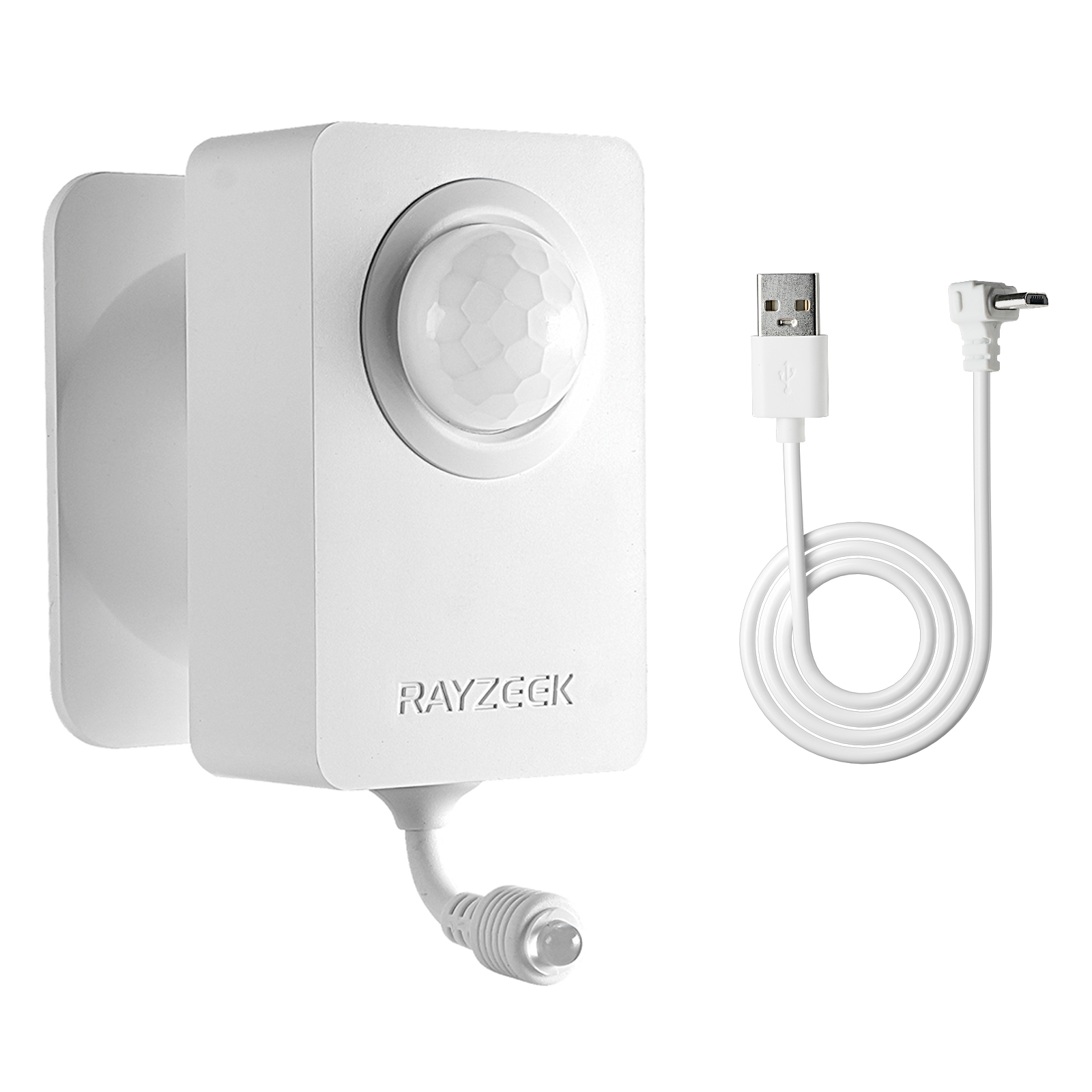
- Voltaj: 2x AAA Pil / 5V DC (Micro USB)
- Gündüz/Gece Modu
- Zaman gecikmesi: 15dk, 30dk, 1sa(varsayılan), 2sa
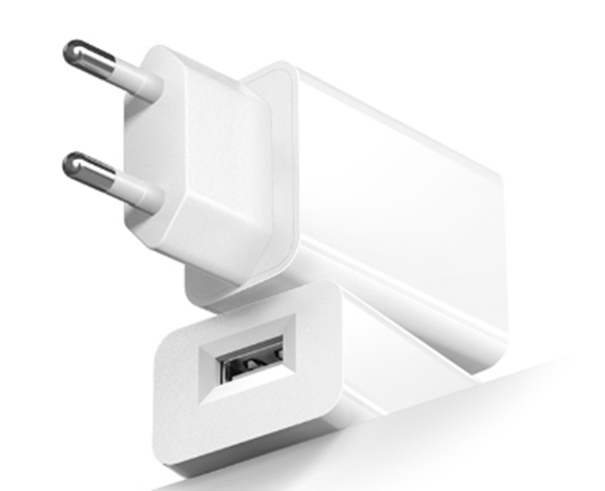
- AB fişli güç adaptörü
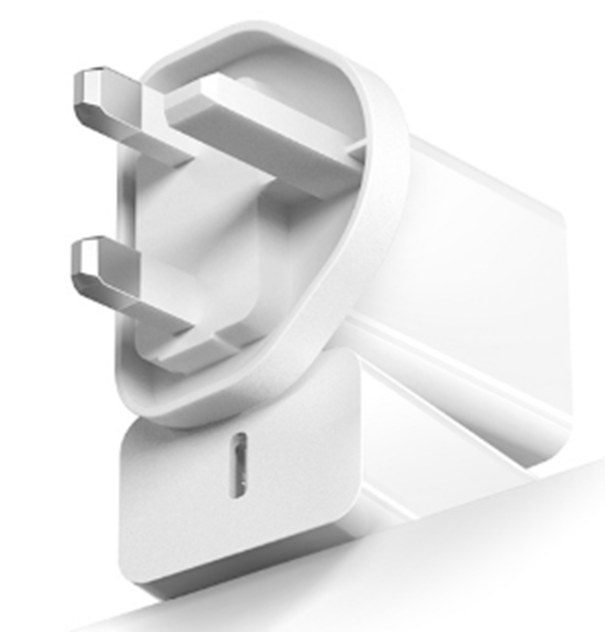
- İngiltere fişli güç adaptörü
Sensor set to ambient light sensing mode when ambient light is too bright
Solution:
- Change the ambient light level to none.
- Change the ambient light level to a proper value.
Possible Causes:
Sensor not detecting motion
Solution:
- Relocate the sensor switch to proper position
- Change sensor sensitivity to high.
Possible Causes:
Sensor not have full-view of the room/space
Solution:
- Relocate the sensor to proper position.
- Move the object which blocks the sensor’s detection range.
Light Turns ON When People Walking Past
Possible Causes:
Sensor coverage extends beyond room perimeter
Solution:
Change sensor sensitivity to low.
Possible Causes:
Sensor detects motion from mirror or shiny objects reflections outside the room.
Solution:
- Change sensor sensitivity to low.
- Switch to manual on/off mode
- Cover and block some part of the sensor to reduce its sensitivity.
Possible Causes:
Turns on in vacancy mode
Solution:
- Lights can turn back on within 30 seconds following the time delay timeout. Meaning users should wait for another 30 seconds when the time delay expires, then the light is completely switched off and can be only turned on by manual action.
- Sensor Mode may be set to occupancy mode other than vacancy mode.
Light Turns ON When Room Is Vacant
Possible Causes:
Sensor triggered by activity outside the coverage area.
Solution:
- Change sensor sensitivity to low.
- Switch to manual on/off mode
- Cover and block some part of the sensor to reduce its sensitivity.
Possible Causes:
Ultrasonic sensor detecting airflow from an HVAC duct.
Solution:
- Change sensor sensitivity to low.
- Eliminate or decrease the external noise source.
- Relocate the sensor if possible.
Possible Causes:
Sensor is facing rapid temperature change such as a HAVC or coffer maker.
Solution:
- Change sensor sensitivity to low.
- Replace with a manual override sensor switch
- Replace with a dual technology sensor
Light Turns OFF When Room Is Occupied
Possible Causes:
Sensor’s timeout is too short for this application
Solution:
Change time delay to a proper value.
Possible Causes:
Room is too large for sensor’s coverage.
Solution:
Install additional sensor switches
Possible Causes:
Improperly located to not have full view of room
Solution:
- Relocate the sensor switch
- Move blocking objects avay from the sensor dection coverage.
Possible Causes:
Sensitivity adjusted to low
Solution:
Change sensor sensitivity to high
Possible Causes:
Pir damaged
Harekete Duyarlı Enerji Tasarrufu Çözümleri mi Arıyorsunuz?
Eksiksiz PIR hareket sensörleri, harekete duyarlı enerji tasarruflu ürünler, hareket sensörlü anahtarlar ve ticari Varlık/Yokluk (Occupancy/Vacancy) çözümleri için bizimle iletişime geçin.
Solution:
Replace with a new sensor.
Possible Causes:
Improper height
Solution:
Relocate the sensor switch to a proper height according to your user manuall guide.
Light Turns OFF Then Immediately Turns Back ON
Possible Causes:
There is a heat source that changes its temperature rapidly
Solution:
- Block and cover part of the sensor to decrease its sensitivity.
- Switch to manual mode.