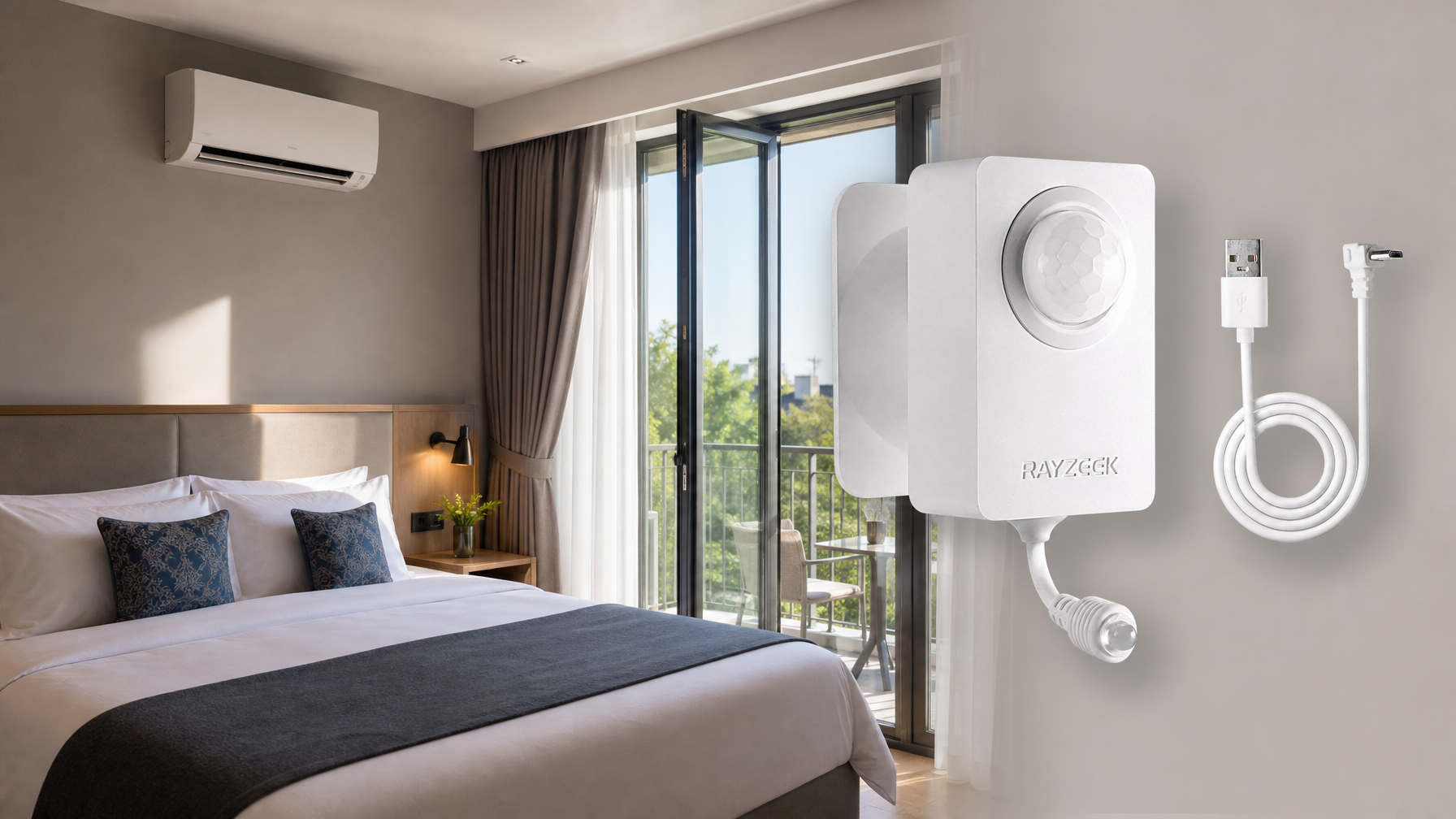

In most times, occupancy sensors are extremely reliable, especially PIR occupancy motion sensors. The occupancy sensor switches would work like a charm after properly installed and operated. Most of the problems we meet during daily usage are due to improper installation or setting.
Here is a complete guide of common problems and how to troubleshoot an occupancy motion sensor switch.
Contents
- Cannot Switch ON/OFF with Newly Installed Occupancy Sensor Switch
- Sensor Does Not Respond to A Manual Button Press
- Light Stays ON After the Room / Space Is Vacant
- Light Stays OFF After Newly Installed Sensor Switch
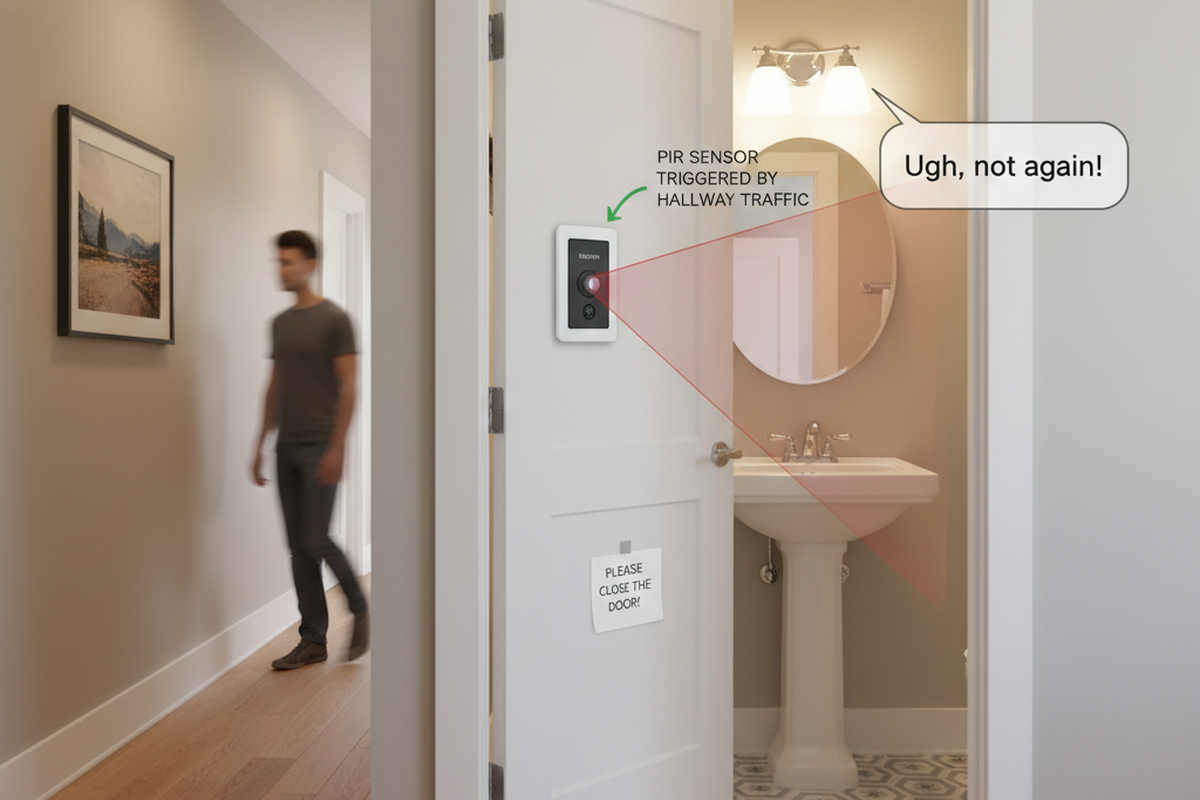
- Light Turns ON When People Walking Past
- Light Turns ON When Room Is Vacant
- Light Turns OFF When Room Is Occupied
- Light Turns OFF Then Immediately Turns Back ON
Cannot Switch ON/OFF with Newly Installed Occupancy Sensor Switch
Possible Causes:
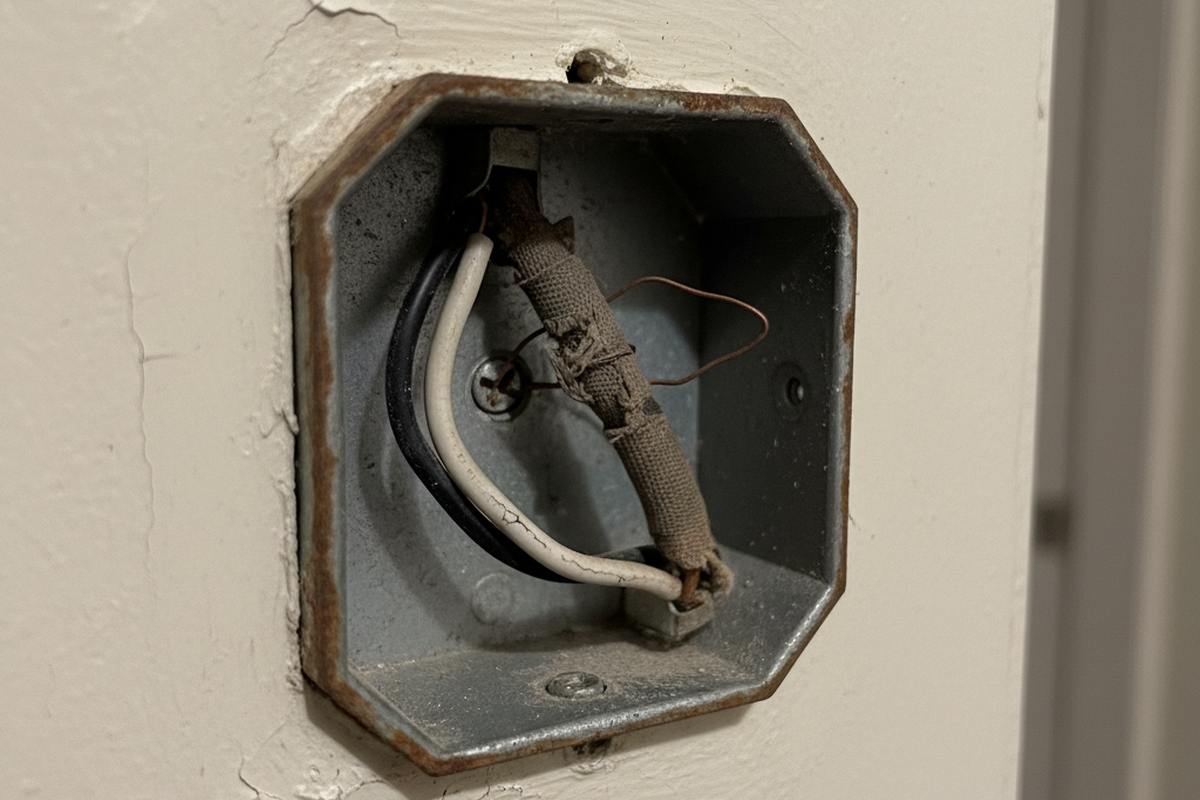
The sensor switch is improperly wired.
Solution:
Check if your occupancy sensor requires a neutral wire or not.
- If it requires a neutral wire(4 wires), make sure green wire is connected to ground, and white wire connected to neutral.
- If it requires only a ground wire(3 wires), make sure green wire is connected to ground.
Sensor Does Not Respond to A Manual Button Press
Possible Causes:
The sensor is under initial power up or power outage, it needs time for initialization.
Solution:
Wait 30 seconds for the sensor to be fully functional and press the button again.
Light Stays ON After the Room / Space Is Vacant
Possible Causes:
Sensor detecting an external noise source such as an HVAC vent.
Soluciones:
Inspírese con los catálogos de sensores de movimiento de Rayzeek.
¿No encuentra lo que busca? No se preocupe. Siempre hay formas alternativas de resolver sus problemas. Quizás uno de nuestros catálogos pueda ayudarle.
- Change sensor sensitivity to low.
- Eliminate or decrease the external noise source.
- Relocate the sensor if possible.
Possible Causes:
Time out not passed
Soluciones:
- Wait for the time dealy to expire.
- Change the time delay to a lower value.
Possible Causes:
Dual-technology ultrasonic and PIR sensors are placed too close together.
Soluciones:
Possible Causes:
Sensor is facing rapid temperature change such as a HAVC or coffer maker.
Soluciones:
- Change sensor sensitivity to low.
- Replace with a manual override sensor switch
- Replace with a dual technology sensor
Possible Causes:
Sensor is in manual on/off mode
Soluciones:
- Turn off the switch
- Change to occupancy or vacancy mode.
Light Stays OFF After Newly Installed Sensor Switch
Possible Causes:
Circus breaker switch is in off position
Solution:
Turn on the switch
Possible Causes:
The sensor switch is improperly wired.
Solution:
Check if your occupancy sensor requires a neutral wire or not.
- Wire the load wires correctly according to your user manual.
- If it requires a neutral wire(4 wires), make sure green wire is connected to ground, and white wire connected to neutral.
- If it requires only a ground wire(3 wires), make sure green wire is connected to ground.
Possible Causes:
Sensor connected to an improper voltage
Solution:
Check your voltage output to see if it matches the sensor voltage requirement.
Possible Causes:
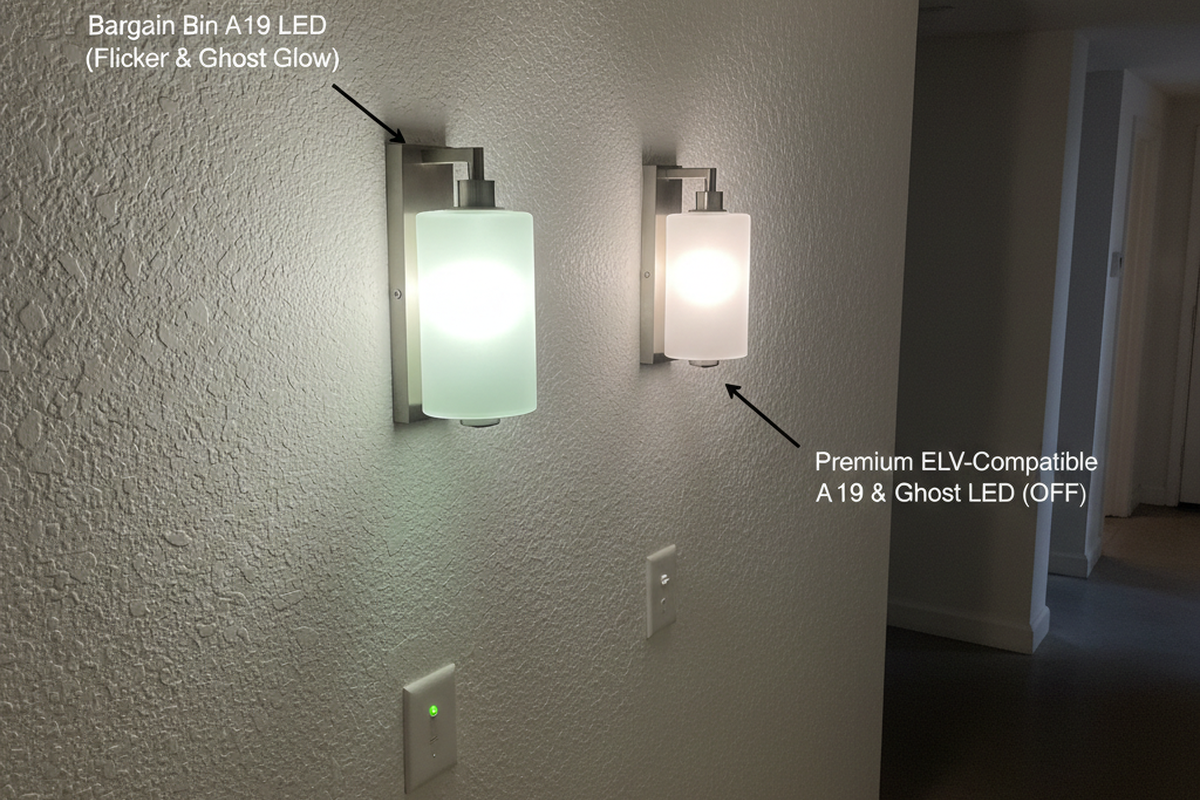
Light bulb damaged
Solution:
Change your light bulbs.
Possible Causes:
Sensor in on/off mode, or vacancy mode
Solution:
- Change the sensor working mode to occupancy mode
- Manually turn on the switch
Possible Causes:
Quizás le interese
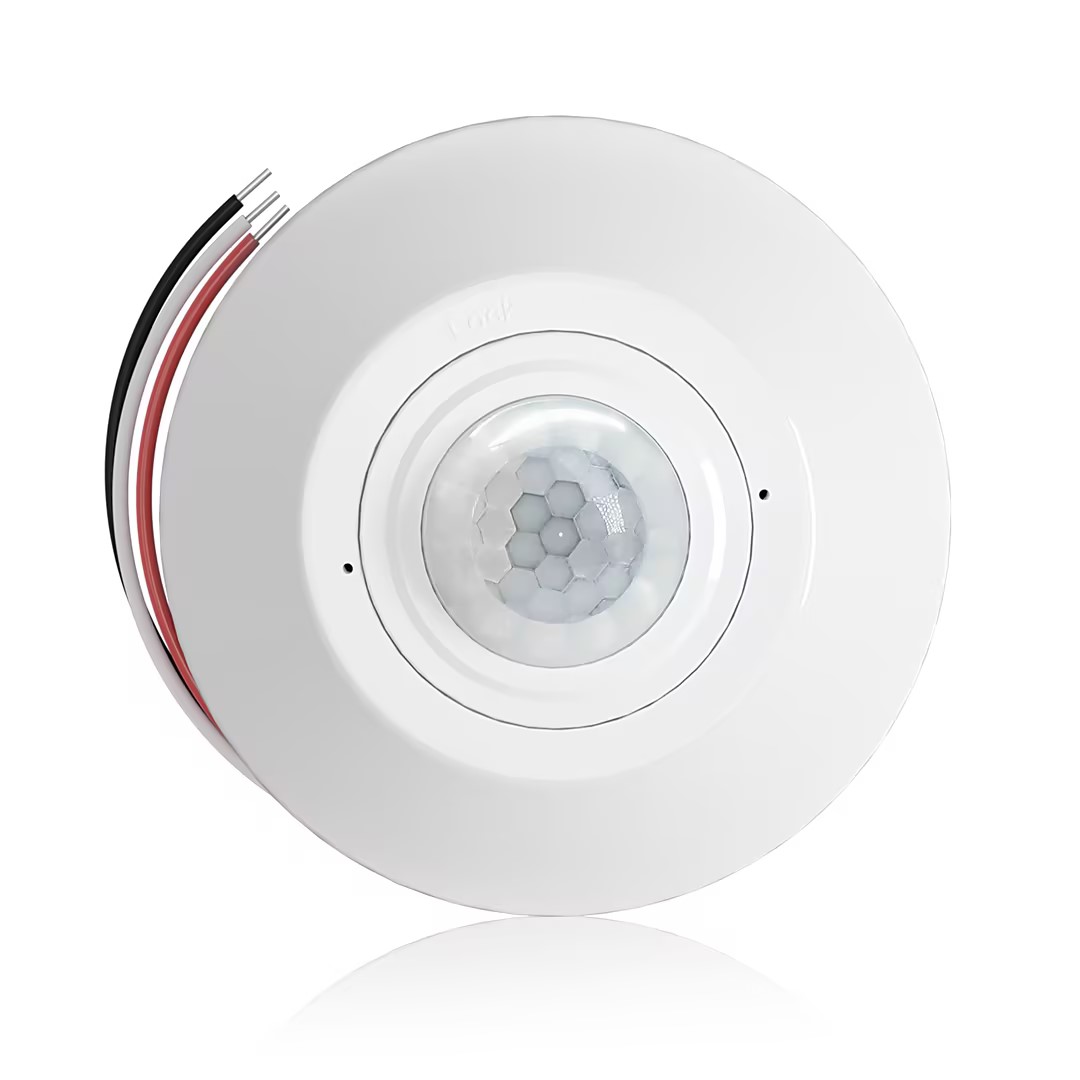
- Sensor de presencia PIR para montaje en techo con salida de relé de contacto seco
- Alimentación de bajo voltaje de 12/24VDC o 12/24VAC
- Contactos de relé aislados COM, NO y NC para entradas de EMS, HVAC y control de edificios
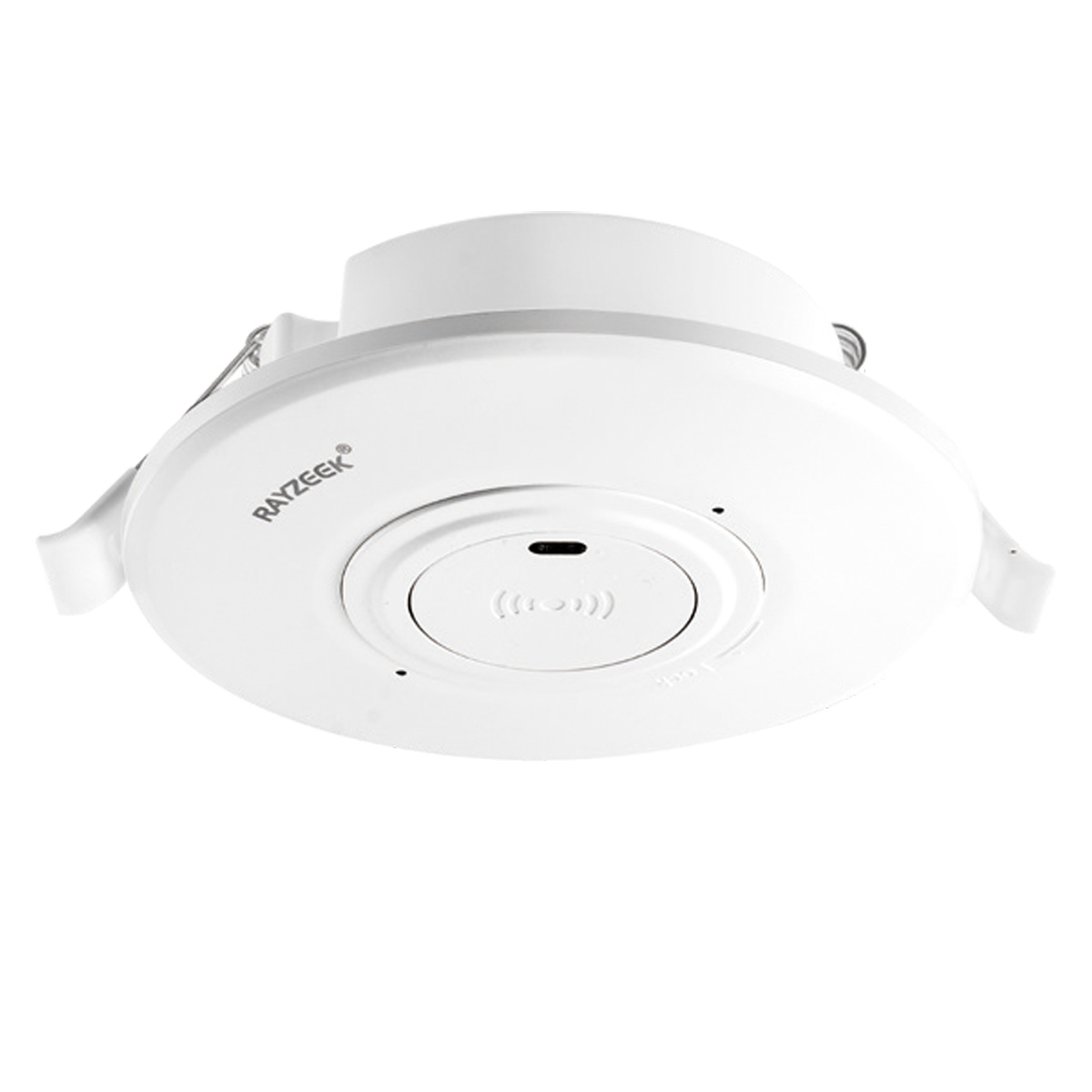
- Interruptor sensor de movimiento por microondas empotrable en techo de bajo voltaje DC
- Entrada de 12 VDC / 24 VDC con rango de 10-30 VDC
- Corriente de funcionamiento máxima de 10A con retardo de tiempo, umbral de Lux y sensibilidad ajustables
- Interruptor sensor de movimiento por microondas empotrable en techo para cargas más altas
- Entrada de voltaje de línea de 100-265 VAC, modelo de 10A
- Detección por microondas de 5.8 GHz con retardo de tiempo, umbral de Lux y sensibilidad ajustables
- Interruptor sensor de movimiento por microondas empotrable en techo
- Entrada de voltaje de línea de 100-265 VAC, modelo de 5A
- Detección por microondas de 5.8 GHz con retardo de tiempo, umbral de Lux y sensibilidad ajustables
- Dimmer sensor de presencia PIR RZ037 para montaje en techo para alimentación de 220V
- Corriente de funcionamiento máxima de 3A con carga nominal de 660W
- El botón LUX controla el encendido/apagado del sensor de luz y el brillo de regulación establecido por el usuario
- Dimmer sensor de presencia PIR RZ037 para montaje en techo para alimentación de 110V
- Corriente de funcionamiento máxima de 3A con carga nominal de 330W
- El botón LUX controla el encendido/apagado del sensor de luz y el brillo de regulación establecido por el usuario
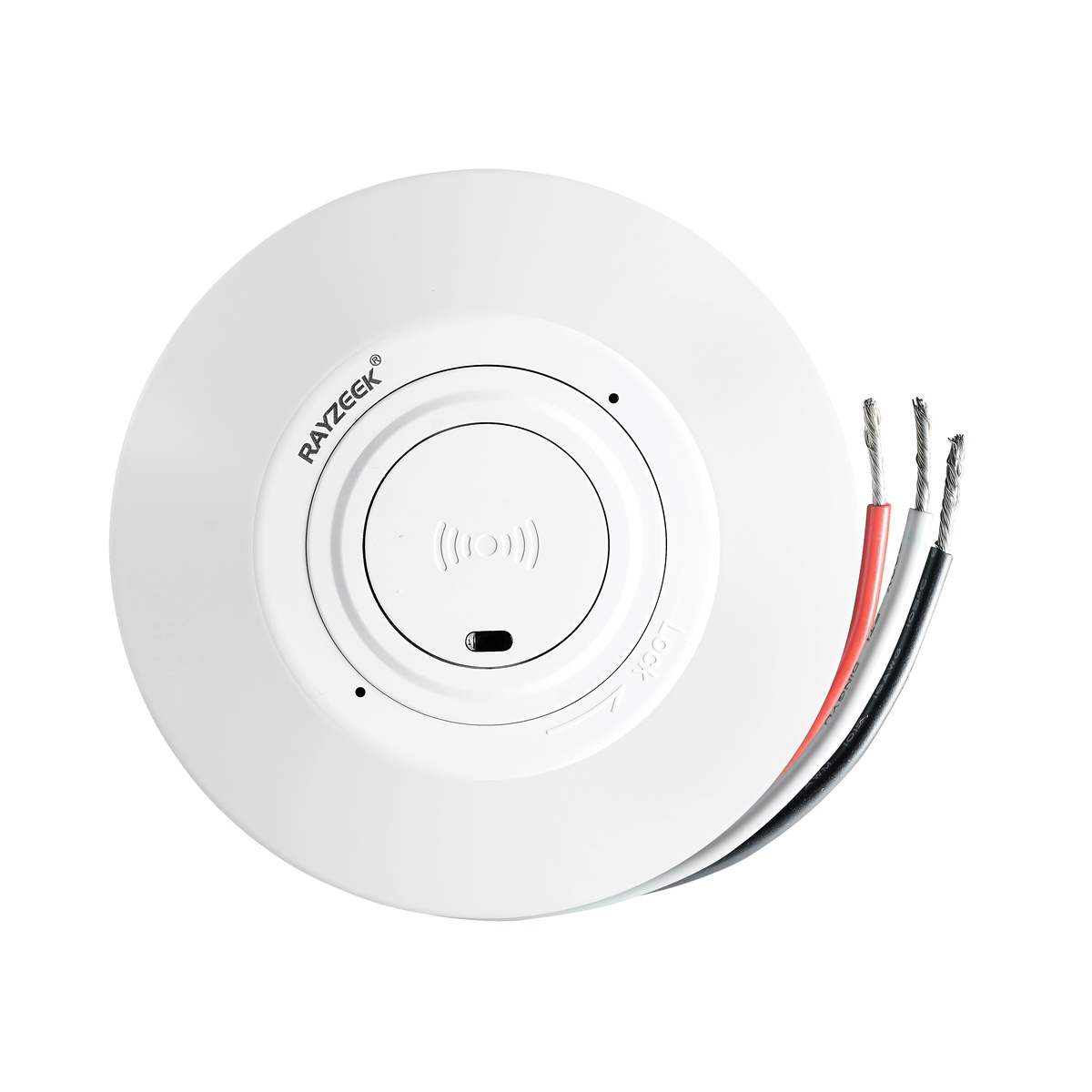
- Interruptor de sensor de movimiento por microondas de techo de CC de bajo voltaje
- Entrada de 12 VDC / 24 VDC con rango de 10-30 VDC
- Corriente de funcionamiento máxima de 10A con retardo de tiempo, umbral de Lux y sensibilidad ajustables
- Interruptor de sensor de movimiento por microondas de techo para cargas más altas
- Entrada de voltaje de línea de 100-265 VAC, modelo de 10A
- Detección por microondas de 5.8 GHz con retardo de tiempo, umbral de Lux y sensibilidad ajustables
- Interruptor de sensor de movimiento por microondas de techo
- Entrada de voltaje de línea de 100-265 VAC, modelo de 5A
- Detección por microondas de 5.8 GHz con retardo de tiempo, umbral de Lux y sensibilidad ajustables
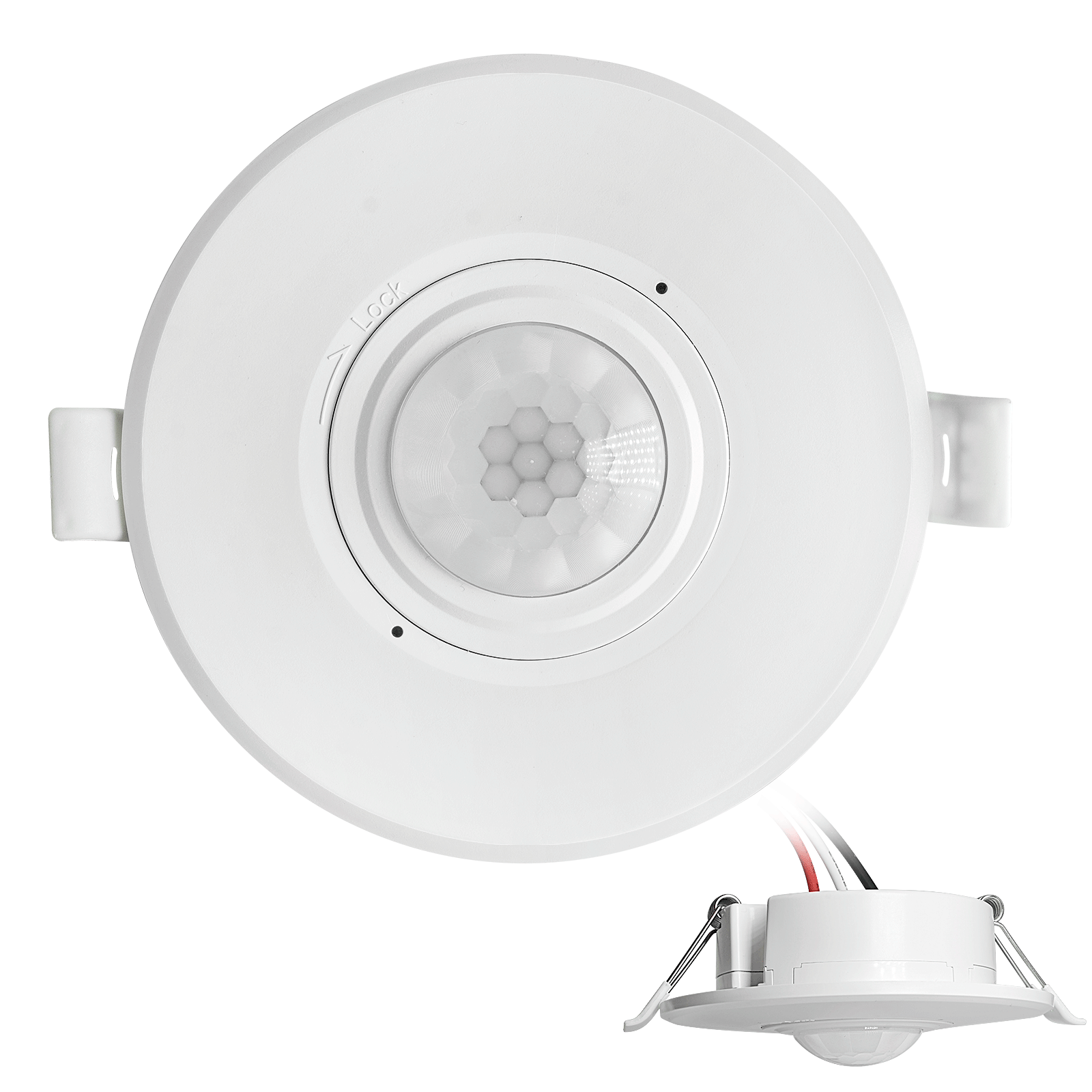
- Interruptor de sensor de movimiento PIR de techo empotrado de CC de bajo voltaje
- Entrada de 12 VDC / 24 VDC con rango de 10-30 VDC
- Corriente de trabajo máxima de 10A con retardo de tiempo, umbral de Lux y sensibilidad ajustables
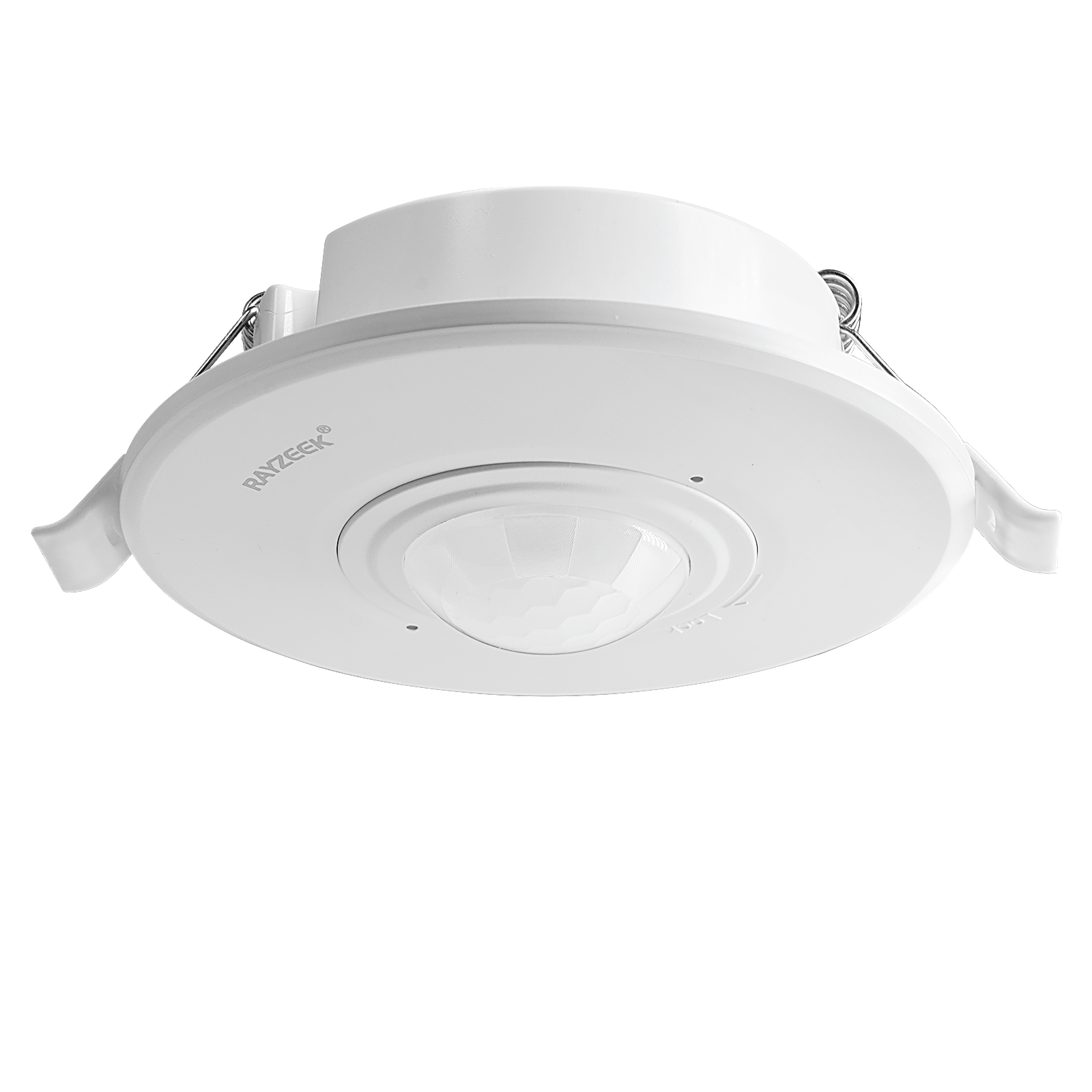
- Interruptor de sensor de movimiento PIR de techo empotrado para cargas más altas
- Entrada de voltaje de línea de 100-265 VAC, modelo de 10A
- Detección de 360 grados con retardo de tiempo, umbral de Lux y sensibilidad ajustables
- Interruptor de sensor de movimiento PIR de techo empotrado
- Entrada de voltaje de línea de 100-265 VAC, modelo de 5A
- Detección de 360 grados con retardo de tiempo, umbral de Lux y sensibilidad ajustables
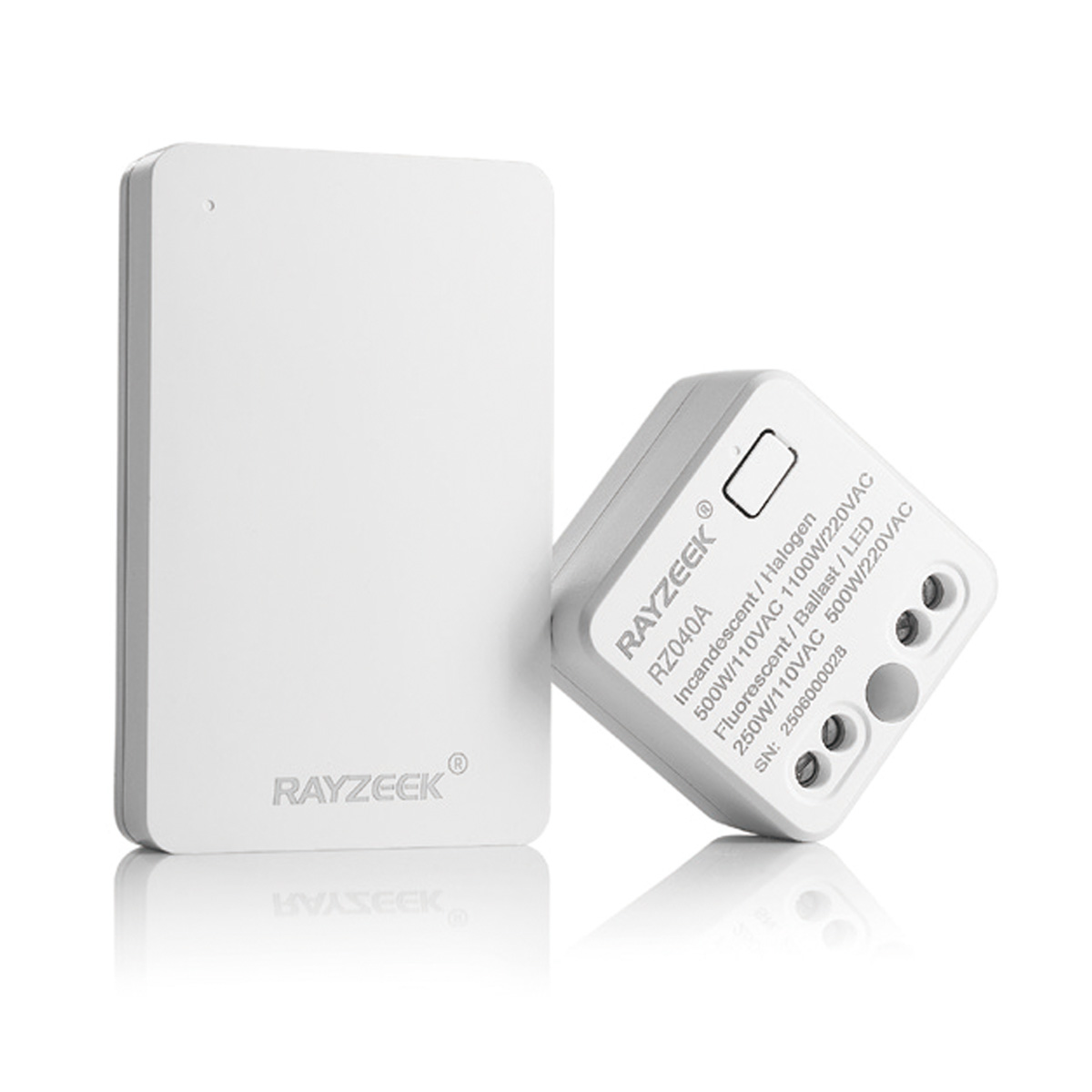
- Kit de receptor e interruptor inalámbrico para control de iluminación de encendido/apagado en interiores
- Receptor de 100-230VAC, 50/60Hz con corriente nominal de 5A
- Interruptor inalámbrico alimentado por CR2032 con comunicación de 2.4GHz
- Presencia (Encendido automático/Apagado automático)
- 12–24V DC (10–30VDC), hasta 10A
- Cobertura de 360°, 8–12 m de diámetro
- Retardo de tiempo de 15 s–30 min
- Sensor de luz Apagado/15/25/35 Lux
- Sensibilidad Alta/Baja
- Modo de presencia de encendido automático/apagado automático
- 100–265V AC, 10A (requiere neutro)
- Cobertura de 360°; diámetro de detección de 8–12 m
- Retardo de tiempo de 15 s–30 min; Lux APAGADO/15/25/35; Sensibilidad Alta/Baja
- Modo de presencia de encendido automático/apagado automático
- 100–265V CA, 5A (se requiere neutro)
- Cobertura de 360°; diámetro de detección de 8–12 m
- Retardo de tiempo de 15 s–30 min; Lux APAGADO/15/25/35; Sensibilidad Alta/Baja
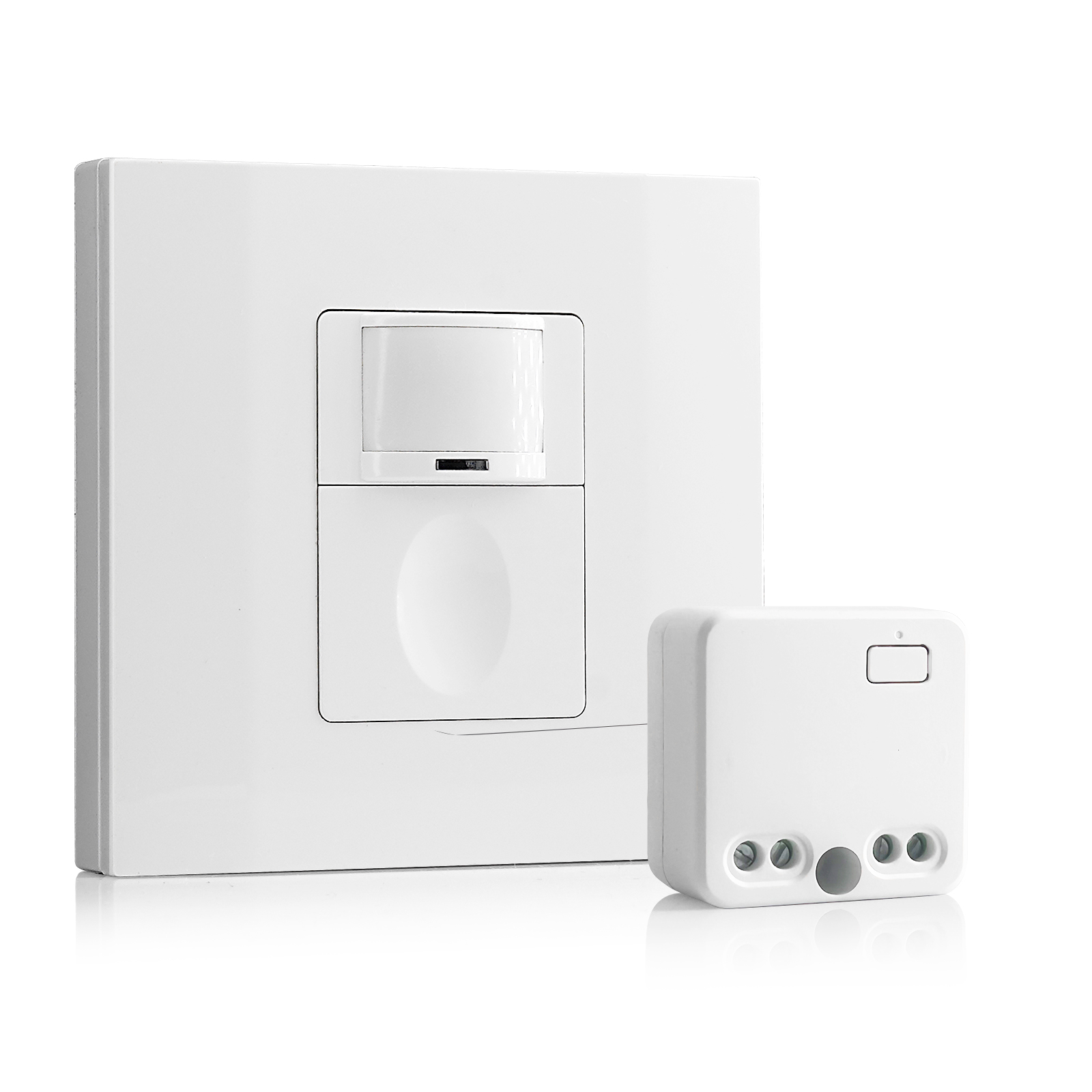
- 100V-230V CA
- Distancia de transmisión: hasta 20 m
- Sensor de movimiento inalámbrico
- Control cableado
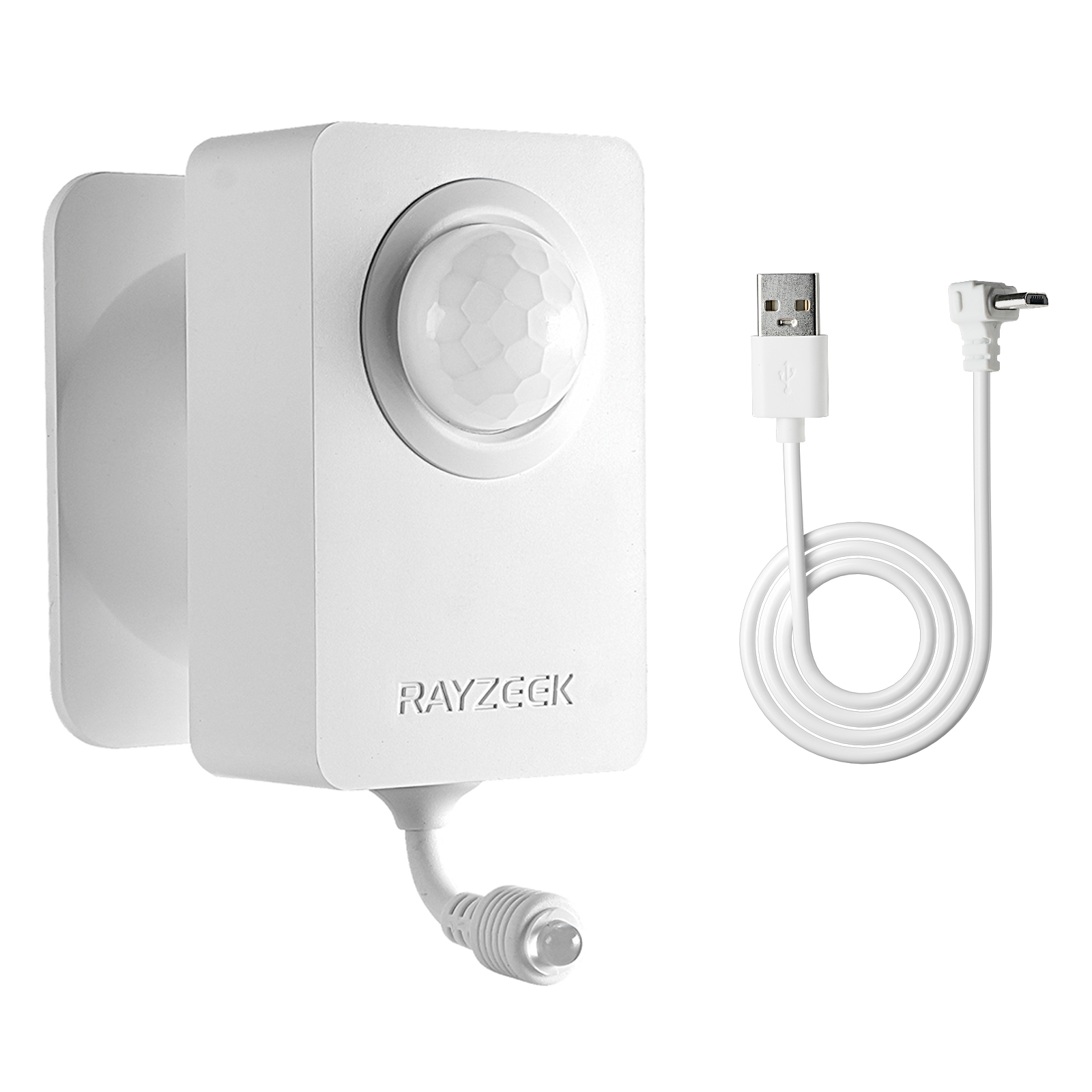
- Voltaje: 2 baterías AAA / 5V CC (Micro USB)
- Modo día/noche
- Tiempo de retardo: 15 min, 30 min, 1 h (por defecto), 2 h
- Adaptador de corriente con enchufe de la UE
- Adaptador de corriente con enchufe del Reino Unido
Sensor set to ambient light sensing mode when ambient light is too bright
Solution:
- Change the ambient light level to none.
- Change the ambient light level to a proper value.
Possible Causes:
Sensor not detecting motion
Solution:
- Relocate the sensor switch to proper position
- Change sensor sensitivity to high.
Possible Causes:
Sensor not have full-view of the room/space
Solution:
- Relocate the sensor to proper position.
- Move the object which blocks the sensor’s detection range.
Light Turns ON When People Walking Past
Possible Causes:
Sensor coverage extends beyond room perimeter
Solution:
Change sensor sensitivity to low.
Possible Causes:
Sensor detects motion from mirror or shiny objects reflections outside the room.
Solution:
- Change sensor sensitivity to low.
- Switch to manual on/off mode
- Cover and block some part of the sensor to reduce its sensitivity.
Possible Causes:
Turns on in vacancy mode
Solution:
- Lights can turn back on within 30 seconds following the time delay timeout. Meaning users should wait for another 30 seconds when the time delay expires, then the light is completely switched off and can be only turned on by manual action.
- Sensor Mode may be set to occupancy mode other than vacancy mode.
Light Turns ON When Room Is Vacant
Possible Causes:
Sensor triggered by activity outside the coverage area.
Solution:
- Change sensor sensitivity to low.
- Switch to manual on/off mode
- Cover and block some part of the sensor to reduce its sensitivity.
Possible Causes:
Ultrasonic sensor detecting airflow from an HVAC duct.
Solution:
- Change sensor sensitivity to low.
- Eliminate or decrease the external noise source.
- Relocate the sensor if possible.
Possible Causes:
Sensor is facing rapid temperature change such as a HAVC or coffer maker.
Solution:
- Change sensor sensitivity to low.
- Replace with a manual override sensor switch
- Replace with a dual technology sensor
Light Turns OFF When Room Is Occupied
Possible Causes:
Sensor’s timeout is too short for this application
Solution:
Change time delay to a proper value.
Possible Causes:
Room is too large for sensor’s coverage.
Solution:
Install additional sensor switches
Possible Causes:
Improperly located to not have full view of room
Solution:
- Relocate the sensor switch
- Move blocking objects avay from the sensor dection coverage.
Possible Causes:
Sensitivity adjusted to low
Solution:
Change sensor sensitivity to high
Possible Causes:
Pir damaged
¿Busca soluciones de ahorro de energía activadas por movimiento?
Contáctenos para obtener sensores de movimiento PIR completos, productos de ahorro de energía activados por movimiento, interruptores con sensor de movimiento y soluciones comerciales de presencia/ausencia.
Solution:
Replace with a new sensor.
Possible Causes:
Improper height
Solution:
Relocate the sensor switch to a proper height according to your user manuall guide.
Light Turns OFF Then Immediately Turns Back ON
Possible Causes:
There is a heat source that changes its temperature rapidly
Solution:
- Block and cover part of the sensor to decrease its sensitivity.
- Switch to manual mode.