
In most times, occupancy sensors are extremely reliable, especially PIR occupancy motion sensors. The occupancy sensor switches would work like a charm after properly installed and operated. Most of the problems we meet during daily usage are due to improper installation or setting.
Here is a complete guide of common problems and how to troubleshoot an occupancy motion sensor switch.
目次
- Cannot Switch ON/OFF with Newly Installed Occupancy Sensor Switch
- Sensor Does Not Respond to A Manual Button Press
- Light Stays ON After the Room / Space Is Vacant
- Light Stays OFF After Newly Installed Sensor Switch
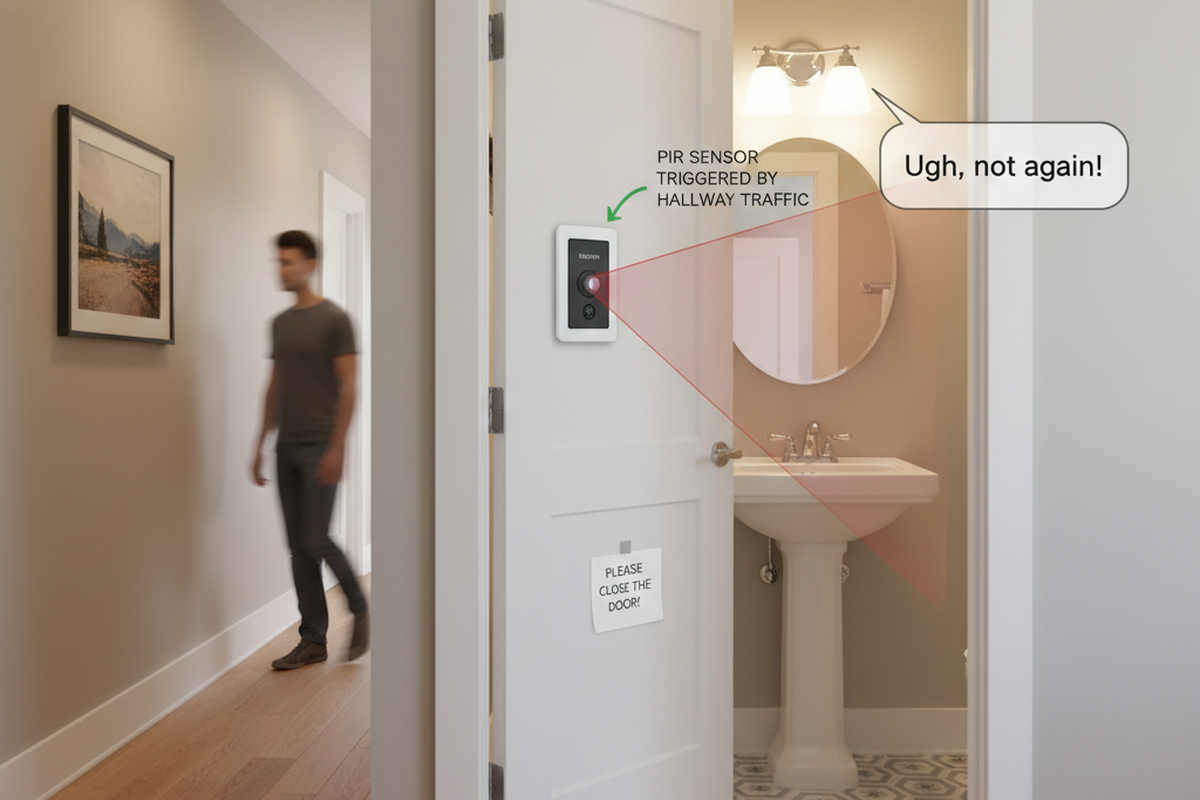
- Light Turns ON When People Walking Past
- Light Turns ON When Room Is Vacant
- Light Turns OFF When Room Is Occupied
- Light Turns OFF Then Immediately Turns Back ON
Cannot Switch ON/OFF with Newly Installed Occupancy Sensor Switch
Possible Causes:
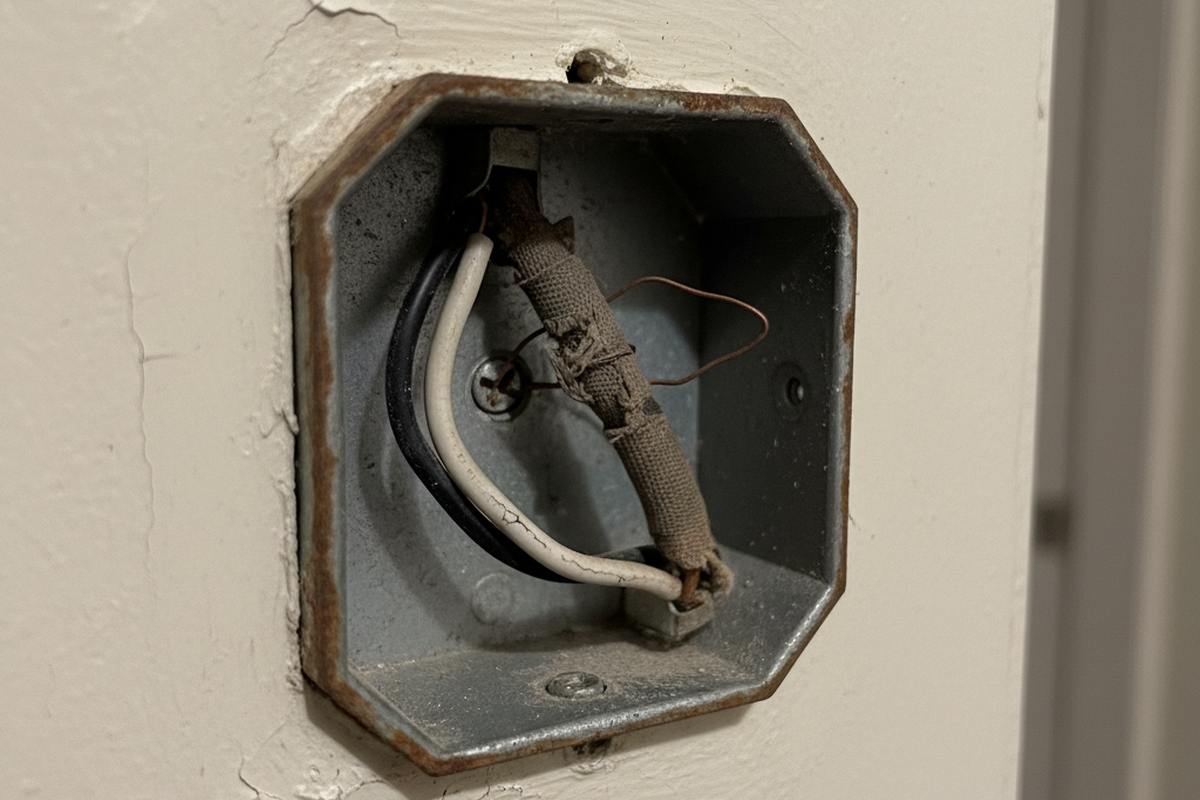
The sensor switch is improperly wired.
Solution:
Check if your occupancy sensor requires a neutral wire or not.
- If it requires a neutral wire(4 wires), make sure green wire is connected to ground, and white wire connected to neutral.
- If it requires only a ground wire(3 wires), make sure green wire is connected to ground.
Sensor Does Not Respond to A Manual Button Press
Possible Causes:
The sensor is under initial power up or power outage, it needs time for initialization.
Solution:
Wait 30 seconds for the sensor to be fully functional and press the button again.
Light Stays ON After the Room / Space Is Vacant
Possible Causes:
Sensor detecting an external noise source such as an HVAC vent.
ソリューション:
Rayzeek の人感センサーポートフォリオからヒントを見つけましょう。
お探しのものが見つかりませんか?ご安心ください。課題を解決する代替手段は常に存在します。当社の製品ポートフォリオがヒントになるかもしれません。
- Change sensor sensitivity to low.
- Eliminate or decrease the external noise source.
- Relocate the sensor if possible.
Possible Causes:
Time out not passed
ソリューション:
- Wait for the time dealy to expire.
- Change the time delay to a lower value.
Possible Causes:
Dual-technology ultrasonic and PIR sensors are placed too close together.
ソリューション:
Possible Causes:
Sensor is facing rapid temperature change such as a HAVC or coffer maker.
ソリューション:
- Change sensor sensitivity to low.
- Replace with a manual override sensor switch
- Replace with a dual technology sensor
Possible Causes:
Sensor is in manual on/off mode
ソリューション:
- Turn off the switch
- Change to occupancy or vacancy mode.
Light Stays OFF After Newly Installed Sensor Switch
Possible Causes:
Circus breaker switch is in off position
Solution:
Turn on the switch
Possible Causes:
The sensor switch is improperly wired.
Solution:
Check if your occupancy sensor requires a neutral wire or not.
- Wire the load wires correctly according to your user manual.
- If it requires a neutral wire(4 wires), make sure green wire is connected to ground, and white wire connected to neutral.
- If it requires only a ground wire(3 wires), make sure green wire is connected to ground.
Possible Causes:
Sensor connected to an improper voltage
Solution:
Check your voltage output to see if it matches the sensor voltage requirement.
Possible Causes:
Light bulb damaged
Solution:
Change your light bulbs.
Possible Causes:
Sensor in on/off mode, or vacancy mode
Solution:
- Change the sensor working mode to occupancy mode
- Manually turn on the switch
Possible Causes:
こちらの製品もおすすめ
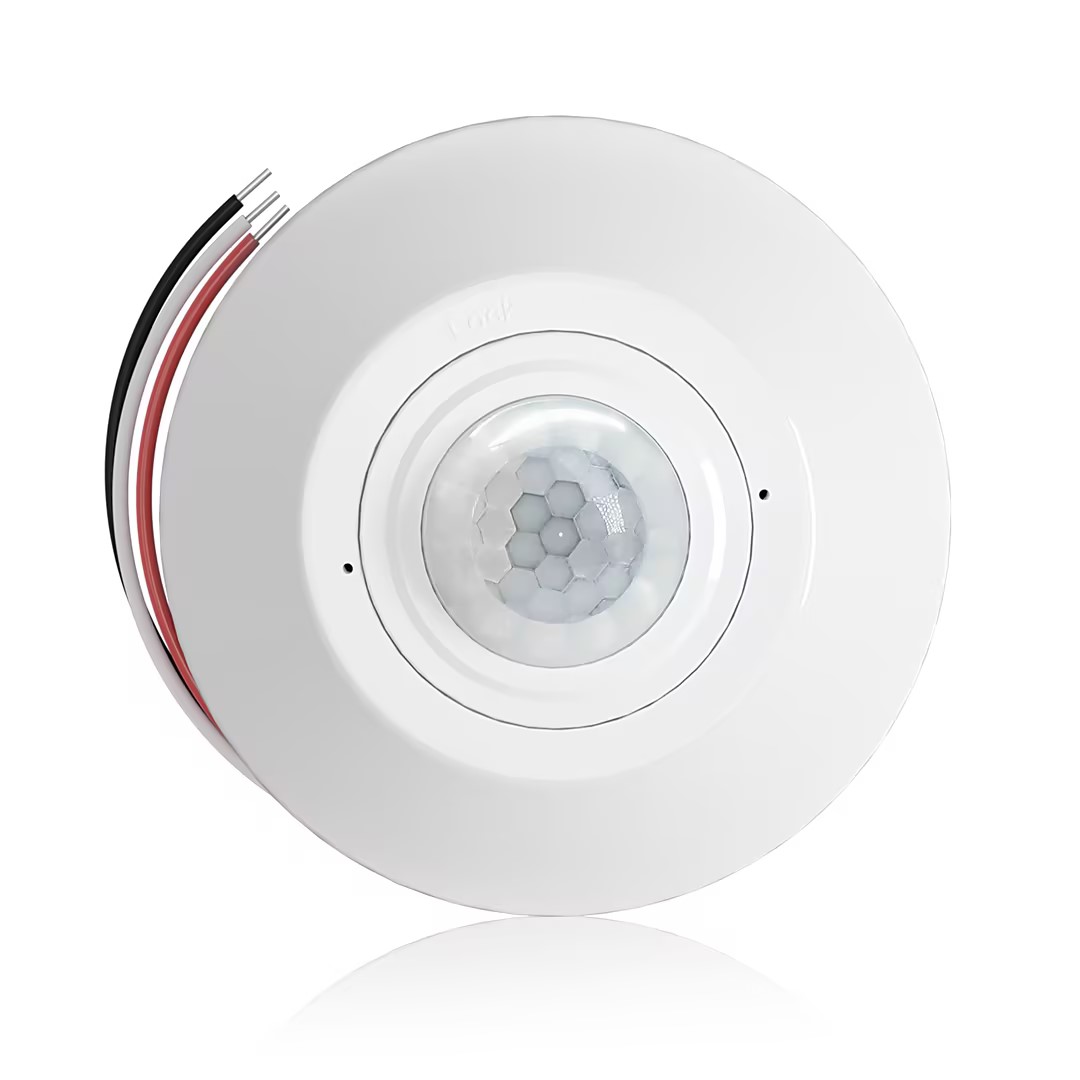
- 無電圧接点リレー出力を備えた天井取付型 PIR 占有・無人検知センサー
- 12/24VDC または 12/24VAC の低電圧電源
- EMS、HVAC、およびビル管理制御入力用の COM、NO、NC 絶縁リレー接点
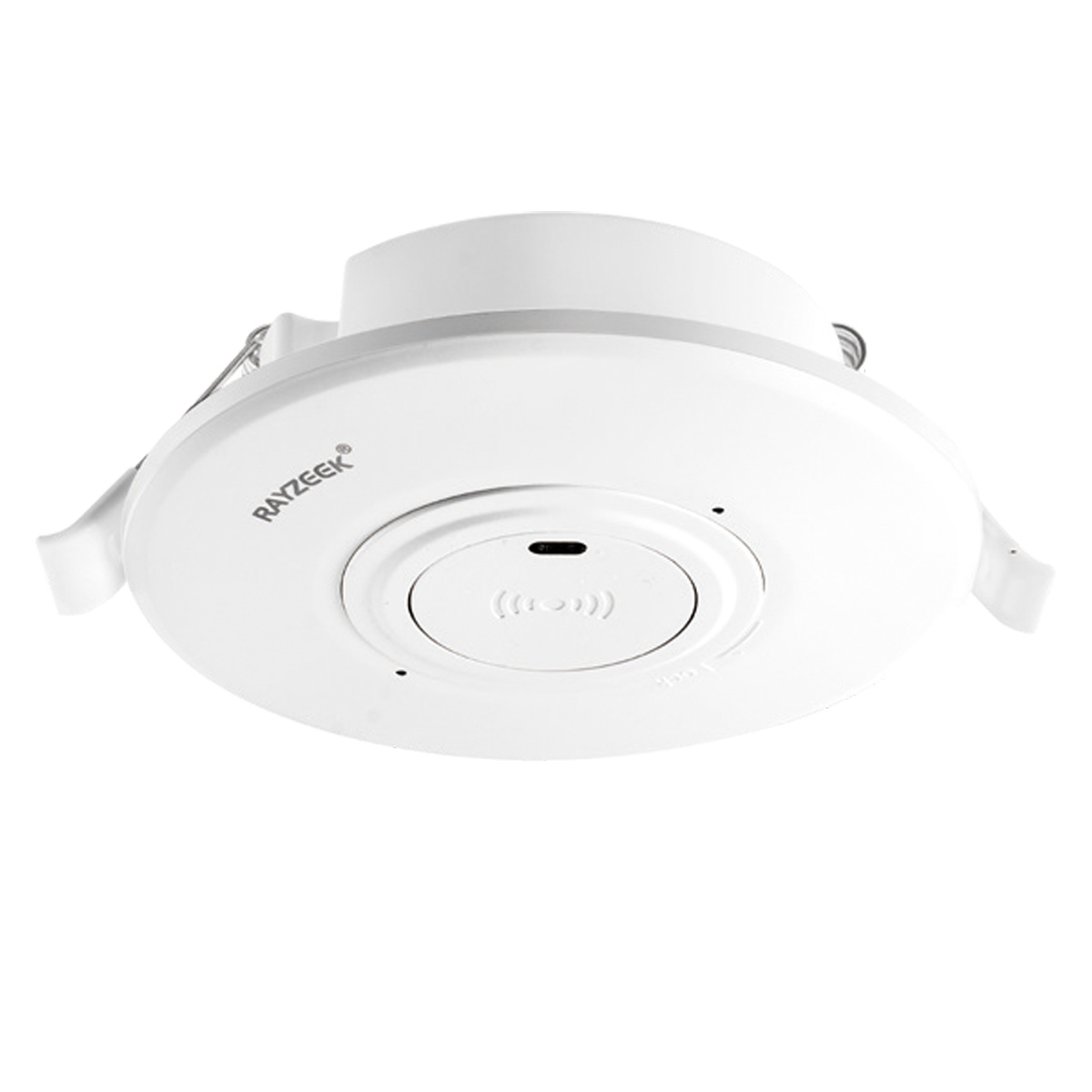
- 低電圧 DC 天井埋込型 マイクロ波モーションセンサースイッチ
- 12 VDC / 24 VDC 入力(許容範囲:10-30 VDC)
- 最大動作電流 10A、調整可能なタイムディレイ、照度しきい値、および感度
- 高負荷対応 天井埋込型 マイクロ波モーションセンサースイッチ
- 100-265 VAC 商用電圧入力、10A モデル
- 5.8 GHz マイクロ波検知、調整可能なタイムディレイ、照度しきい値、および感度
- 天井埋込型 マイクロ波モーションセンサースイッチ
- 100-265 VAC 商用電圧入力、5A モデル
- 5.8 GHz マイクロ波検知、調整可能なタイムディレイ、照度しきい値、および感度
- 220V 電源用 天井取付型 RZ037 PIR 占有・無人検知センサー調光器
- 最大動作電流 3A、定格負荷 660W
- LUX ボタンによる調光センサーのオン/オフおよびユーザー設定の調光輝度制御
- 110V 電源用 天井取付型 RZ037 PIR 占有・無人検知センサー調光器
- 最大動作電流 3A、定格負荷 330W
- LUX ボタンによる調光センサーのオン/オフおよびユーザー設定の調光輝度制御
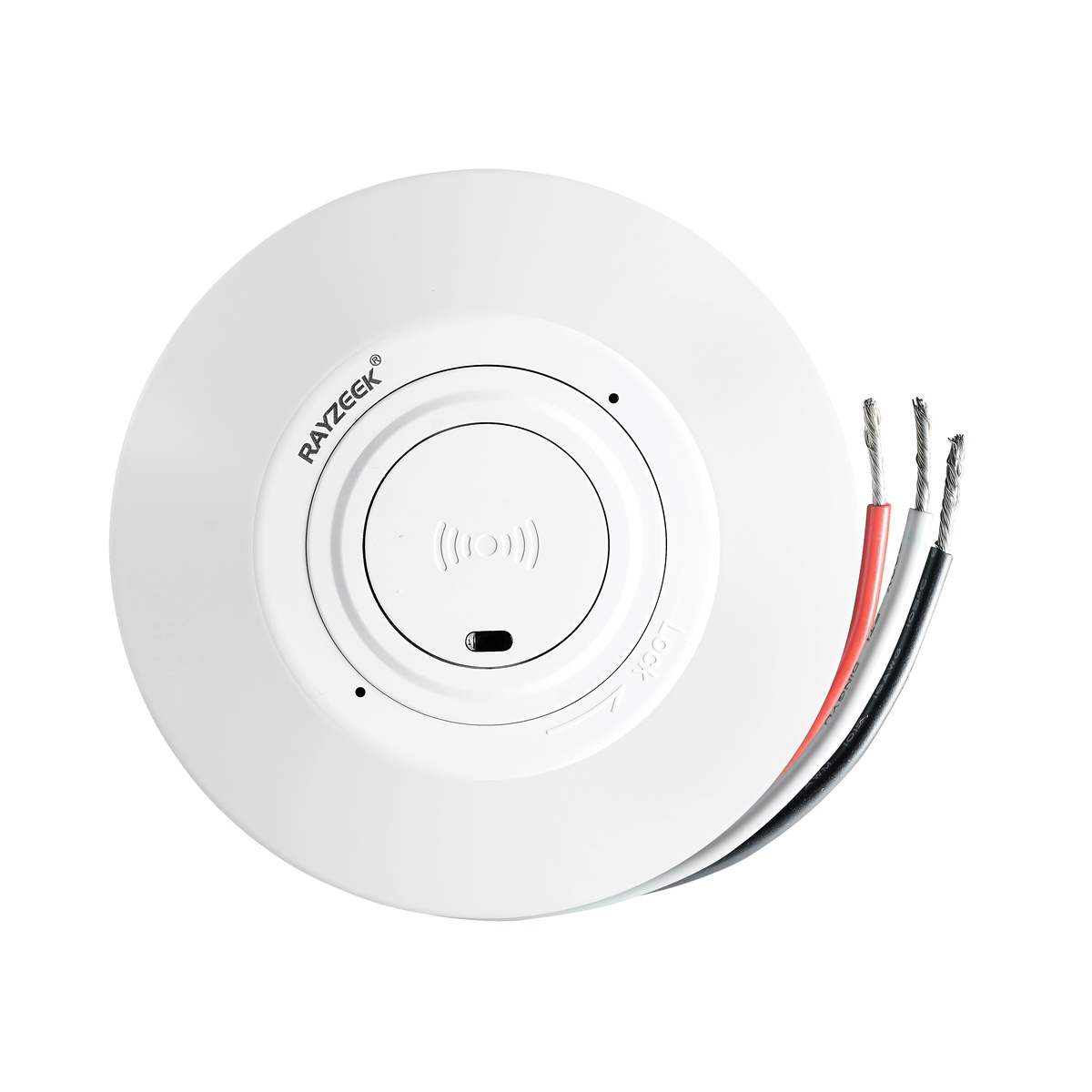
- 低電圧DC天井取付型マイクロ波動体検知センサースイッチ
- 12 VDC / 24 VDC 入力(許容範囲:10-30 VDC)
- 最大動作電流 10A、調整可能なタイムディレイ、照度しきい値、および感度
- 高負荷天井取付型マイクロ波動体検知センサースイッチ
- 100-265 VAC 商用電圧入力、10A モデル
- 5.8 GHz マイクロ波検知、調整可能なタイムディレイ、照度しきい値、および感度
- 天井取付型マイクロ波動体検知センサースイッチ
- 100-265 VAC 商用電圧入力、5A モデル
- 5.8 GHz マイクロ波検知、調整可能なタイムディレイ、照度しきい値、および感度
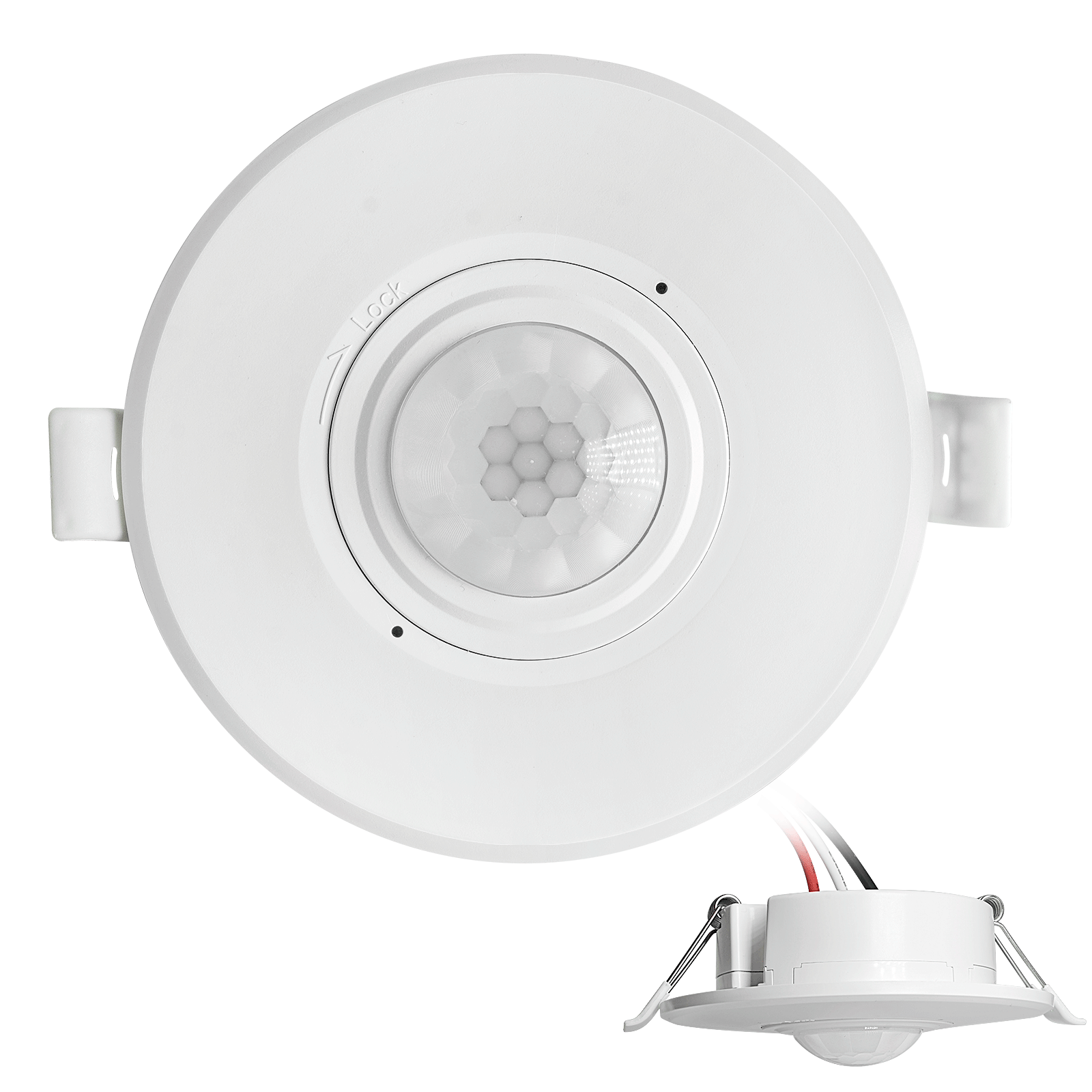
- 低電圧DC埋込型天井PIR動体検知センサースイッチ
- 12 VDC / 24 VDC 入力(許容範囲:10-30 VDC)
- 最大動作電流10A、調整可能なタイムディレイ、ルクス閾値、および感度設定
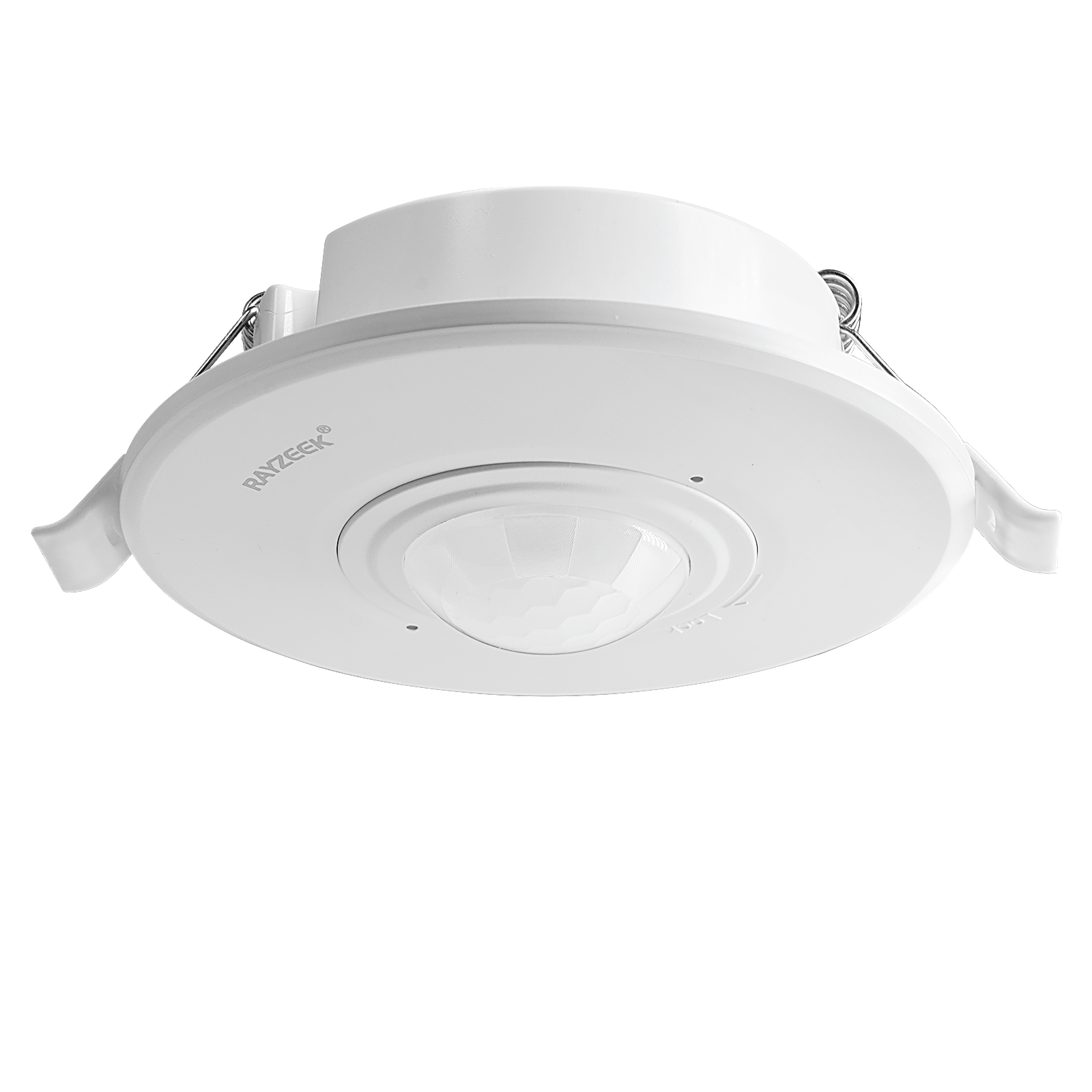
- 高負荷埋込型天井PIR動体検知センサースイッチ
- 100-265 VAC 商用電圧入力、10A モデル
- 360度検知、調整可能なタイムディレイ、ルクス閾値、および感度設定
- 埋込型天井PIR動体検知センサースイッチ
- 100-265 VAC 商用電圧入力、5A モデル
- 360度検知、調整可能なタイムディレイ、ルクス閾値、および感度設定
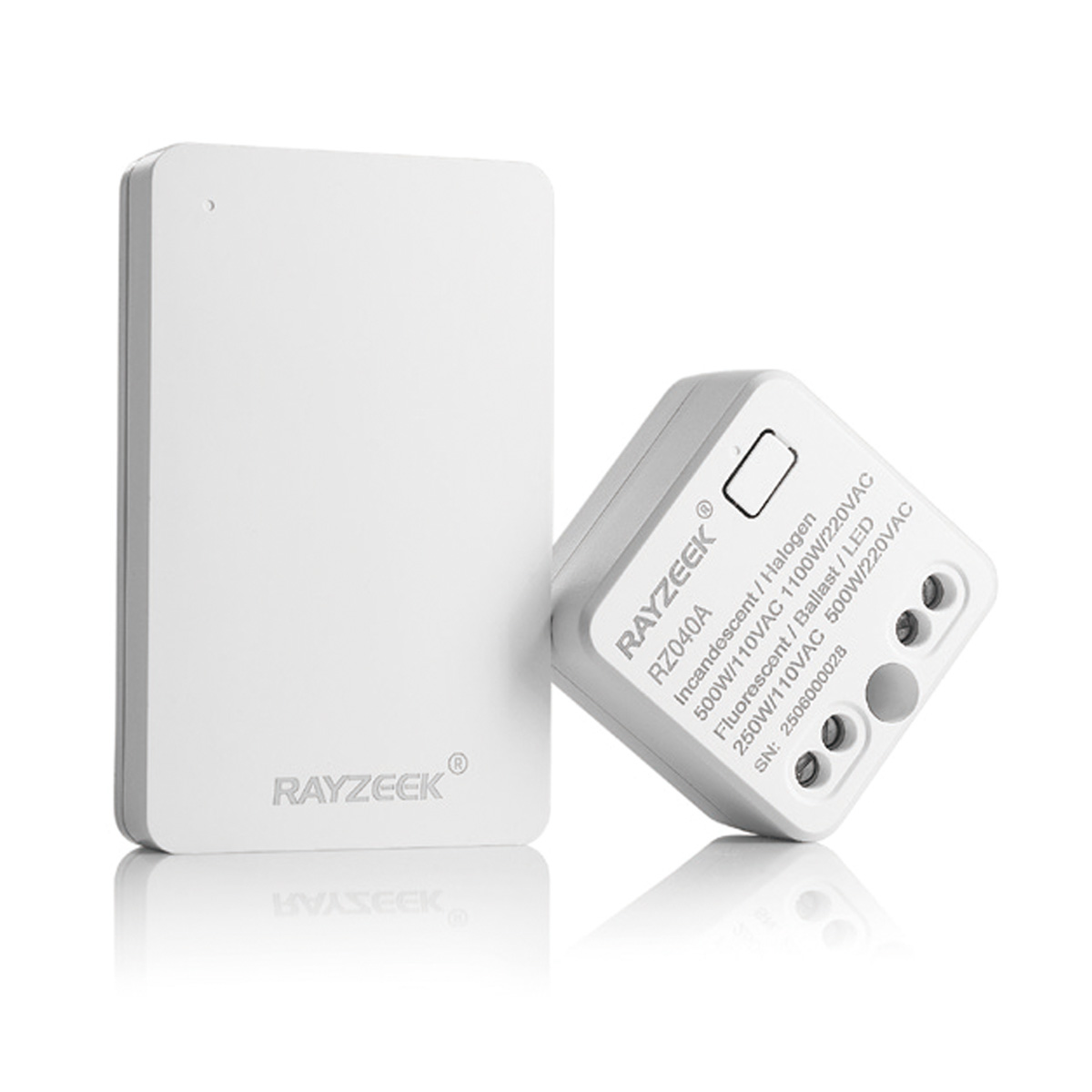
- 屋内用ON/OFF照明制御ワイヤレススイッチ&レシーバーキット
- 100-230VAC、50/60Hzレシーバー、定格電流5A
- CR2032電池駆動ワイヤレススイッチ、2.4GHz通信
- 在室(自動オン/自動オフ)
- 12–24V DC(10–30VDC)、最大10A
- 360°検知範囲、直径8–12 m
- タイムディレイ 15秒–30分
- 照度センサー オフ/15/25/35 Lux
- 高/低感度
- 自動オン/自動オフ在室モード
- 100–265V AC、10A(中性線が必要)
- 360°検知範囲、検知直径8–12 m
- タイムディレイ 15秒–30分、ルクス オフ/15/25/35、感度 高/低
- 自動オン/自動オフ在室モード
- 100–265V AC, 5A (中性線必須)
- 360°検知範囲、検知直径8–12 m
- タイムディレイ 15秒–30分、ルクス オフ/15/25/35、感度 高/低
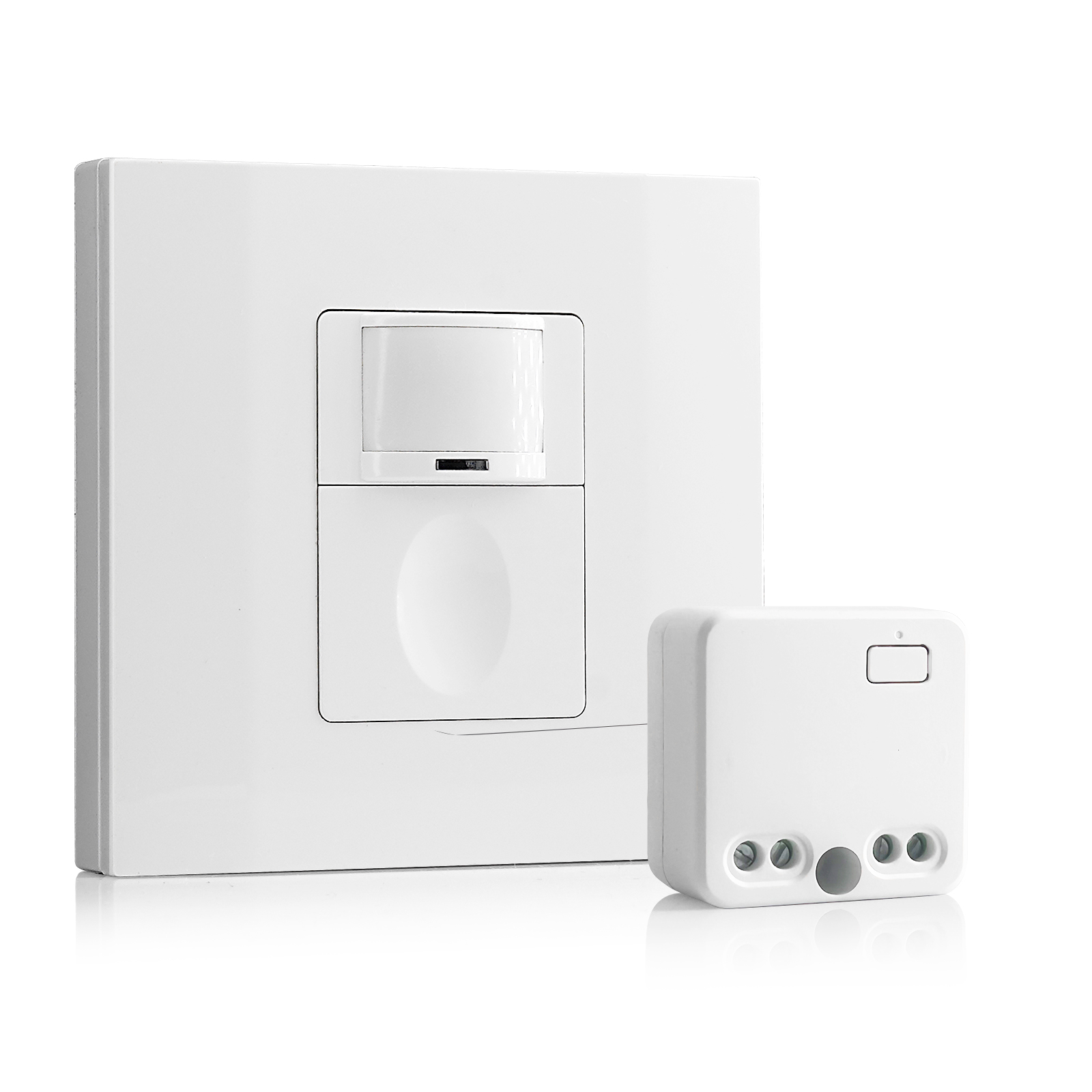
- 100V-230VAC
- 送信距離: 最大20m
- ワイヤレス動きセンサー
- 有線制御
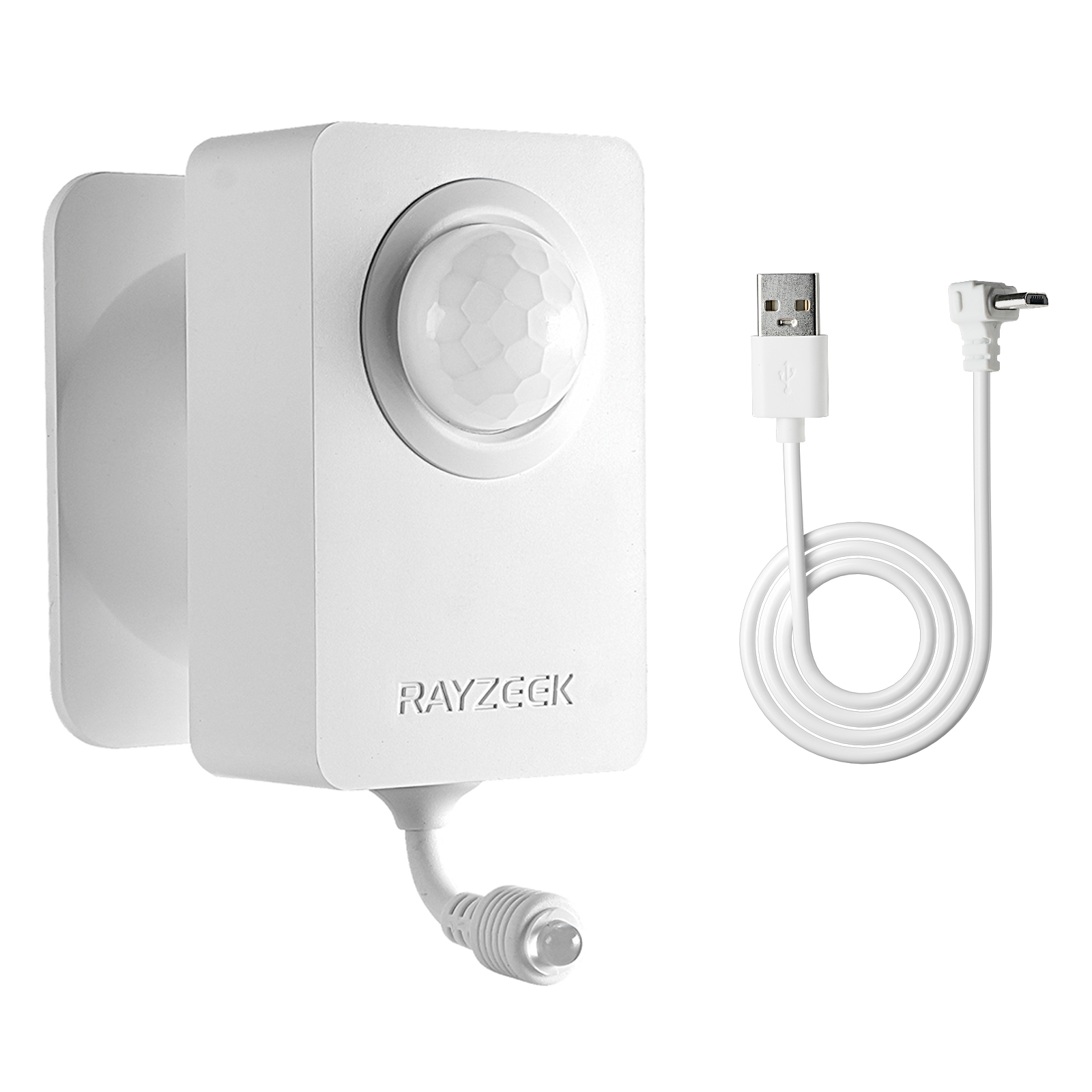
- 電圧: 単4電池×2本 / 5V DC (Micro USB)
- 昼/夜モード
- タイムディレイ: 15分、30分、1時間(デフォルト)、2時間
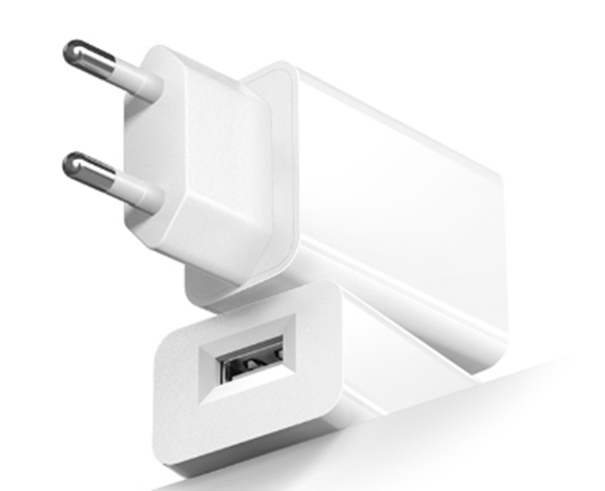
- EUプラグ電源アダプター
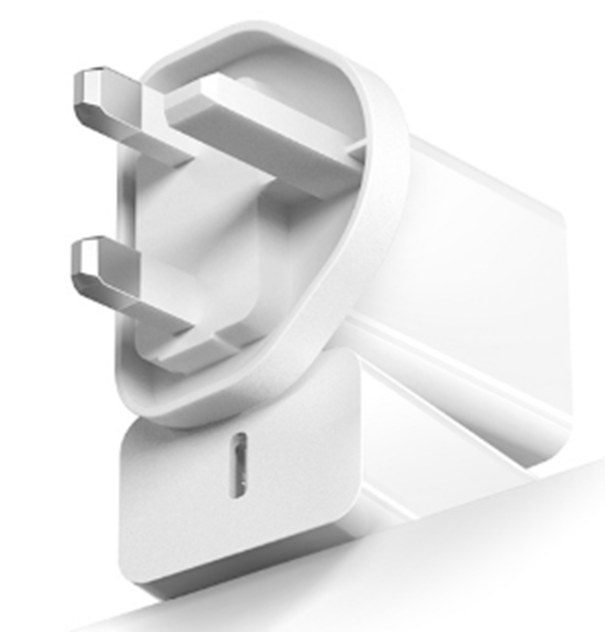
- UKプラグ電源アダプター
Sensor set to ambient light sensing mode when ambient light is too bright
Solution:
- Change the ambient light level to none.
- Change the ambient light level to a proper value.
Possible Causes:
Sensor not detecting motion
Solution:
- Relocate the sensor switch to proper position
- Change sensor sensitivity to high.
Possible Causes:
Sensor not have full-view of the room/space
Solution:
- Relocate the sensor to proper position.
- Move the object which blocks the sensor’s detection range.
Light Turns ON When People Walking Past
Possible Causes:
Sensor coverage extends beyond room perimeter
Solution:
Change sensor sensitivity to low.
Possible Causes:
Sensor detects motion from mirror or shiny objects reflections outside the room.
Solution:
- Change sensor sensitivity to low.
- Switch to manual on/off mode
- Cover and block some part of the sensor to reduce its sensitivity.
Possible Causes:
Turns on in vacancy mode
Solution:
- Lights can turn back on within 30 seconds following the time delay timeout. Meaning users should wait for another 30 seconds when the time delay expires, then the light is completely switched off and can be only turned on by manual action.
- Sensor Mode may be set to occupancy mode other than vacancy mode.
Light Turns ON When Room Is Vacant
Possible Causes:
Sensor triggered by activity outside the coverage area.
Solution:
- Change sensor sensitivity to low.
- Switch to manual on/off mode
- Cover and block some part of the sensor to reduce its sensitivity.
Possible Causes:
Ultrasonic sensor detecting airflow from an HVAC duct.
Solution:
- Change sensor sensitivity to low.
- Eliminate or decrease the external noise source.
- Relocate the sensor if possible.
Possible Causes:
Sensor is facing rapid temperature change such as a HAVC or coffer maker.
Solution:
- Change sensor sensitivity to low.
- Replace with a manual override sensor switch
- Replace with a dual technology sensor
Light Turns OFF When Room Is Occupied
Possible Causes:
Sensor’s timeout is too short for this application
Solution:
Change time delay to a proper value.
Possible Causes:
Room is too large for sensor’s coverage.
Solution:
Install additional sensor switches
Possible Causes:
Improperly located to not have full view of room
Solution:
- Relocate the sensor switch
- Move blocking objects avay from the sensor dection coverage.
Possible Causes:
Sensitivity adjusted to low
Solution:
Change sensor sensitivity to high
Possible Causes:
Pir damaged
動き検知連動の省エネソリューションをお探しですか?
各種PIR動きセンサー、動き検知連動の省エネ製品、動きセンサーライトスイッチ、商用向けのOccupancy/Vacancy(在室/不在)ソリューションについては、当社までお気軽にお問い合わせください。
Solution:
Replace with a new sensor.
Possible Causes:
Improper height
Solution:
Relocate the sensor switch to a proper height according to your user manuall guide.
Light Turns OFF Then Immediately Turns Back ON
Possible Causes:
There is a heat source that changes its temperature rapidly
Solution:
- Block and cover part of the sensor to decrease its sensitivity.
- Switch to manual mode.