
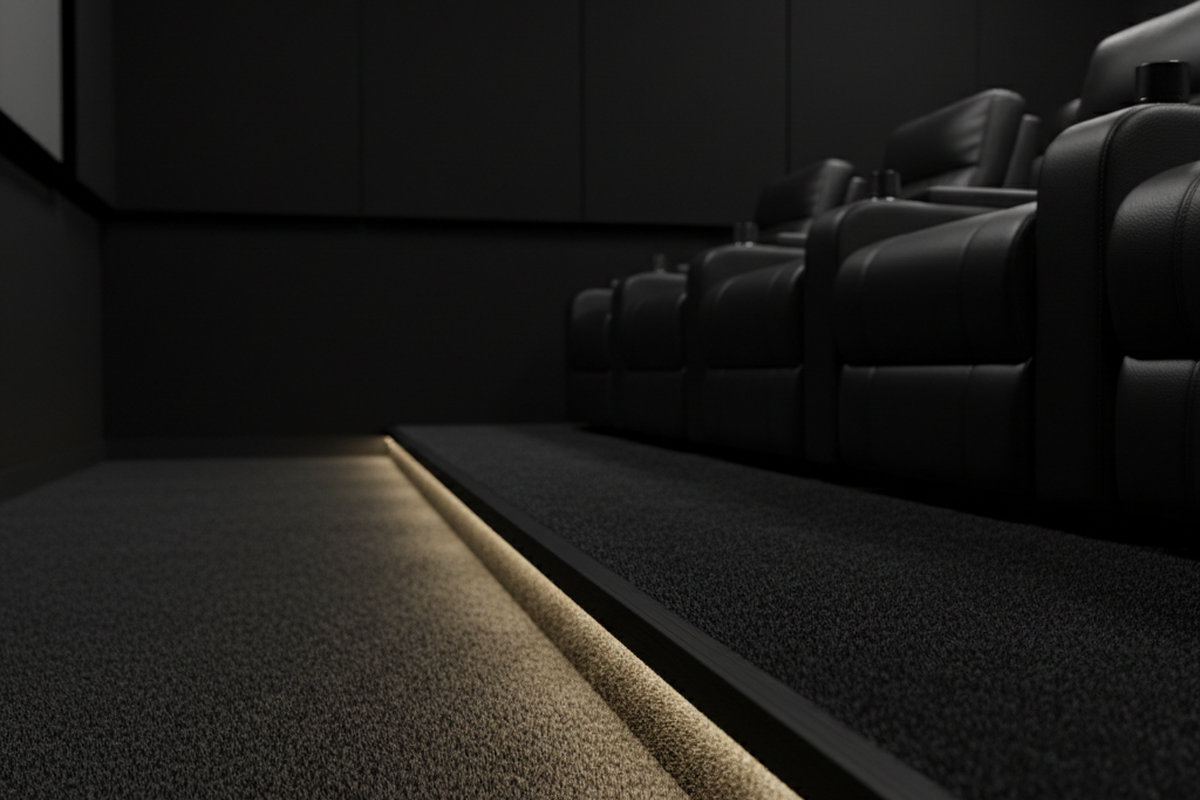
The impulse to build a “black box” is understandable. You spend thousands on a JVC or Sony projector with class-leading black levels, or you invest in an OLED panel that disappears into the wall, and the last thing you want is a stray photon washing out the image. The instinct is to paint the walls matte black, seal the windows, and eliminate every light source.
But a room that is perfectly black is also perfectly dangerous.
There is a specific liability curve in home theater design that most enthusiasts ignore until it is too late. It usually manifests during a premiere or a Super Bowl party, when an elderly guest or a distracted friend gets up for a refill in a pitch-black room. They miss the edge of an 18-inch riser or trip over a carelessly placed ottoman. The result is a broken wrist, a spilled drink on a five-figure processor, or at the very least, a frantic scramble that ruins the immersion for everyone else. A dedicated media room doesn’t aim for total darkness. It demands the precise management of light. You are building a machine for viewing, and that machine requires safety protocols just as much as it requires contrast ratios.
The Sensor Fallacy
The most common mistake in modern media rooms is the misuse of automation sensors. In a hallway or a pantry, an occupancy sensor—which turns lights on automatically when it detects motion—is a convenience. Put that same sensor in a home theater, however, and it becomes an adversary.
Picture the scene: The movie is at its climax, the room is silent, and the lighting is dimmed to zero. A guest shifts in their seat to stretch an arm, or the family dog wanders in from the hallway. Suddenly, the motion sensor triggers, and the room is flooded with 100% brightness. The projector image is washed out, the mood is shattered, and the audience is blinded. Occupancy sensors (Auto-On) have no place in a critical listening or viewing environment.
The correct logic for a media room is Vacancy mode: Manual-On, Auto-Off.
In this configuration, you must physically press a button to turn the lights on when you enter. This ensures the room remains dark when you want it dark. The sensor is still there, but it acts purely as a housekeeper; it waits until the room has been empty for a set duration (say, 30 minutes) before cutting the power. This prevents the “lights left on all night” scenario without risking the “Super Bowl Incident” where a touchdown celebration triggers the floodlights.
Some might argue for voice control here—shouting “Hey Google, turn on the lights” to avoid finding a switch. But voice control is an intrusion. It breaks the audio floor of the room. Barking commands at a smart speaker creates friction, not luxury. A silent, tactile button press is the only interaction that respects the content on screen.
Navigational Geometry
Once the overhead lights are tamed, you must address the floor. The human eye, once dilated for a dark scene, is incredibly sensitive to contrast. A standard recessed can light, even dimmed to 1%, can feel like a spotlight. The solution is to move the light source below the eye line.
동작 감지 기반의 에너지 절감 솔루션을 찾고 계십니까?
PIR 동작 감지 센서, 동작 감지 에너지 절감 제품, 동작 감지 센서 스위치, 상업용 점유/부재(Occupancy/Vacancy) 감지 솔루션에 대해 문의해 주시기 바랍니다.
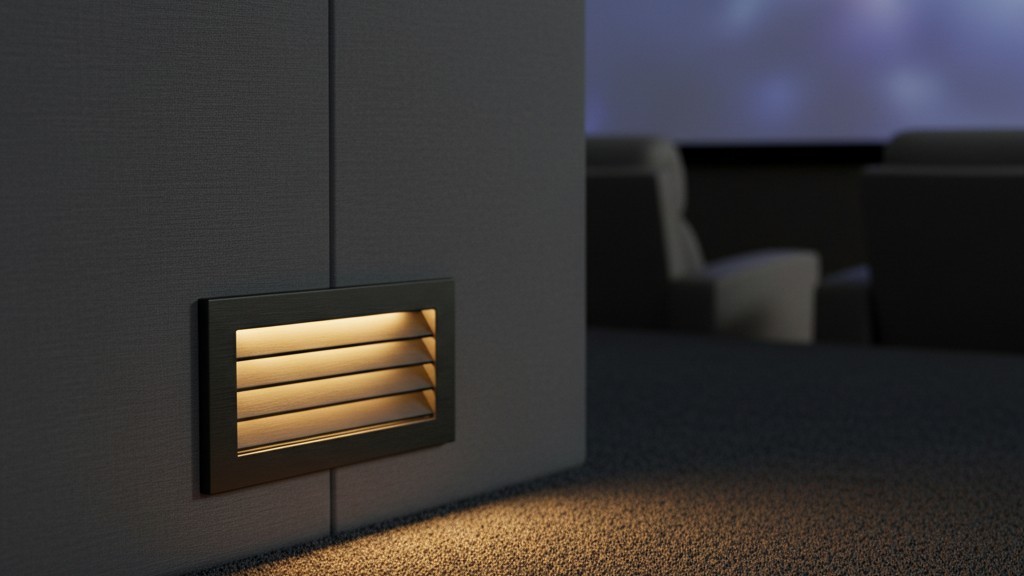
Step lights and path lighting aren’t decoration. They are safety infrastructure. The Code requires them in commercial cinemas for a reason, and that reason applies to your basement. The objective is to illuminate the tread of the riser or the path to the door without casting any spill onto the screen surface.
This requires shielded fixtures. You want “louvered” faceplates that direct light strictly downward, cutting off the beam before it can bounce upward. If you are using LED tape under the lip of a riser, it must be installed inside an aluminum channel with a diffuser lens. Without the diffuser, the reflection on the floor will show individual dots of light—the “string of pearls” effect—which is distracting and looks unfinished. The light should be a wash, not a series of points.
You cannot simply guess at these positions. You have to physically walk the room. Simulate the “popcorn run”: dim the lights, wait five minutes for your pupils to dilate, and then walk from the primary seat to the door. Note exactly where your foot hesitates. That is where the light goes.
Tactile Command
In a darkened room, a touchscreen is a flashlight.
관심 있는 다른 제품

- 전압: AAA 배터리 2개
- 주간/야간 모드
- 시간 지연: 15분, 30분, 1시간(기본값), 2시간

- 무전압 접점 리레이 출력을 갖춘 천장 설치형 PIR 재실 감지 센서
- 12/24VDC 또는 12/24VAC 저전압 전원 공급
- EMS, HVAC 및 빌딩 제어 입력을 위한 COM, NO 및 NC 절연 리레이 접점

- 저전압 DC 매립형 천장 설치형 마이크로웨이브 모션 센서 스위치
- 10-30 VDC 범위를 지원하는 12 VDC / 24 VDC 입력
- 조절 가능한 지연 시간, Lux 임계값 및 감도 기능을 갖춘 최대 10A 동작 전류
- 고부하용 매립형 천장 설치형 마이크로웨이브 모션 센서 스위치
- 100-265 VAC 라인 전압 입력, 10A 모델
- 조절 가능한 지연 시간, Lux 임계값 및 감도를 갖춘 5.8 GHz 마이크로웨이브 감지
- 천장 매립형 마이크로웨이브 동작 감지 센서 스위치
- 100-265 VAC 라인 전압 입력, 5A 모델
- 조절 가능한 지연 시간, Lux 임계값 및 감도를 갖춘 5.8 GHz 마이크로웨이브 감지
- 220V 전원용 천장 부착형 RZ037 PIR 재실 감지 센서 디머
- 660W 정격 부하 및 최대 동작 전류 3A
- LUX 버튼으로 조도 센서 ON/OFF 및 사용자 설정 디밍 밝기 제어
- 110V 전원용 천장 부착형 RZ037 PIR 재실 감지 디머 스위치
- 330W 정격 부하 및 최대 동작 전류 3A
- LUX 버튼으로 조도 센서 ON/OFF 및 사용자 설정 디밍 밝기 제어

- 저전압 DC 천장 부착형 마이크로웨이브 동작 감지 센서 스위치
- 10-30 VDC 범위를 지원하는 12 VDC / 24 VDC 입력
- 조절 가능한 지연 시간, Lux 임계값 및 감도 기능을 갖춘 최대 10A 동작 전류
- 고부하용 천장 부착형 마이크로웨이브 동작 감지 센서 스위치
- 100-265 VAC 라인 전압 입력, 10A 모델
- 조절 가능한 지연 시간, Lux 임계값 및 감도를 갖춘 5.8 GHz 마이크로웨이브 감지
- 천장 부착형 마이크로웨이브 동작 감지 센서 스위치
- 100-265 VAC 라인 전압 입력, 5A 모델
- 조절 가능한 지연 시간, Lux 임계값 및 감도를 갖춘 5.8 GHz 마이크로웨이브 감지

- 저전압 DC 매립형 천장 PIR 동작 감지 센서 스위치
- 10-30 VDC 범위를 지원하는 12 VDC / 24 VDC 입력
- 시간 지연, 조도 임계값, 감도 조절이 가능한 최대 동작 전류 10A 제품

- 고부하용 매립형 천장 PIR 동작 감지 센서 스위치
- 100-265 VAC 라인 전압 입력, 10A 모델
- 시간 지연, 조도 임계값, 감도 조절이 가능한 360도 감지
- 매립형 천장 PIR 동작 감지 센서 스위치
- 100-265 VAC 라인 전압 입력, 5A 모델
- 시간 지연, 조도 임계값, 감도 조절이 가능한 360도 감지

- 실내 ON/OFF 조명 제어용 무선 스위치 및 수신기 키트
- 정격 전류 5A의 100-230VAC, 50/60Hz 수신기
- 2.4GHz 통신 방식의 CR2032 배터리 구동 무선 스위치
- 재실 모드(자동 ON/자동 OFF)
- 12–24V DC (10–30VDC), 최대 10A
- 360° 감지 범주, 직경 8–12m
- 시간 지연 15초–30분
- 조도 센서 Off/15/25/35 Lux
- 높음/낮음 감도
- 자동 ON/자동 OFF 재실 모드
- 100–265V AC, 10A (중성선 필요)
- 360° 감지 범위; 감지 직경 8–12m
- 시간 지연 15초–30분; 조도 OFF/15/25/35; 감도 높음/낮음
- 자동 ON/자동 OFF 재실 모드
- 100–265V AC, 5A (중성선 필요)
- 360° 감지 범위; 감지 직경 8–12m
- 시간 지연 15초–30분; 조도 OFF/15/25/35; 감도 높음/낮음
We have drifted toward controlling everything with iPads and smartphones, but unlocking a phone in a theater is a mistake. The screen lights up your face, distracting everyone behind you, and the blue light forces your irises to constrict, ruining your night vision for the next ten minutes. Furthermore, a touchscreen offers no topography. You cannot find the “Pause” or “Volume” button by feel; you have to look at it.
Muscle memory requires physical buttons. A dedicated remote with hard buttons (like a Savant Pro or a Control4 Neeo) allows you to navigate by feel. You should be able to pause the movie, raise the lights, or adjust the volume without ever taking your eyes off the screen. If you rely on an app-based control system, you force yourself to disengage from the movie every time you need to make an adjustment.
The Uninvited Photons
You have handled the overheads and the path lights. Now you must hunt down the light pollution you didn’t install.
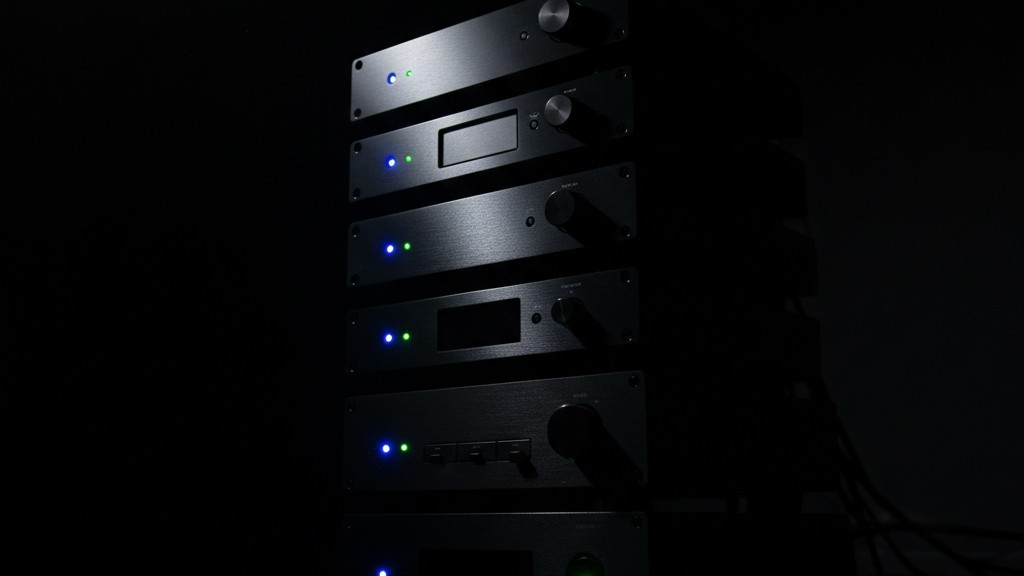
Modern AV gear is covered in status LEDs. Subwoofers have bright blue power indicators; smoke detectors have blinking green “all clear” lights; power strips have glowing orange rockers. In a normal living room, these are invisible. In a light-controlled theater, they are laser beams. A single blue LED on a subwoofer can cast a visible shadow on the screen and ruin the black levels of a $10,000 projector.
Perform an “Immersion Audit.” Turn off every light in the room and sit there for five minutes. As your eyes adjust, the constellations of standby lights will reveal themselves. The solution is low-tech but essential: LightDims stickers or simple gaffer tape. Cover every non-essential LED. For smoke detectors, check your local regulations and manufacturer guidelines—often you can tape over the LED without obstructing the sensor intake, but you must be certain. Do not let a fifty-cent diode fight your high-contrast screen.
Rayzeek 모션 센서 포트폴리오에서 영감을 얻어보세요.
원하시는 제품을 찾지 못하셨나요? 걱정하지 마세요. 문제를 해결할 수 있는 대체 방법은 언제나 존재합니다. 당사의 포트폴리오 중 하나가 도움이 될 수 있습니다.
The Logic of the Pause
The difference between a disjointed system and a cohesive integration is often found in the “Pause” button.
In a poorly programmed room, hitting pause just stops the movie. You are left in the dark, fumbling for a drink. In a properly integrated system, the “Pause” state is a lighting scene. When the movie stops, the lights should not snap on; they should ramp up over 3 to 4 seconds to a dim “intermission” level—perhaps 15% or 20%.
This transition is critical. An instant snap to brightness is painful. A slow fade allows the eye to adjust. It provides just enough light to see the popcorn bowl or check a phone without breaking the atmosphere. When you press play, the lights should fade back to zero (or your safety baseline) over the same duration. This “ramp rate” is a variable that separates professional lighting systems like Lutron RadioRA3 or Homeworks from standard consumer smart bulbs. The transition itself is part of the experience.
Infrastructure Reality
Then there is the backbone of the system. There is a temptation to retrofit these rooms with Wi-Fi based smart bulbs because they are cheap and easy to install.
Resist this.
Wi-Fi bulbs are notorious for their “power loss recovery” behavior. If your router reboots during a movie, or if the power flickers, many consumer bulbs default to “On” and “100% Brightness” as a safety measure. Imagine the router resetting in the middle of a tense thriller, and suddenly the ceiling explodes into interrogation-room white light. It is jarring and unprofessional.
Furthermore, a lighting system that relies on the cloud is a lighting system that will eventually lag. When you press a button, the lights should react instantly. If the signal has to go to a server and back, you introduce latency. In a theater, timing is everything. Stick to hardwired switches or local-control protocols (like Lutron’s Clear Connect or Zigbee-based systems with a local hub) that operate independently of your internet connection.
The perfect theater isn’t just about the picture on the screen. It is about the absence of distraction and the presence of safety. It is a room that anticipates your movement, respects your vision, and never, ever blinds you by mistake.







