

Product video
RZ053
Oda boşaldığında öğrenilen KAPALI komutunu otomatik olarak gönderir.
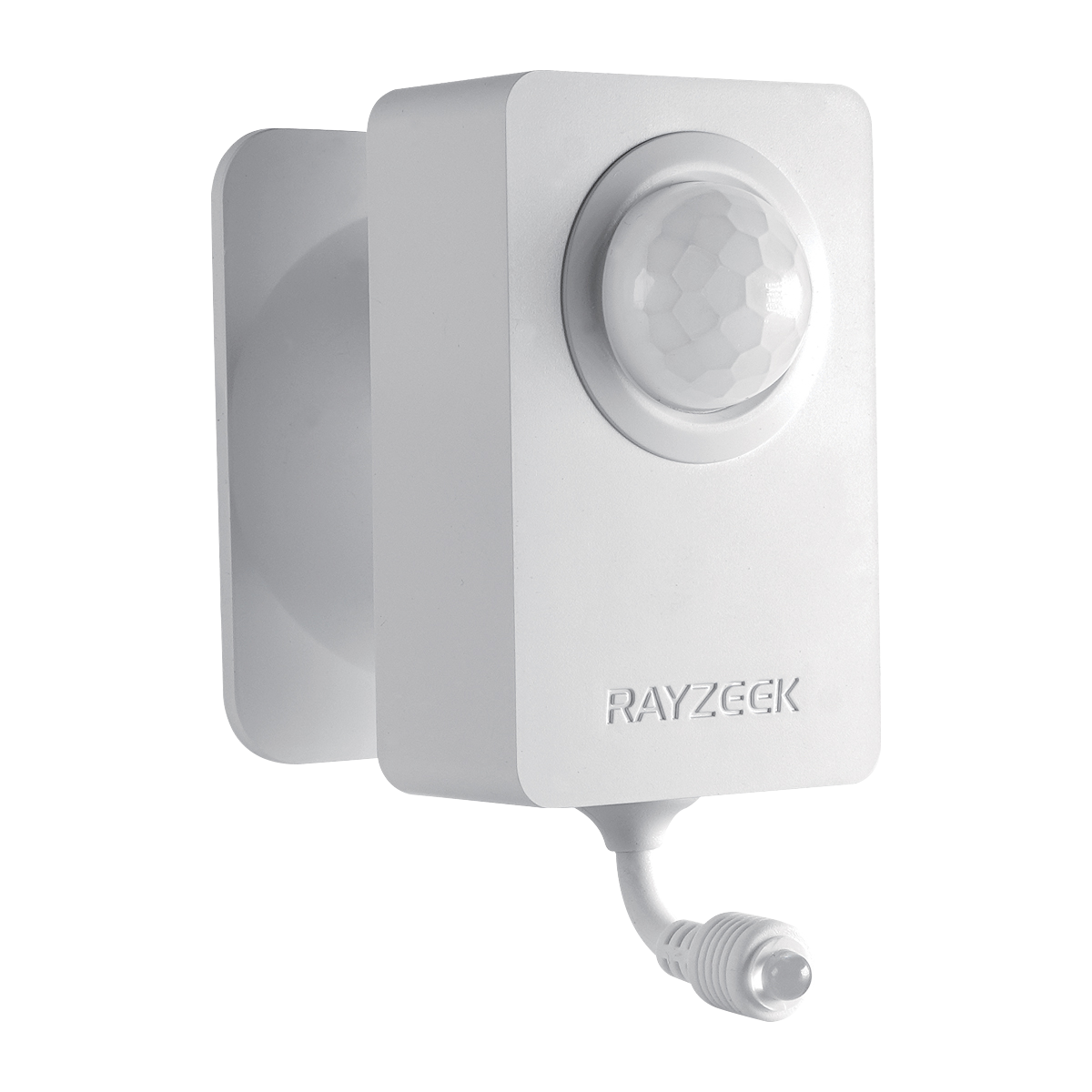
Klima uzaktan kumandasından kızılötesi komutları öğrenen, pille çalışan kapalı alan PIR hareket sensörü ve klima kontrolörü.
-
Ayrı KAPALI komutu gereklidir -
İsteğe bağlı öğrenilen AÇIK komutu -
15 dakikadan 2 saate kadar dört gecikme seçeneği -
2 adet AAA pil ile çalışır -
Yapışkanlı veya vidalı duvar montajı -
Gündüz ve Gece çalışma modları
Ürüne genel bakış
Hareket Sensörlü Klima Kontrolörü
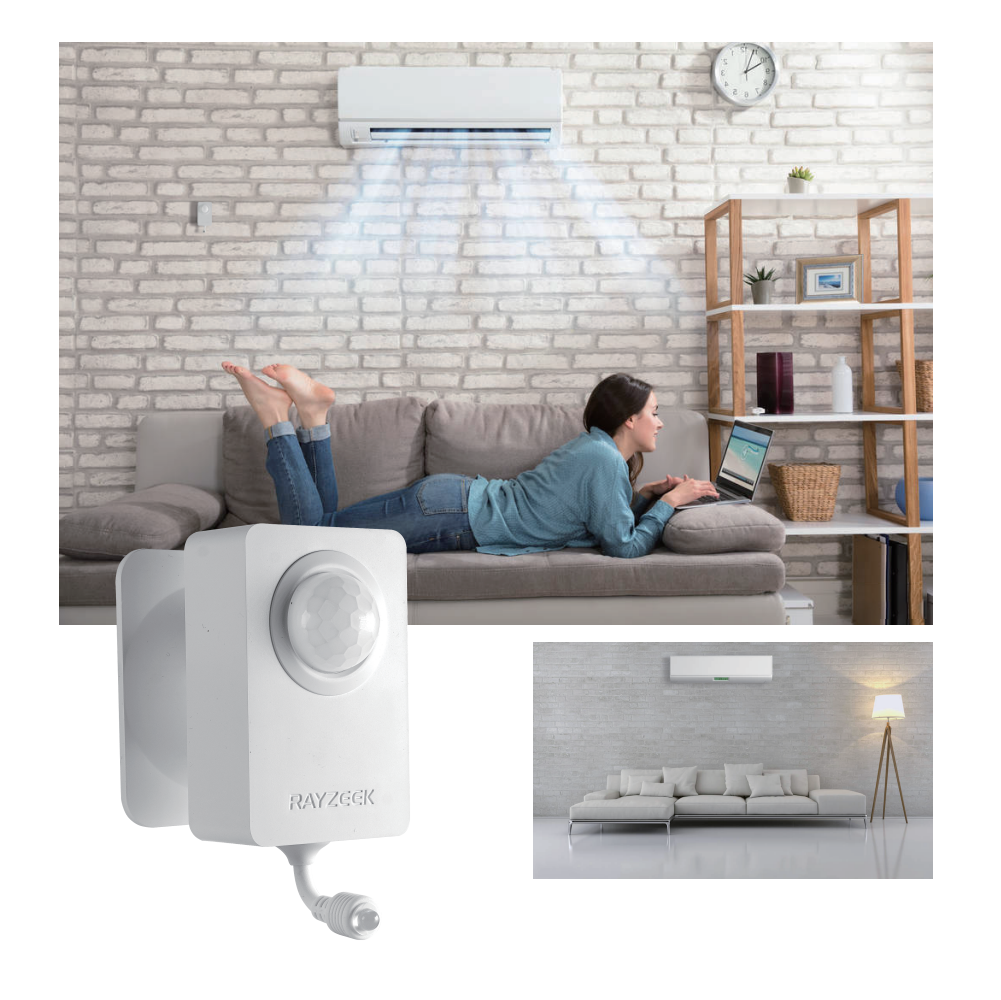
RZ050, klima kumandanızdan KAPALI komutunu öğrenir ve oda seçtiğiniz gecikme süresi boyunca boş kaldığında bu komutu gönderir.
Özellikler
Controls that fit the room
Set the command, vacancy delay, and operating mode for the space.
After the selected vacancy delay passes with no new movement, RZ050 sends the learned OFF command.
Teach the required OFF command, with an optional ON or temperature command.
Choose 15 or 30 minutes, one hour, or two hours.
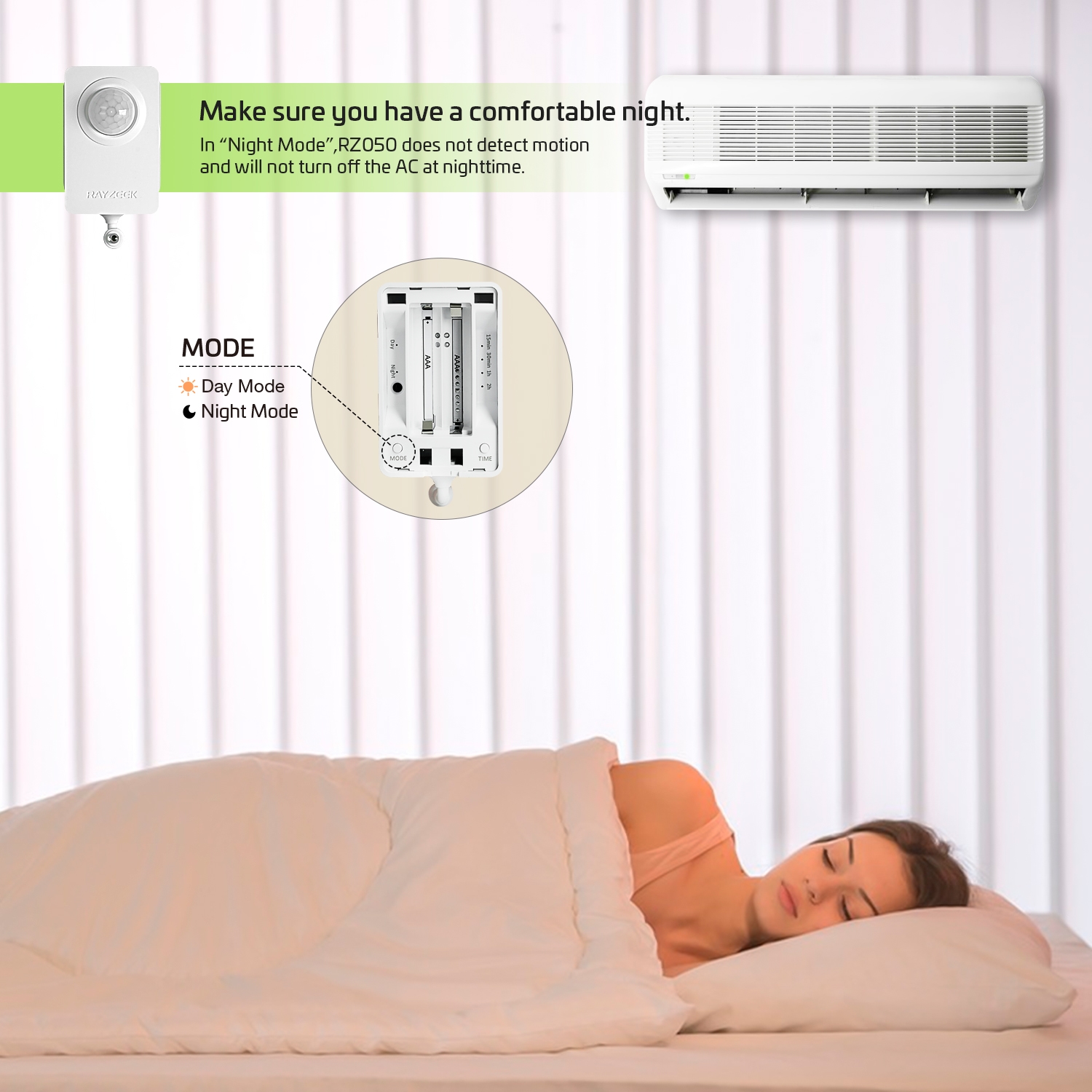
Day Mode runs the vacancy routine all day. Night Mode suppresses automatic OFF in darkness.
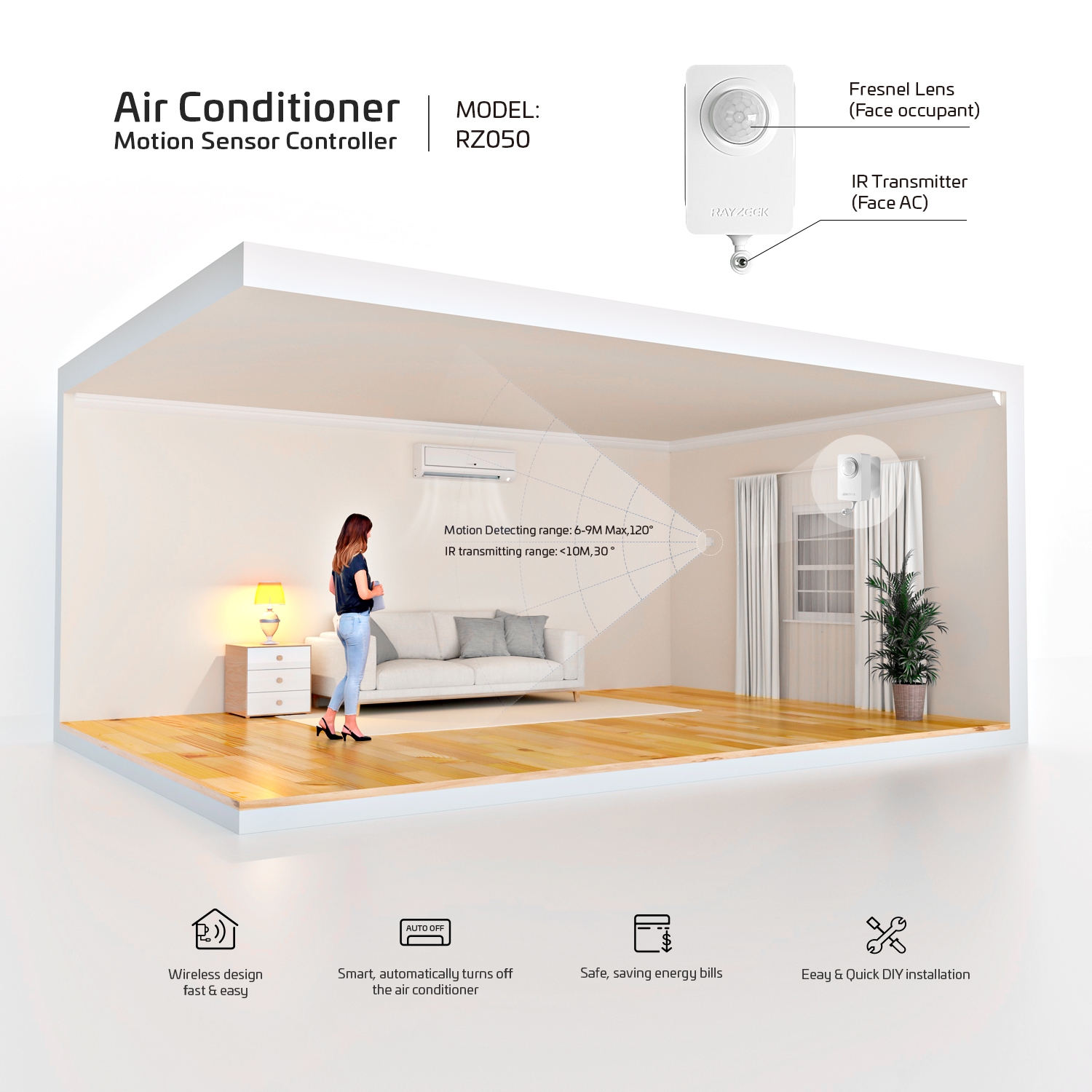
Aim the motion lens toward the room and the infrared transmitter toward the AC.
Test the learned command and placement before mounting the controller.
Problems it solves
One less thing to remember
When the room is empty, RZ050 waits, checks for movement, and sends the learned OFF command.

After people leave
A consistent OFF routine
After the selected delay passes with no movement, RZ050 sends the learned OFF command.

Low-movement rooms
More time for quiet activity
Longer delays give RZ050 more time to detect reading, desk work, meetings, or rest.

Before mounting
Placement you can test
Verify motion detection and infrared reach before fixing the controller in place.
Specifications & resources
Product details
RZ050 at a glance
Base model- Power
- 2 x AAA; not included
- Vacancy delay
- 15 min, 30 min, 1 h, 2 h
- Night Mode delay
- 1 h or 2 h
- Motion range
- 6-9 m max; 1-6 m recommended
- Infrared transmission
- Under 10 m; 30-degree direction
- Dimensions
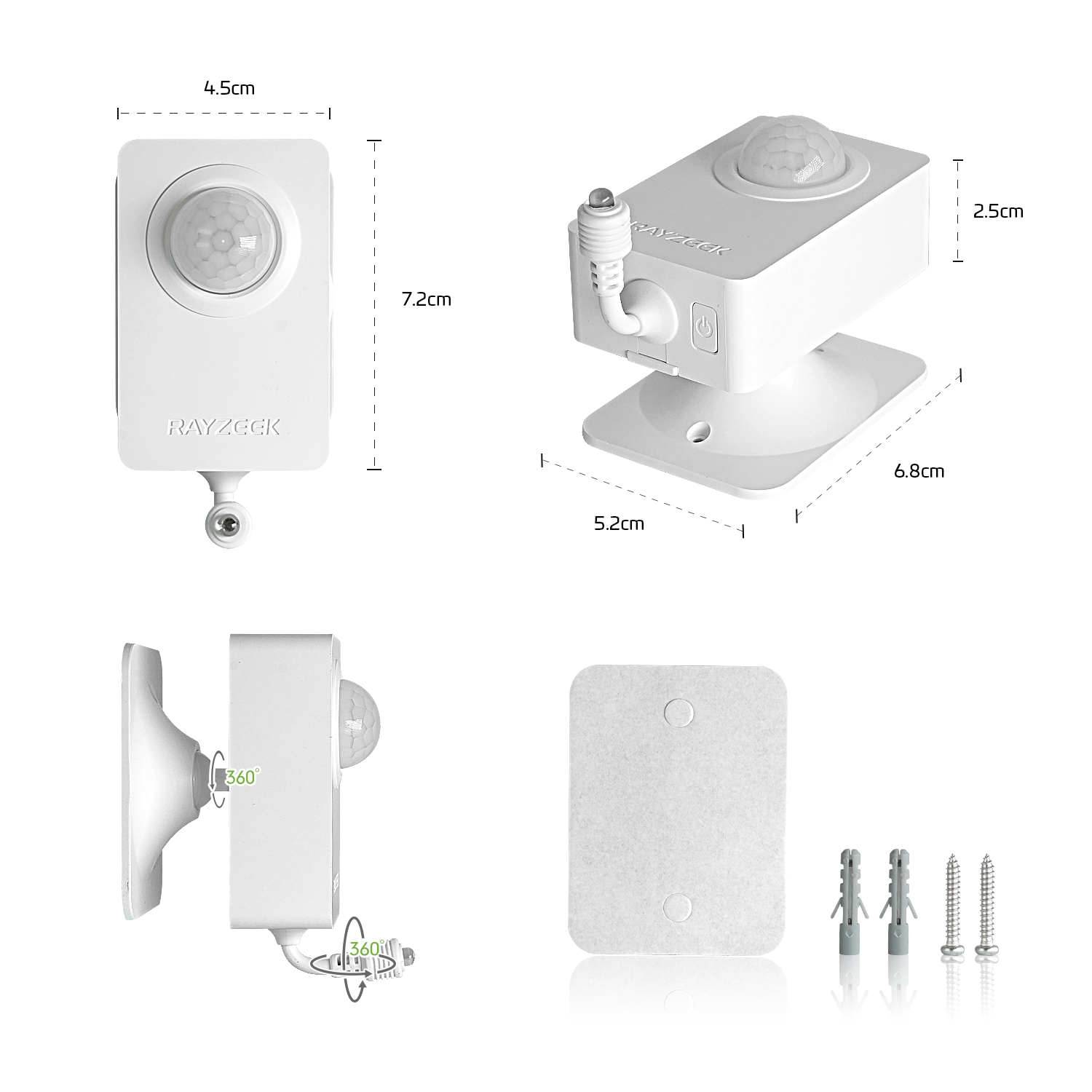
- 45 x 70 x 64 mm
- Mounting
- Adhesive or screws
- Operating environment
- Indoor; 0-40°C; up to 90% RH
Hardware lineup
Compare the controllers
Choose the controller for your power and control setup.
| Overview |
|
|

|
|---|---|---|---|
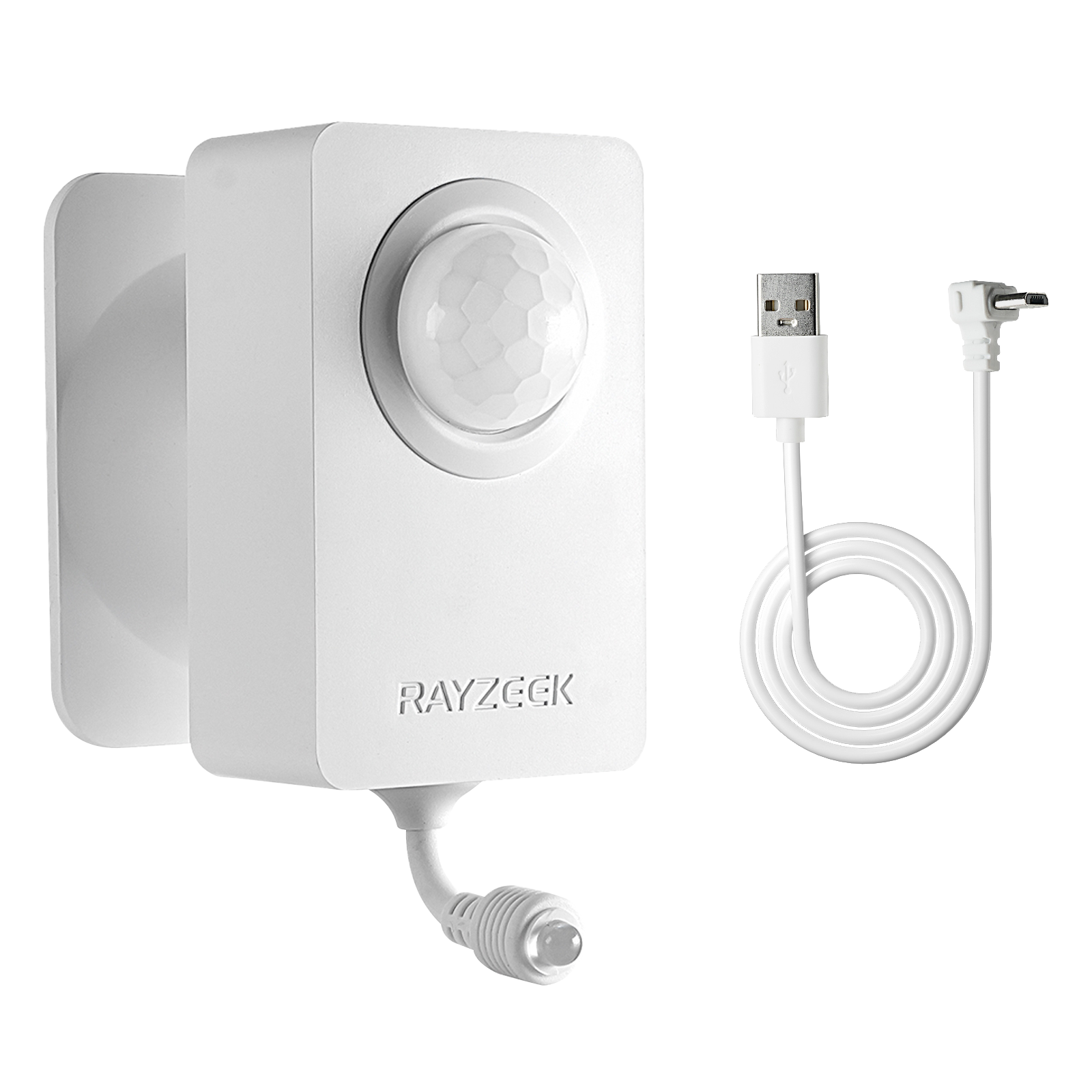
| Power | 2 x AAA | 2 x AAA or 5 V Micro-USB | 5 V USB-C |
| Learned AC commands | OFF required; ON optional | OFF required; ON optional | OFF only |
| Automatic ON | If learned | If learned | No |
| Door/window input | No | No | RZ001 |
| Shared by all models | 15 min, 30 min, 1 h, or 2 h vacancy delay | ||
- Power
- 2 x AAA
- Learned AC commands
- OFF required; ON optional
- Automatic ON
- If learned
- Door/window input
- No
- Power
- 2 x AAA or 5 V Micro-USB
- Learned AC commands
- OFF required; ON optional
- Automatic ON
- If learned
- Door/window input
- No
- Power
- 5 V USB-C
- Learned AC commands
- OFF only
- Automatic ON
- No
- Door/window input
- RZ001
Shared delay 15 min, 30 min, 1 h, or 2 h
Kaynaklar
RZ050 videos-
Product video
RZ050 AC Hareket Sensörünün Tanıtımı
-
Installation video
RZ050 Kullanım Kılavuzu
-
Compatibility video
RZ050 AC Compatibility Test
From movement to command


Applications
Comfort that fits the room
Choose a mode and delay to match how the space is used.
Comfort through the night
Night Mode keeps RZ050 from turning the AC off while the room stays dark.


Showing Bedroom, application 1 of 4.
Product categories
Explore the Rayzeek range


Showing category 1 of 9.
Product categories
Explore the Rayzeek range
Showing category 1 of 9.
Değerlendirmeler
Henüz değerlendirme yapılmadı.