

Whether in offices, homes, or public areas, motion sensor lights are undoubtedly one of the best lighting solutions that perfectly combine illumination, automation, and energy-saving all in one. When working in a large open office with many colleagues, motion sensor lights help shut the lights off after they all have left the office, so we don’t ever have to worry about when or whether to turn off the lights again. If the lights are accidentally left on all night without turning off, it could consume a massive amount of electricity that increases your bills by a lot. Commercial electricity is relatively expensive, and you don’t want to waste it.
目次
- What Might Cause a Motion Sensor Light to Turn Off
- How to Stop a Motion Sensor Light From Turning Off
Though motion sensor lights help form a no-touch lighting experience, sometimes it can cause minor trouble when it’s not properly adjusted. One of the common problems is that a motion sensor light might turn off while we are still working in the office, especially when it’s a large one and with few people, and the motion sensor might “think” the room is already vacant with no valid motion detected. In this case, you might have to frequently stand up and wave your hands to let the motion sensor “see” you again to turn the light on once again.
The frequent turning-offs are not a big problem for outdoor lights as they are mainly used for security detection to spot suspicious activities and light up the dark. But for indoor motion-activated based lighting, whether you are using a motion sensor wall switch or a ceiling occupancy sensor, the frequent turn-offs can be a big problem that greatly affects our life & working schedules and efficiency.
What Might Cause a Motion Sensor Light to Turn Off
The most direct reason for a motion sensor light turning off is that it is no longer detecting any motion within its sensor zone. If the motion sensor light can turn on just fine when you are in the room, it means the motion sensor is functioning well and not being faulty. So we can exclude the cause of a damaged motion sensor and narrow our troubleshooting process.
With a normal, functioning motion sensor, when it turns off too soon, it’s usually because of the unprofessional installation or improper adjustment that makes the motion sensor not at its full potential to detect motion effectively.
Unprofessional Installation
The location, position, and placement of motion sensor lights is an art and should be carefully planned before installation. You need to carefully calculate the overall detection coverage, height of the motion sensor’s position, and all obstacles in the room, such as stalls and desks, which can block the PIR motion sensor from successfully receiving signals and take them all into account.
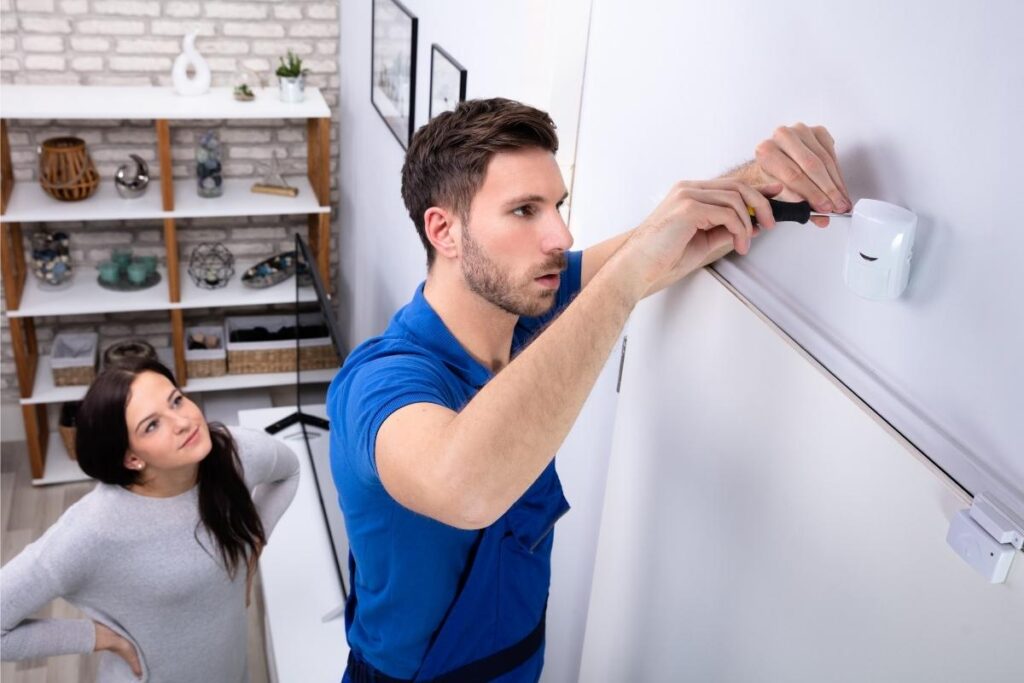
A PIR motion sensor needs to be able to directly “see” you to identify whether you are there. Without a professional installation, an indoor motion sensor light led by either an occupancy sensor or a motion sensor wall switch can turn off unexpectedly.
Improper Adjustment
Motion sensor lights are customizable so they can be tailor programmed and fit in various situations. There is no best one-fit-all setting. Users should test and find out the optimal motion sensor setting to suit their demands. The same motion sensor light might be used in a large room, small room, or even corridors that people simply pass by, and different time and sensitivity settings should be applied in such scenarios.
How to Stop a Motion Sensor Light From Turning Off
Whether you are using an indoor motion sensor night light, strip light, outdoor motion sensor floodlight, occupancy sensor controlled light or a motion-activated light switch, the adjustment of the motion sensors are almost identical and can apply to all these motion sensor lights.
Some motion sensors are built-in inside the light fixture, such as motion sensor switches, while some motion sensor lights consist of an individual motion sensor and a separate light. Readers can choose the methods working for your specific motion sensor light, depending on your own judgment.
Set High Sensitivity
The sensitivity setting on a motion sensor light defines how far a motion sensor can detect and how sensitive to minor and small motions. The ability for the motion sensor to detect small motions is smaller than the overall detection range. Since the sensor sensitivity setting also defines how far the motion sensor detects, the “sensitivity” is also seen and called “range” in other models.
動き検知連動の省エネソリューションをお探しですか?
各種PIR動きセンサー、動き検知連動の省エネ製品、動きセンサーライトスイッチ、商用向けのOccupancy/Vacancy(在室/不在)ソリューションについては、当社までお気軽にお問い合わせください。
When testing a motion sensor’s detecting area by large motions like walking like we always do, it does not mean the motion sensor can still detect you at the same distance while you are sitting there working, reading, and typing. It’s recommended to test the distance and sensitivity using the same scenarios to get a consistent performance of how the motion sensor light reacts to your movement.
If your motion sensor light’s previous sensitivity level is set to low or medium, the first and easiest step we try is to set the sensitivity to high. Now the motion sensor light can detect motion from a longer distance, and is also able to detect some of the minor movement that it was not able to pick up when on low and medium sensitivity settings.
Expand Time delay
The time delay setting is a count-down timer that remains a motion sensor light to stay on after it cannot detect any motion, in other words, it delays the light from turning off. For example, a 15-minute time delay will keep the motion sensor light on for an extra 15 minutes after the room is empty, then shut off the light. If you come back to the room within 15 minutes after you leave, the light keeps on and will reset the count-down timer of the time delay. The next time the room is vacant, the motion sensor will start to count down from 15 minutes again until the light is finally turned off.
Rayzeek の人感センサーポートフォリオからヒントを見つけましょう。
お探しのものが見つかりませんか?ご安心ください。課題を解決する代替手段は常に存在します。当社の製品ポートフォリオがヒントになるかもしれません。
People might ask, why should a motion sensor light keep on when the room is empty with no people? Shouldn’t it turn off immediately? Well, at first glance, it seems the time delay is against the design purpose of maximum energy-saving. Still, a reasonable time delay is necessary to prevent more inconvenience from happening.
One most significant reason for setting a time delay is to keep the light consistent and stop the light from suddenly turning off.
For places with people often in and out, such as open offices, a small to medium time delay such as 5 mins to 15 mins works the best. With many people walking by, the motion sensor is always triggered, thus keeping the light on. But when there are not so many people in the room, such as a few staff working overtime at night, a low time delay may not be enough to detect motion as efficiently as in the daytime with fewer people triggering the motion sensor.
Setting a higher time delay value could mostly solve your problem in such scenarios. Most motion sensors, especially indoor motion sensor lights and wall switches, make time delay very easy to change because the time delay is usually the most frequently used and adjusted setting compared to other setting such as light sensor or sensor mode, which is set and forget.
Adjust the Motion Sensor
Though there are many types of motion sensors used for detecting motion, such as passive infrared motion sensors, ultrasonic motion sensors, and microwave motion sensors, most motion sensor lights utilize PIR motion sensors as the motion detector for the following reasons.
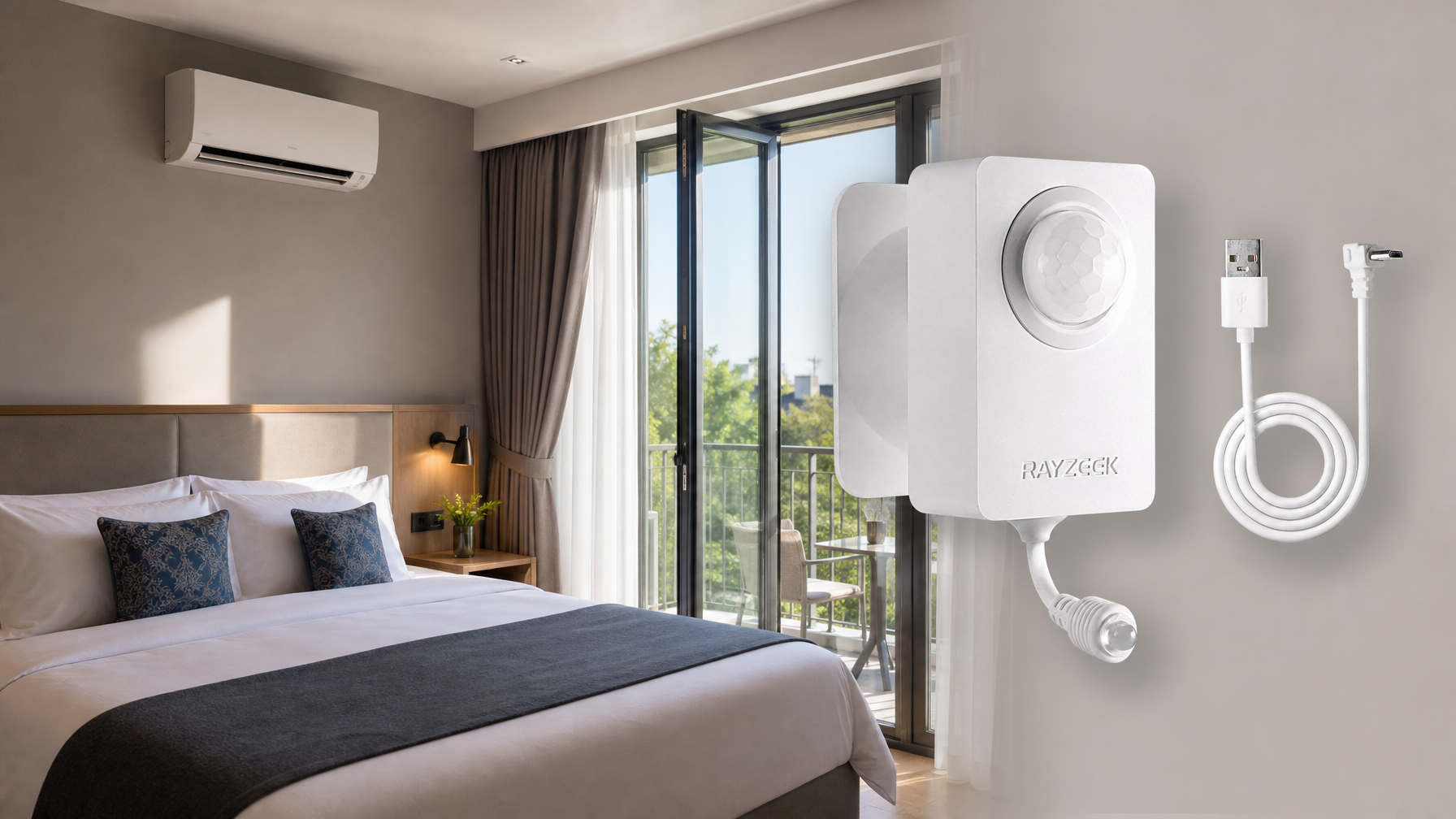
The reason why PIR(passive infrared) motion sensors are widely used is that they work passively by receiving heat signals emitted by warm bodies, which only requires very little power consumption, whereas active motion sensors like ultrasonic and microwave sensors need to actively send out and receive sound and microwave signals to detect motion which might use a lot of energy. PIR motion sensors are favored for their durability, stability, reacting only to heat but movement, small in size, cheap cost and their biggest advantage for being energy-efficient which is fantastic to be used to align with lights.
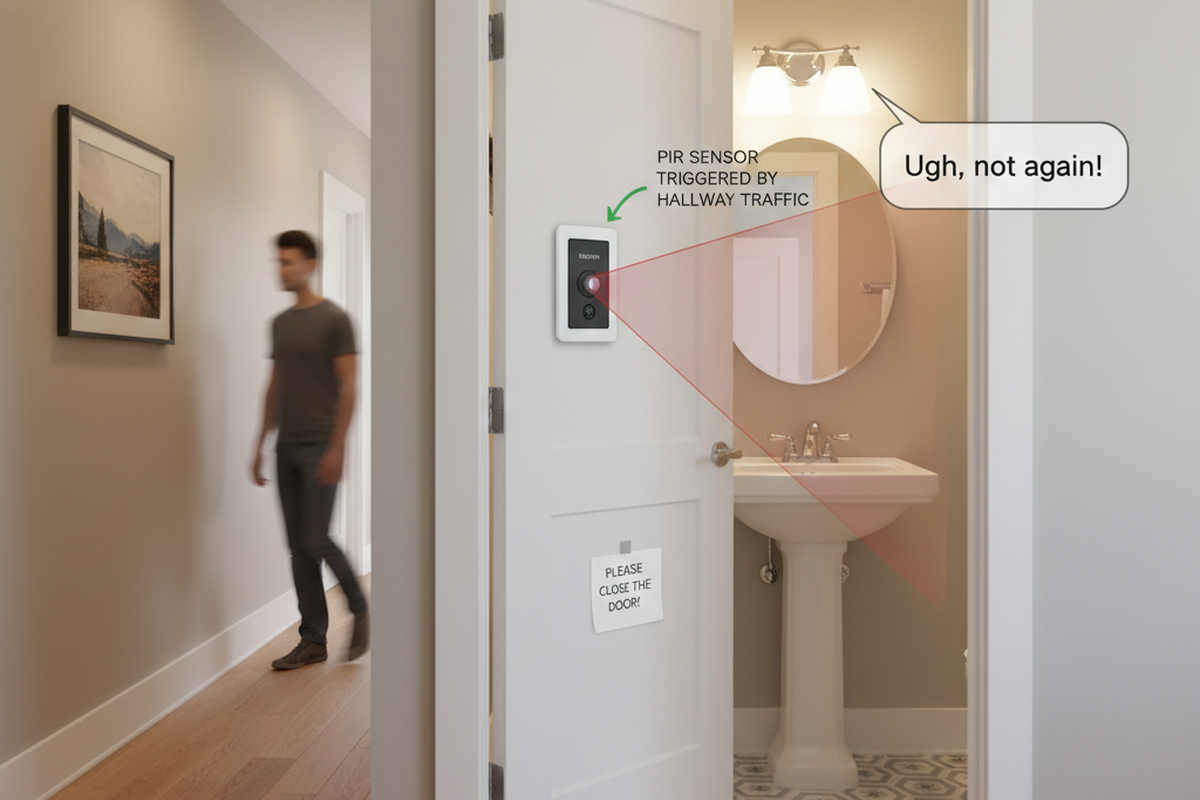
But PIR motion sensors do have their downside, which might cause the light to turn off unwantedly. Unlike ultrasonic and microwave signals that can pass and detect motion around corners and obstacles, PIR motion sensors need to “see” the emitted infrared beam, and the IR cannot move past corners. In this case, PIR motion sensors cannot detect motion behind the obstacles like stalls, walls, or around corners.
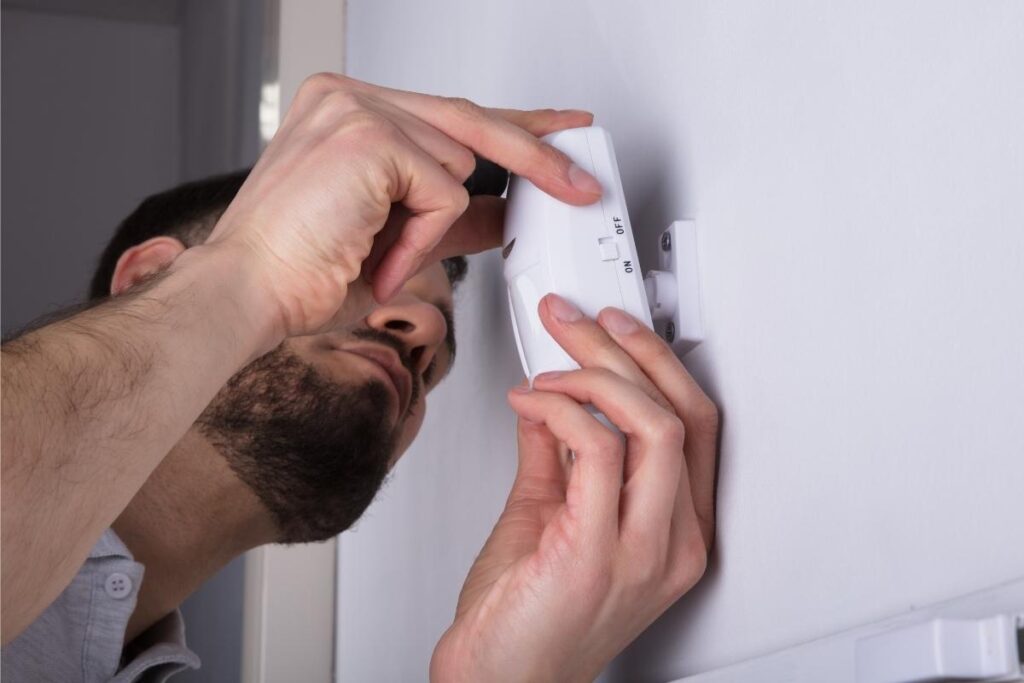
With that said above, one possible reason a motion sensor light keeps turning off is that it does not have a clear sight of view of the sensing area, which might cause it to only be able to detect motion intermittently, and ends up turning the light off every now and then.
What we can do to stop the motion sensor light from turning off is to re-adjust and reposition the motion sensor to make the lens(motion sensor detection window) faces straight to the wanted detecting area with no other obstacles blocking its sight of view.
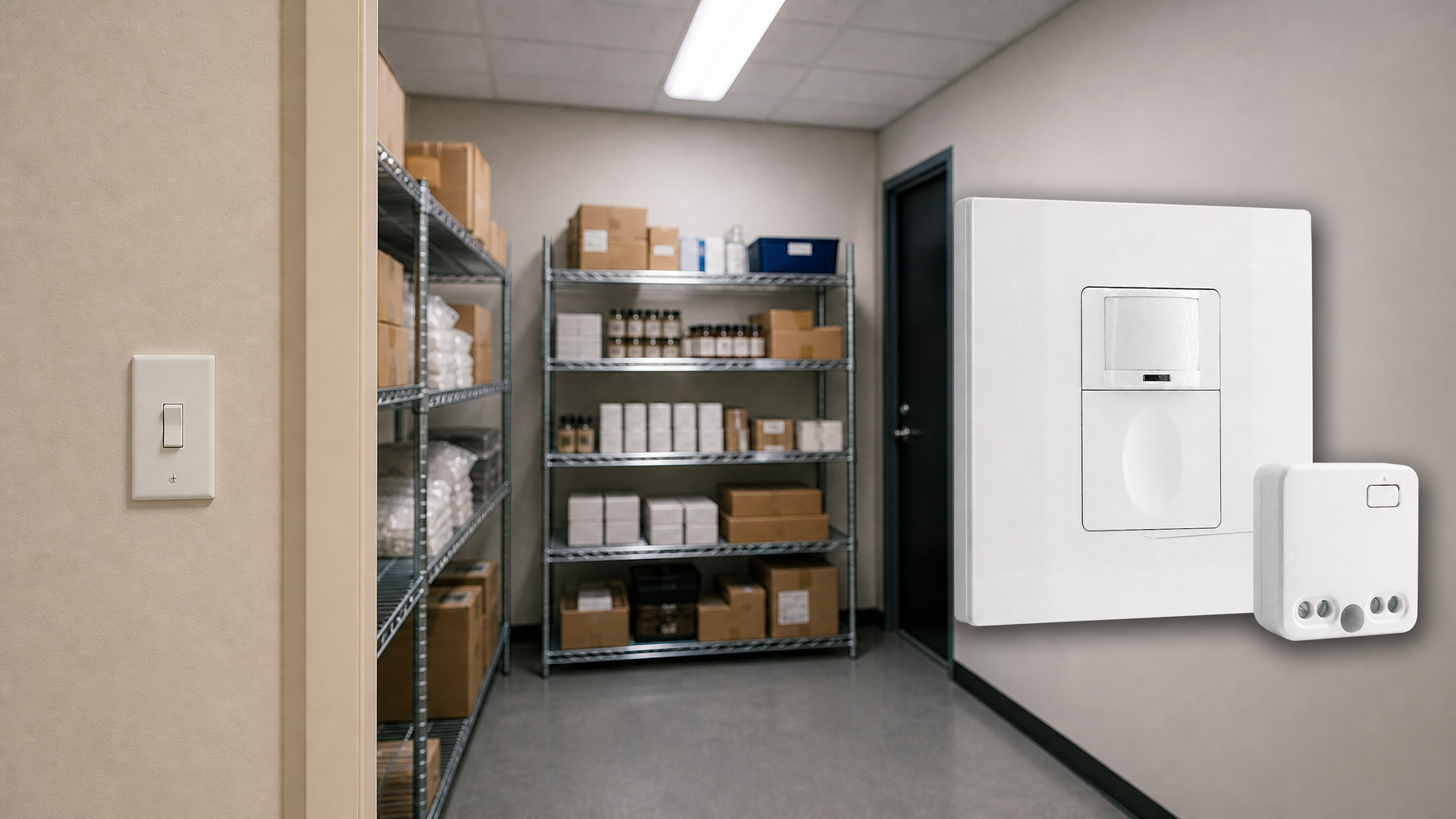
If you are using a motion sensor light switch fit into a wall box that cannot be easily adjusted and relocated, you can consider adding more motion sensor switches at other sides of the room or mounting a ceiling mount occupancy sensor to detect the room with a 360 degrees point of view to further support the motion detection.
Motion Sensor Light With Manual Mode
Finally, the best fix, maybe more of a brilliant workaround, to stop the motion sensor light from turning off is to keep it always on manually. Remember the good old regular light switch? What if we can have the best of both worlds?
With some indoor motion sensor lights with built-in manual override mode or some outdoor motion sensor lights which can be manually turned on and off with a light switch, we can simply set the light to manual mode to keep it on and set it back to motion detection mode after using.
こちらの製品もおすすめ
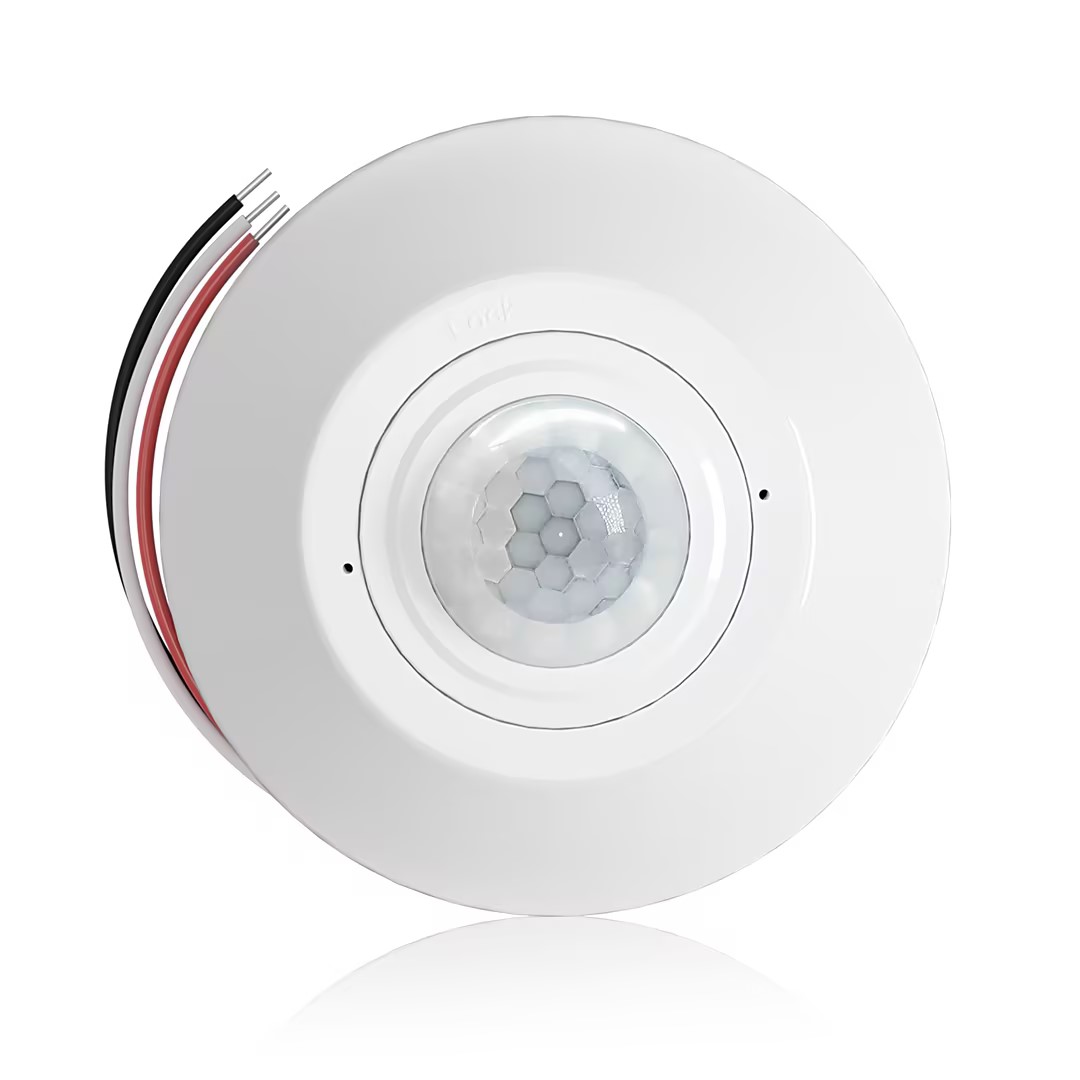
- 無電圧接点リレー出力を備えた天井取付型 PIR 占有・無人検知センサー
- 12/24VDC または 12/24VAC の低電圧電源
- EMS、HVAC、およびビル管理制御入力用の COM、NO、NC 絶縁リレー接点
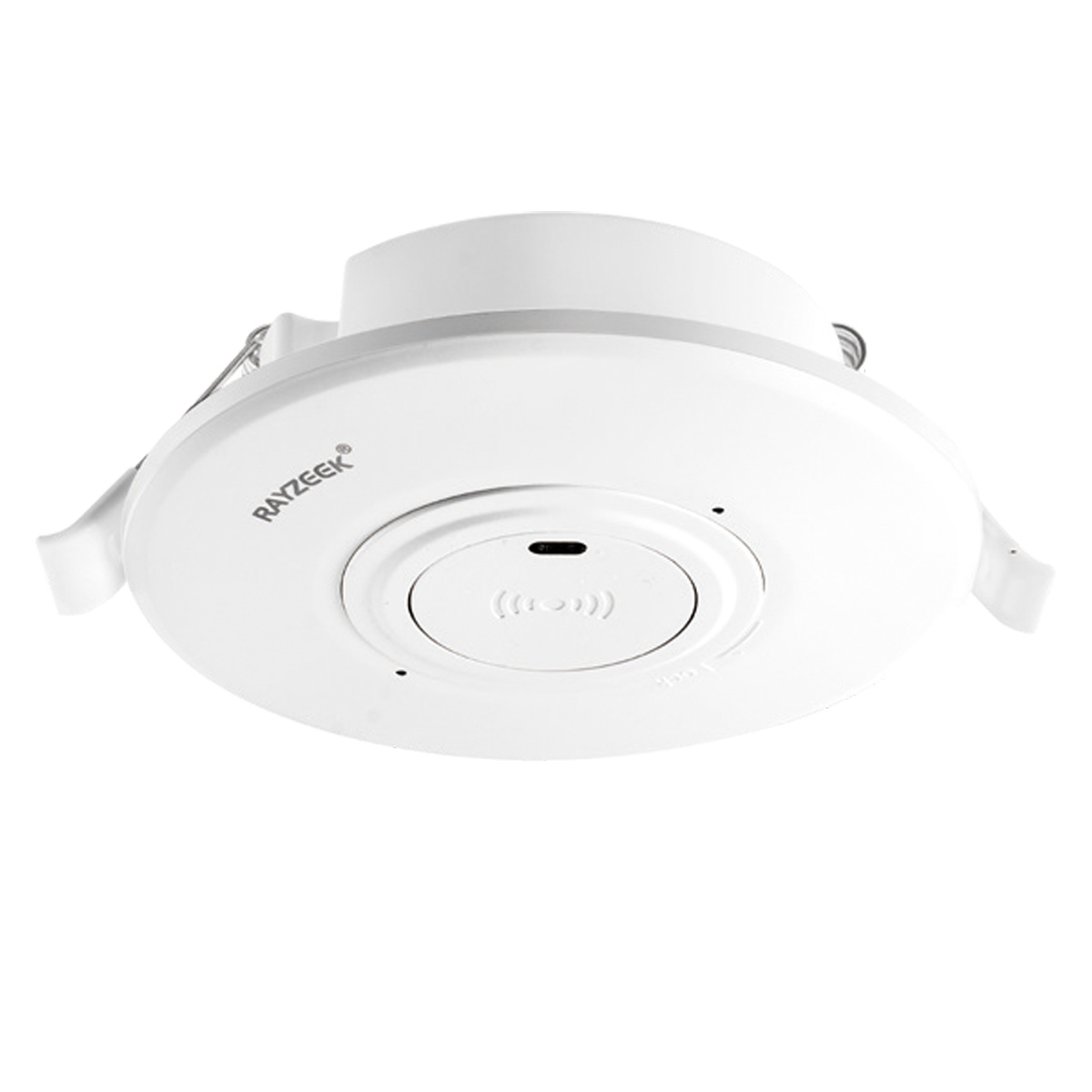
- 低電圧 DC 天井埋込型 マイクロ波モーションセンサースイッチ
- 12 VDC / 24 VDC 入力(許容範囲:10-30 VDC)
- 最大動作電流 10A、調整可能なタイムディレイ、照度しきい値、および感度
- 高負荷対応 天井埋込型 マイクロ波モーションセンサースイッチ
- 100-265 VAC 商用電圧入力、10A モデル
- 5.8 GHz マイクロ波検知、調整可能なタイムディレイ、照度しきい値、および感度
- 天井埋込型 マイクロ波モーションセンサースイッチ
- 100-265 VAC 商用電圧入力、5A モデル
- 5.8 GHz マイクロ波検知、調整可能なタイムディレイ、照度しきい値、および感度
- 220V 電源用 天井取付型 RZ037 PIR 占有・無人検知センサー調光器
- 最大動作電流 3A、定格負荷 660W
- LUX ボタンによる調光センサーのオン/オフおよびユーザー設定の調光輝度制御
- 110V 電源用 天井取付型 RZ037 PIR 占有・無人検知センサー調光器
- 最大動作電流 3A、定格負荷 330W
- LUX ボタンによる調光センサーのオン/オフおよびユーザー設定の調光輝度制御
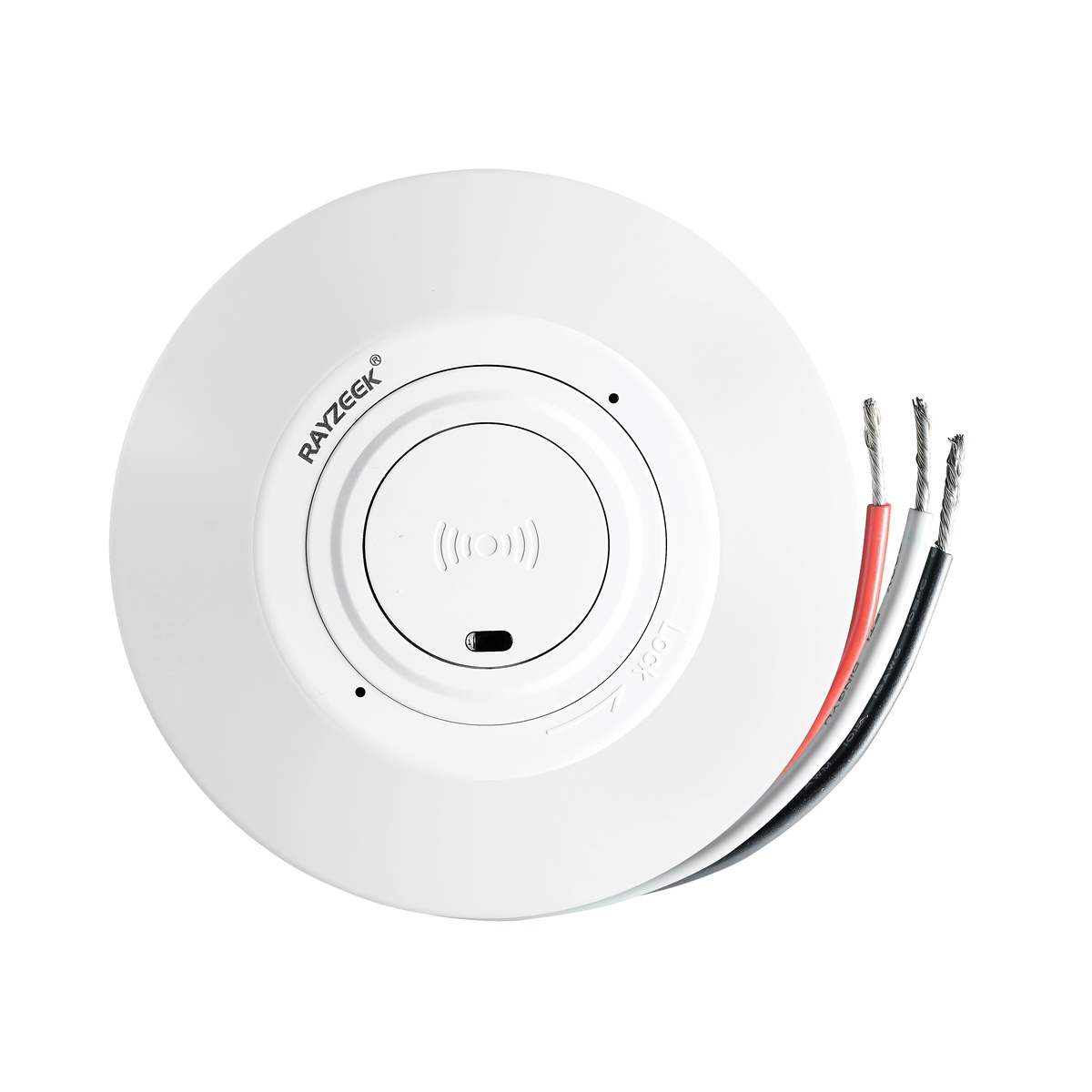
- 低電圧DC天井取付型マイクロ波動体検知センサースイッチ
- 12 VDC / 24 VDC 入力(許容範囲:10-30 VDC)
- 最大動作電流 10A、調整可能なタイムディレイ、照度しきい値、および感度
- 高負荷天井取付型マイクロ波動体検知センサースイッチ
- 100-265 VAC 商用電圧入力、10A モデル
- 5.8 GHz マイクロ波検知、調整可能なタイムディレイ、照度しきい値、および感度
- 天井取付型マイクロ波動体検知センサースイッチ
- 100-265 VAC 商用電圧入力、5A モデル
- 5.8 GHz マイクロ波検知、調整可能なタイムディレイ、照度しきい値、および感度
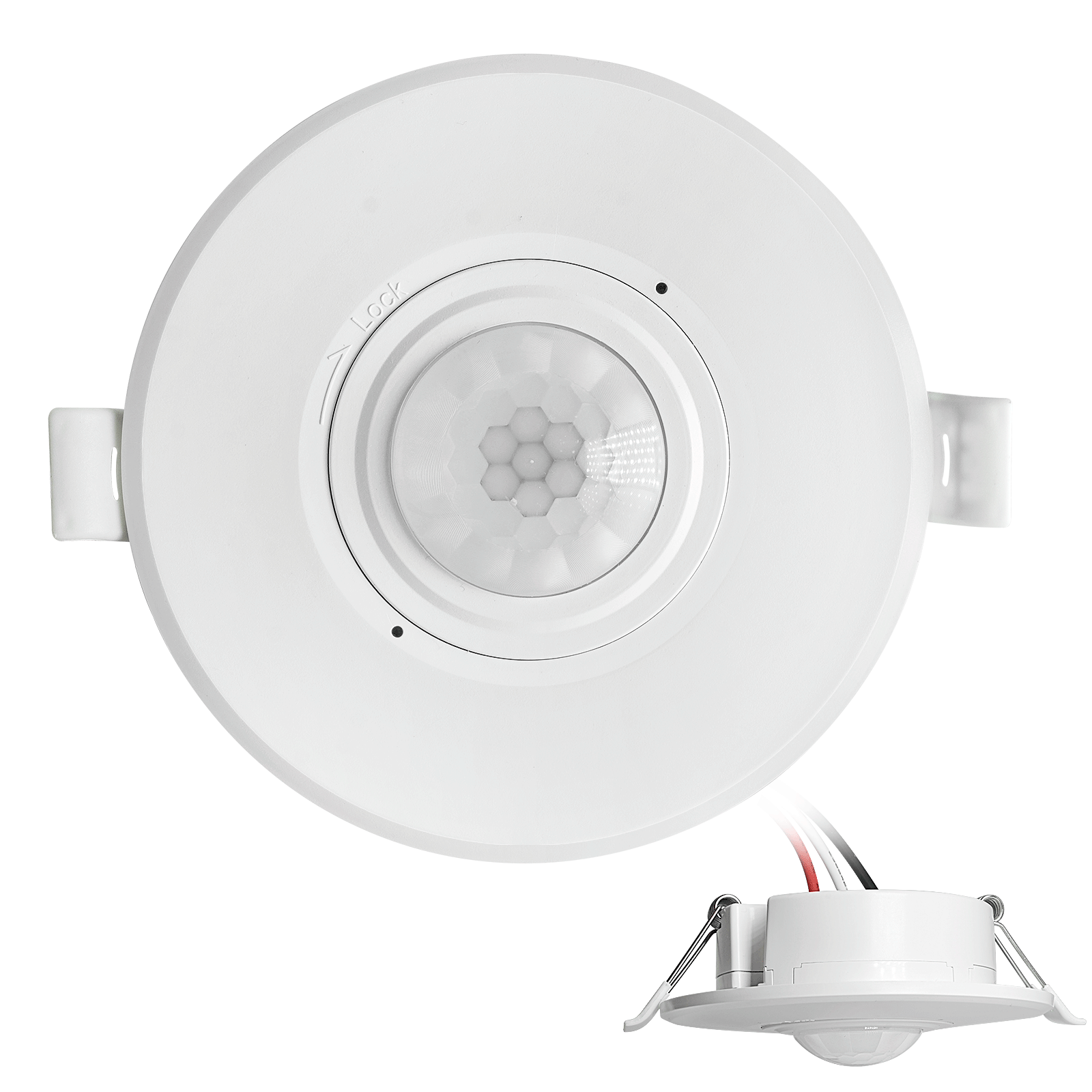
- 低電圧DC埋込型天井PIR動体検知センサースイッチ
- 12 VDC / 24 VDC 入力(許容範囲:10-30 VDC)
- 最大動作電流10A、調整可能なタイムディレイ、ルクス閾値、および感度設定
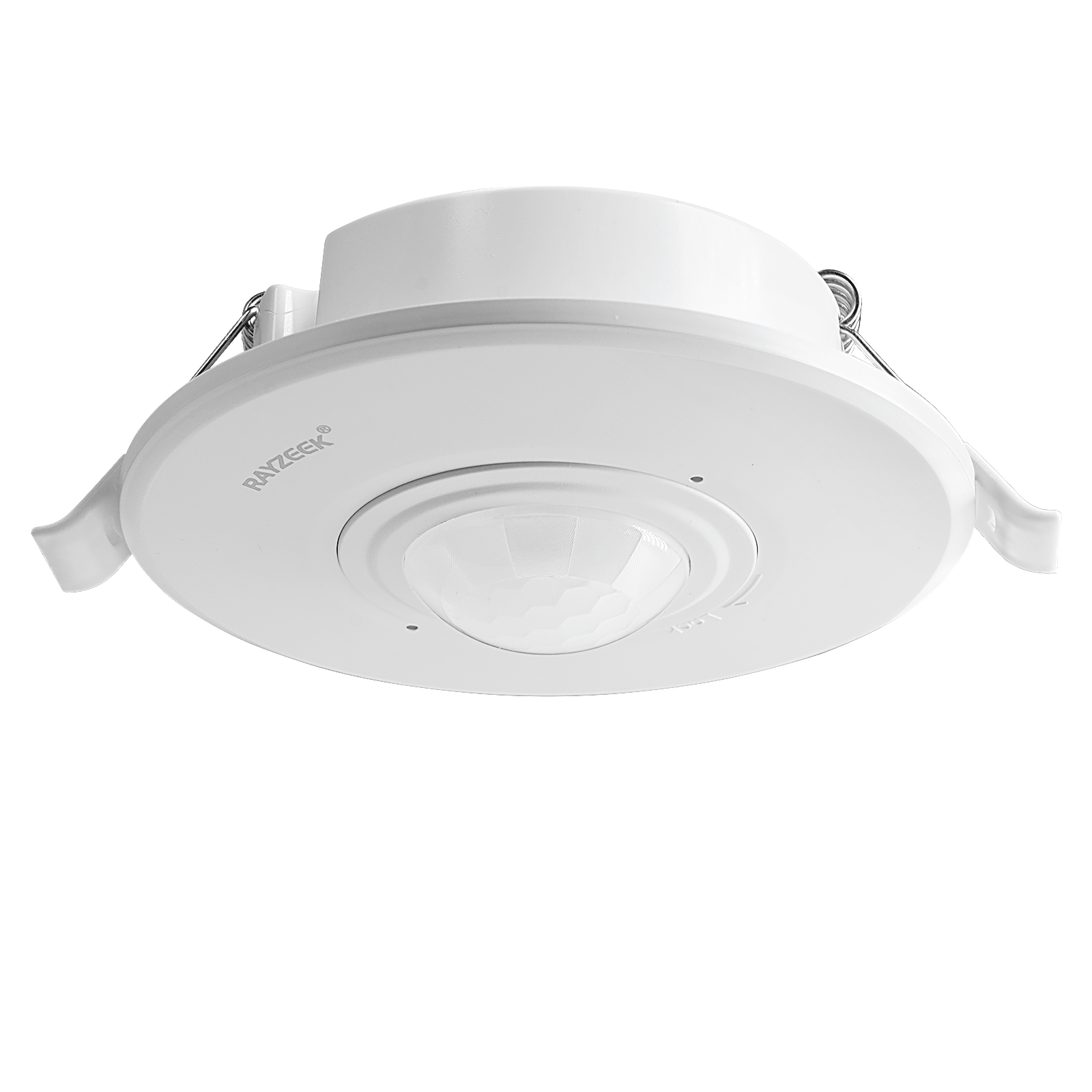
- 高負荷埋込型天井PIR動体検知センサースイッチ
- 100-265 VAC 商用電圧入力、10A モデル
- 360度検知、調整可能なタイムディレイ、ルクス閾値、および感度設定
- 埋込型天井PIR動体検知センサースイッチ
- 100-265 VAC 商用電圧入力、5A モデル
- 360度検知、調整可能なタイムディレイ、ルクス閾値、および感度設定
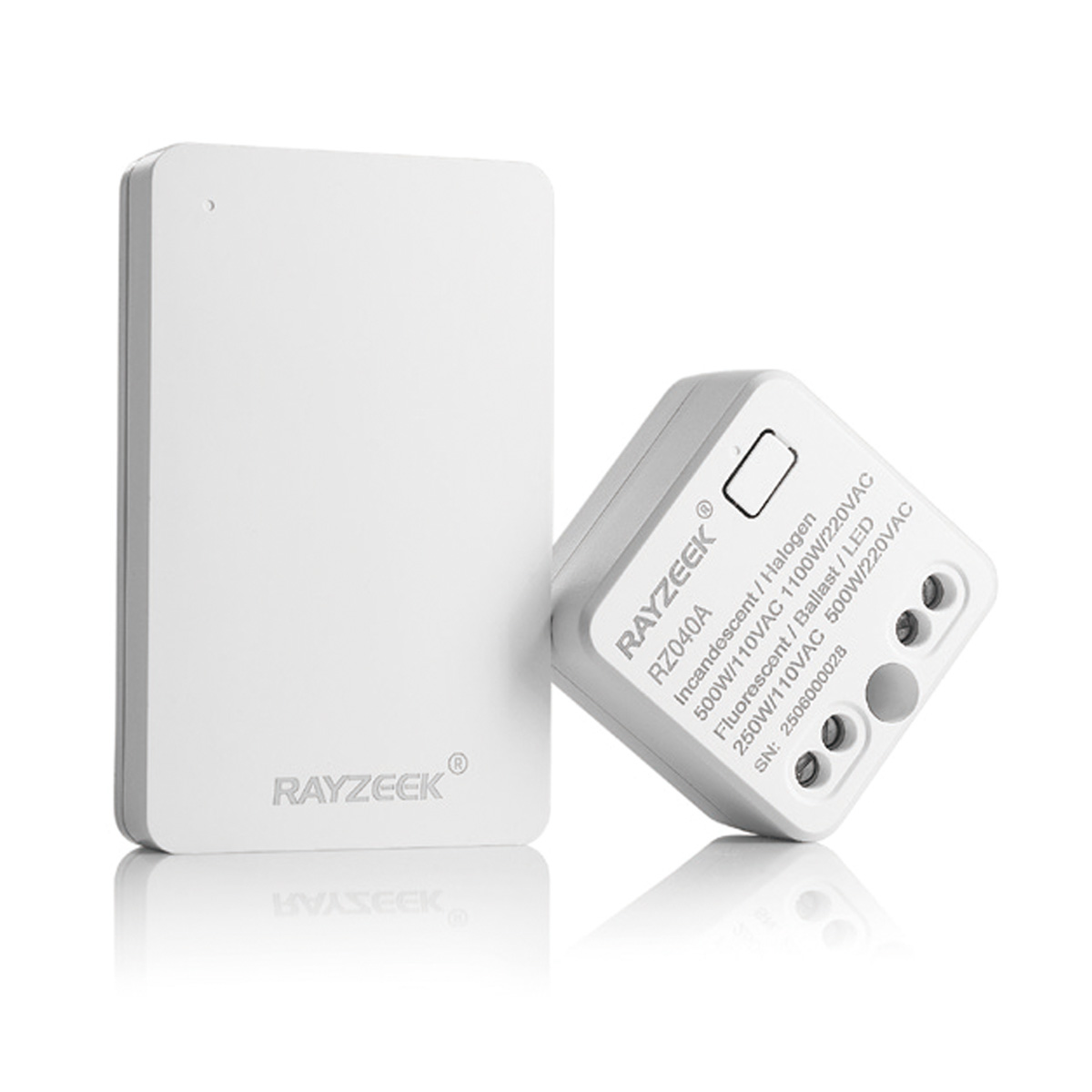
- 屋内用ON/OFF照明制御ワイヤレススイッチ&レシーバーキット
- 100-230VAC、50/60Hzレシーバー、定格電流5A
- CR2032電池駆動ワイヤレススイッチ、2.4GHz通信
- 在室(自動オン/自動オフ)
- 12–24V DC(10–30VDC)、最大10A
- 360°検知範囲、直径8–12 m
- タイムディレイ 15秒–30分
- 照度センサー オフ/15/25/35 Lux
- 高/低感度
- 自動オン/自動オフ在室モード
- 100–265V AC、10A(中性線が必要)
- 360°検知範囲、検知直径8–12 m
- タイムディレイ 15秒–30分、ルクス オフ/15/25/35、感度 高/低
- 自動オン/自動オフ在室モード
- 100–265V AC, 5A (中性線必須)
- 360°検知範囲、検知直径8–12 m
- タイムディレイ 15秒–30分、ルクス オフ/15/25/35、感度 高/低
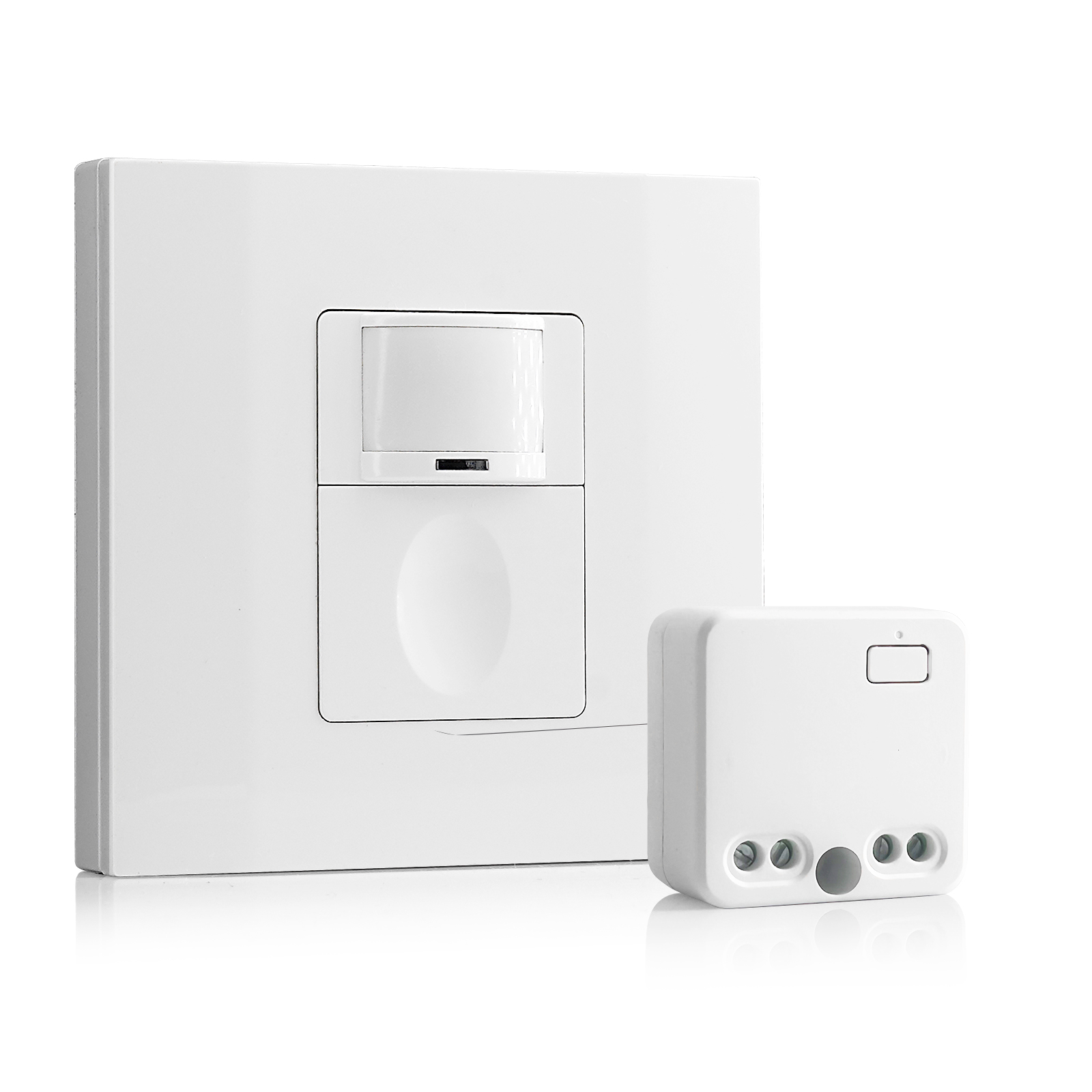
- 100V-230VAC
- 送信距離: 最大20m
- ワイヤレス動きセンサー
- 有線制御
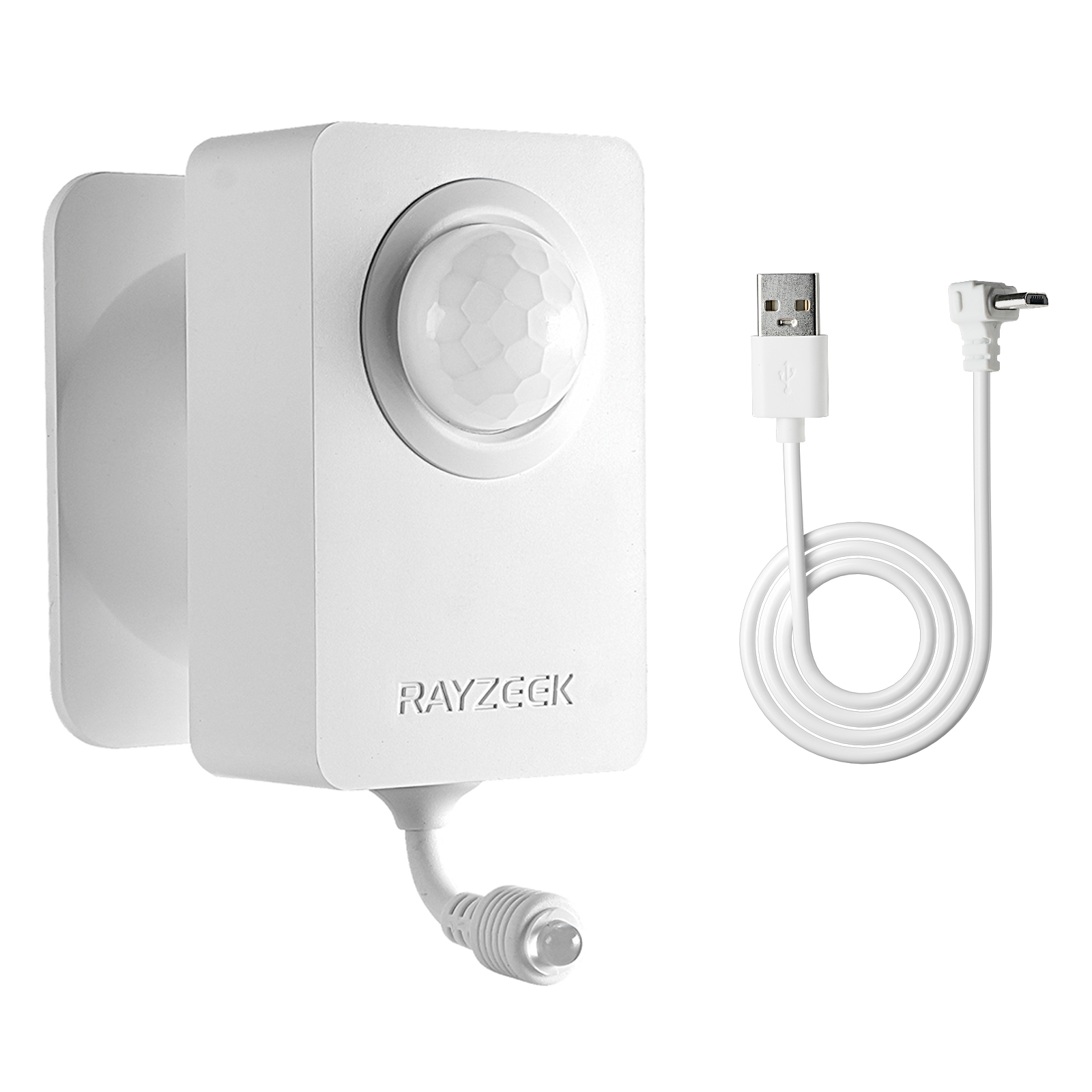
- 電圧: 単4電池×2本 / 5V DC (Micro USB)
- 昼/夜モード
- タイムディレイ: 15分、30分、1時間(デフォルト)、2時間
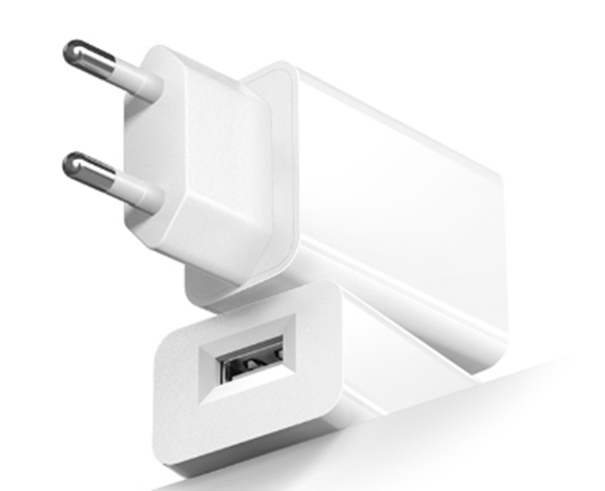
- EUプラグ電源アダプター
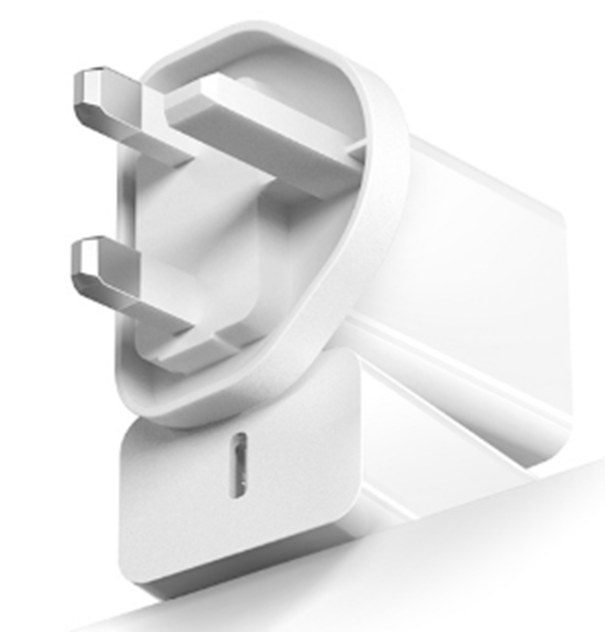
- UKプラグ電源アダプター
If you are currently using a motion sensor light switch, you can purchase and upgrade it with a new one that provides a manual mode feature. Well, most motion sensor wall switches only allow users to temporarily turn off the light, with only a few allowing users to permanently turn the light on and off.
If you are having similar problems that your office or home motion sensor wall switch turns off too frequently, we highly recommend you upgrade it with a manual-mode available motion sensor switch to say goodbye to all these undesirable light-offs.
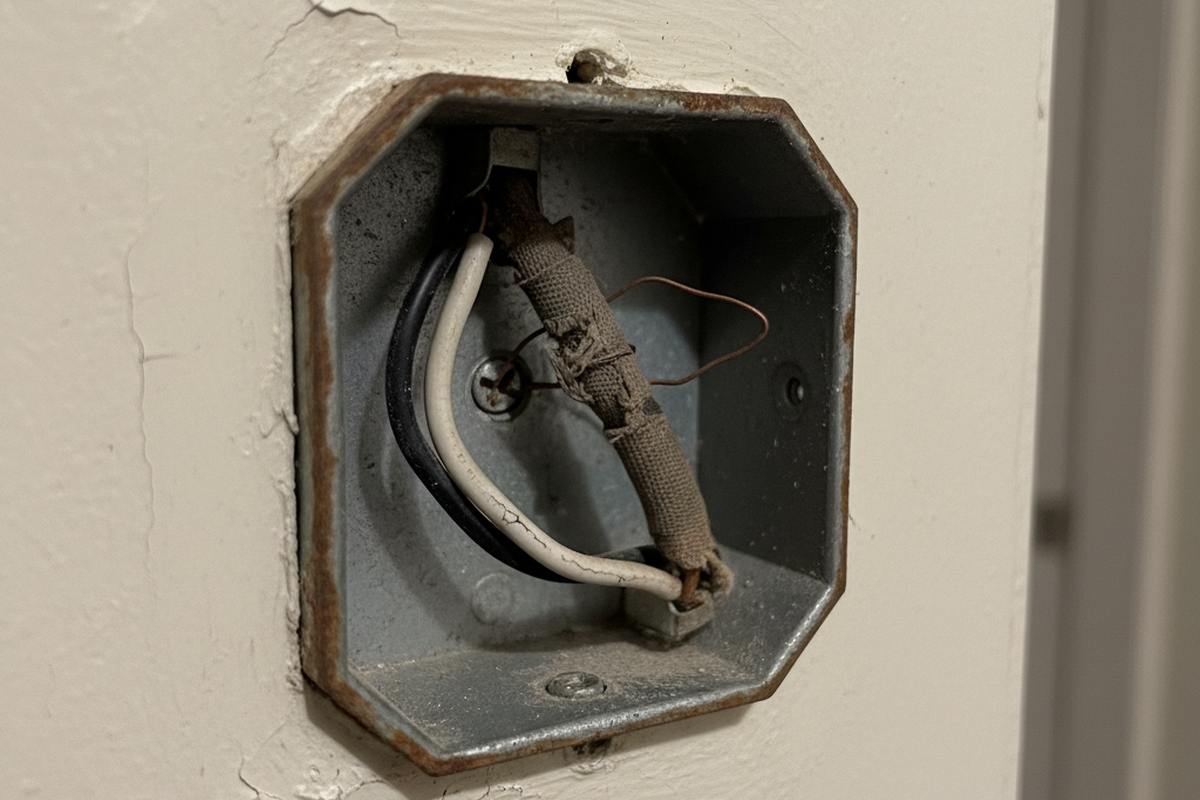
Feel like buying one but having trouble replacing and installing the light switch? Don’t worry, follow our detailed step-by-step installation guide to easily get the job done within 15 minutes.

Hallo ich will meine Decklampe auf normalen Schalter umstellen, früher war es so,, ich will es zurück haben, ist es kompliziert?