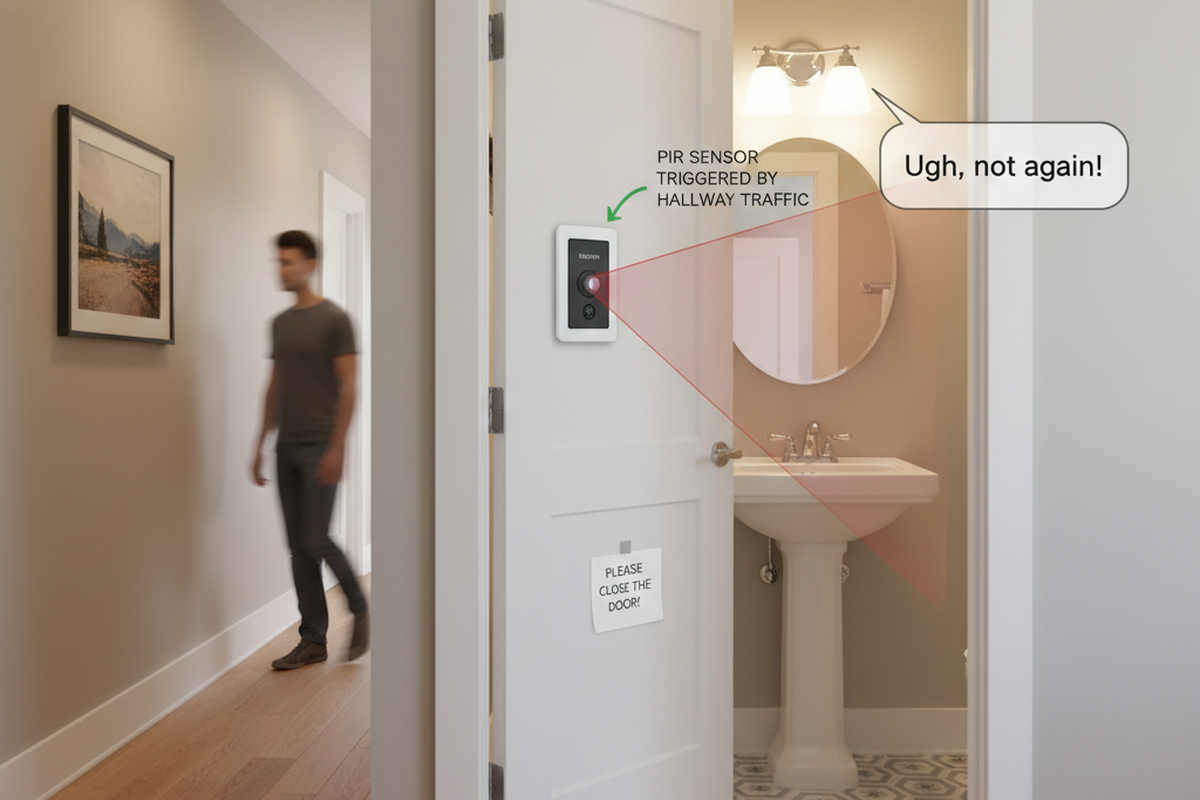
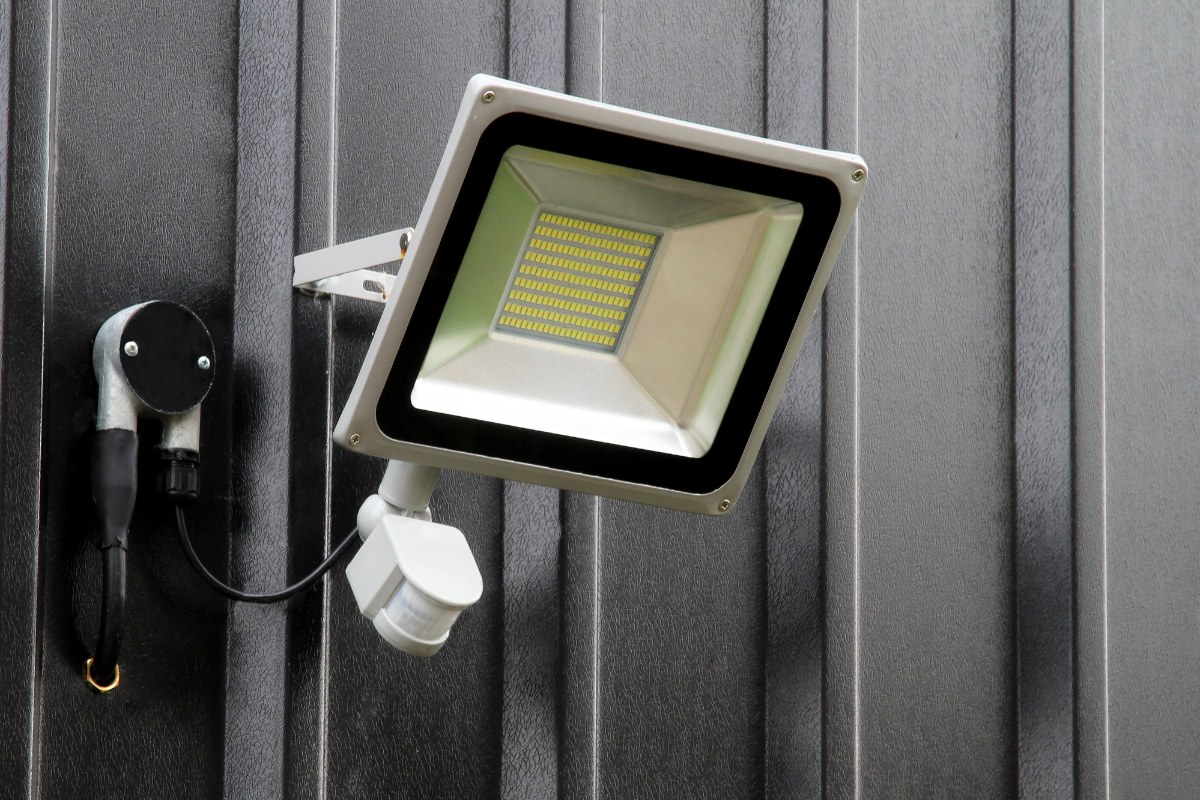
Motion Lights and Security Lights are triggered when the fixture detects “motion,” which is defined as the movement of heat across the detection coverage area. Keep this in mind when setting up your light fixtures, as false and unwanted light triggers can cause great frustration!
Common Heat Sources Triggering False Positives
In addition to people and animals, here are other heat sources that often cause false positives:
- Pools of Water (from temperature changes rising off of, and above, the water)
- Air Conditioners
- Dryer Vents
- Fenced-In Animals
- Heating Vents
- Automobile Traffic
Understanding why these sources trigger alerts can help you better position and adjust your lights. For instance, the heat from a dryer vent can be mistaken for a human presence. Identifying such sources around your home and adjusting the sensors away or shielding them can significantly reduce false alarms.
Techniques to Minimize False Positives
If your motion light is activating when you don’t want it to, try some of the following techniques:
- Adjust Sensitivity: Use the motion light setting (usually a dial) to reduce the sensor’s sensitivity.
- Install a Lens Shield: Many motion lights come with a lens shield, which provides a cover to block out portions of the sensor, avoiding motion detection in unwanted directions.
- DIY Lens Shield: Use Duct Tape or Black Electrical Tape! Cover the part of the motion sensor that is picking up the unwanted heat source.
- Reposition the Sensor: Often, a simple adjustment with a wrench or even by hand can change the direction the sensor faces, helping avoid false triggers.
Installation Best Practices
Proper installation is key to maximizing the effectiveness of your motion lights and security lights. Here are some tips:
모션 감지 에너지 절약 솔루션을 찾고 계신가요?
완제품 PIR 모션 센서, 모션 감지 에너지 절약 제품, 모션 센서 스위치 및 상업용 재실/공실(Occupancy/Vacancy) 솔루션에 대해 문의해 주세요.
- Choose the Right Height: Install your lights at a height that maximizes the area they cover but minimizes disturbances from small animals or other minor movements.
- Avoid Obstructions: Ensure there are no physical obstructions like trees or walls close to the sensor that might block its view or cause false triggers due to moving shadows.
Maintenance Tips
Regular maintenance ensures your motion lights and security lights continue to function optimally. Here’s what you can do:
- Clean the Sensors: Dust and debris can accumulate on the sensor, reducing its sensitivity. Clean it gently with a soft cloth periodically.
- Check the Bulbs: Replace bulbs as needed to ensure your lights provide sufficient illumination when triggered.
- Test Regularly: Periodically test the lights to ensure they activate when expected and don’t trigger unnecessarily.
Legal and Safety Considerations
When installing security lights, consider the following to ensure compliance and safety:
- Privacy Concerns: Ensure your lights and cameras do not invade your neighbors’ privacy. Position cameras and lights to focus only on your property.
- Electrical Safety: Always follow manufacturer instructions and local electrical codes. Consider hiring a professional for installation to ensure safety.
Emerging Technologies
Stay informed about the latest in motion sensor technology. Innovations such as Wi-Fi connected lights or systems integrated with home automation can offer enhanced control and functionality, allowing for adjustments right from your smartphone.
Rayzeek 동작 센서 포트폴리오에서 영감을 얻어보세요.
원하는 제품을 찾지 못하셨나요? 걱정하지 마세요. 문제를 해결할 수 있는 대안은 언제나 있습니다. 저희 포트폴리오 중 하나가 도움이 될 수 있습니다.
By following these guidelines and regularly maintaining your system, you can effectively use motion lights and security lights to enhance your home security without the hassle of false positives.
Good Luck!