
Walk into any commercial breakroom at 7:00 AM on a Monday, and you know the smell. It isn’t fresh grounds. It’s the acrid, chemical stench of coffee cooking into a solid puck of carbon since Friday afternoon. If you are lucky, you only lost a glass carafe and maybe scorched a ring into the Formica countertop. If you are unlucky, you are dealing with a melted heating element, a tripped breaker, or a visit from the Fire Marshal who noticed the glowing red indicator light through the window over the weekend.

We tell ourselves this is a training issue. We put up laminated signs that say “PLEASE TURN OFF COFFEE POT.” We send passive-aggressive emails to the entire floor about “shared responsibility.” But the reality of facility management is that you cannot policy your way out of human nature. People forget. The last person to leave the office is thinking about beating traffic, not the resistive load on the breakroom circuit. If a device relies on a human to turn it off, it will eventually fail. The only way to stop the burning plastic smell—and the wasted electricity—is to take the decision out of their hands entirely.
The Case for Heavy Hardware Over “Smart” Toys
When you decide to automate the coffee station, your first instinct might be to grab a WiFi smart plug off the shelf. It seems modern. You can control it with an app. Do not do this. In a commercial environment, a WiFi plug is a liability. It requires a password, which means it requires IT approval, which means it will stop working the moment the network admin rotates the security keys. You will end up with a “smart” breakroom that is permanently offline, or worse, defaults to “ON” when the signal drops.
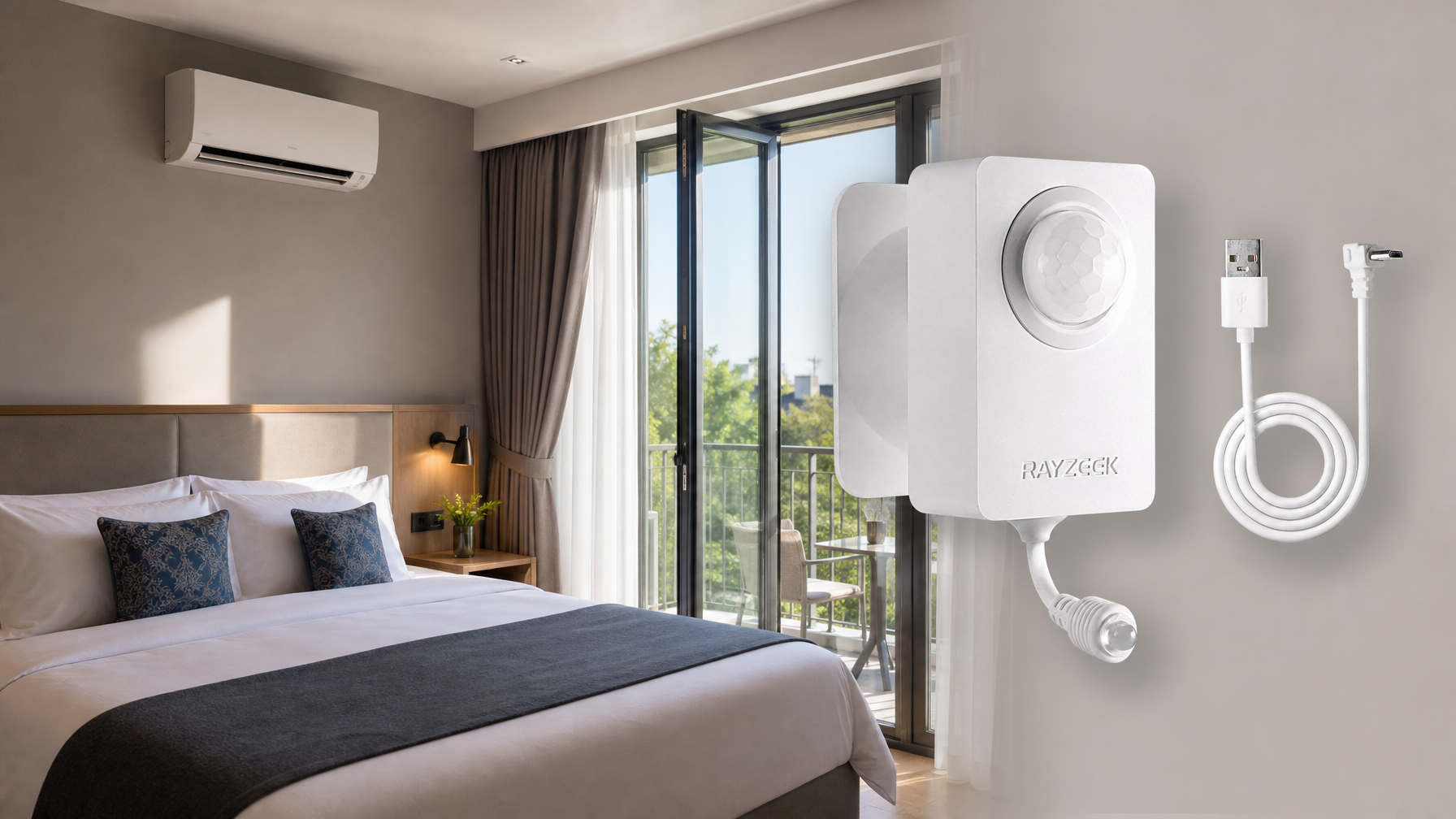
You need a solution that is dumb, heavy, and entirely local. This is where the Rayzeek motion control plug (and similar high-amperage sensors) fits in. It doesn’t have an app. It doesn’t know your WiFi password. It simply sits between the wall outlet and the coffee maker, watching the room for heat signatures. When people are there, the power is on. When they leave, the power cuts. It is a blunt instrument for a blunt problem.
Letar du efter rörelseaktiverade energibesparande lösningar?
Kontakta oss för kompletta PIR-rörelsesensorer, rörelseaktiverade energibesparande produkter, rörelseströmbrytare och närvaro/frånvaro-kommersiella lösningar.
There is a specific reason you need a unit like the Rayzeek RZ022 rather than a standard lamp timer or a cheap motion switch: Amperage. A commercial coffee brewer like a Bunn VP17 pulls around 1500 watts. That is a massive continuous load. Cheap sensors are built for LED lamps—maybe 200 or 300 watts tops. If you plug a coffee maker into a lighting sensor, you will fuse the internal contacts within a week. You need to check the back of the sensor for a “15A” or “1800W” rating.
You might notice that these heavy-duty plugs make a distinct, audible click when they turn on and off. If you work in a quiet office, you might even get a complaint about it. That clicking sound is actually good news. It is the sound of a mechanical relay—a physical switch slamming shut to carry the high electrical current. Silent “solid state” switches often cannot handle the heat generated by a coffee pot’s load. If it clicks, it’s likely built to survive the job.
The 30-Minute Rule: Avoiding the Revolt
The hardware is the easy part. The hard part—the part that causes staff revolts—is the timing. Most motion sensors come from the factory set to a 1-minute or 5-minute delay. This is fine for a hallway light; you walk through, the light goes off behind you. It is a disaster for a breakroom.
Picture the scenario: An auditor walks in, pours a cup of Pike Place, and goes back to their desk to work. The breakroom is now empty. Five minutes later, the sensor cuts power to the warmer. Twenty minutes later, the auditor returns for a refill. The coffee is stone cold. Do this twice, and you will find your expensive motion sensor unplugged and thrown in a junk drawer. Efficiency that punishes the user will always be bypassed.
Kanske är du intresserad av
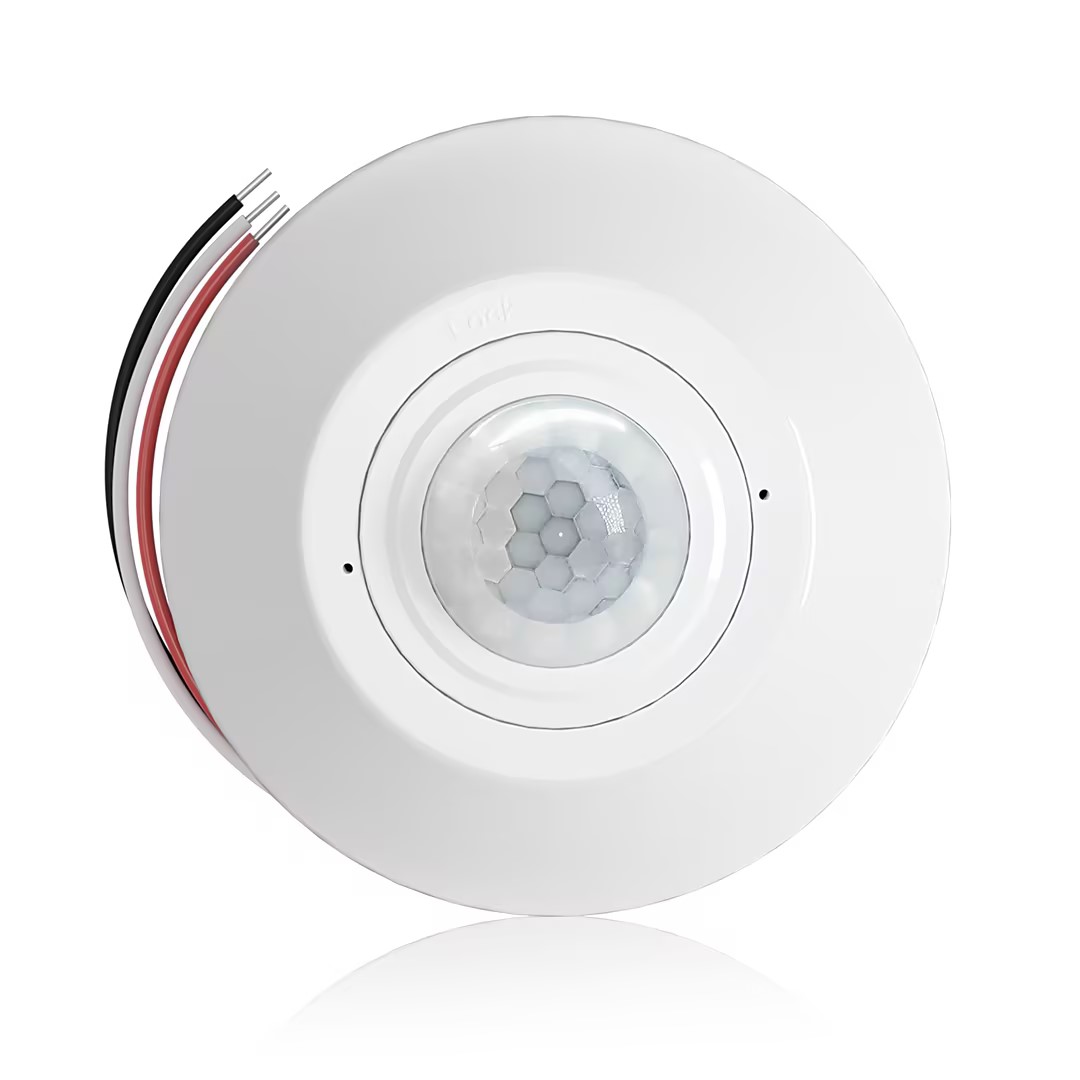
- Takmonterad PIR-upptagningssensor med torrkontaktreläutgång
- 12/24VDC eller 12/24VAC lågspänningsmatning
- COM, NO och NC isolerade reläkontakter för EMS, HVAC och byggnadskontrollingångar
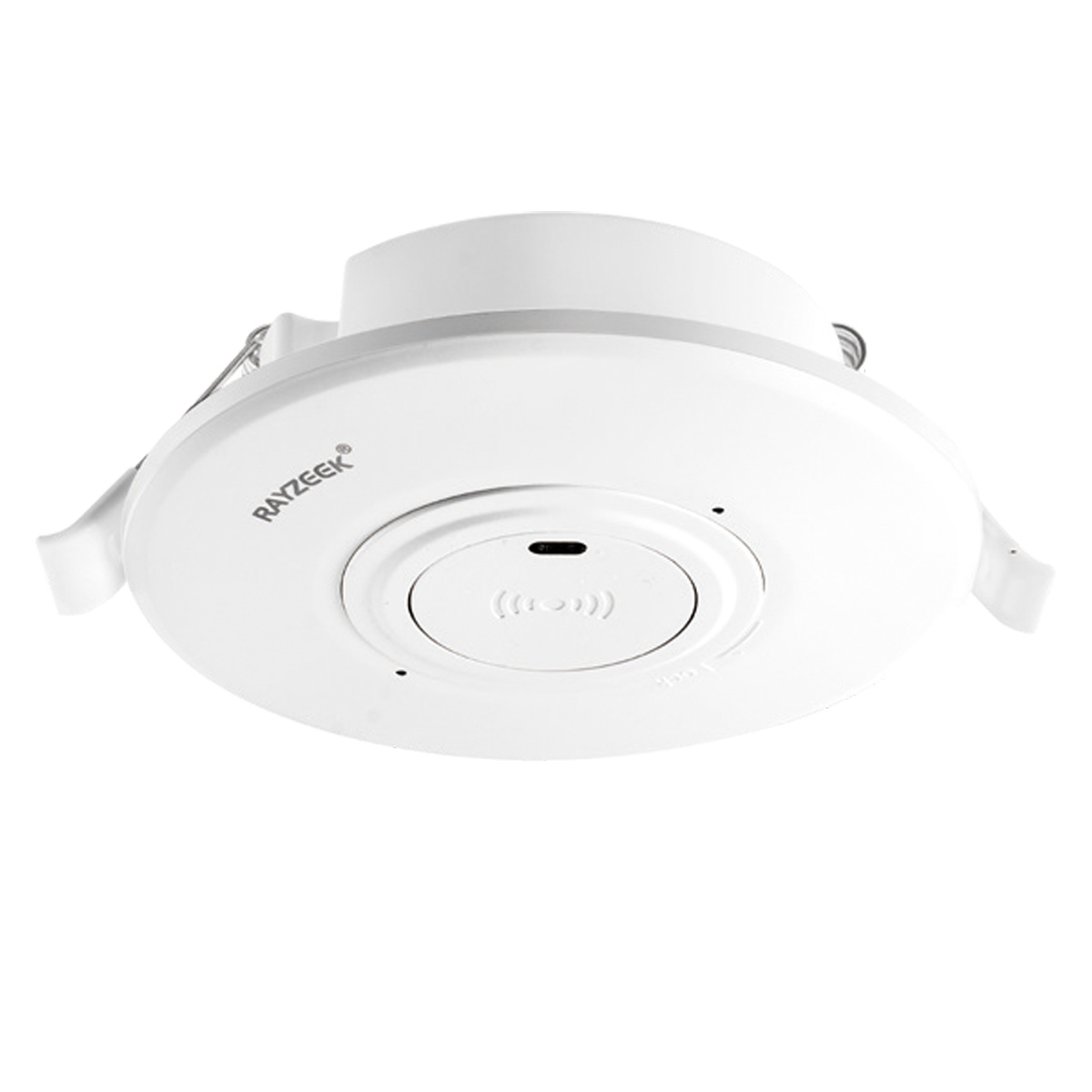
- Lågspännings-DC inbyggd takmonterad mikrovågsrörelsesensorbrytare
- 12 VDC / 24 VDC-ingång med 10-30 VDC-område
- 10A max arbetsström med justerbar tidsfördröjning, Lux-tröskel och känslighet
- Högre lastad inbyggd takmonterad mikrovågsrörelsesensorbrytare
- 100-265 VAC nätnivåingång, 10A-modell
- 5.8 GHz mikrovågskänslighet med justerbar tidsfördröjning, Lux-tröskel och känslighet
- Inbyggd takmonterad mikrovågsrörelsesensorbrytare
- 100-265 VAC nätnivåingång, 5A-modell
- 5.8 GHz mikrovågskänslighet med justerbar tidsfördröjning, Lux-tröskel och känslighet
- Takmonterad RZ037 PIR-rörelsesensor med dimmer för 220V
- 3A maximal arbetsström med 660W nominell last
- LUX-knapp styr ljussensor PÅ/AV och användarinställd dimmerljusstyrka
- Takmonterad RZ037 PIR-rörelsesensor med dimmer för 110V
- 3A maximal arbetsström med 330W nominell last
- LUX-knapp styr ljussensor PÅ/AV och användarinställd dimmerljusstyrka
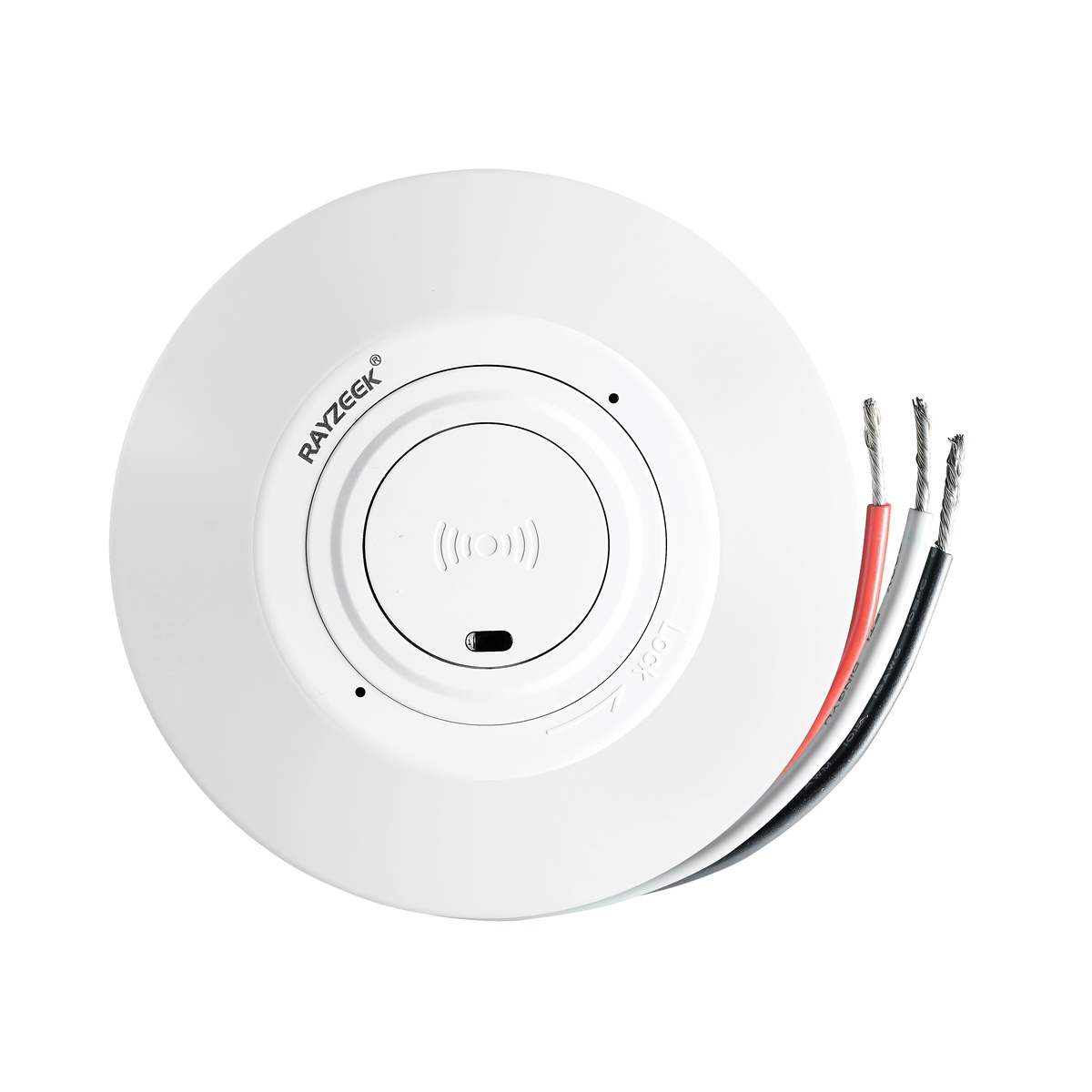
- Lågspännings DC takmonterad mikrovågsrörelsesensor
- 12 VDC / 24 VDC-ingång med 10-30 VDC-område
- 10A max arbetsström med justerbar tidsfördröjning, Lux-tröskel och känslighet
- Högre last takmonterad mikrovågsrörelsesensor
- 100-265 VAC nätnivåingång, 10A-modell
- 5.8 GHz mikrovågskänslighet med justerbar tidsfördröjning, Lux-tröskel och känslighet
- Takmonterad mikrovågsrörelsesensor
- 100-265 VAC nätnivåingång, 5A-modell
- 5.8 GHz mikrovågskänslighet med justerbar tidsfördröjning, Lux-tröskel och känslighet
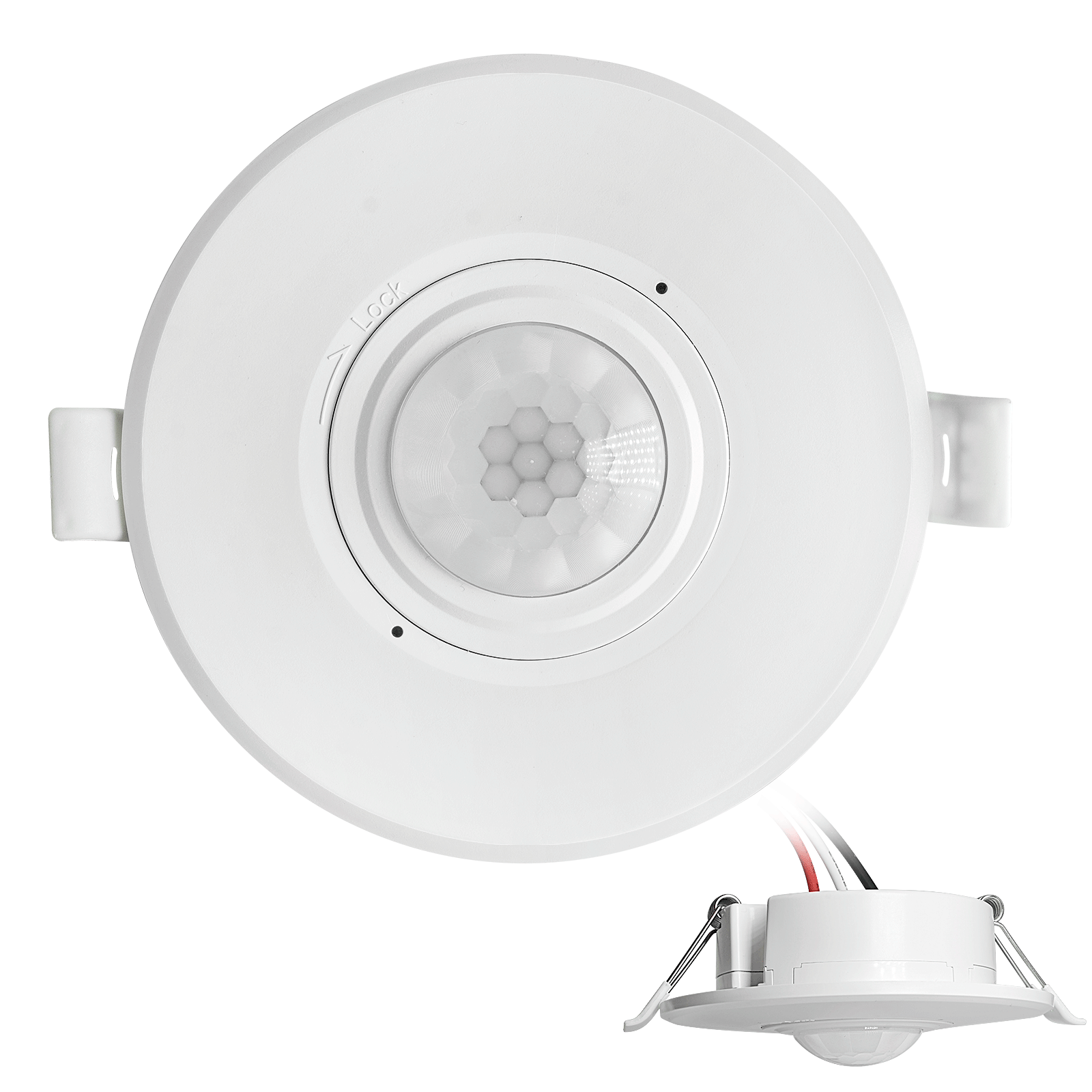
- Lågspännings DC inbyggd tak-PIR-rörelsesensor
- 12 VDC / 24 VDC-ingång med 10-30 VDC-område
- Max arbetsström 10A med justerbar tidsfördröjning, Lux-tröskel och känslighet
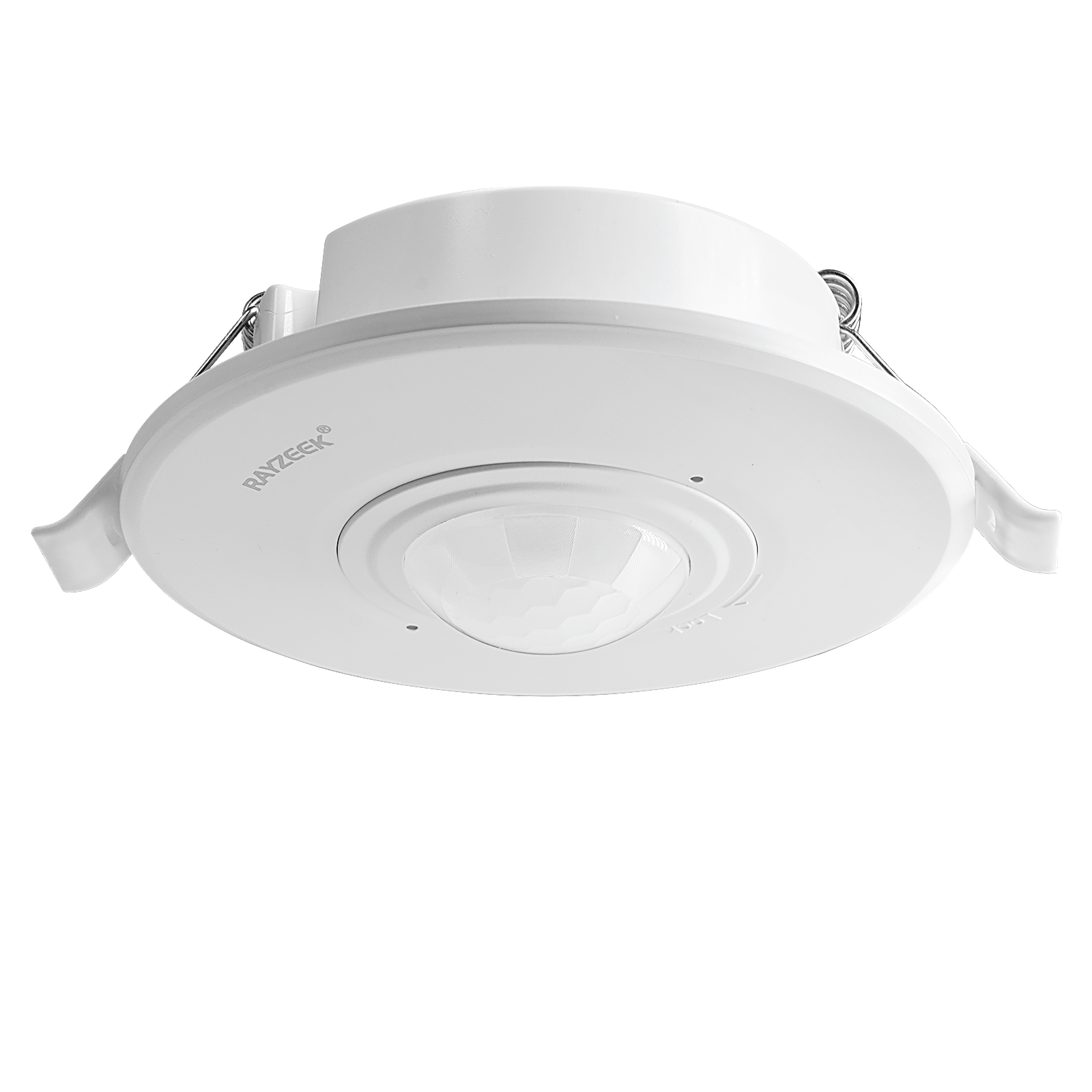
- Högre last inbyggd tak-PIR-rörelsesensor
- 100-265 VAC nätnivåingång, 10A-modell
- 360-graders detektering med justerbar tidsfördröjning, Lux-tröskel och känslighet
- Inbyggd tak-PIR-rörelsesensor
- 100-265 VAC nätnivåingång, 5A-modell
- 360-graders detektering med justerbar tidsfördröjning, Lux-tröskel och känslighet
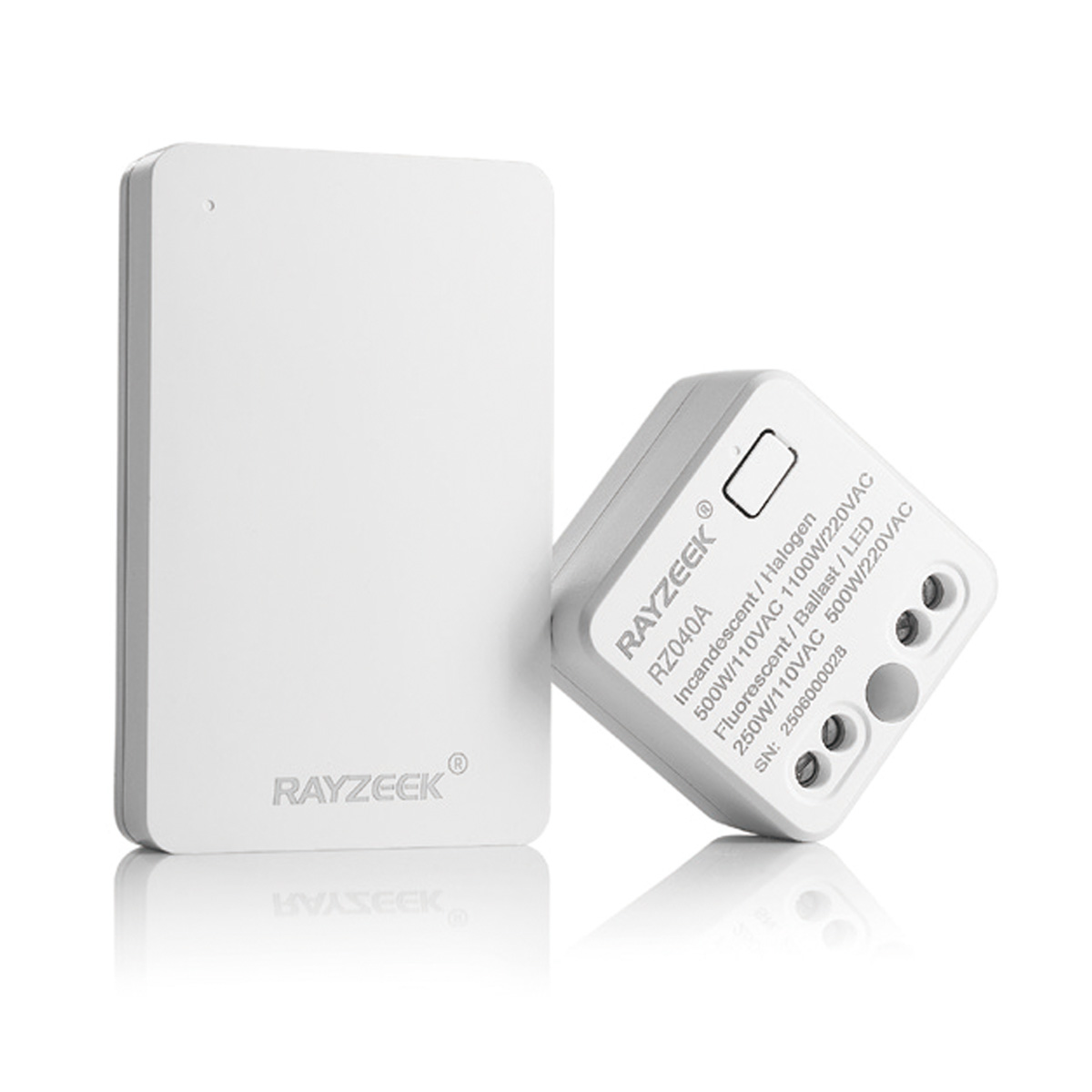
- Trådlöst strömbrytare- och mottagarkit för inomhus PÅ/AV-belysningskontroll
- 100-230VAC, 50/60Hz mottagare med 5A nominell ström
- CR2032-driven trådlös strömbrytare med 2,4GHz kommunikation
- Ockupation (Auto-ON/Auto-OFF)
- 12–24V DC (10–30VDC), upp till 10A
- 360° täckning, 8–12 m diameter
- Tidsfördröjning 15 s–30 min
- Ljussensor Av/15/25/35 Lux
- Hög/Låg känslighet
- Auto-ON/Auto-OFF ockuperingsläge
- 100–265V AC, 10A (neutral krävs)
- 360° täckning; 8–12 m detekteringsdiameter
- Tidsfördröjning 15 s–30 min; Lux AV/15/25/35; Känslighet Hög/Låg
- Auto-ON/Auto-OFF ockuperingsläge
- 100–265V AC, 5A (neutral krävs)
- 360° täckning; 8–12 m detekteringsdiameter
- Tidsfördröjning 15 s–30 min; Lux AV/15/25/35; Känslighet Hög/Låg
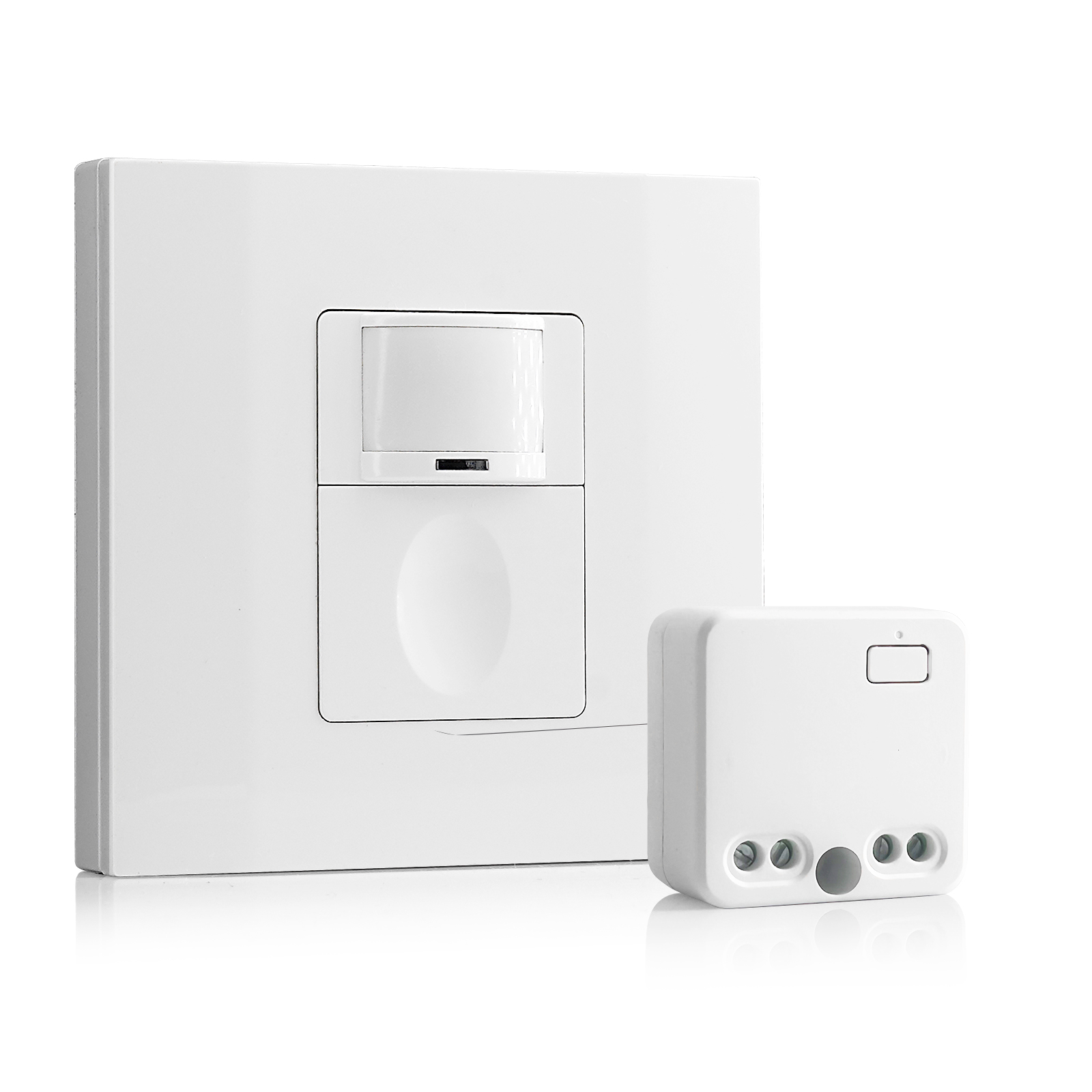
- 100V-230VAC
- Överföringsavstånd: upp till 20m
- Trådlös rörelsesensor
- Hårdtrådad kontroll
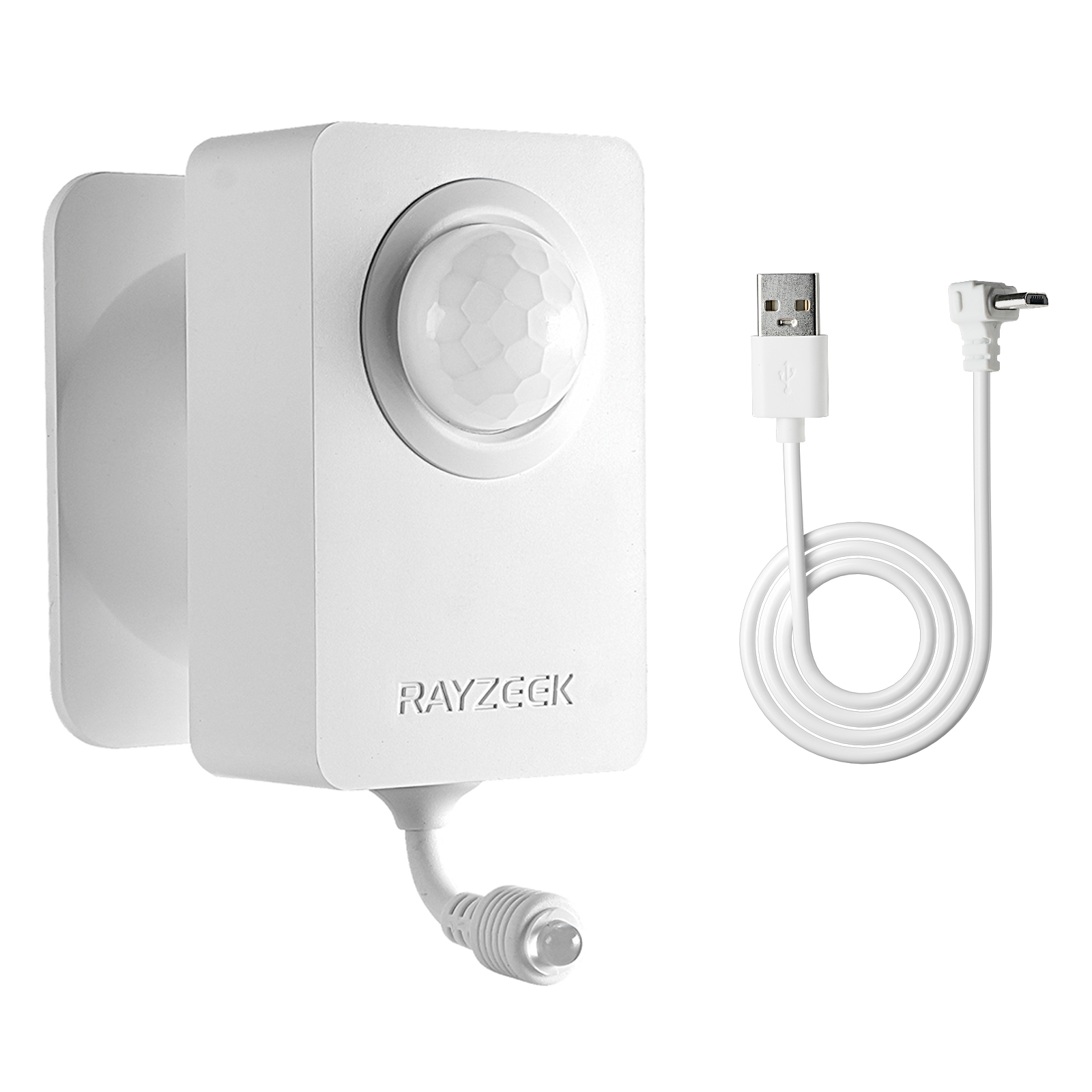
- Spänning: 2x AAA-batterier / 5V DC (Micro USB)
- Dag/Natt-läge
- Tidsfördröjning: 15min, 30min, 1h (standard), 2h
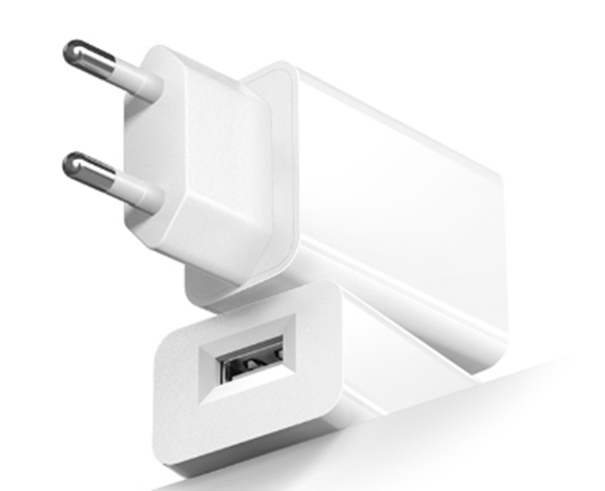
- EU-kontakt strömadapter
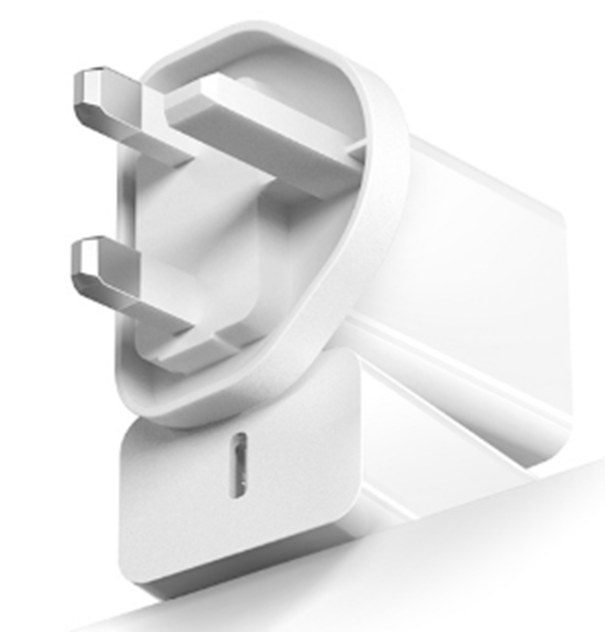
- UK-kontaktströmadapter
You have to set the delay buffer to match consumption habits, not just foot traffic. On the side of the Rayzeek unit, you will find a set of small dip switches or a dial. Push that setting to at least 30 minutes. Yes, this means the warmer stays on for half an hour after the last person leaves. You are “wasting” 30 minutes of electricity. But you are buying compliance. That 30-minute buffer ensures the coffee is hot for the second cup, which stops people from bypassing the system. You are still saving 12 to 14 hours of run-time every night, plus the entire 48-hour weekend. Don’t get greedy with the minutes, or you will lose the whole project.

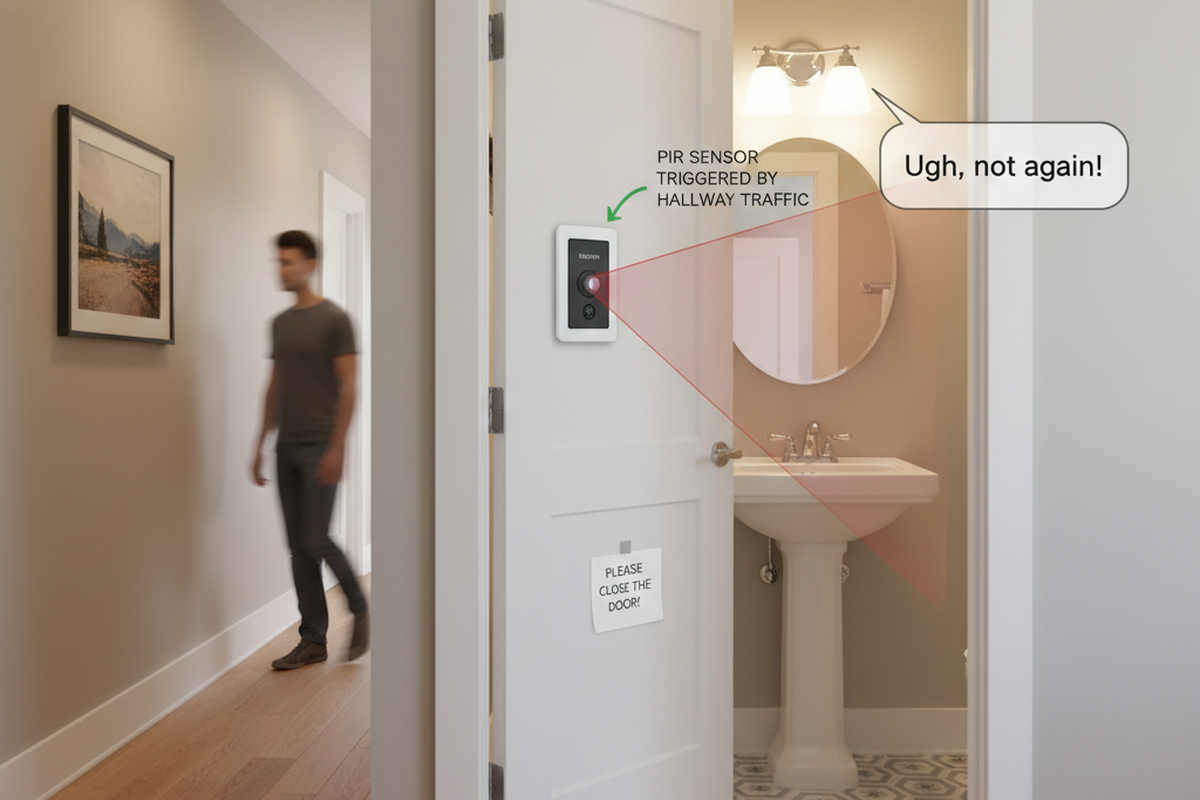
Placement matters just as much as timing. These sensors use Passive Infrared (PIR), which is a fancy way of saying they look for moving body heat. They need a clear line of sight. If you plug the sensor behind the coffee machine, the hot boiler of the machine will block the sensor’s view of the room. The sensor needs to see the doorway or the path to the fridge. Sometimes this means using a short heavy-duty extension cord to position the “eye” of the sensor on the countertop where it can see the traffic.
Critical Failures: When This Solution Breaks
This “dumb automation” approach has two blind spots. The first is digital appliances. This solution works perfectly for “dumb” coffee makers—the ones with a mechanical toggle switch that physically clicks “ON” and stays there. If you have a fancy digital brewer with a clock and a “Brew Later” programmable button, you cannot use a plug-in motion sensor. Every time the sensor cuts power, the coffee maker’s brain dies. When the power comes back on, the machine will likely reset to “OFF” or flash “12:00” and refuse to heat up until someone presses a button. If you have digital appliances, you are stuck with their internal auto-off features, for better or worse.
Hämta inspiration från Rayzeeks rörelsesensorportföljer.
Hittar du inte det du vill? Oroa dig inte. Det finns alltid alternativa sätt att lösa dina problem. Kanske kan en av våra portföljer hjälpa.
The second danger zone is the breakroom fridge. It happens more often than you’d think: someone sees the motion sensor and thinks, “Hey, I should save energy on the refrigerator too!” This is catastrophic. A refrigerator compressor needs to run based on internal temperature, not room occupancy. If you cut power to a fridge every time the room is empty, you will destroy the compressor and spoil the milk by Tuesday. Never, ever put a compressor-based appliance on a motion sensor.
The Payoff
If you stick to the rules—mechanical switches only, high-amperage sensors, and a 30-minute delay—the math works. A typical commercial warmer left on overnight and weekends wastes about $2 to $4 a week in electricity, depending on your local kWh rate (usually $0.12 to $0.18). That doesn’t sound like much, but it adds up to over $150 a year per breakroom.
The Rayzeek unit costs about $30. It pays for itself in three months. But the real ROI isn’t on the electric bill. It’s Monday morning. You walk in, and the air is neutral. No burning smell. No scorched glass. No fire hazard. The system worked, and nobody had to remember a thing.